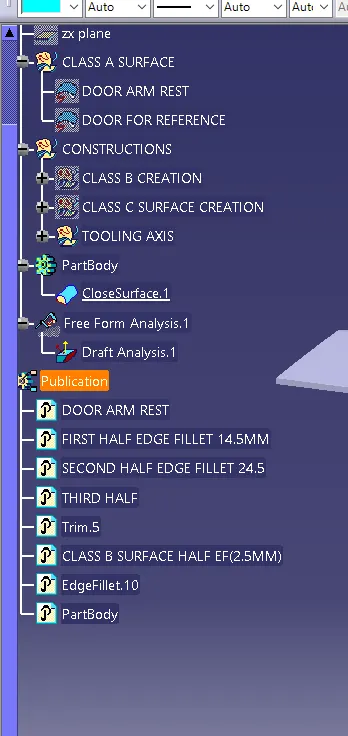
Door Arm Rest Week 8 Challenge
Aim: To Create Class B & Class C surfaces from the given Class-A surface of door armrest & to draft analysis of the surface of a given model.
Creation of tooling axis :
Tooling for x-axis:
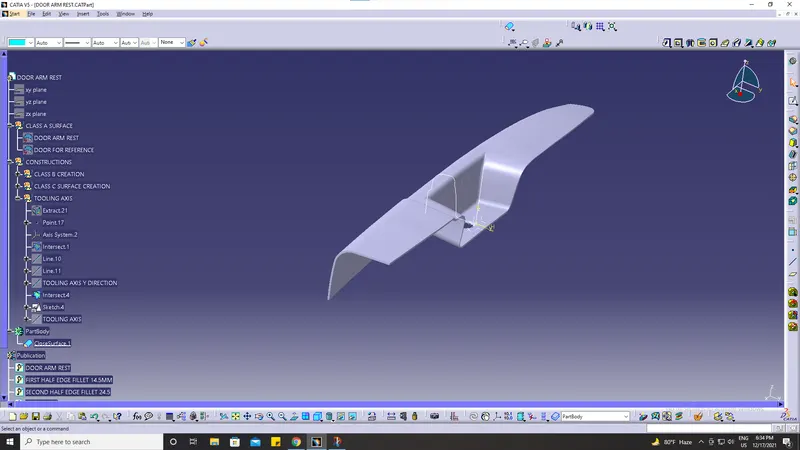
Tooling for the y-axis:
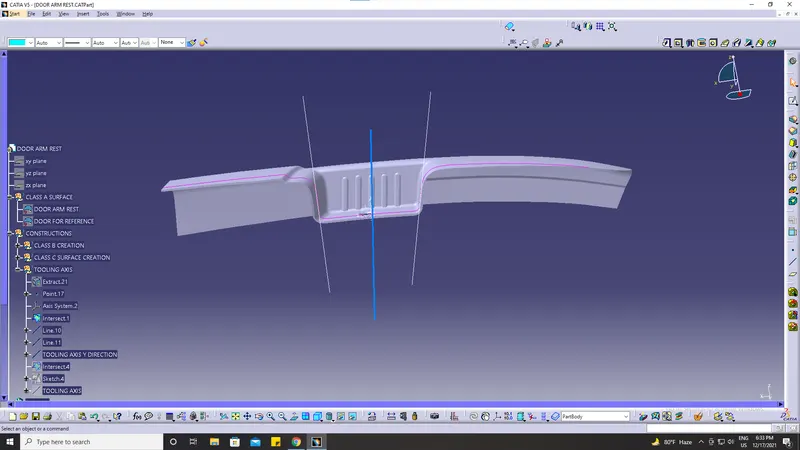
Then By using the bisection method Bisect the resultant Lines
Now, we get our tooling axis
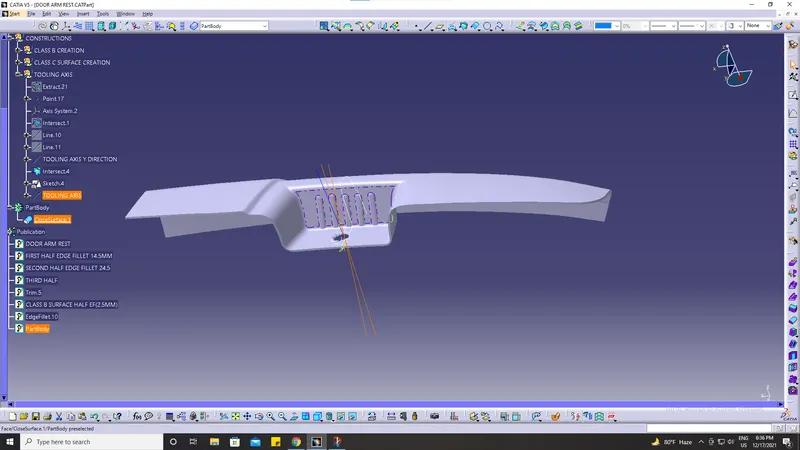
Draft analysis on class A surface
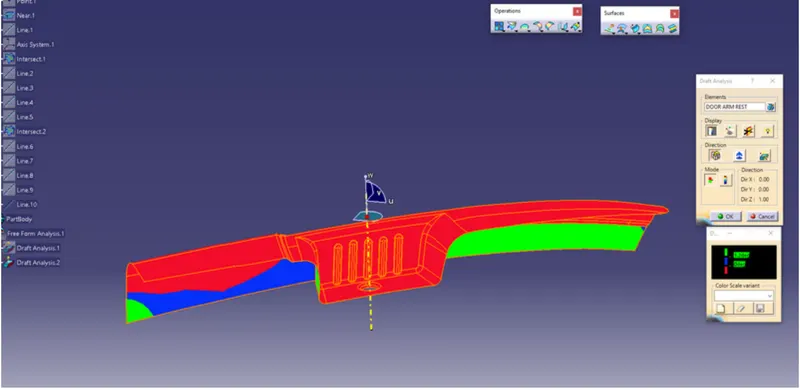
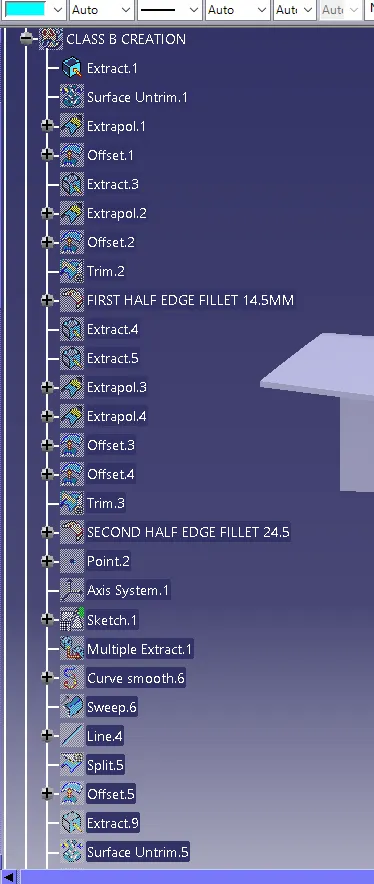
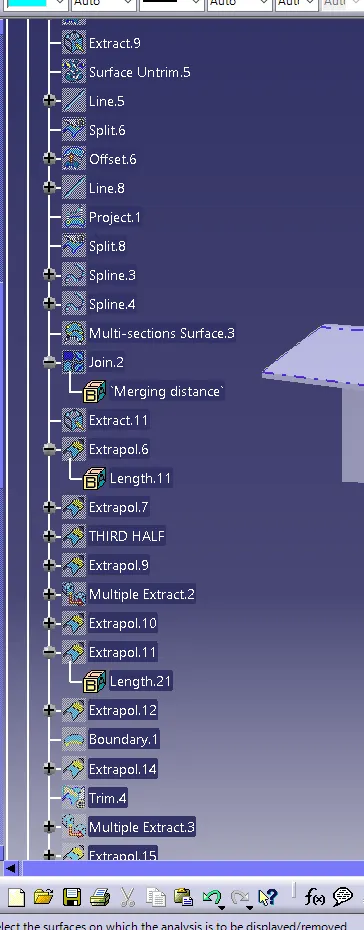
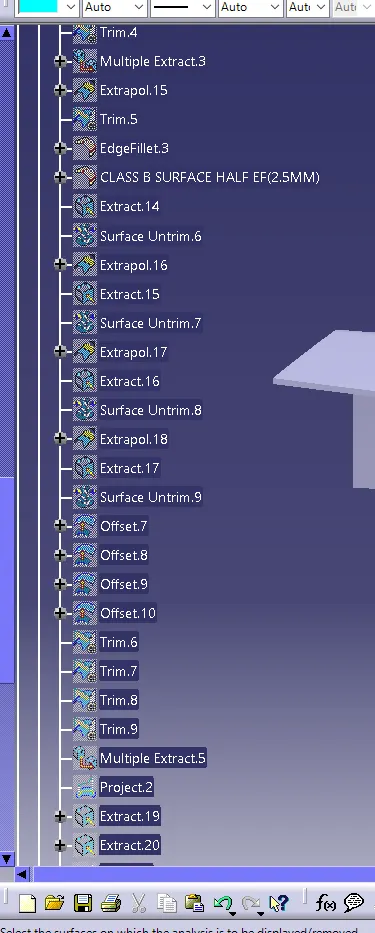
Creation of Class B surface: Extract the surfaces from the Class A surface part by part except for the fillet surfaces.
Untrim the extracted surfaces Extrapolate the surfaces if needed such that the surfaces are intercepting each other,
Offset the untrimmed surface up to 2.5 m such that maintaining the thickness as mentioned.
Trim the offset surfaces as per the shape of the class A surface.
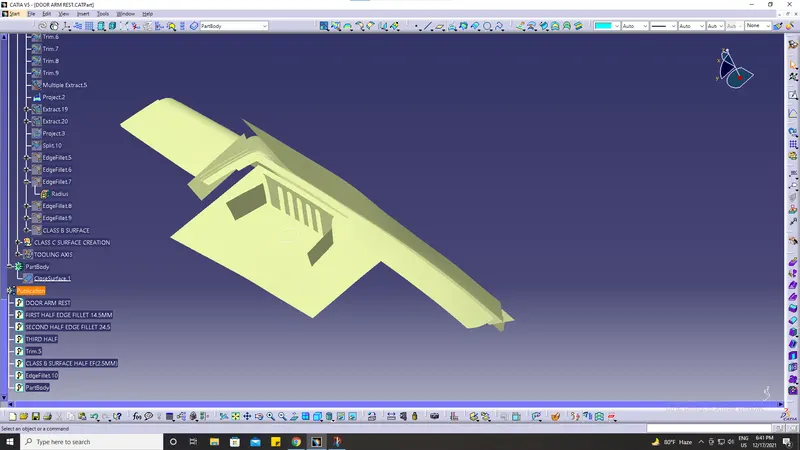
After using extrapolate command and several other operations we provide fillets.
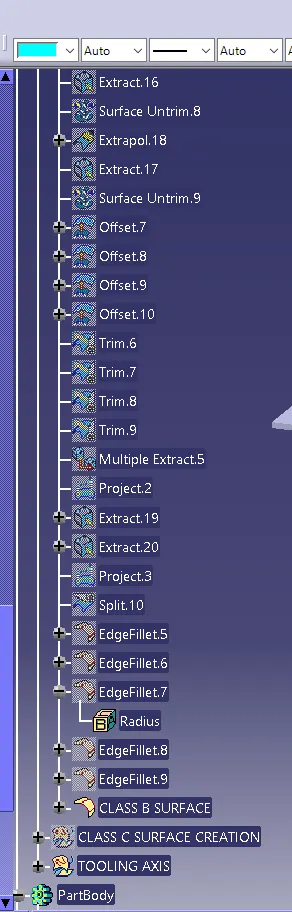
Create fillets to the trimmed surfaces as per the measurements of the class A surface. The fillets are created in such a way that the outer fillet radius value is added with the thickness of the component or subtracted of the fillet is in the inner side.
class B surface process is to be done part by part for a simple trimming process.
Now, this is our B surface.
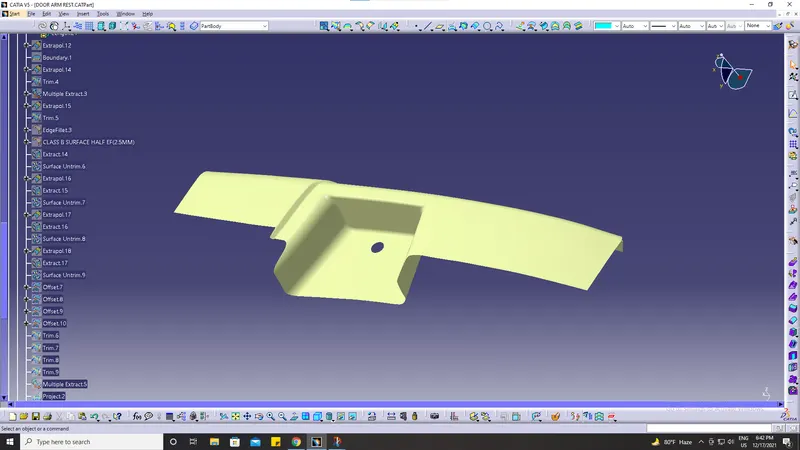
Creation of Class C surface:
After creating the class B surface, the class C surface is to be created for class A. Class C surface is the side surface of the solid component.
Create a boundary line on the edges of the class A surface. Four boundary lines are extracted on four sides of the component.
The extracted boundary lines are swept, setting the created boundary lines as guide curves and the tool axis as the draft directions. The angle of sweep is given as 3 degrees so that the components are acceptable for the draft analysis.
After that few regions are created using the blend option as the sweep feature is creating errors while creating the surface.
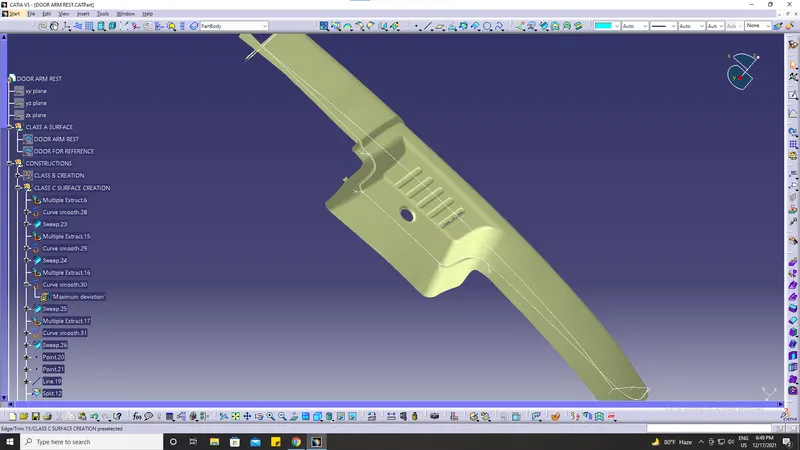
The above dia is our class c surface
After that, we join Class A & Class C surface.
Trim the Class B & C Surfaces & join the trimmed surface with the class A surface. Click the component such that no surface opening is formed
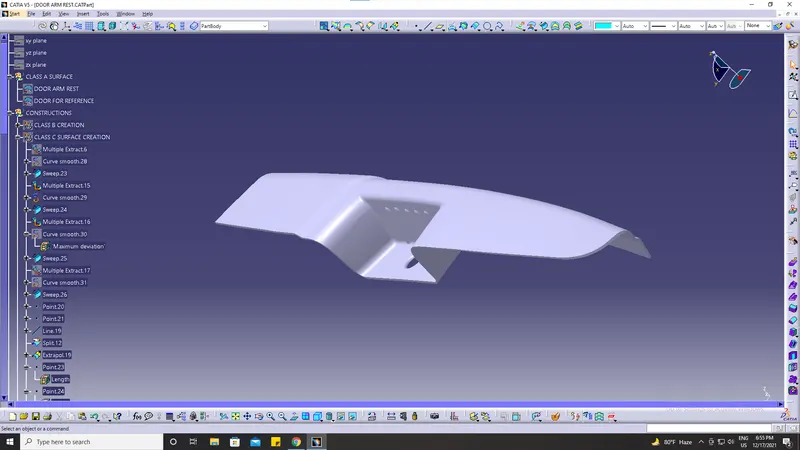
After creating a close surface, fill the solid in the closed surface component
Draft Analysis
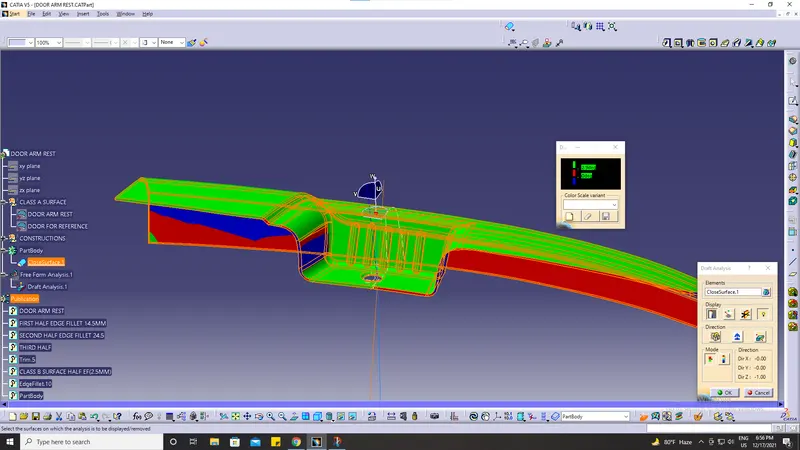
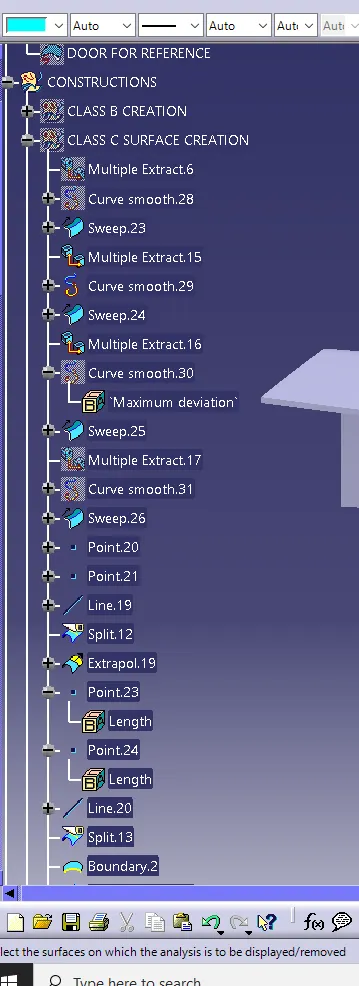
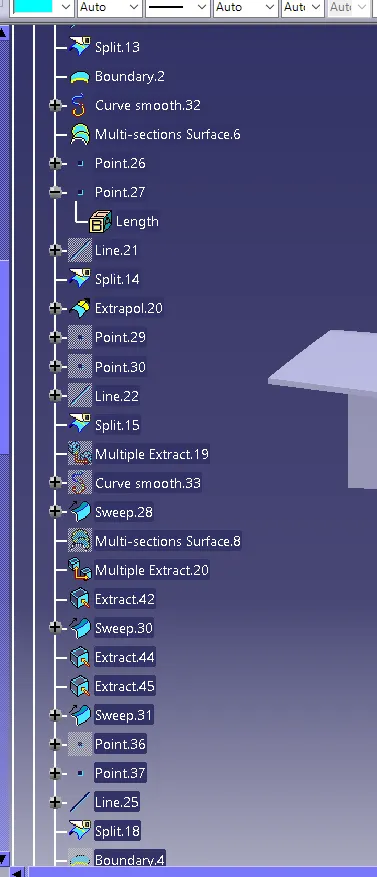
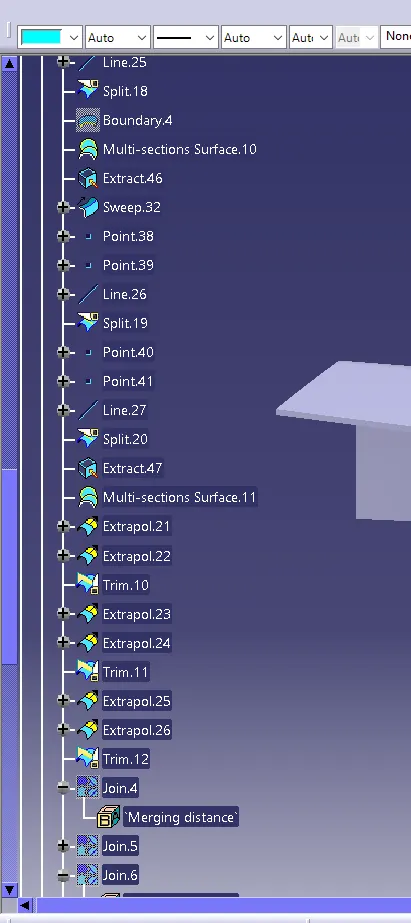
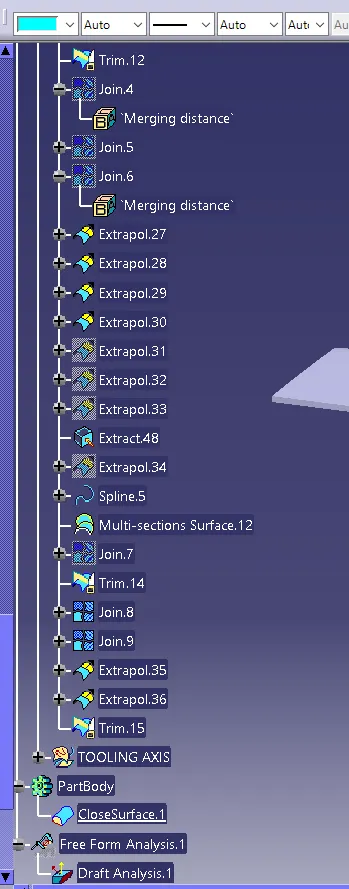
Tree structure