Door Arm Rest Week 8 Challenge
Aim: To create a solid for the given model and perform Draft Analysis.
Procedure:
- Open the Generative Shape Design from the Start Menu in software.
- Select the open option from the File menu.
- Select the model and click on Open.
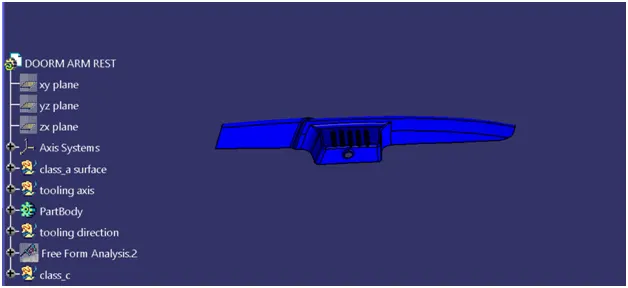
Tooling Axis:
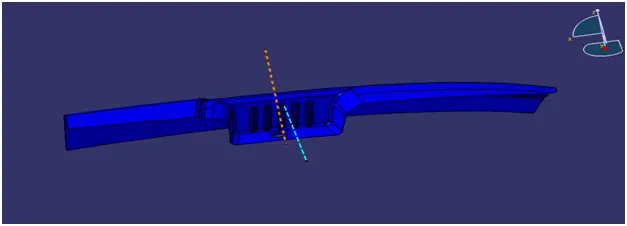
- Intersect the model with the plane perpendicular or to an axis system.
- Extend the lines which are perpendicular to the plane.
- Again intersect the model with another plane and extend the lines perpendicular to it.
- Create a bisecting line by bisecting option in Line definition. Rename it as Tooling Axis.
Class B surface:
First half:
- Extract the surfaces with no propagation in extract option and Untrim them.
- Extrapolate the surfaces with point continuity of distance 20mm.
- Trim the surfaces to get the required shape.
- Offset those trimmed surfaces with thickness value 2.5mm.
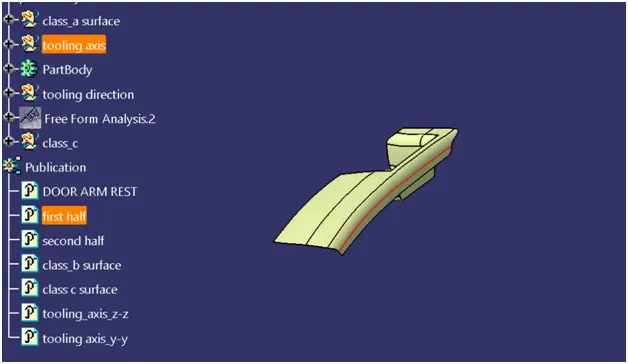
Second half:
- Repeat the First half steps with different surfaces.
- Create a point on connecting surfaces between first and second halves.
- Insert the axis system and that point as origin.
- Intersect the surfaces with the plane.
- Create a tangency line with the curved surfaces.
- Extract the lines by multiple extract options with tangent propagation.
- Select the with reference surface option in Sweep option.
- Select the tangency line as profile and extracted lines as guiding curves.
- Extract the surface in the connecting region, Untrim it.
- Create a line with some angle on connecting surfaces and split it with surfaces.
- Use multi sections surfaces to create a surface.
- Extrapolate the surfaces if they are not crossing each other.
- Trim the surfaces accordingly.
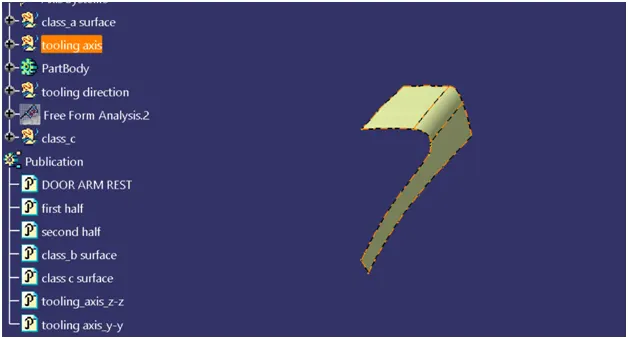
Side walls:
- Extract the side walls with no propagation in extract option, Untrim them.
- Extrapolate the walls with point continuity of distance 20mm.
- Trim the walls to get the required shape.
- Offset those trimmed walls with thickness value.
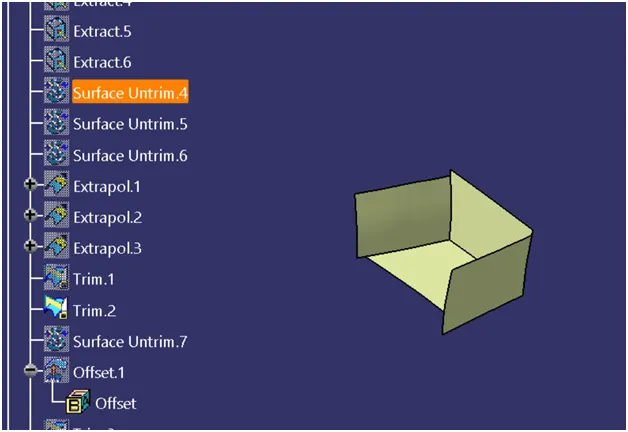
Base:
- Extract the base surface and untrim it.
- Extrapolate the surface.
- Offset the surface with thickness value.
- Repeat the steps for the circular part.
- Trim all the surfaces.
Class C Surface:
- Extract the boundary line of the half part of the model.
- Smooth the curve and Sweep it with the reference surface option.
- Trim the surfaces. Use Blend or Multi Sectional Surfaces for complex surface areas.
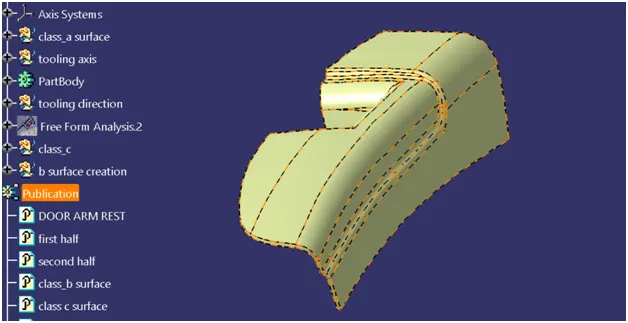
Final Model:
- Join Class A & C Surfaces.
- Trim the joined surface with Class B surface.
- Go to Part Design and insert a Body.
- Create a closed surface.
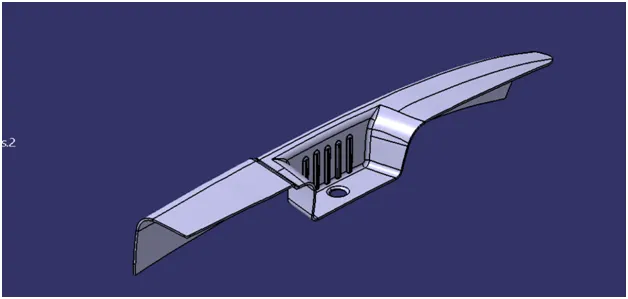
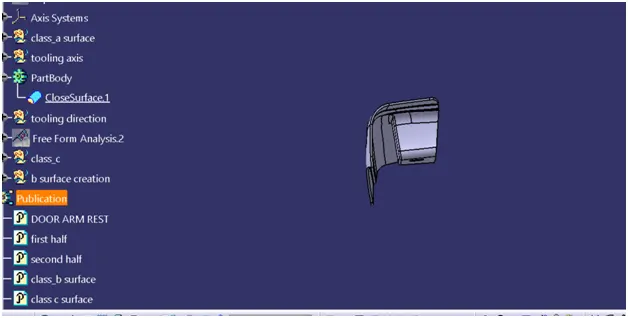
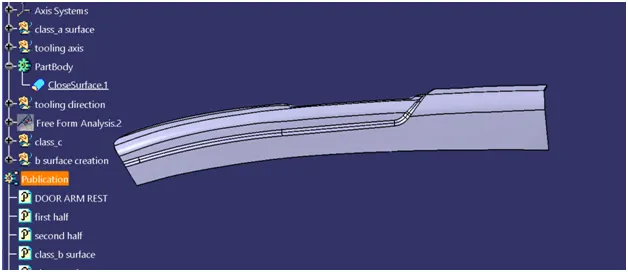
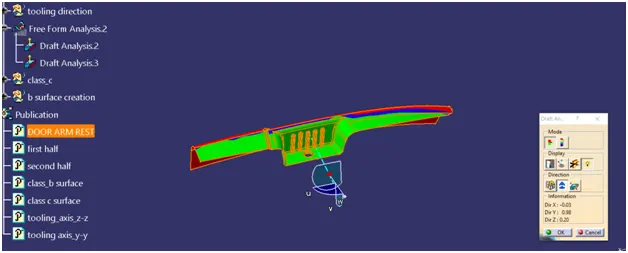
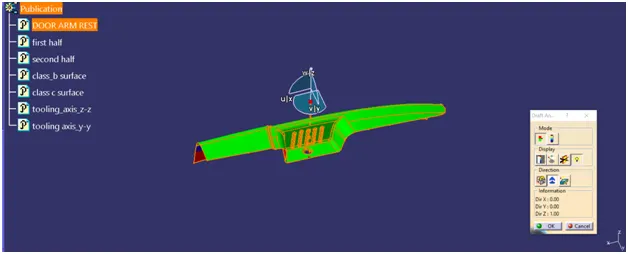
Draft Analysis:
- Go to the Insert menu and select the Analysis option.
- Select Feature Draft Analysis.
- Select the Material option and select the surface.
- Drag the compass and place it on the tooling axis.
- Make sure that the top surface is in green colour as draft angle should not exceed 3deg.
- Click on Okay after confirming the model.