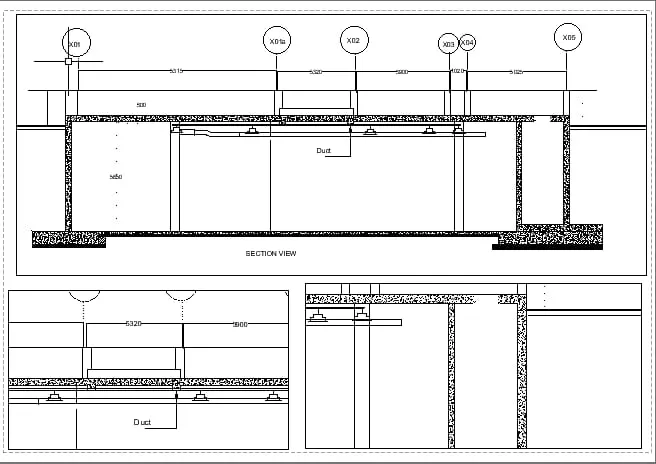
Creation of Multiple viewports, Scaling the drawing and setting in Template in AutoCad
1)
Aim:
To create a layout of the plan and section A of the project in challenges 7
Procedure:
- In the command prompt type units>mm>decimal.
- In the command prompt type limax >100,100.
- Inm the command prompt type limits>0,0.
- In the command prompt type layout>template>Tutorial arch.m.
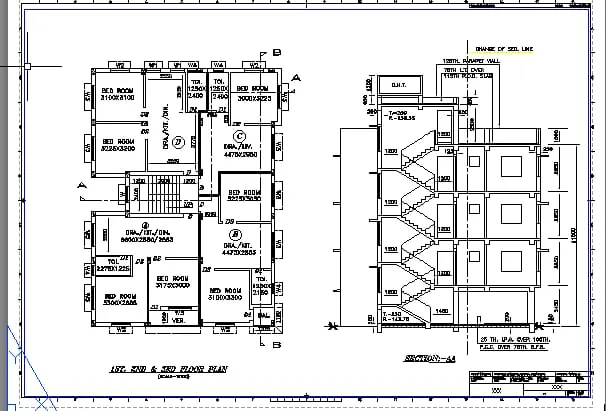
- In the command prompt type Ms to specify the center of the plot.
- Then click on the tittle box to edit the title.
- In the command prompt type Mv to add view
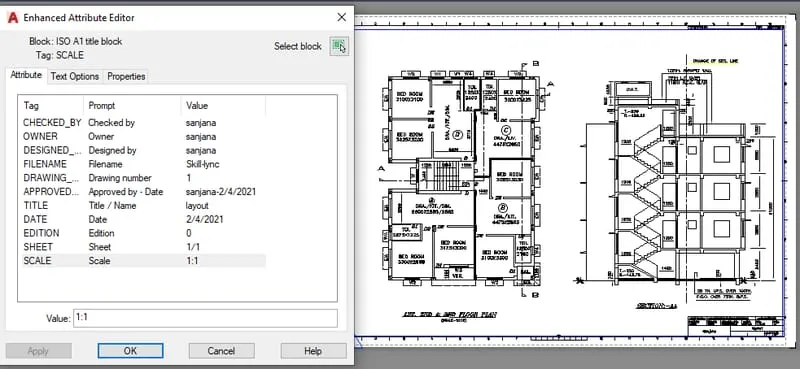
- In the command prompt type ctrl+P to plot it.
- In the command prompt type pagesetup
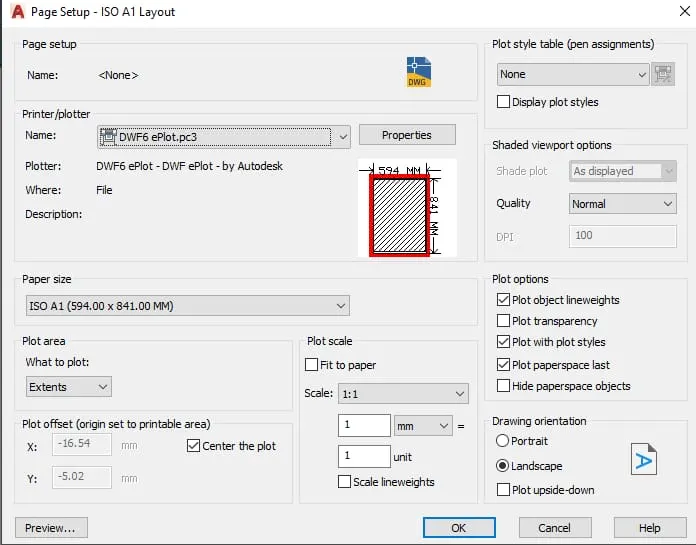
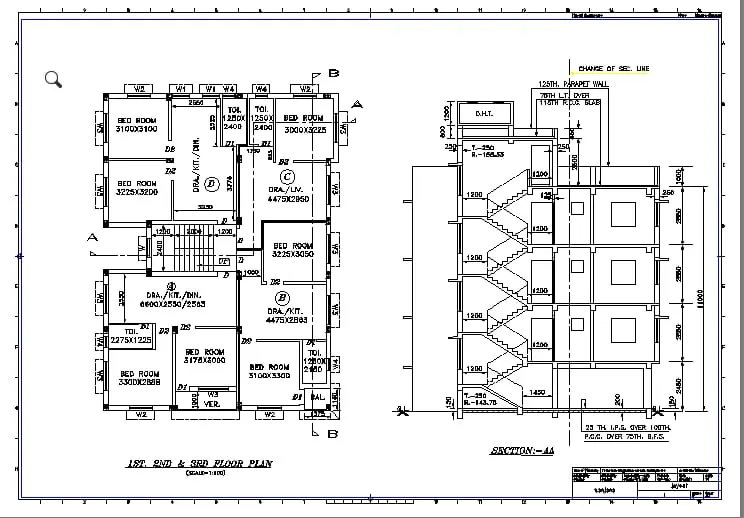
Result:
2)
Aim:
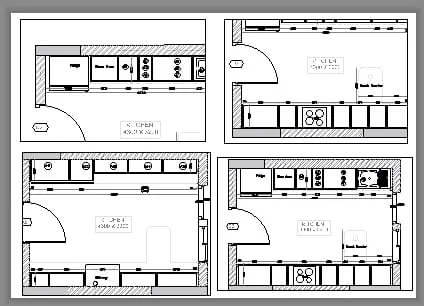
To create layout of the kitchen drawn in challenge 9.Use A4 size page for the layout and take a plot.
Procedure:
- In the command prompt type ps and ms to adjust the view .
- In the command prompt type pagesetup to make the size to A4 change.
- Click on the arrow mark to change the view.
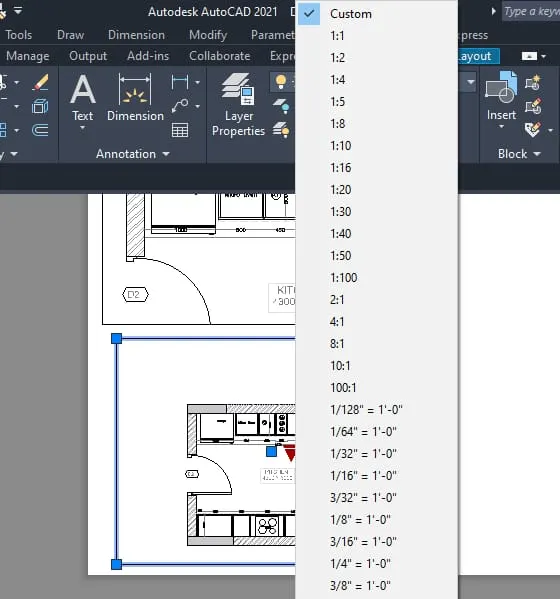
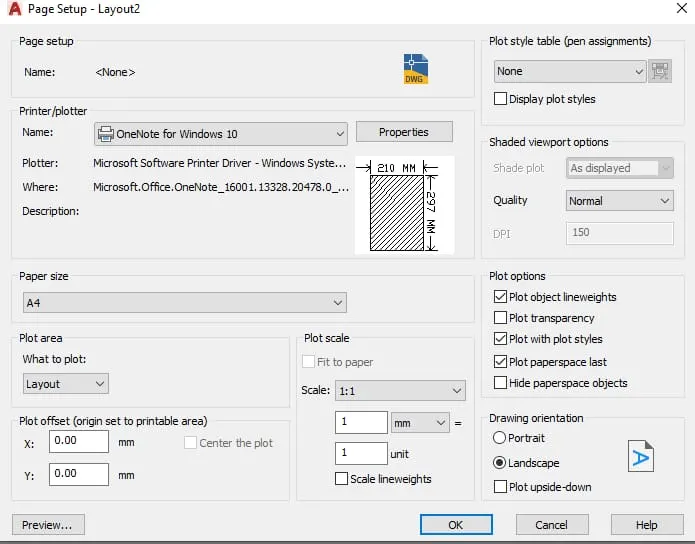
Result:
3)
Aim:
To create layout of the section created in challenges 9.
Procedure:
- Open the file in which challenge 9 is created.
- Go to layout in the command prompt type MV.
- Change the scale accordingly scale.
- In the command prompt using Ms and Ps adjust the view accordingly.
Result: