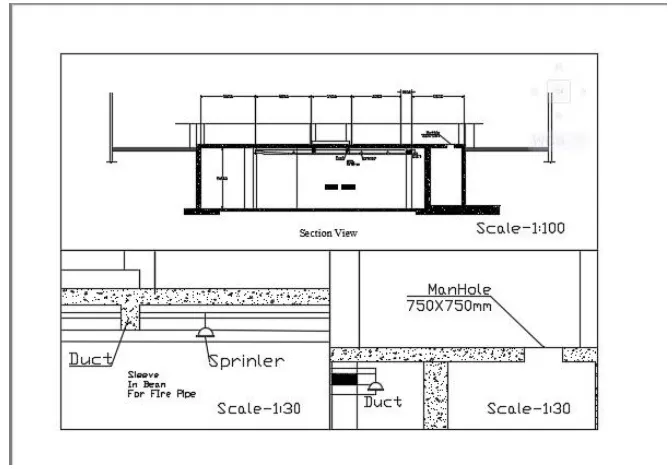
Creation of Multiple viewports, Scaling the drawing and setting in Template in AutoCad
Ans-1
Aim :-
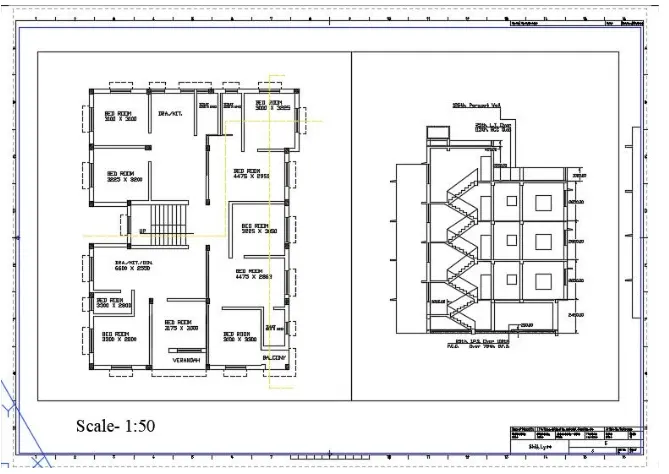
- To create a layout of the plan and sectionusing template tutorial-mArch.dwt. To create a viewports by edit attributes in templates and taking a plot.
Procedure :-
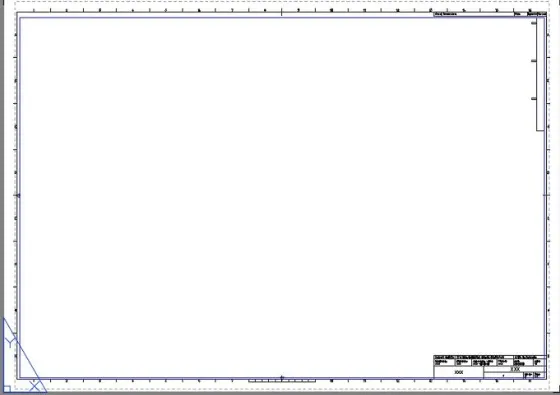
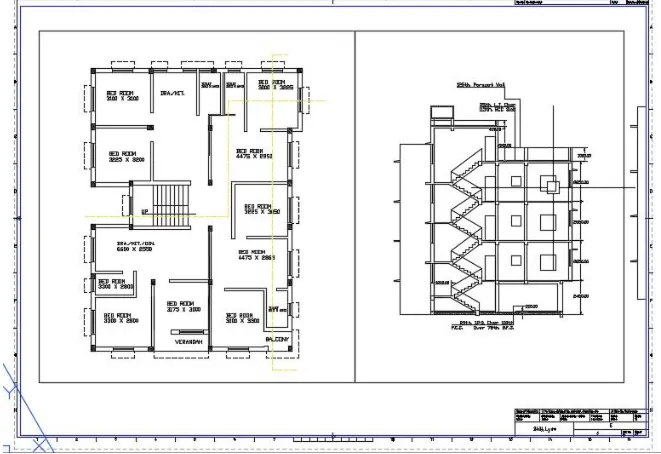
Result :-
Ans 2-
Aim :-
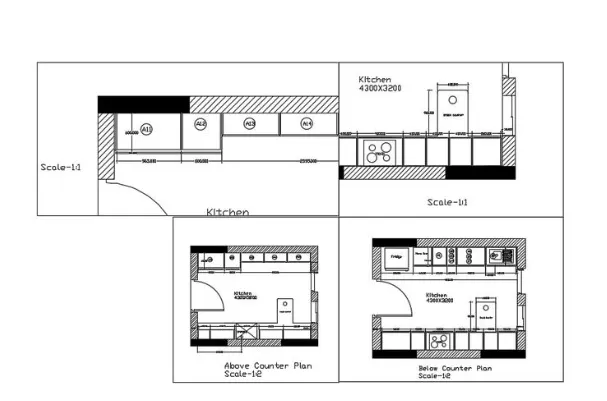
- To create the different view of kitchen and create 4 viewports and plot with A4 size page.
Procedure :-
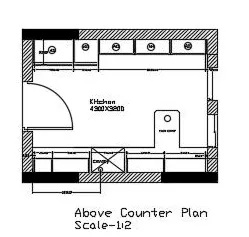
- Select the first drawing of Above Counter Plan in viewporrt and set it.
- Set the Scale as 1:2.
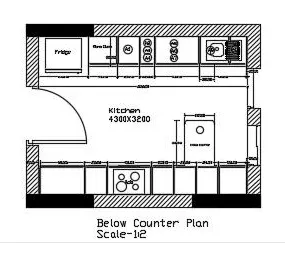
- Select the first drawing of Below Counter Plan in viewporrt and set it.
- Set the Scale as 1:2.
Result :-
Ans 3-
Aim :-
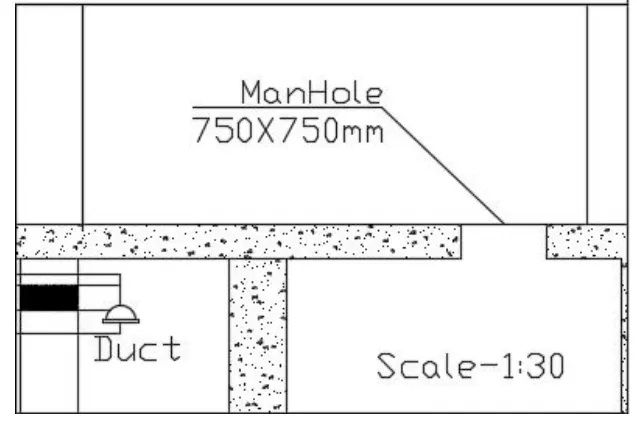
- To create a layout of Industrial Building and to create a multiple viewports and to take aplot.
Procedure :-
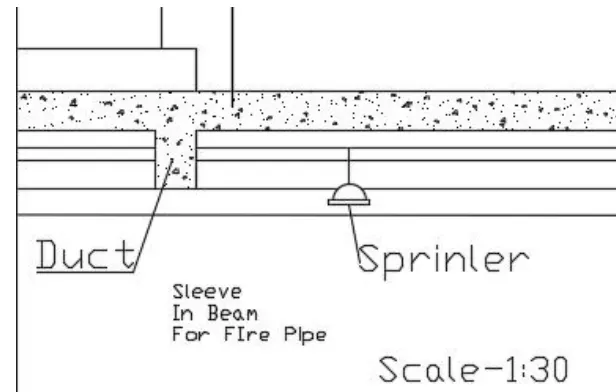
Result :-