Creation of Multiple viewports, Scaling the drawing and setting in Template in AutoCad
ANSWER:
Aim: -
To Create a Multiple viewports, Scalling the Drawings and Setting in Template Using an Auto cad Application.
Procedure: -
1). Challenge 7 - A1 Layout:
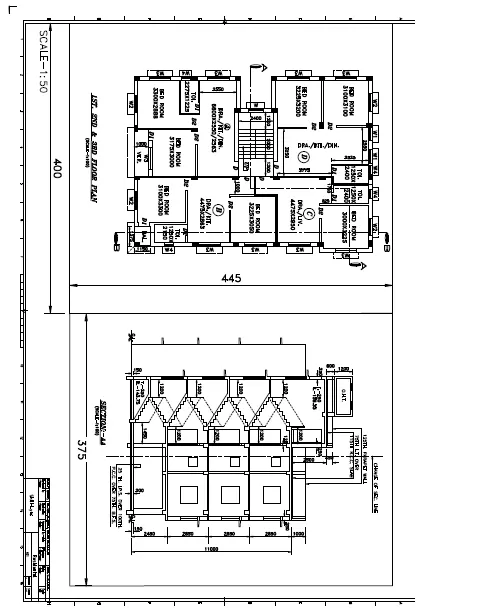
Step by step procedure:
Step 1: - Open Challenge 7 file:
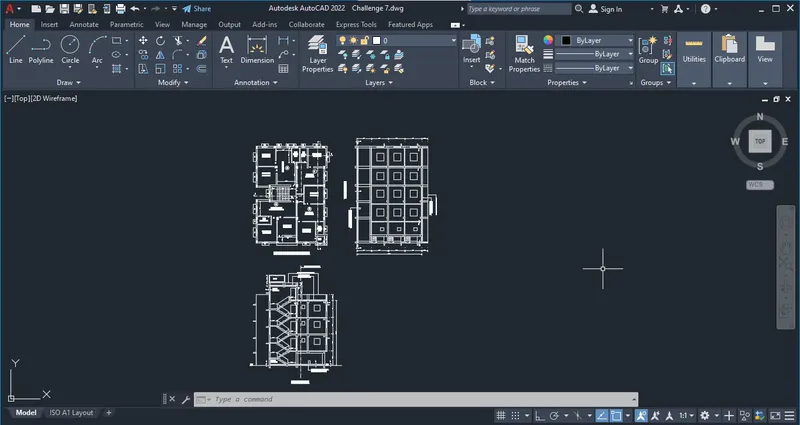
Step 2: - go to layout:
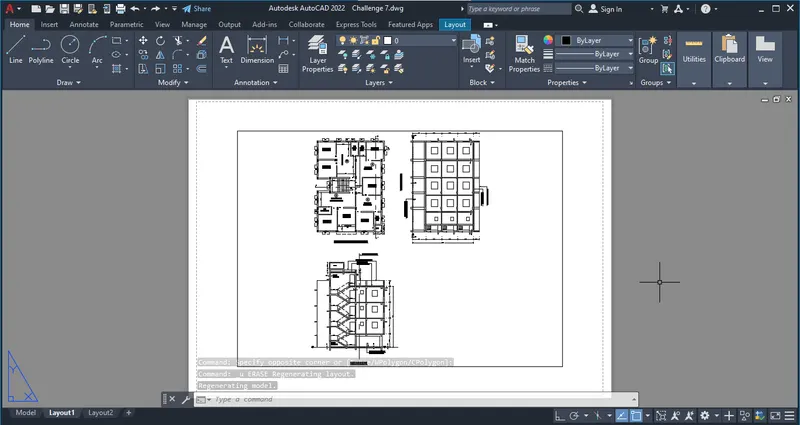
Step 3: - Insert mArch Template:
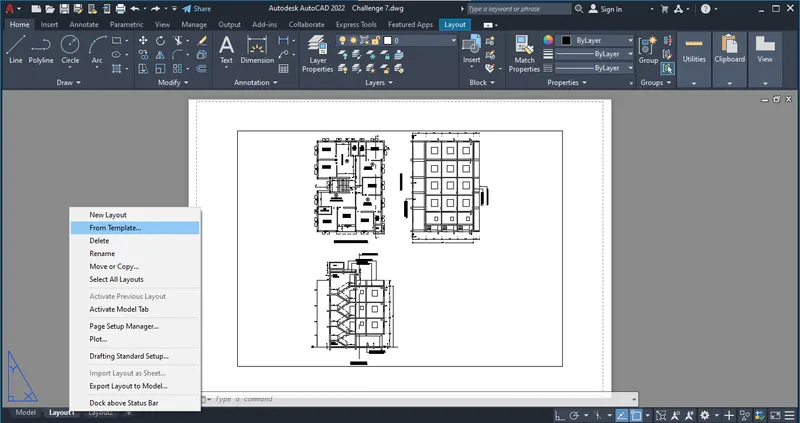
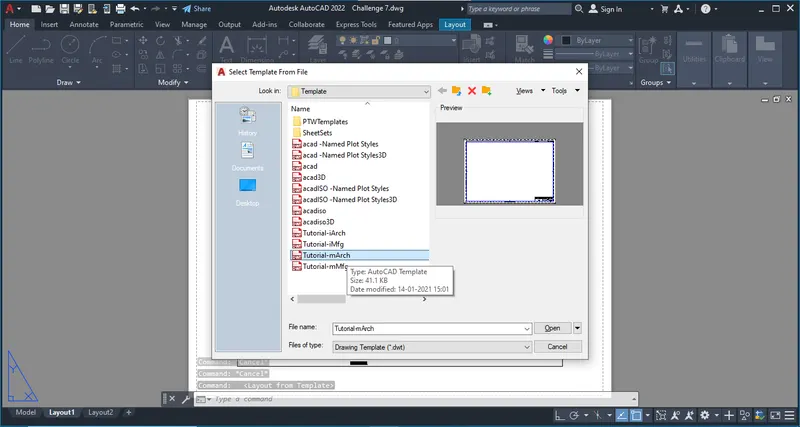
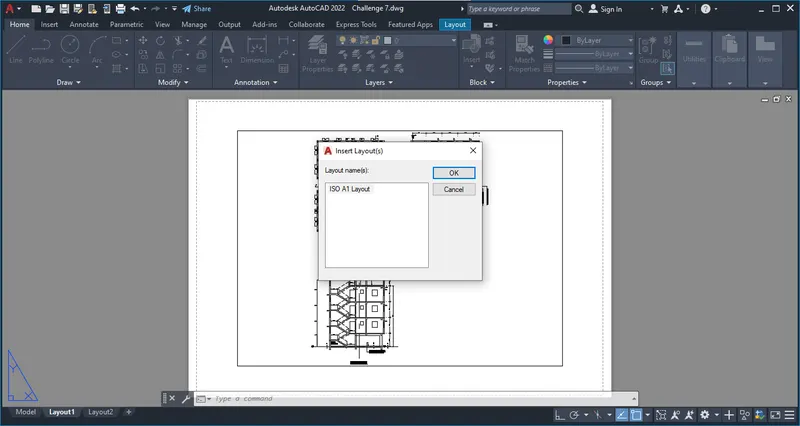
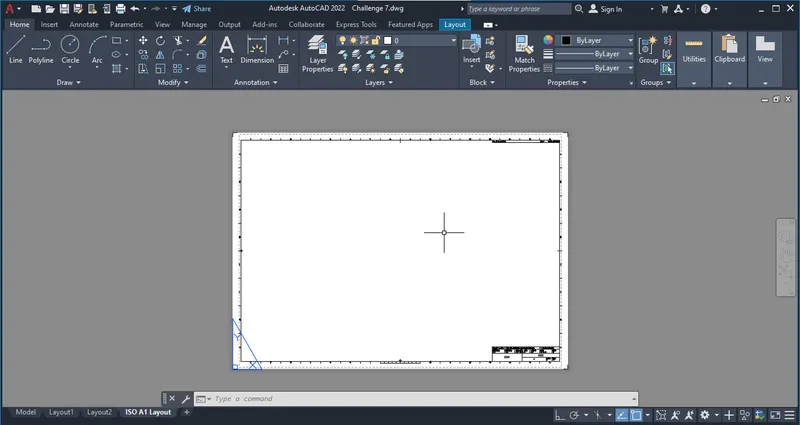
Step 3: - Edit Attributes:
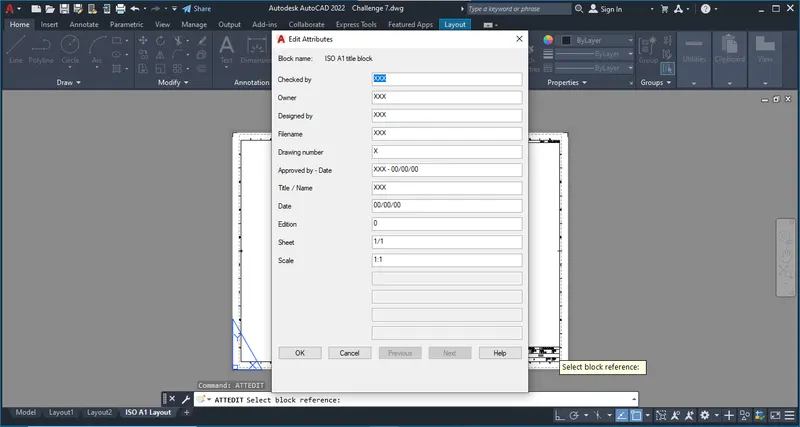
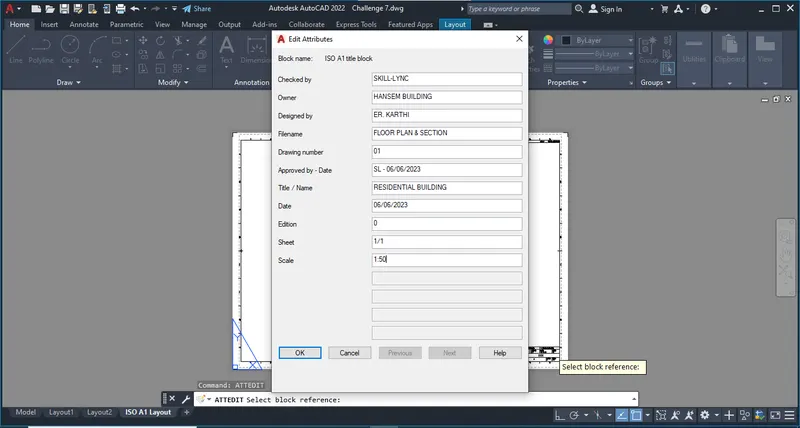
Step 4: - Make Rectagles:
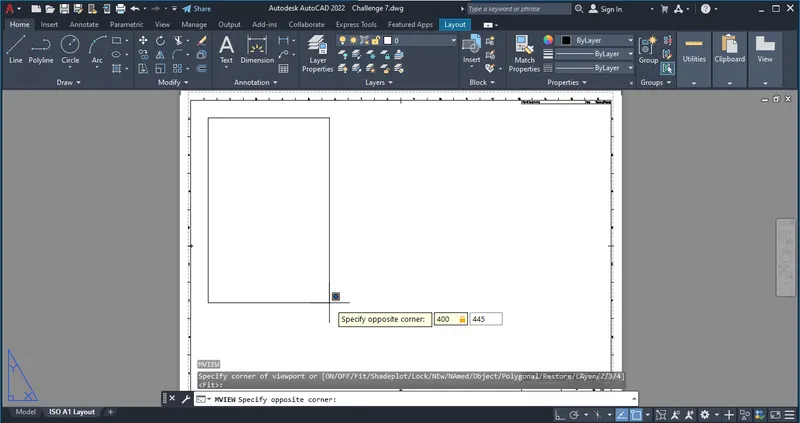
Step 5: - Model View:
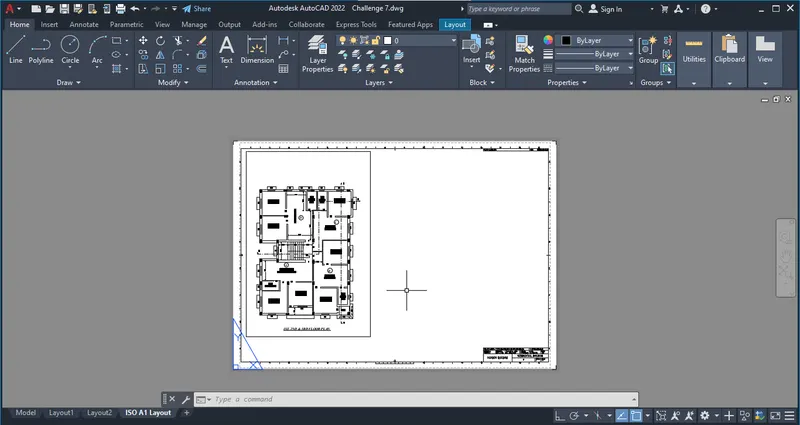
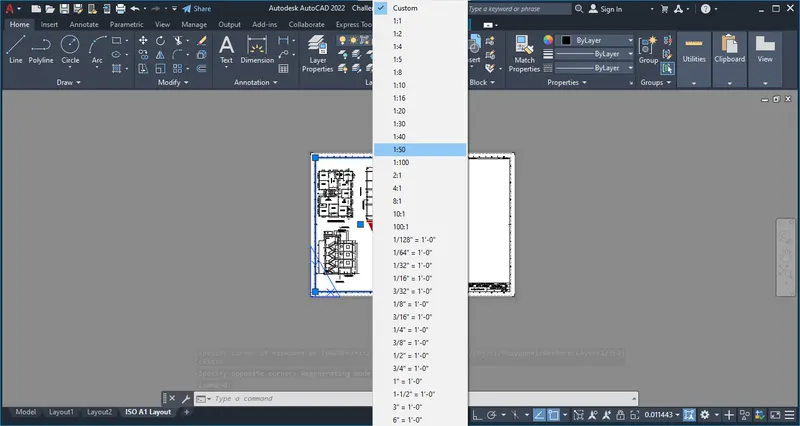
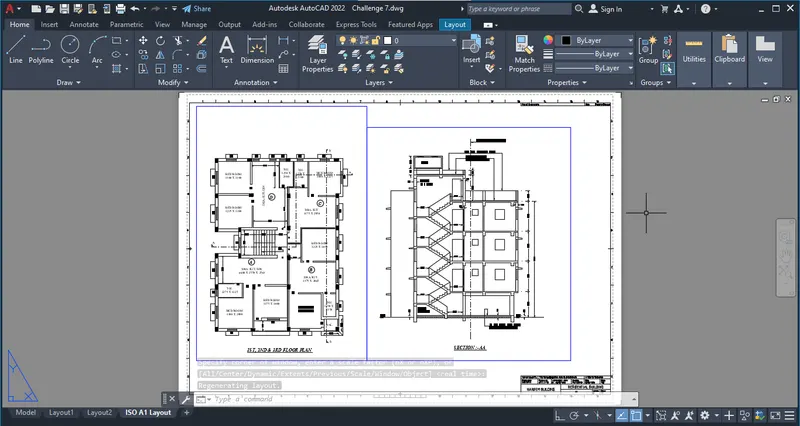
Step 6: - Annotates:
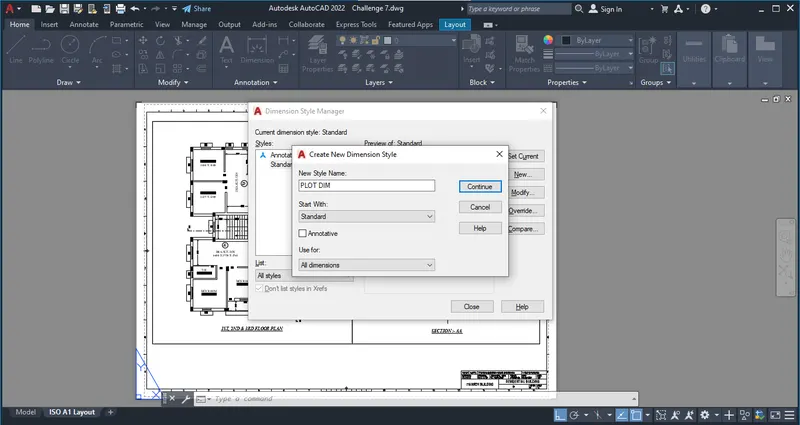
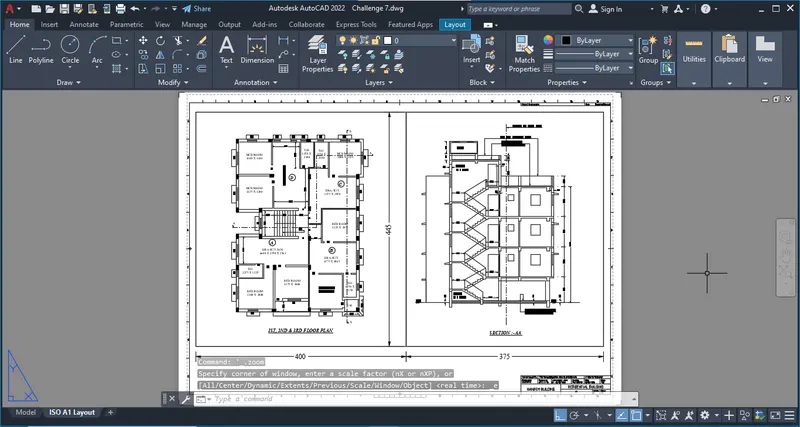
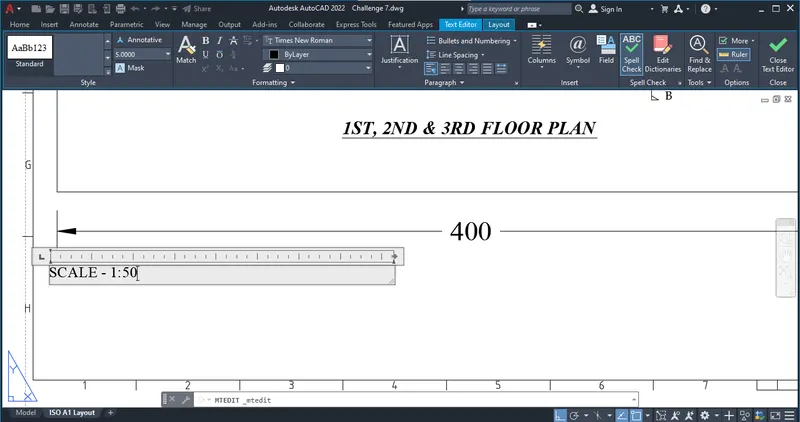
Step 7: - Plot:
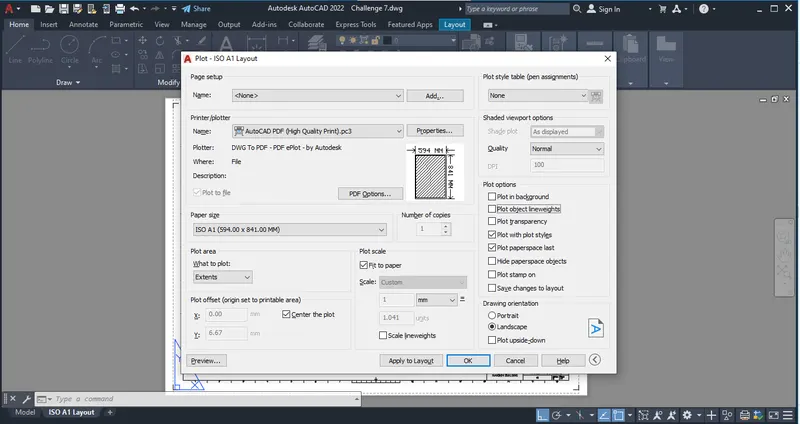
2). Kitchen Layout - A4 size Plot:
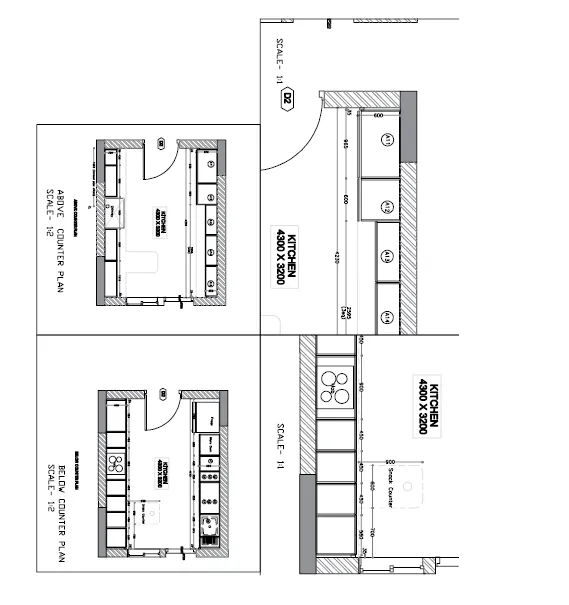
Step by step Procedure:
Step 1: - Open Challenge 9 kitchen Layout File:
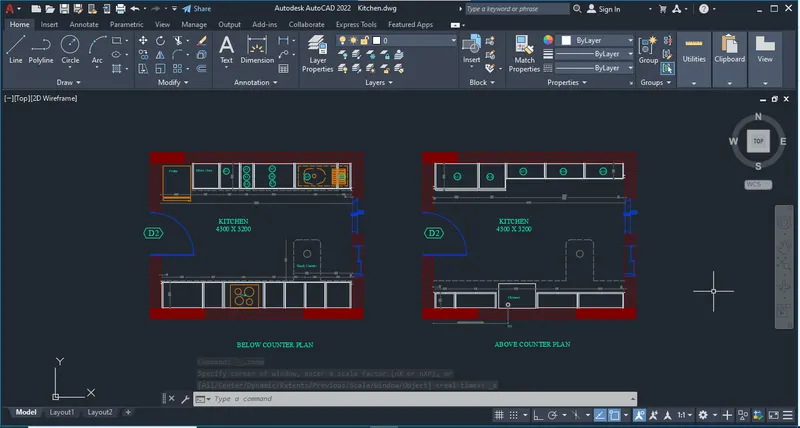
Step 2: - Layout:
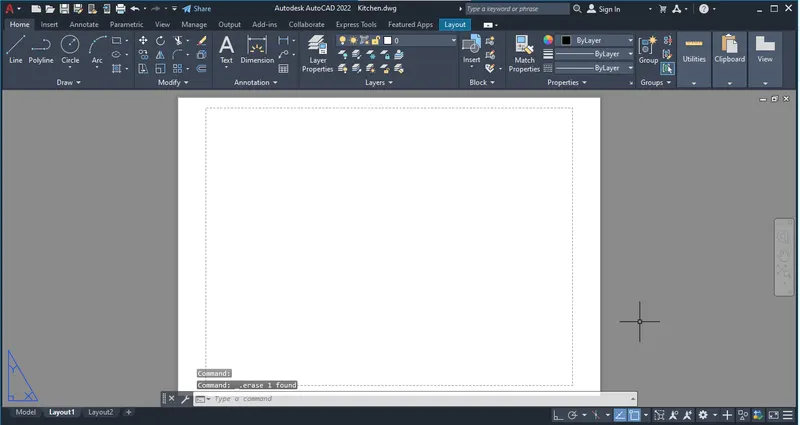
Step 3: - Page setup manager:
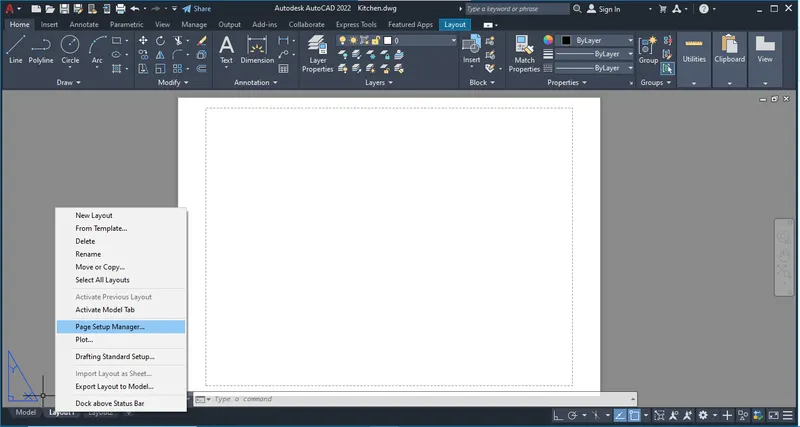
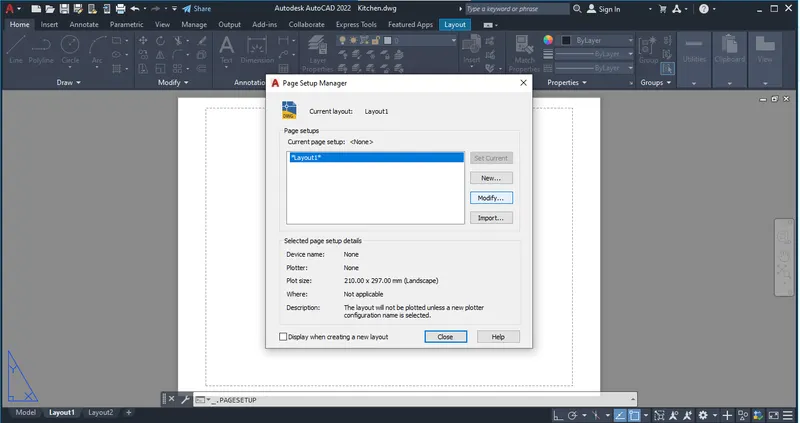
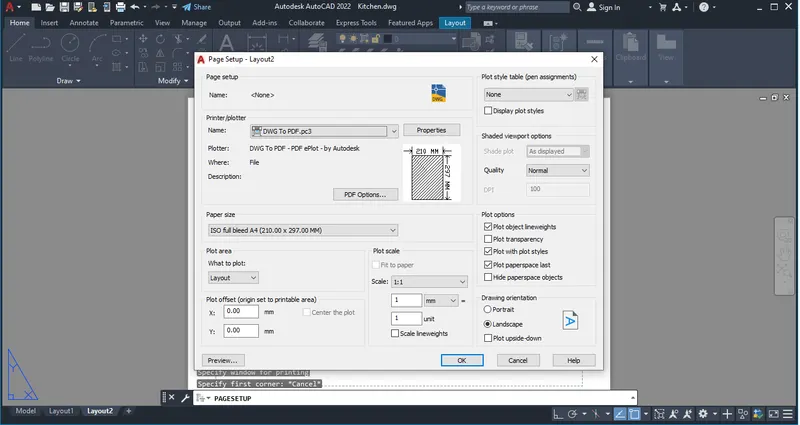
Step 4: - Model view:
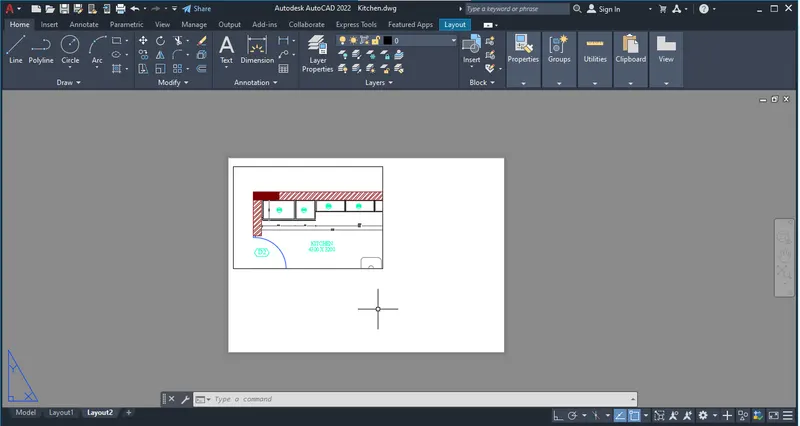
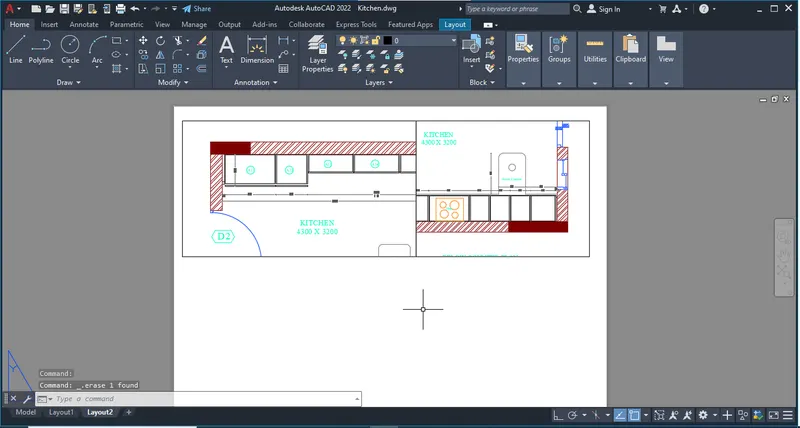
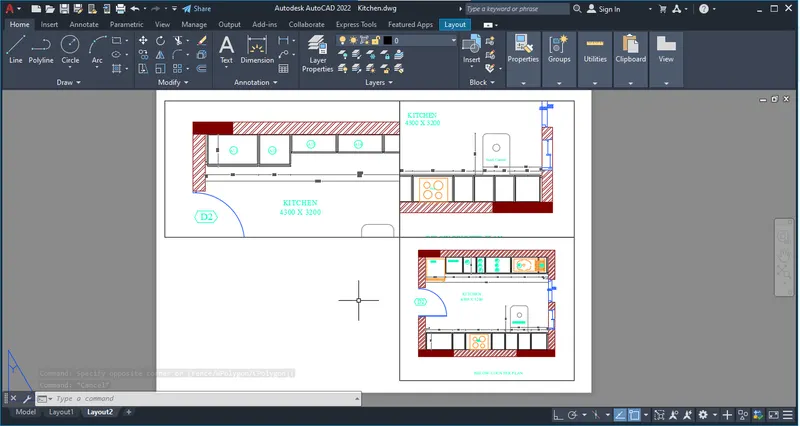
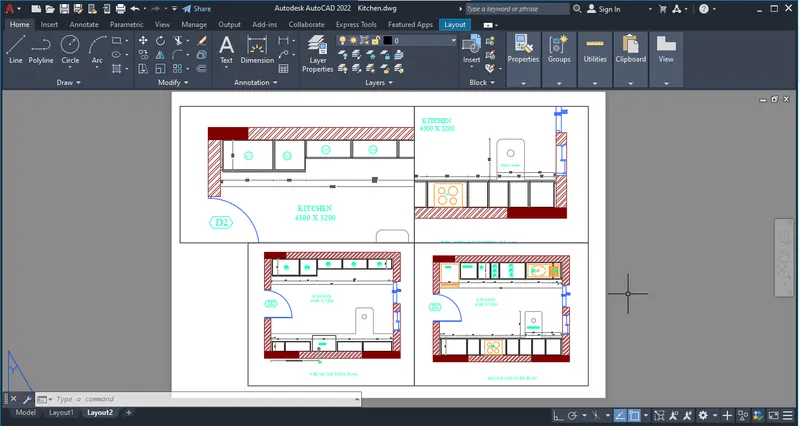
Step 5: - Plot:
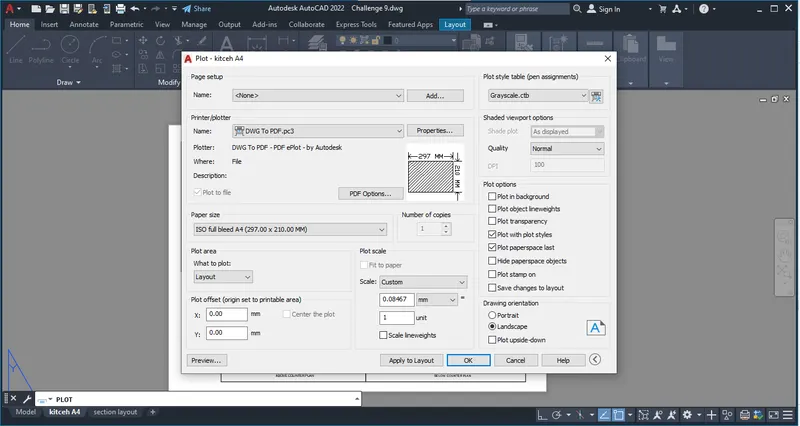
3). Challenge - 9 Section Layout:
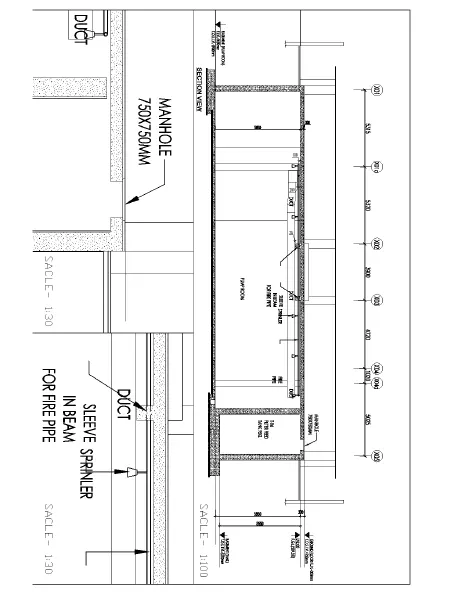
Step by step Procedure:
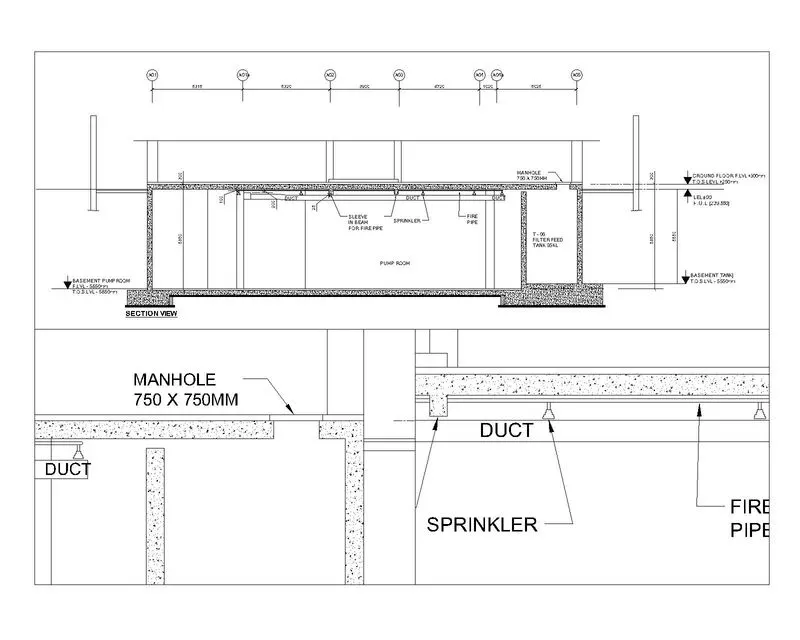
Step 1: - Open Section Drawing:
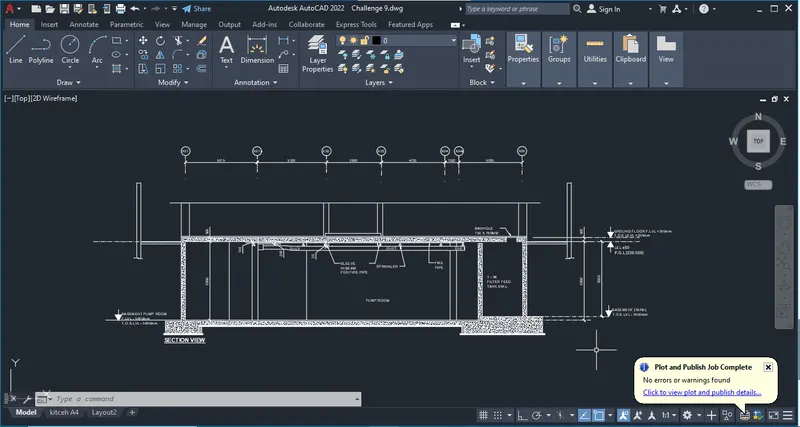
Step 2: - Layout Setting:
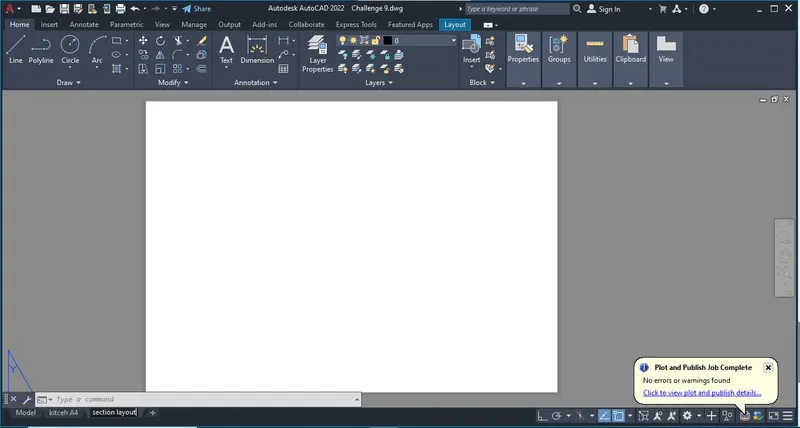
Step 3: - Page setup manager:
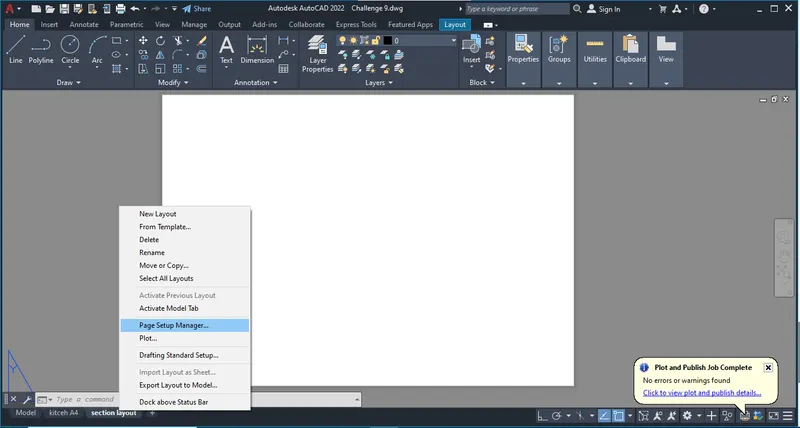
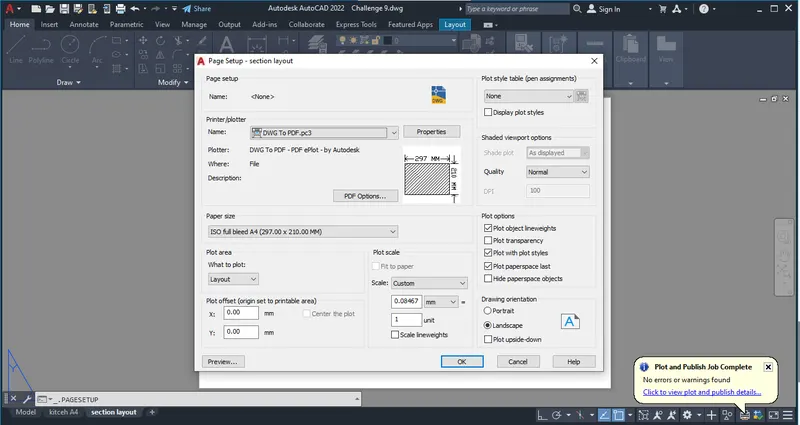
Step 4: - Model view:
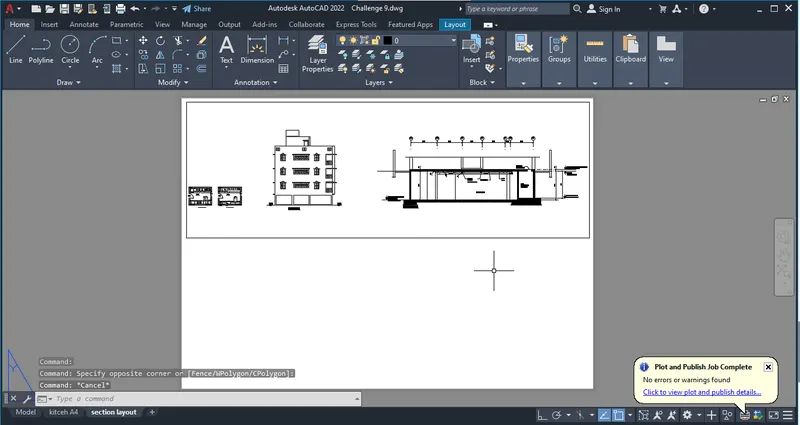
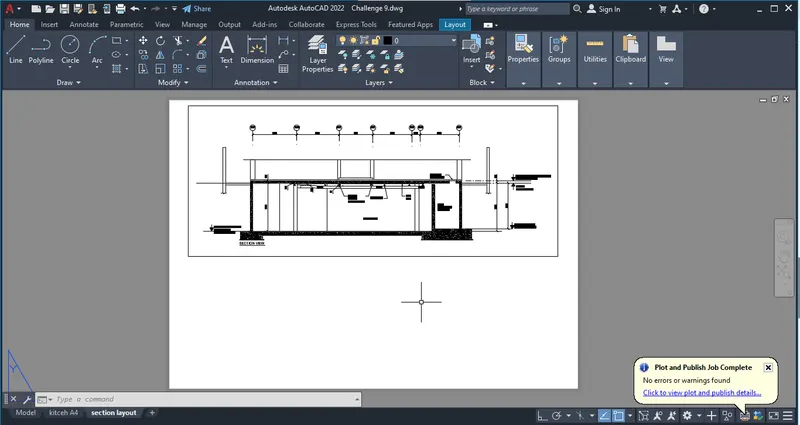
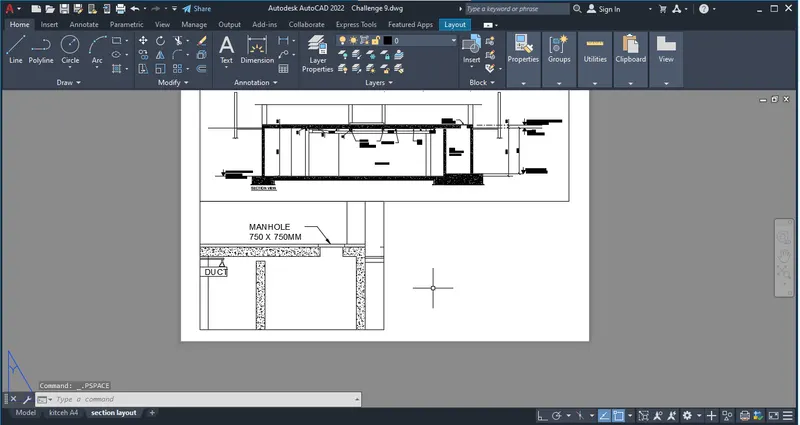
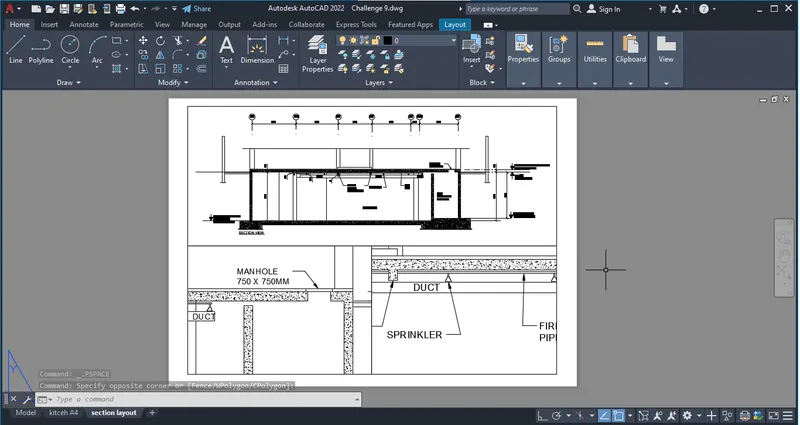
Step 5: - Plot:
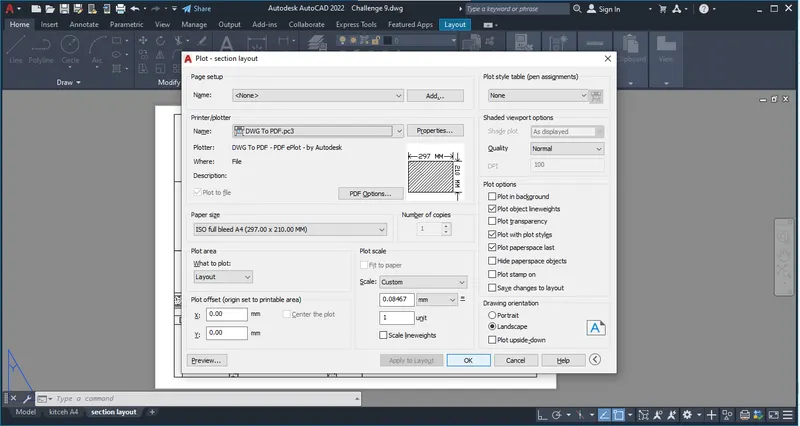
Result: -
The creation of multiple viewports, scalling the drawings and setting in templats using an Auto cad was done and the plotted files are attached.
1). Challenge - 7 Layout: -
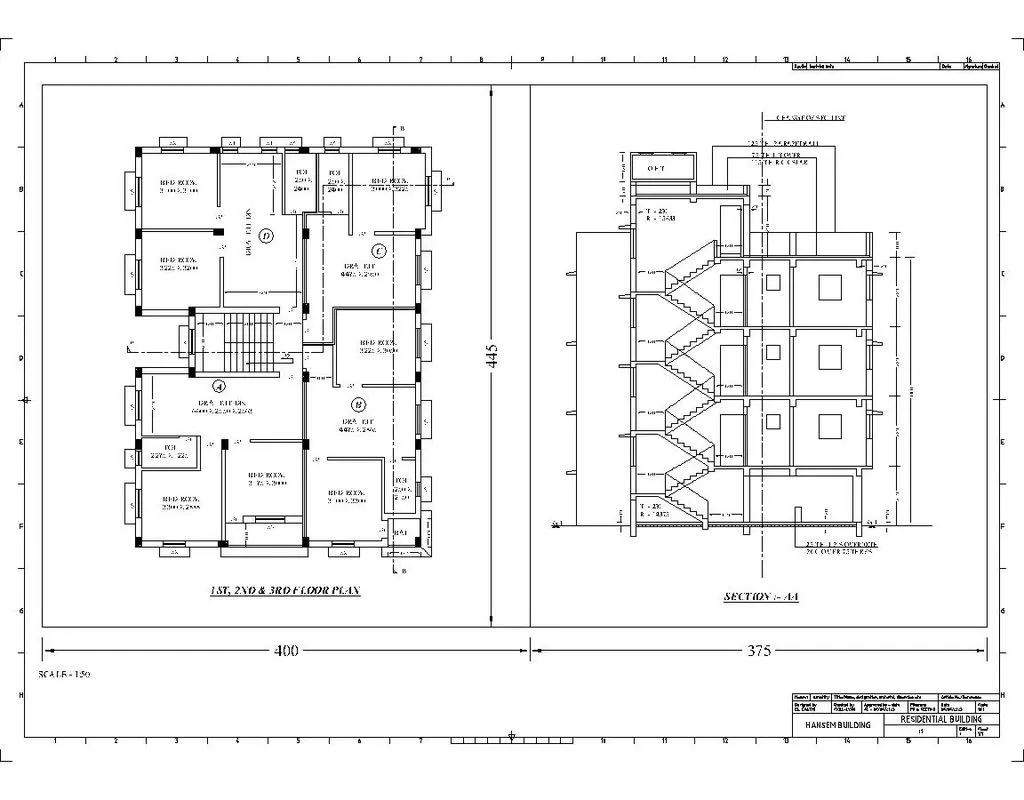
2). Challenge - 9 kitcen layout: -
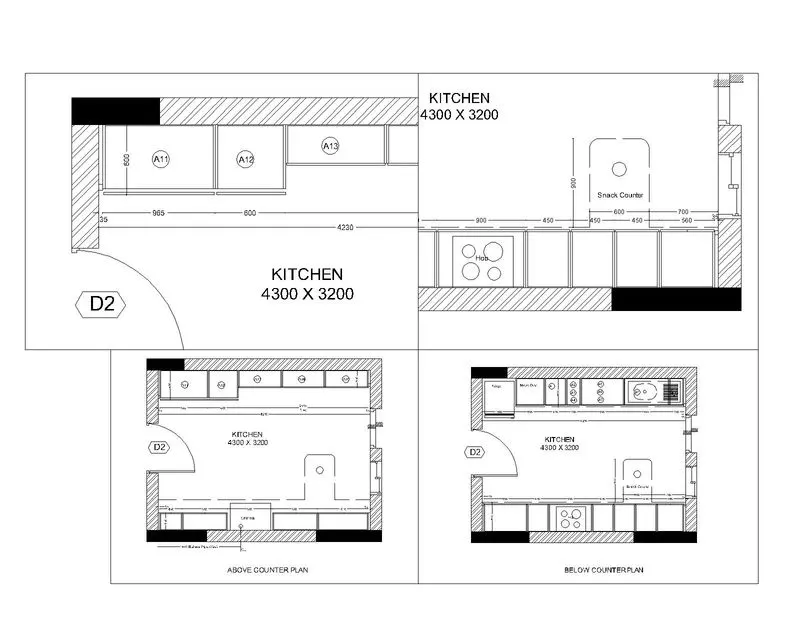
3). Challenge - 9 Section layout: -
THE END