Creation of Multiple viewports, Scaling the drawing and setting in Template in AutoCad
AIM:
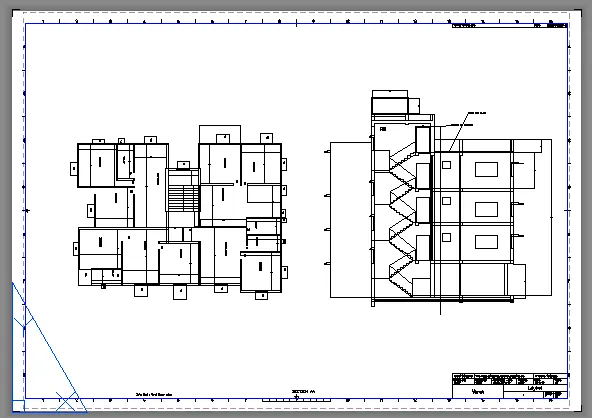
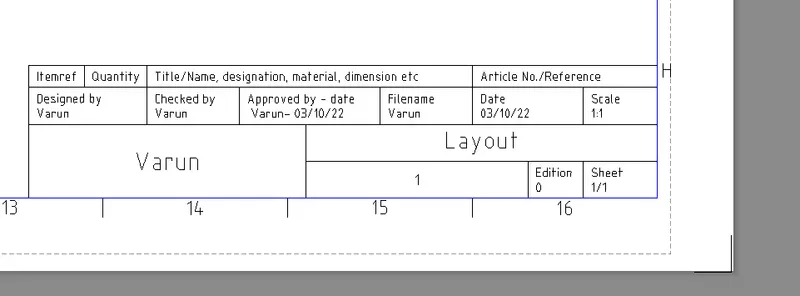
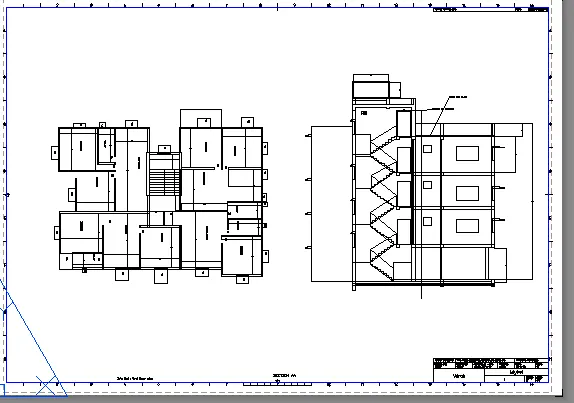
To Create a layout of the plan and section A of the project in challenges 7 .
PROCEDURE:
- In the command prompt type units > mm> decimal
- In the command prompt type limax >100,100
- In the command prompt type limits>0,0
- In the command prompt type layout > template>Tutorial arch .m
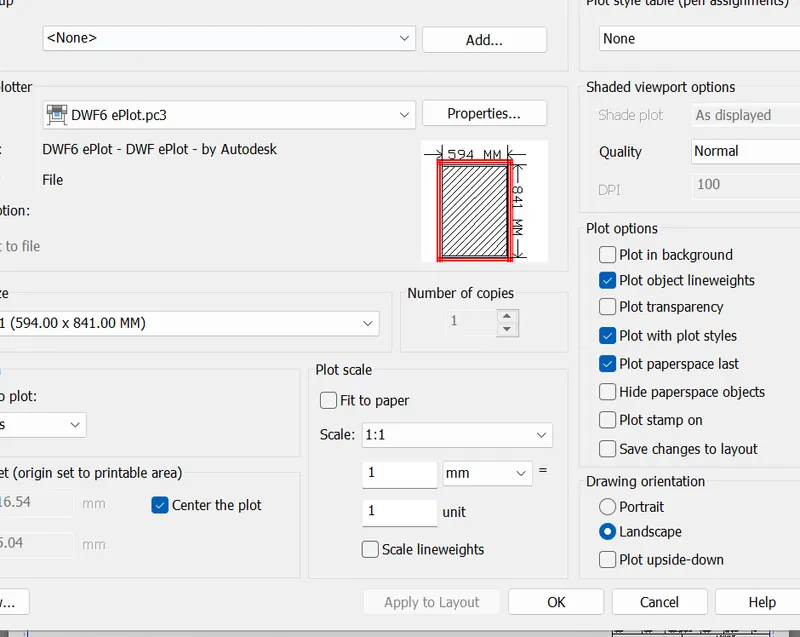
AIM:
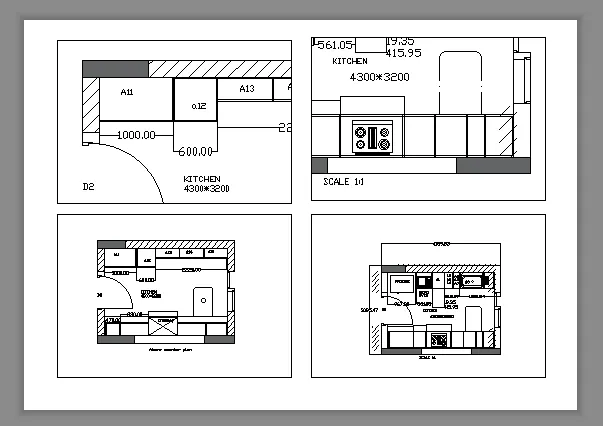
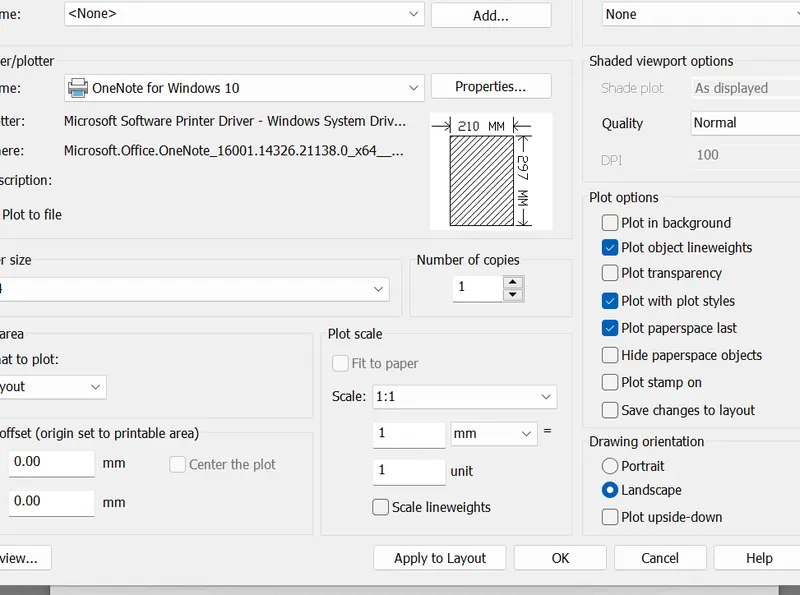
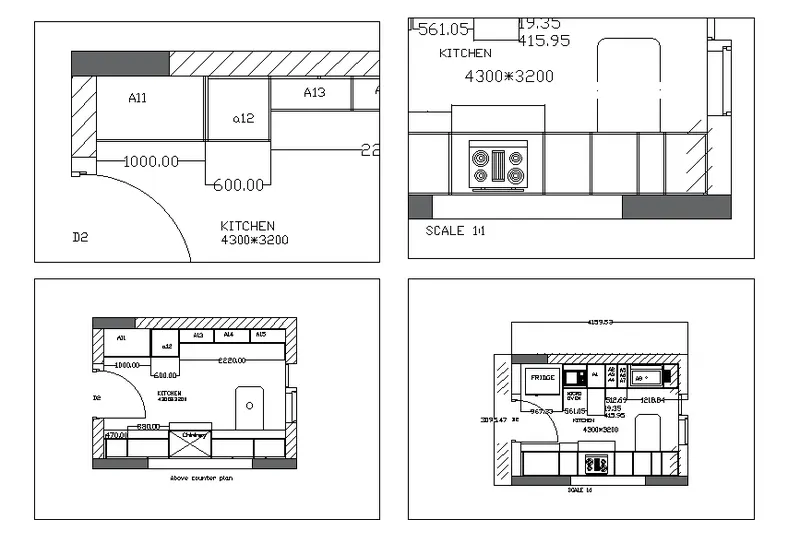
To create layout of the kitchen drawn in challenge 9 . Use A4 size page for the layout and take a plot
PROCEDURE:
- In the command prompt type ps and ms to adjust the view
- In the command prompt type pagesetup to make the size to A4 change
- Click on the arrow mark to change the view
AIM:
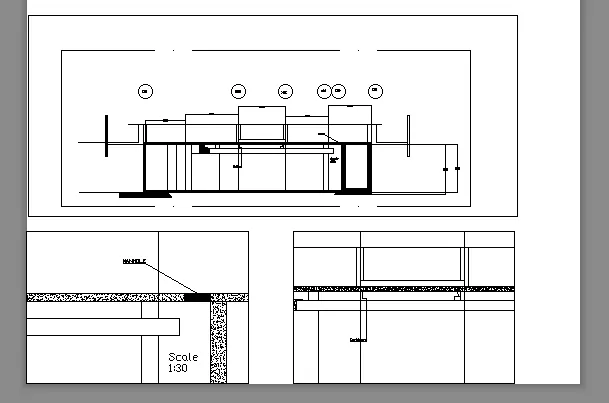
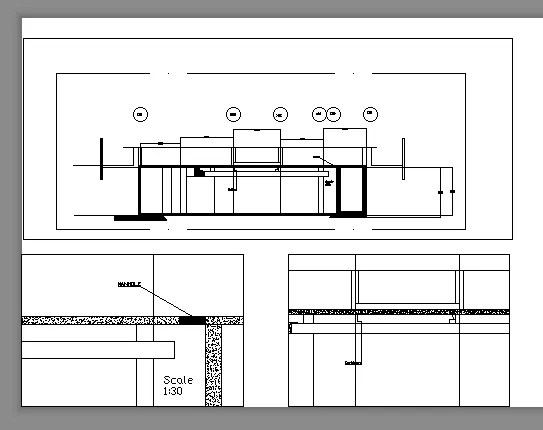
To Create layout of the section created in challenges 9
PROCEDURE:
- Open the file in which challenge 10 is created
- go to layout in the command prompt type MV
- change the scale accordingly scale
- in the command prompt using Ms and ps adjust the view accordingly