Creation of Multiple viewports, Scaling the drawing and setting in Template in AutoCad
AIM : TO SHOW THE FIGURES IN LAYOUT
PROCEDURE
GO TO PREVIOUS CHALLENGES AND COPY THE ABOVE IMAGES AND PLACE THEM IN NEW SHEET
NOW GO TO LAYOUT
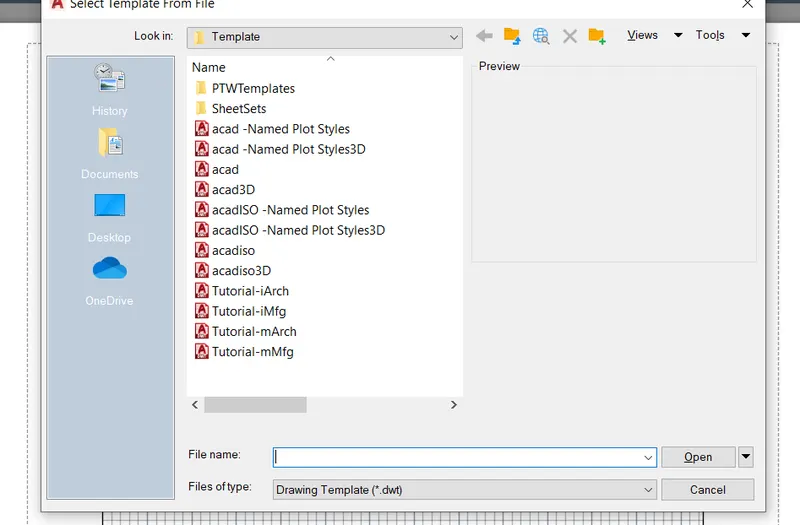
AT TOP SELECT NEW AND SELECT FROM TEMPLATE , SELECT TUTORIAL MARCH , OK
DELECT THE PAGE
USE MV COMMAND AND SET UP NUMBER OF RECTANGLES
AND USE MS COMMAND AND ADJUST THE FIGRES TO CORRECT SIZE
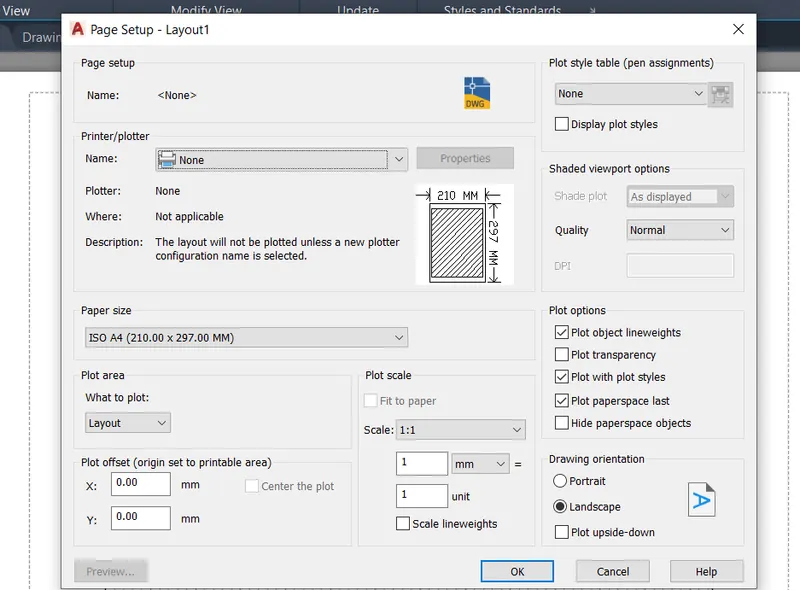
FINISH THAT GO TO PAGE SEYUP AND PRINT IT

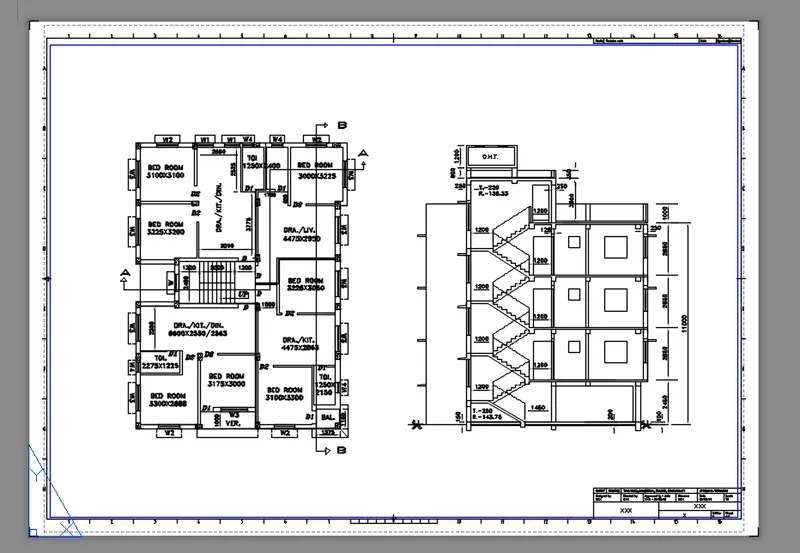
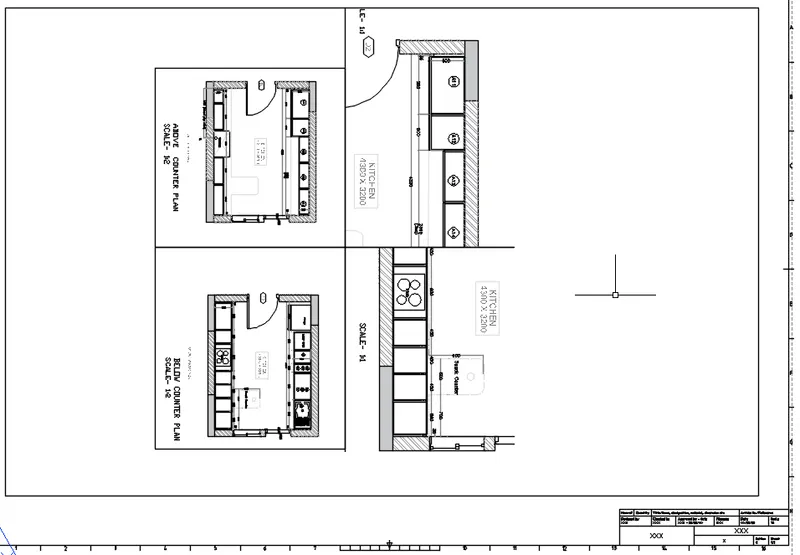
RESULT : ABOVE FIGURES ARE SETUPED IN LAYOUTS