Creation of Multiple viewports, Scaling the drawing and setting in Template in AutoCad
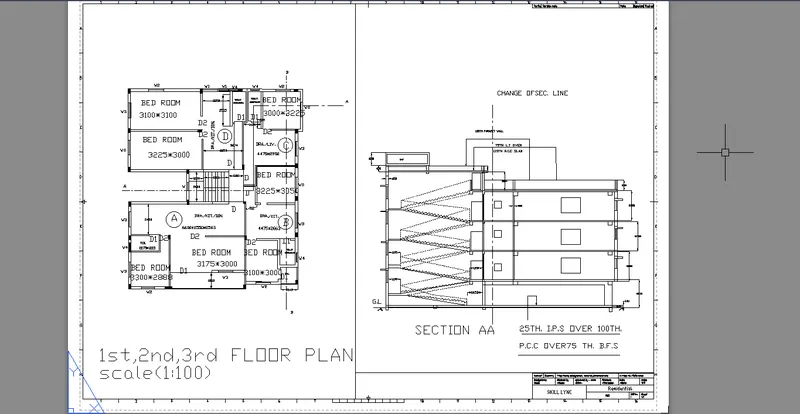
Specify xref command,go to attach and open the file copy to new drawing
Create a new view in view menu bar as section, elevation etc.
In layout adjust page setup manager by right click on the layout tab as per given dimension
On right click of layout tab you can rename the layout folder name as per division
Create some layout folders for illustration purpose
Specify ms command is view inside layout page
Specify ps command is view ouside layout page
Specify mv command and create a multi rectangluar box for sketch
In mv command you got some settings to execute.
https://web.autocad.com/acad/me/sid/shares/drawings/5b175957-1e3d-4a12-b56c-6ea36734a770/editor
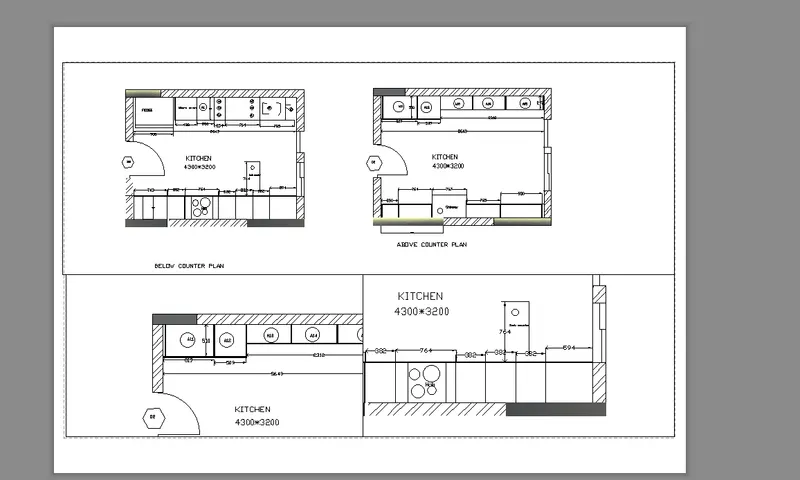
Specify xref command,go to attach and open the file copy to new drawing
Create a new view in view menu bar as section, elevation etc.
In layout adjust page setup manager by right click on the layout tab as per given dimension
On right click of layout tab you can rename the layout folder name as per division
Create some layout folders for illustration purpose
Specify ms command is view inside layout page
Specify ps command is view ouside layout page
Specify mv command and create a multi rectangluar box for sketch
In mv command you got some settings to execute.
https://web.autocad.com/acad/me/sid/shares/drawings/be7771e0-bc37-4177-a8d0-6cc32fc75a50/editor
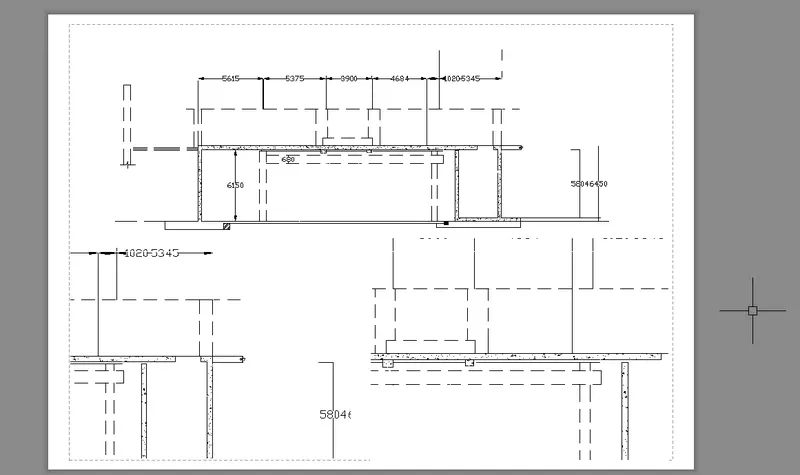
Specify xref command,go to attach and open the file copy to new drawing
Create a new view in view menu bar as section, elevation etc.
In layout adjust page setup manager by right click on the layout tab as per given dimension
On right click of layout tab you can rename the layout folder name as per division
Create some layout folders for illustration purpose
Specify ms command is view inside layout page
Specify ps command is view ouside layout page
Specify mv command and create a multi rectangluar box for sketch
In mv command you got some settings to execute.
https://web.autocad.com/acad/me/sid/shares/drawings/f576c263-5bf6-45bf-a305-9d18c9f809fd/editor