Creation of geometries by Coordinate system methods using AutoCad
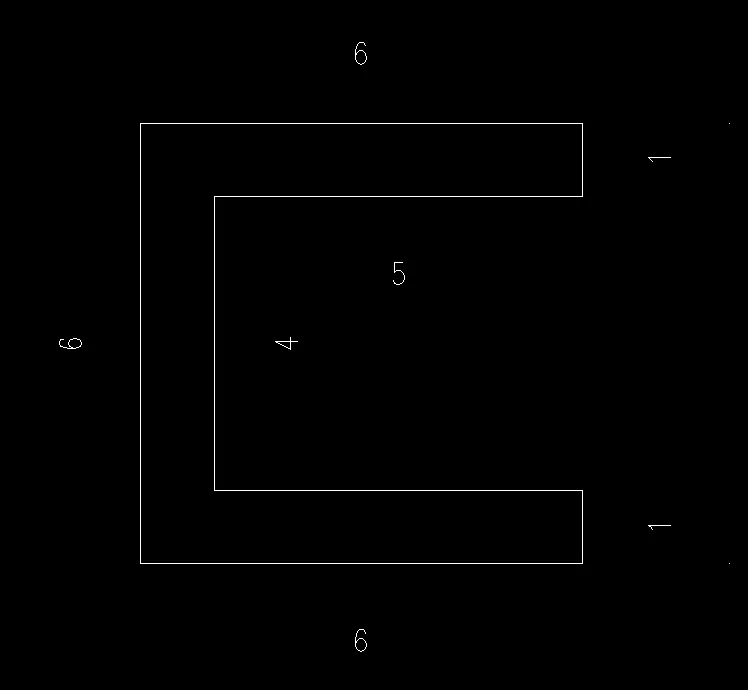
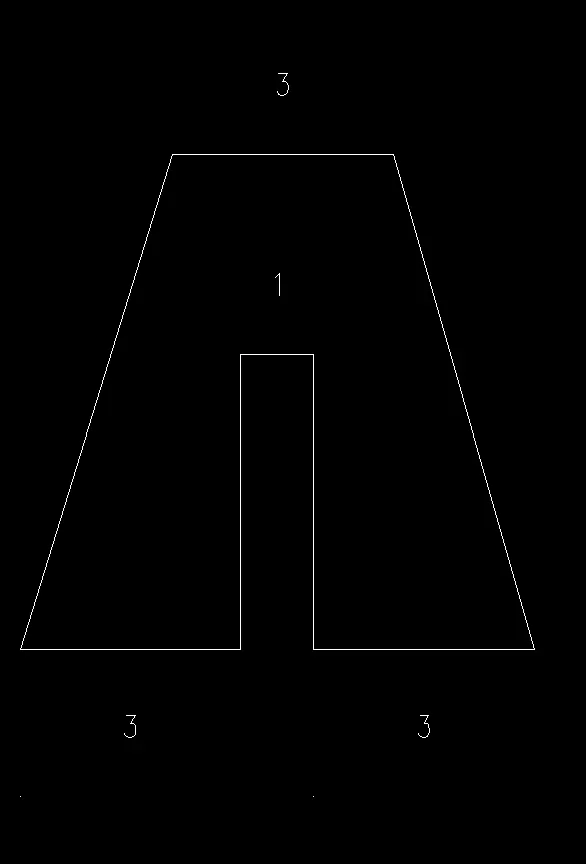
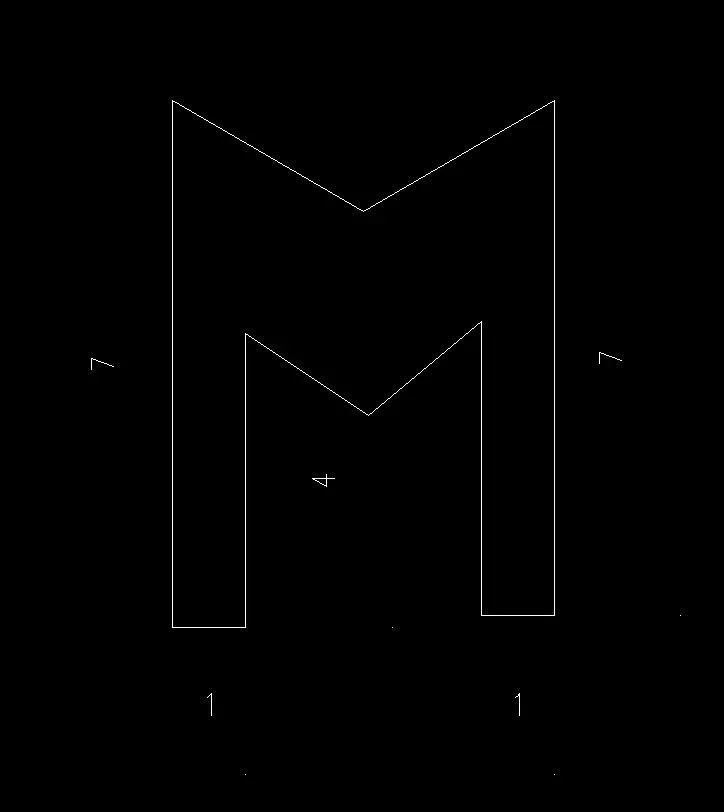
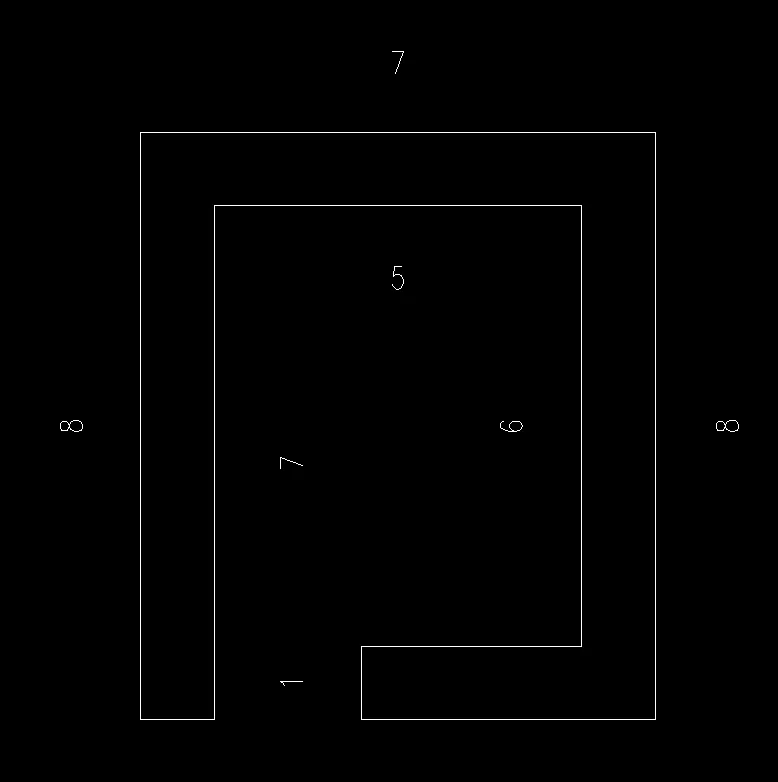
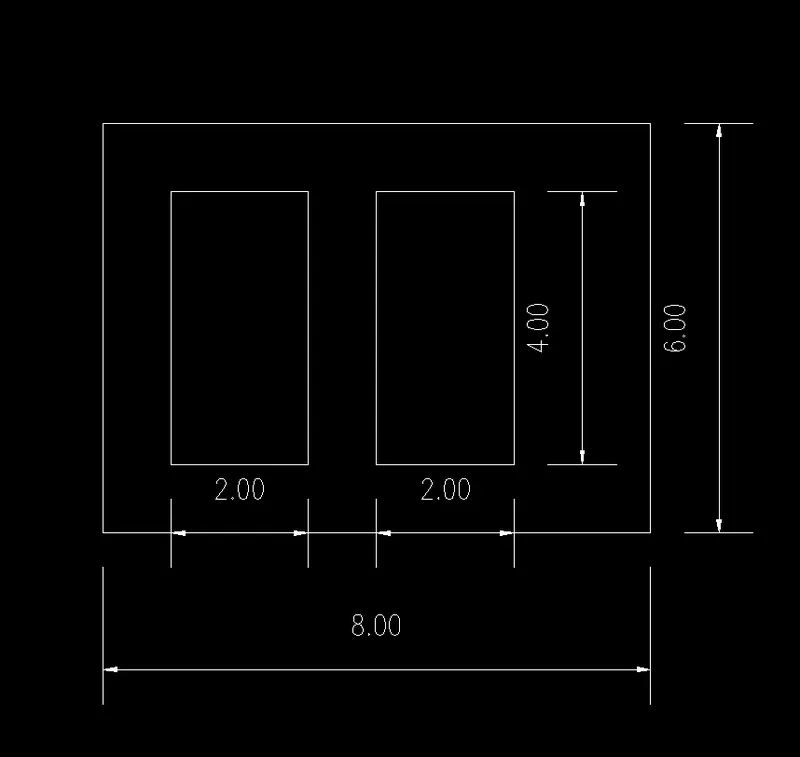
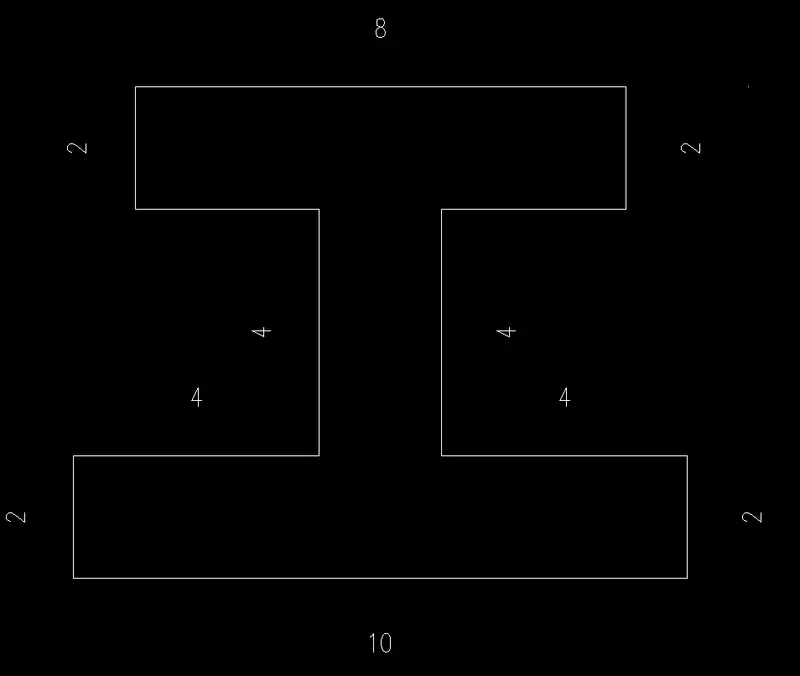
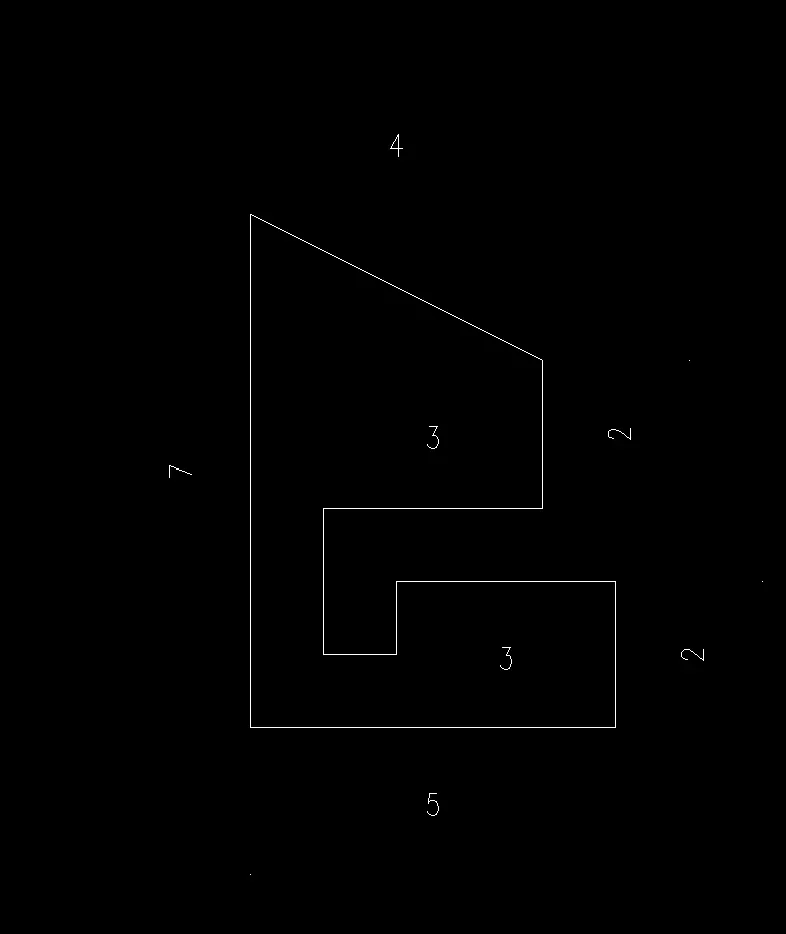
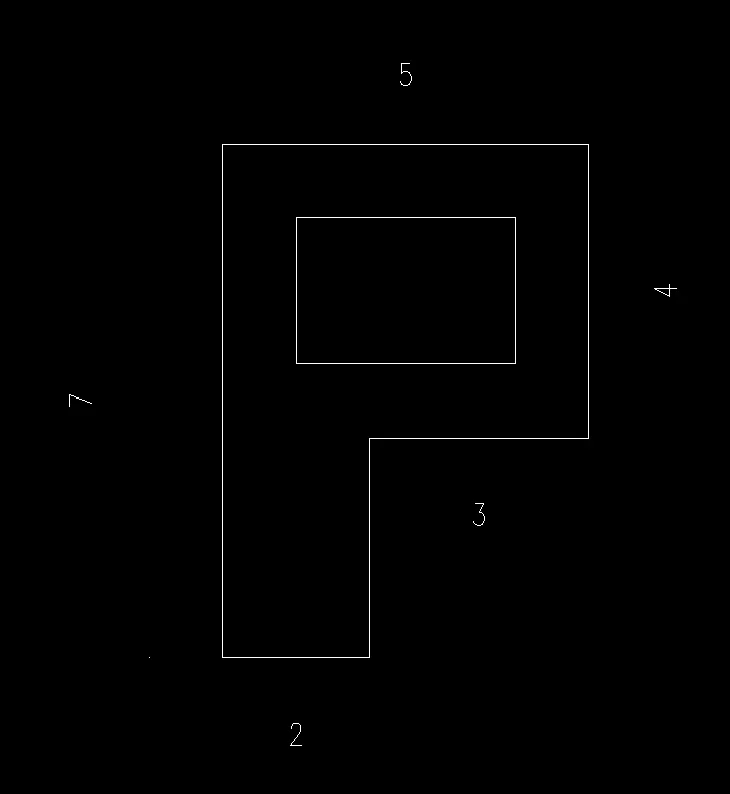
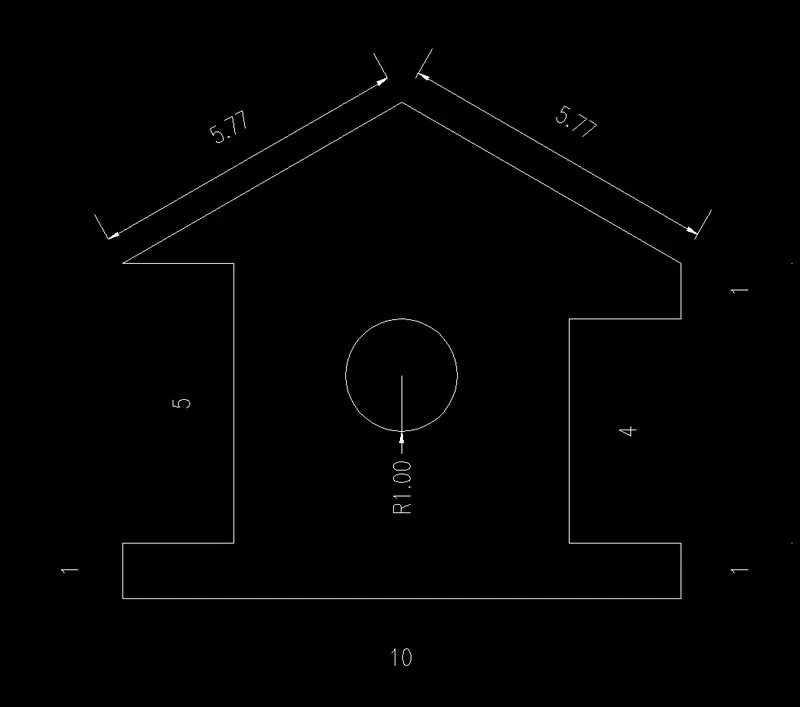
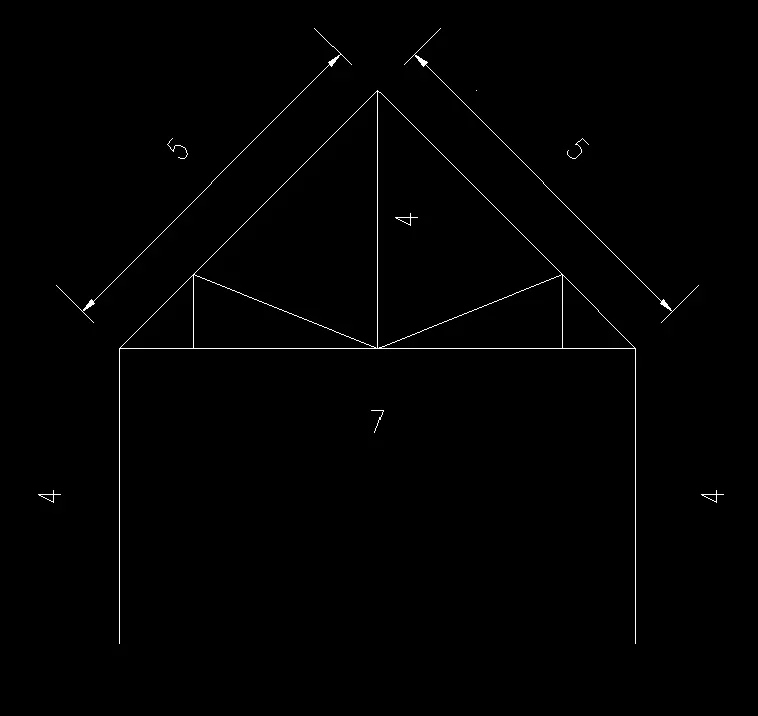
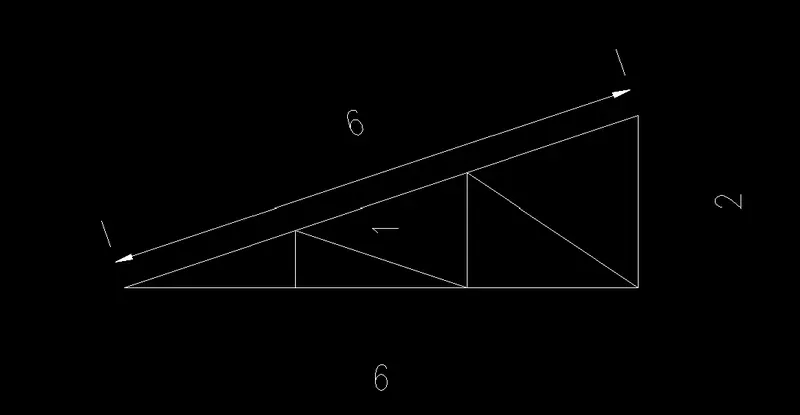
AIM: The aim of this challenge is to create geometries by the coordinate system method using auto cad.
Introduction :
Absolute Coordinates
Absolute coordinates are based on the UCS origin (0,0), which is the intersection of the X and Y axes. Use absolute coordinates when you know the precise X and Y values of the point.
With dynamic input, you specify absolute coordinates with the # prefix. If you enter coordinates on the command line instead of in the tooltip, the # prefix is not used. For example, entering #3,4 specifies a point 3 units along the X axis and 4 units along the Y axis from the UCS origin.
Relative Coordinates
Relative coordinates are based on the last point entered. Use relative coordinates when you know the location of a point in relation to the previous point.
To specify relative coordinates, precede the coordinate values with an @ sign. For example, entering @3,4 specifies a point 3 units along the X axis and 4 units along the Y axis from the last point specified.