Creating various 3D Models like Furniture, Footing, Girder, Column drop with panel and Gable Wall in AutoCad
Ans 1:
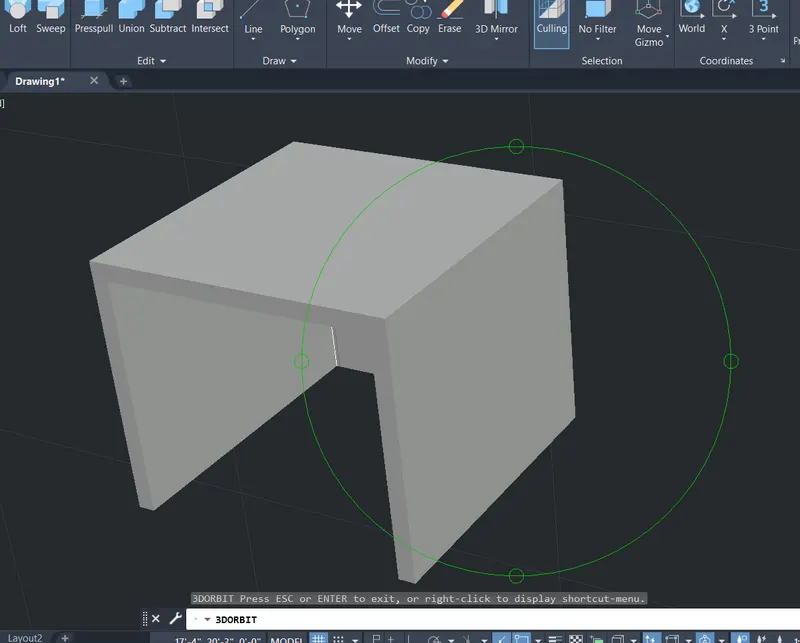
AIM: Create a 3D Furniture element as shown in the Figure. Assume dimensions which are missing.
PROCEDURE
- Type ,, REC’ to create a rectangle with a dimension of 2’6” x 3’0”.
- Offset the rectangle of required dimension
- Create a region of two different dimension.
- Extrude the rectangle and substract the rectangles to create the object.
- To save the diagram to particular file.
RESULT:
Ans 2:
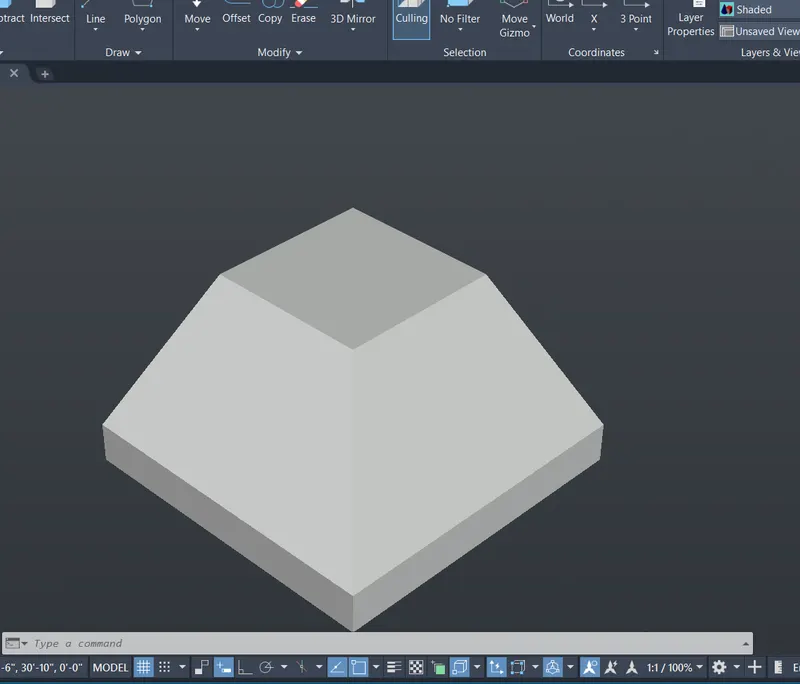
AIM: Create the 3d Model of an Isolated footing as shown in Figure.
PROCEDURE
- Assume the bottom dimension of the footing as 4'x4'
- Create a region.
- Extrude it at a height of 6".
- Now select the pyramid command select edges and give top radius as 1'.
- provide the height od 2'.
- Type ,, 3D ORBIT’ to view a 3D orbit viewport in the current viewport
RESULT:
Ans 3:
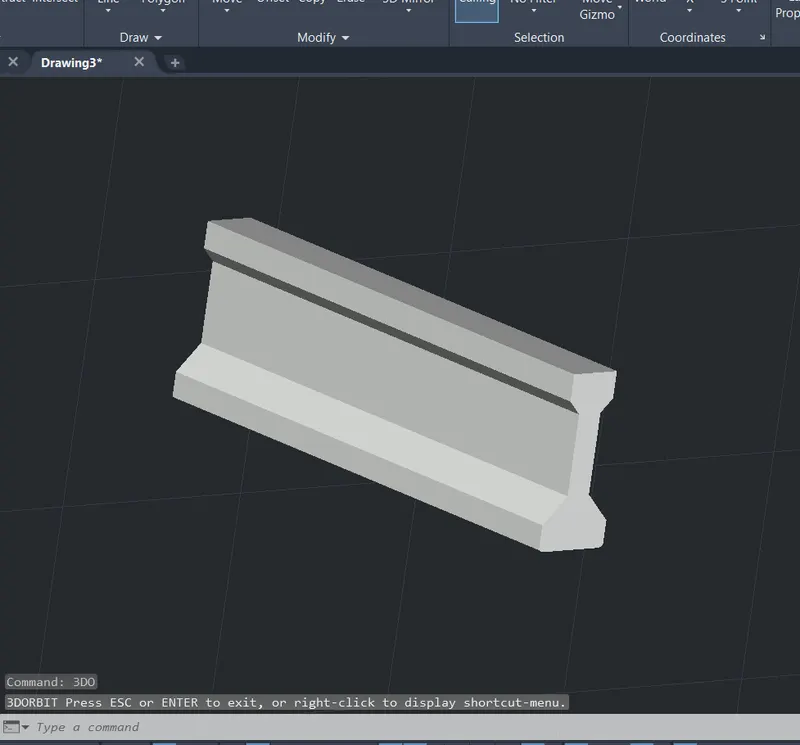
AIM: Create the 3D view of the AASTHO Type Girder.
PROCEDURE
- Draw the line of the girder as a top view.
- Type REGION to converts objects that encloses an area into a 2D region objects.
- Type EXTRUDE to create a surface or solid.
- The extruded length of the section Girder is 10 feet.
- Then, we have to change the view to shaded.
RESULT:
Ans 4:
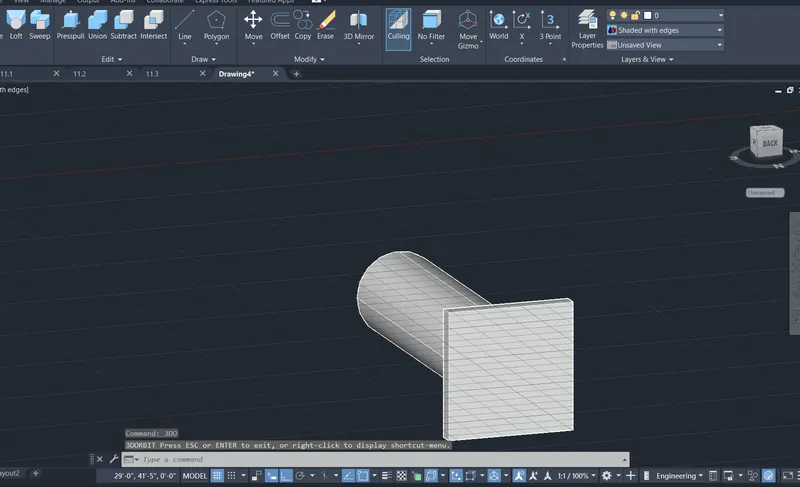
AIM: Create a 3d Model of a drop column with panel as shown in section and isometric view
PROCEDURE
- Type REC to create a rectangle with a given dimensions.
- To choose the Top view of page.
- The rectangular size is 4’6”.
- Create a region and extrude it.
- Now use a pyramid command and make a pyramid of top radius of 1'6" at a height of 1'.
- Create a Circle of 1'6" radius and create a region and extrude it at a 10'.
- Type ,, 3D ORBIT’ to view a 3D orbit viewport in the current viewport
RESULT:
Ans 5:
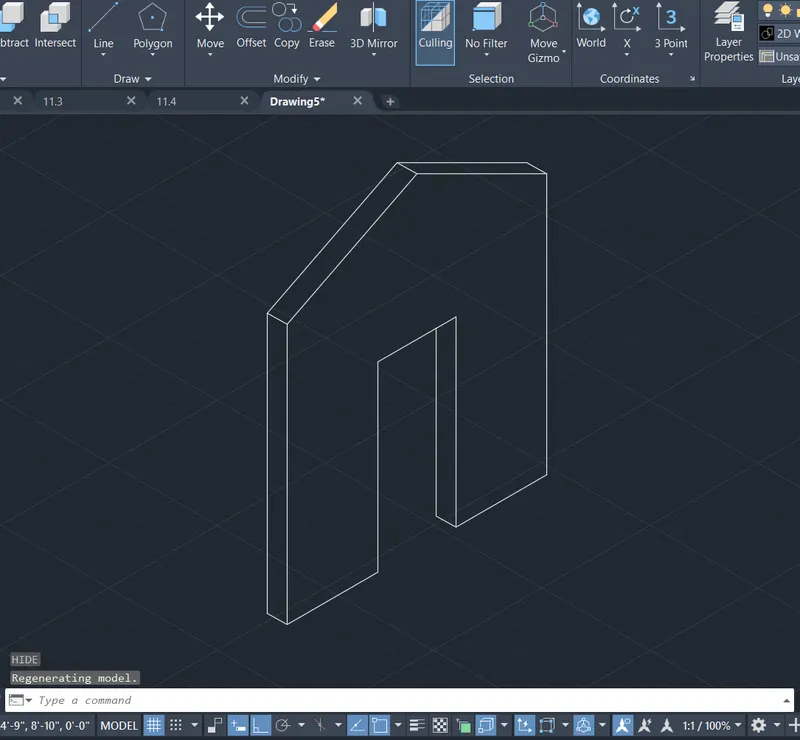
AIM: Create the 3d model of a wall as shown in Figure. Consider wall thickness as 9”.
PROCEDURE
- Create a rectagle of 10'x12'6".
- Offset the door.
- Take a 3' height from the door and offset it.
- Join the Lines to make the given shape.
- Type REGION’ to converts objects that encloses an area
- Type EXTRUDE at a 9" and create an object to create a solid
- Type3D ORBIT’ to view a 3D orbit viewport in the current viewport
RESULT: