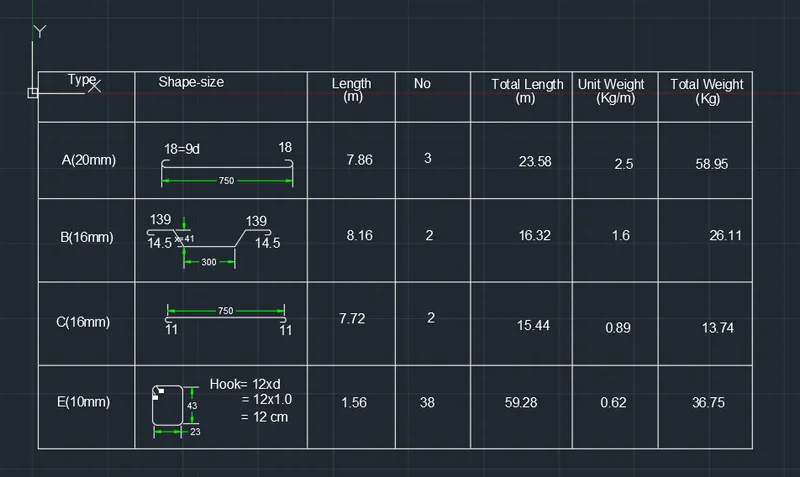
Creating Bar Bending schedule, Different Door types, and Creation of standard drawing templates using AutoCad
Introduction
AutoCAD is a computer-aided design software developed by the company Autodesk (hence the name AutoCAD). It allows you to draw and edit digital 2D and 3D designs more quickly and easily than you could by hand. The files can also be easily saved and stored in the cloud, so they be accessed anywhere at any time.
Procedure
PROCEDURE:
Starting AutoCAD software:
- Go to START MENU, click on START DRAWING
- In the command line type in: STARTUP [ENTER]
- Enter new value of startup: 1
- Go to Application menu and select new
- In the ‘create new drawing’ dialogue box, we select the ‘imperial’ system in the ‘start from scratch’ option.
- Next, we select the ‘Decimal’ unit system from the ‘Advanced Setup’ option.
(Note: The above procedure is followed each time a new drawing is to be create
Drawing 1
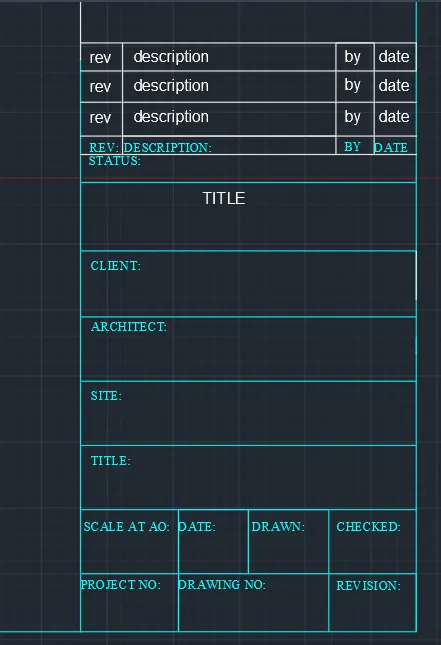
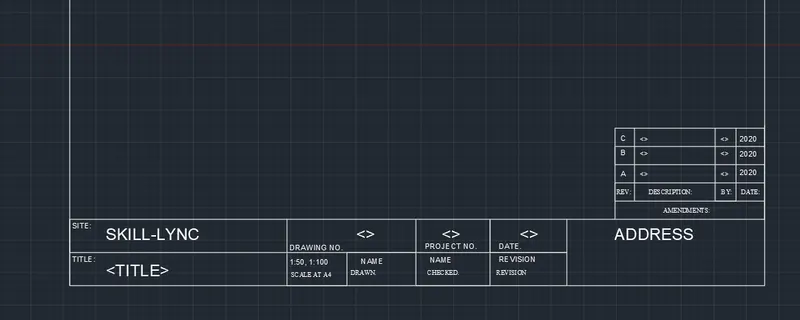
Drawing 2
Door 1
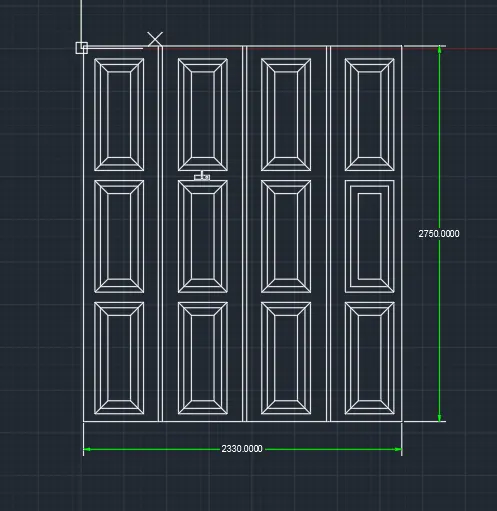
Door 2
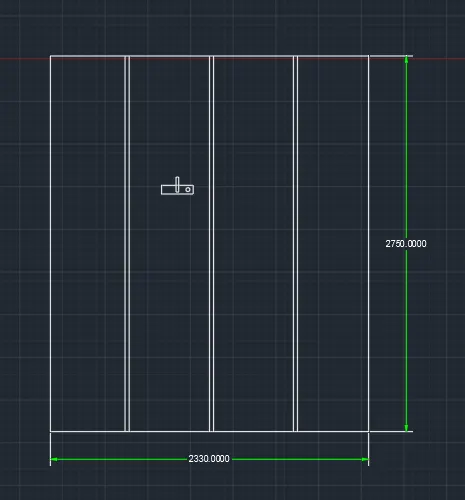
Drawing 3
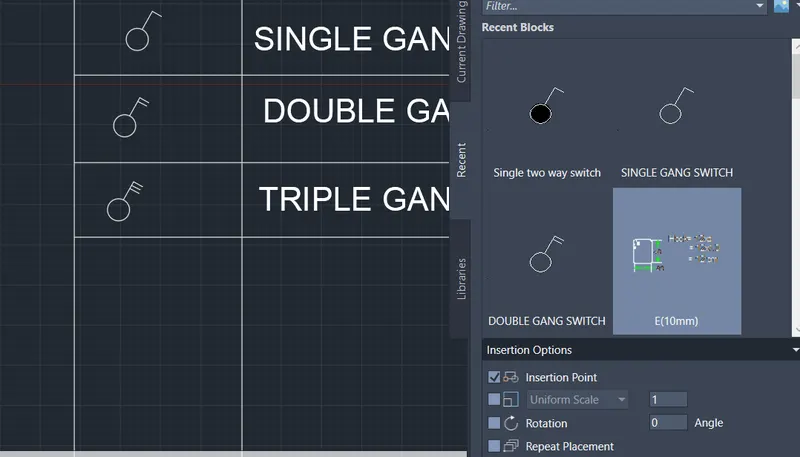
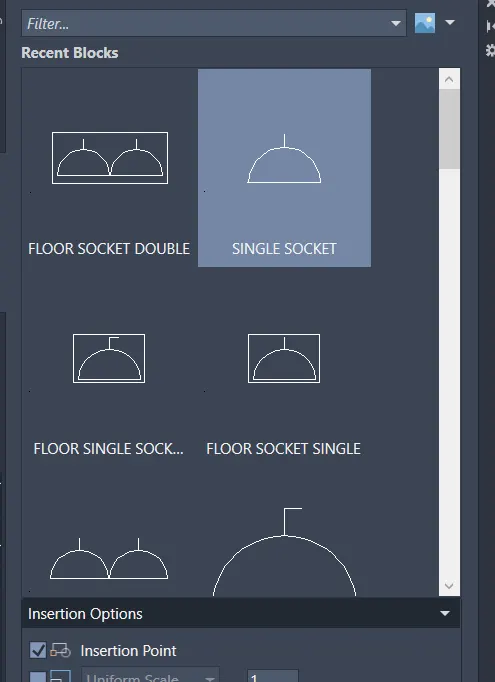
Result
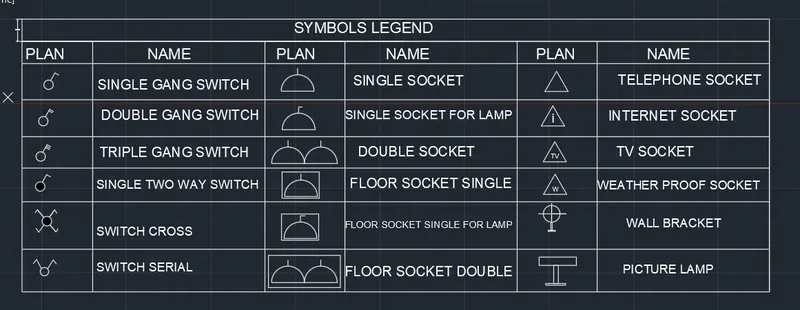
Drawing 4
Insert and block option
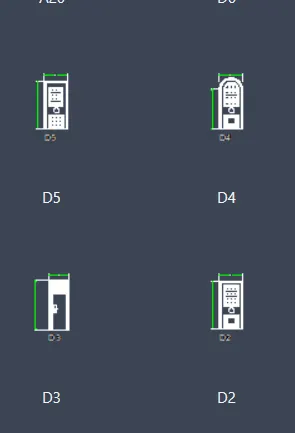
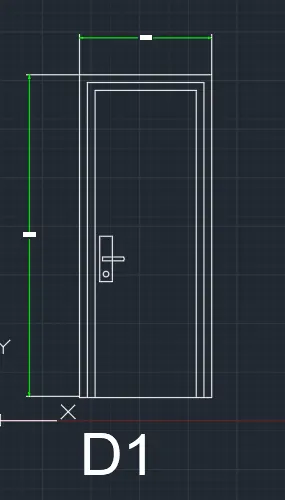
D1
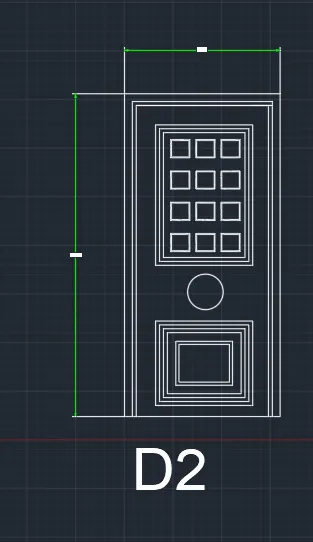
D2
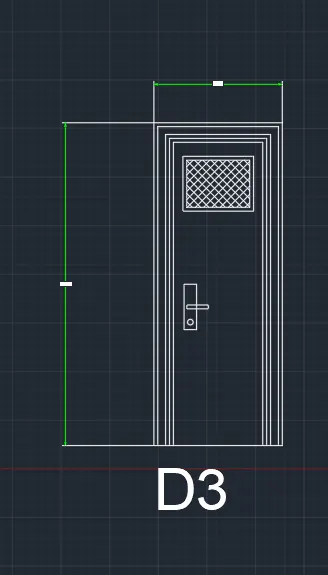
D3
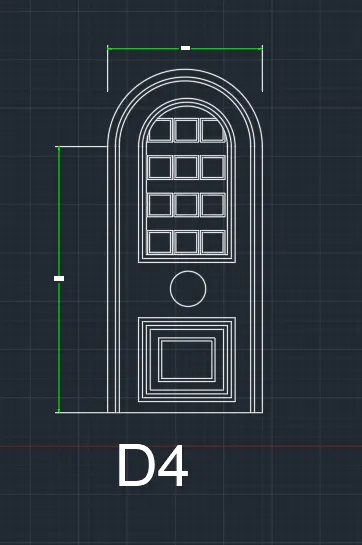
D4
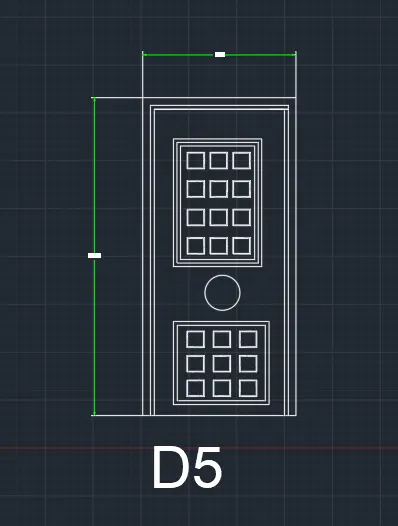
D5
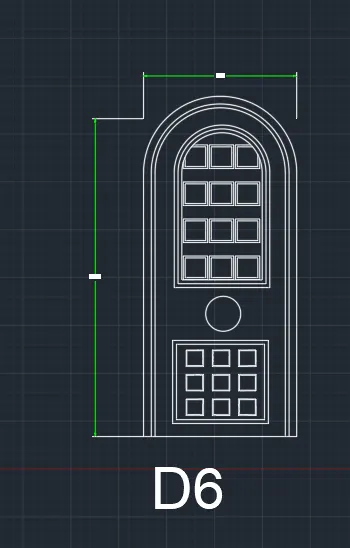
D6
Drawing 5