Creating Bar Bending schedule, Different Door types, and Creation of standard drawing templates using AutoCad
1.
AIM:
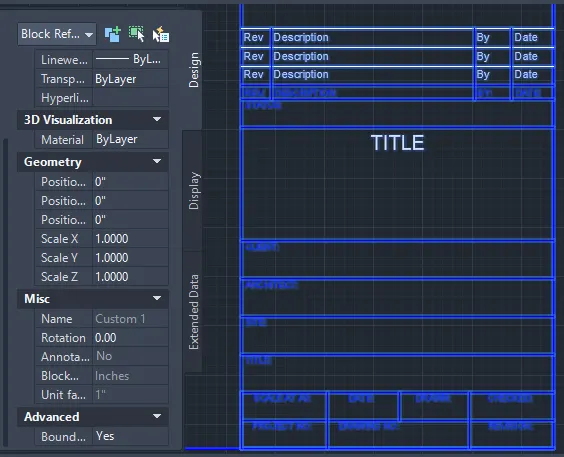
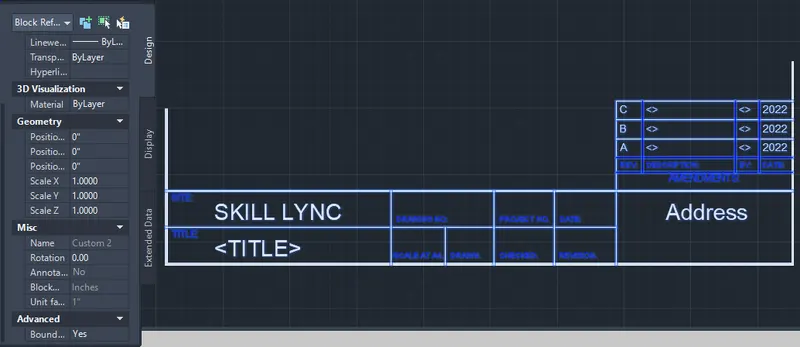
To Create Custom1_titleblock and Custom2_titleblock using Attributes and block command from Autocad software .
PROCEDURE:
Step 1 ( custom1_tittleblock)
- In the command prompt type L to draw the lines
- In ribbon tab > Annotate > Mtline ( to draft the text )
- go to properties tab to change the colour
- In the riibon bar >block > create block and name it Custom1_titleblock.Therefore the block is created
custom1_tittlebox result:
STEP 2 (custom2_tittleblock)
- In the command prompt type L to draw the lines
- In ribbon tab > Annotate > Mtline ( to draft the text )
- go to properties tab to change the colour
- In the riibon bar >block > create block and name it Custom2_titleblock.Therefore the block is created .
custom2_tittlebox result:
2.
AIM:
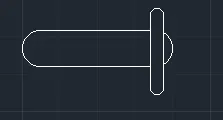
To create the doors type for warehouse and to also create the block of this door type after creating them using AutoCAD
PROCEDURE:
step 1:
- In the command prompt type the units > mm
- In the command prompt type the limax > 100,100
- In the command prompt type the limits >0,0
step 2 :
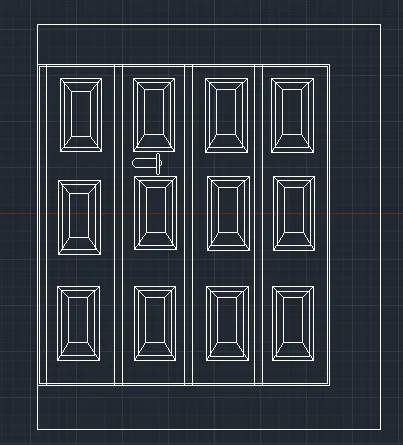
- In the command prompt type l to draft the lines
- In the command promt type rec to draft the boxes or rectangle
- In the command prompt type fillet to get the curve edges
- In the ribbon bar > dimensions ( to give the dimensions of the door )
- In the ribbon bar > annotation > text ( to give the text for the door )
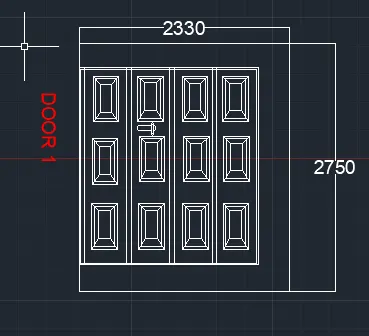
- In the ribbon bar >block >create block ( to create the door block )
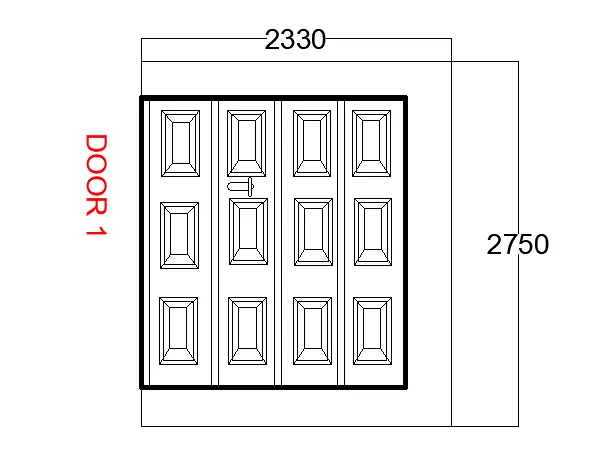
DOOR1_WAREHOUSE RESULT:
step 3 :
- In the command prompt type l to draft the lines
- In the command promt type rec to draft the boxes or rectangle
- In the command prompt type fillet to get the curve edges
- In the ribbon bar > dimensions ( to give the dimensions of the door )
- In the ribbon bar > annotation > text ( to give the text for the door
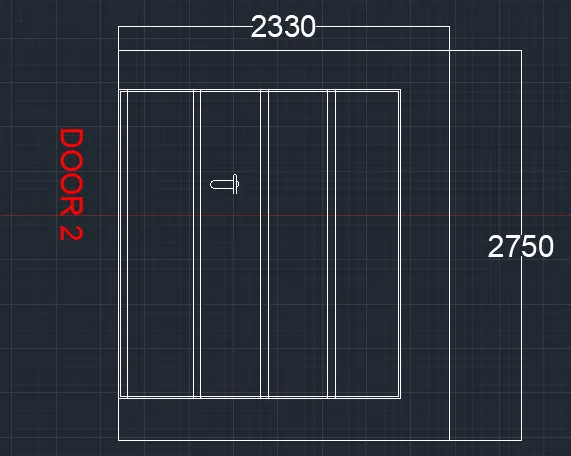
- In the ribbon bar >block >create block ( to create the door block )
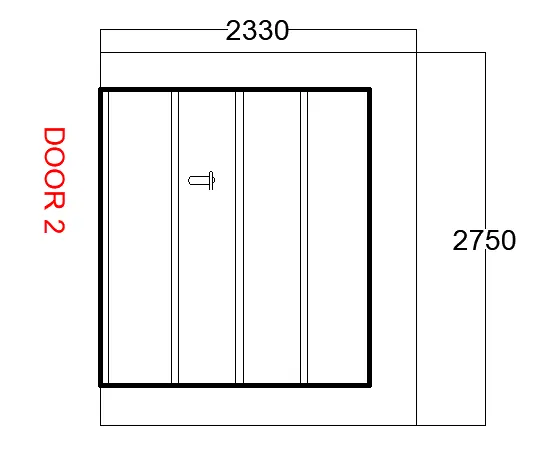
DOOR2_WAREHOUSE BLOCK RESULT:
3.
AIM:
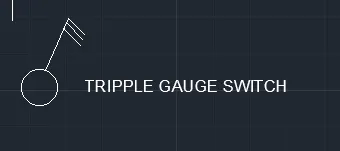
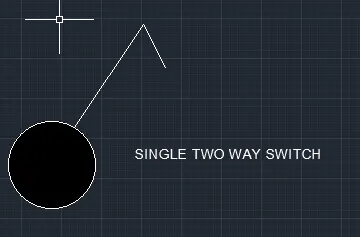
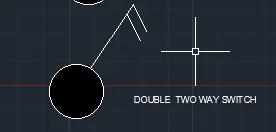
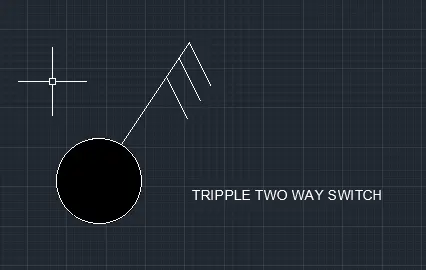
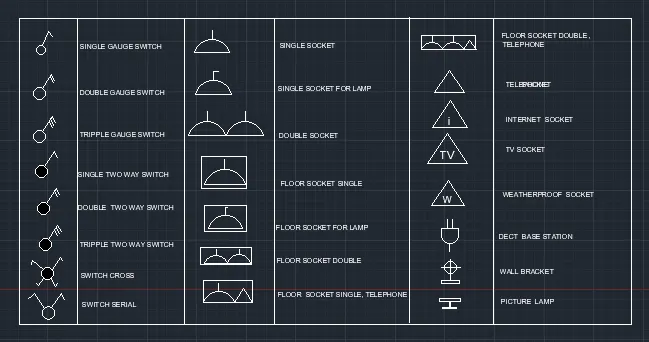
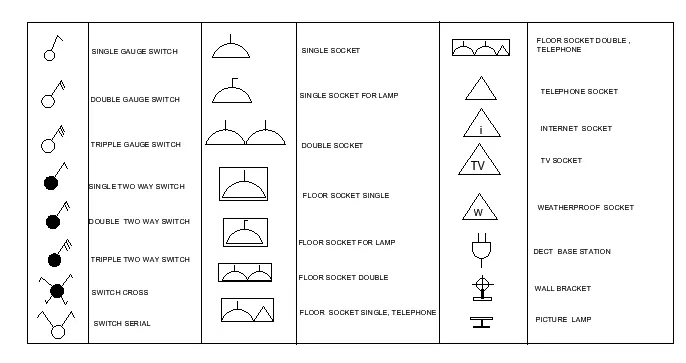
To create each symbol as a block with the name and then arrange them in the legend
PROCUDER:
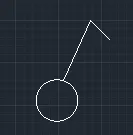
- In the command prompt type C to get the circle
- In the command prompt type L to get the lines
- In the ribbon bar > annotation> Multiline text
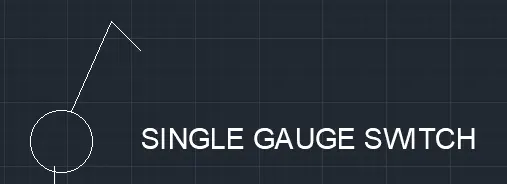
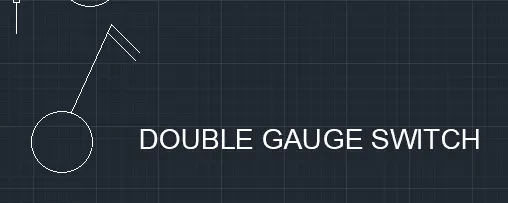
- In the ribbon bar >block >block edit
- same commands and procedure are followed for all the symbols
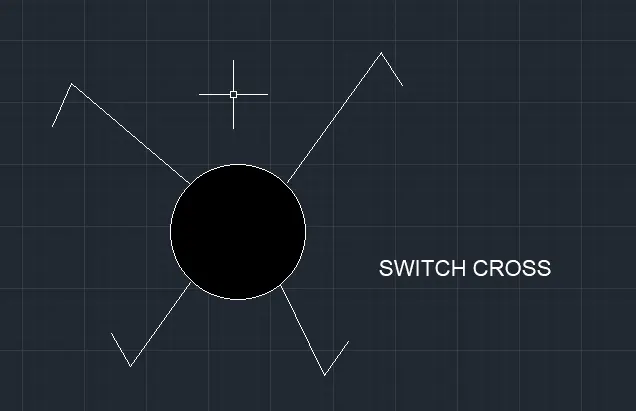
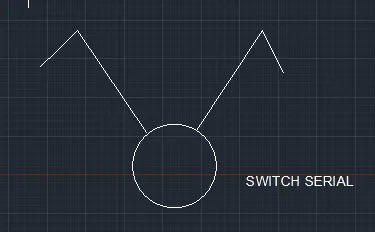
- In the command prompt type l to draw the lines
- In the command prompt type arc to draw the arc
- In the command prompt type Mtext
- In the ribbon bar > block>create block
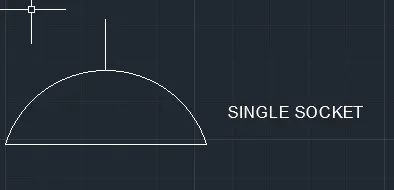
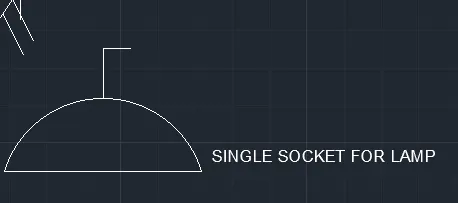
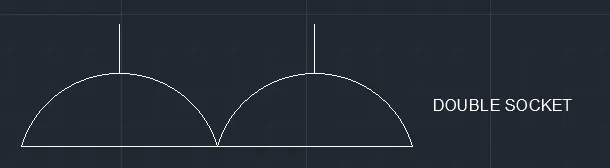
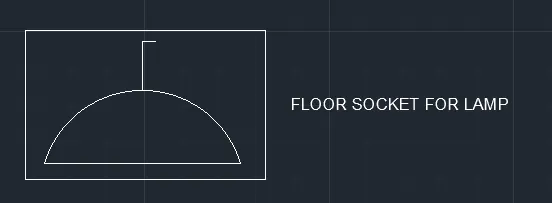
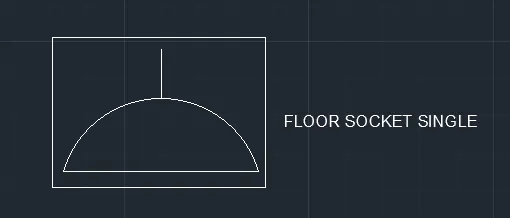
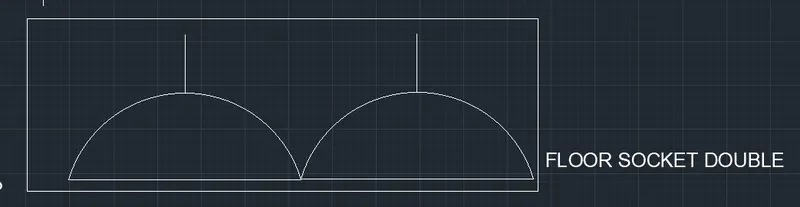
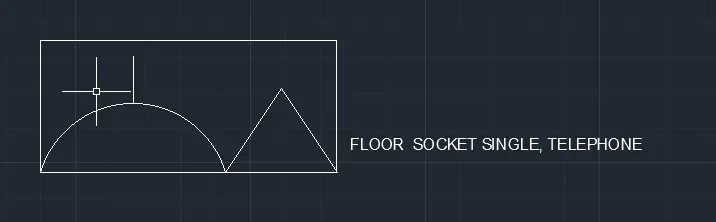
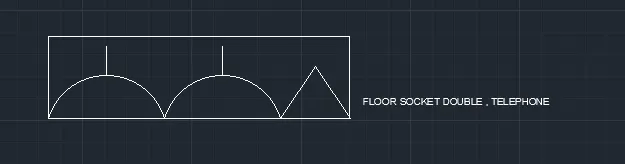
- In the command prompt type l to draw the lines
- In the command prompt type Mtext
- In the ribbon bar > block>create block
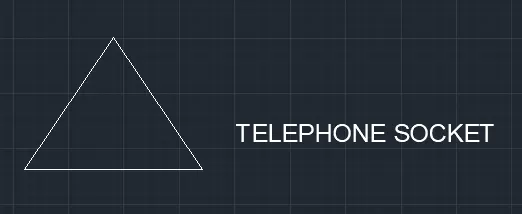
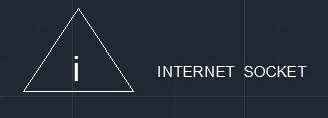
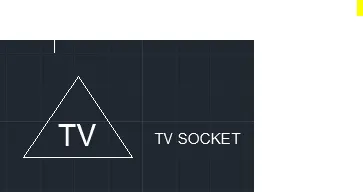
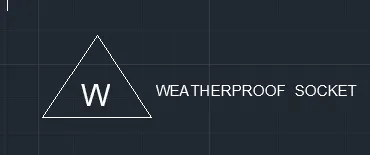
- In the command prompt type l to draw the lines
- In the command prompt type fillet to get the curves
- In the command prompt type Mtext
- In the ribbon bar > block>create block
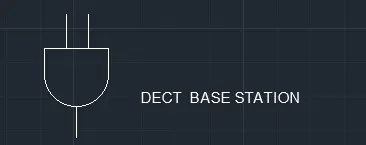
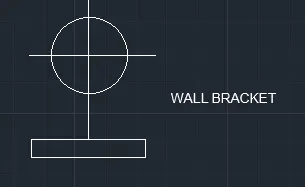
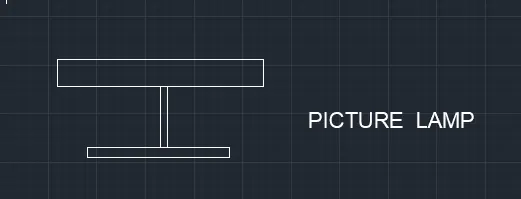
- In the coomant prompt type I to insert the blocks
FINAL RESULT :
4.
AIM:
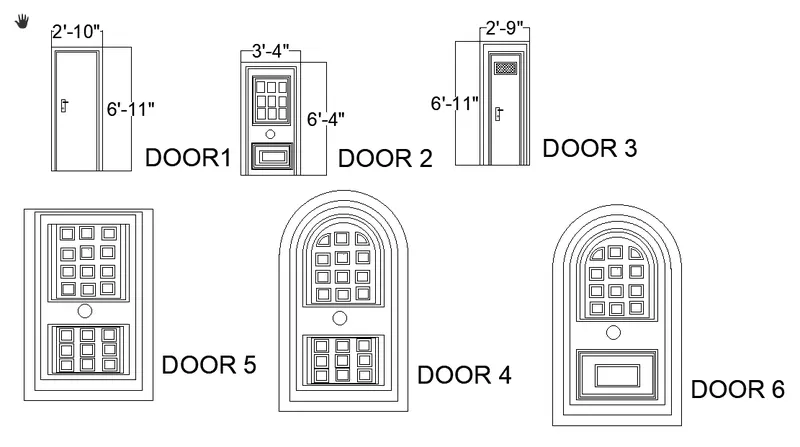
To Create the door type for residential building as a block .
PROCEDURE:
step 1:
- In the command prompt type units > engineering >inches
- In the command prompt type limits>0,0 , limax >100,100
- In the command prompt type zoom > a
step 2:
- In the command prompt type l to draw the lines
- In the command prompt type B to create a block
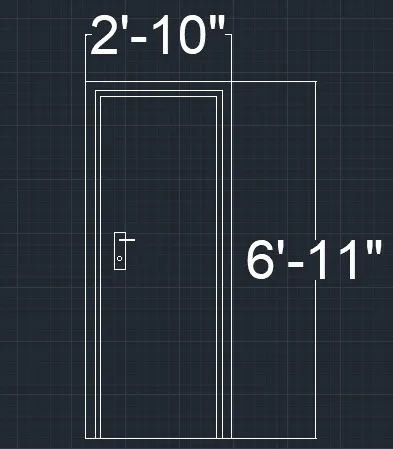
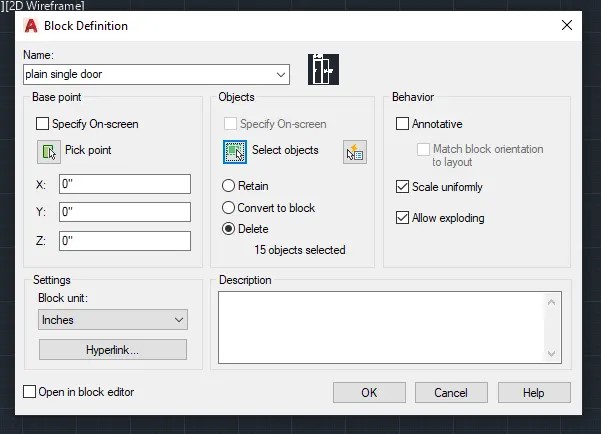
- In the command prompt type ATT >name of the block is save as type ( PLAIN SINGLE DOOR )
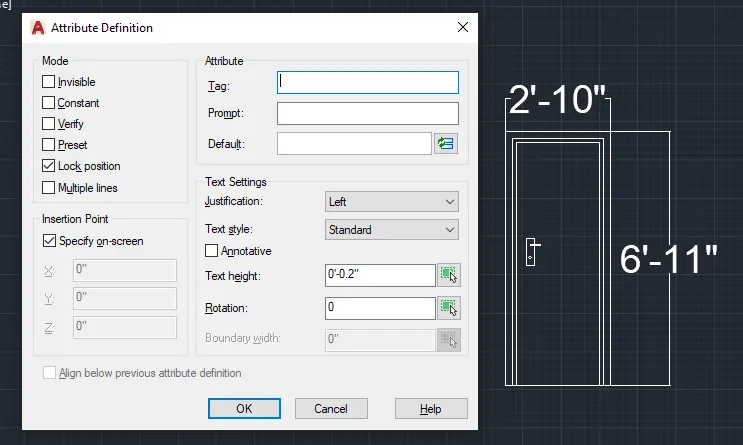
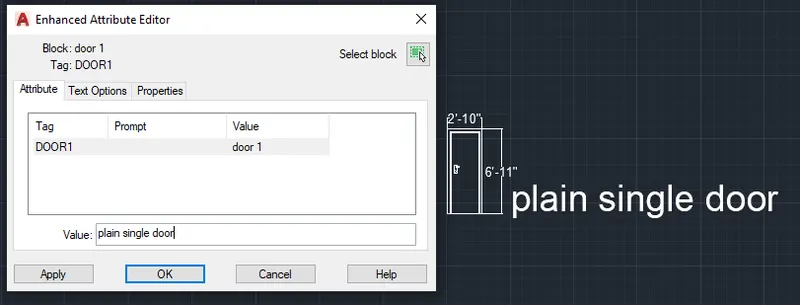
- The same command and procedures are used for the rest of the doors
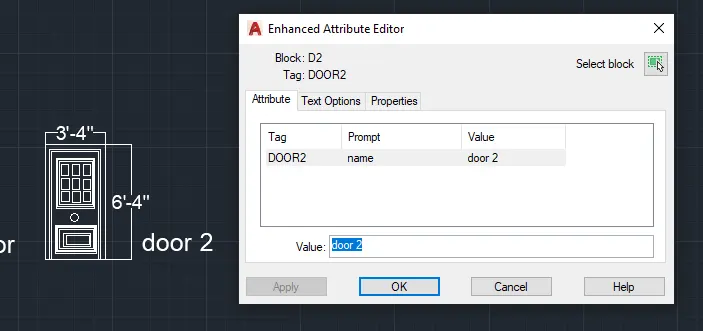
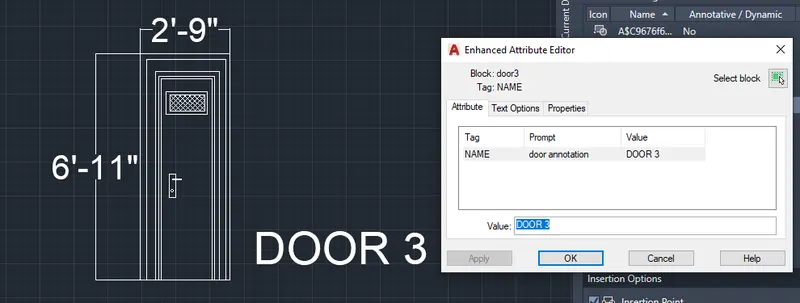
- In the command prompt type arc to draw the arc
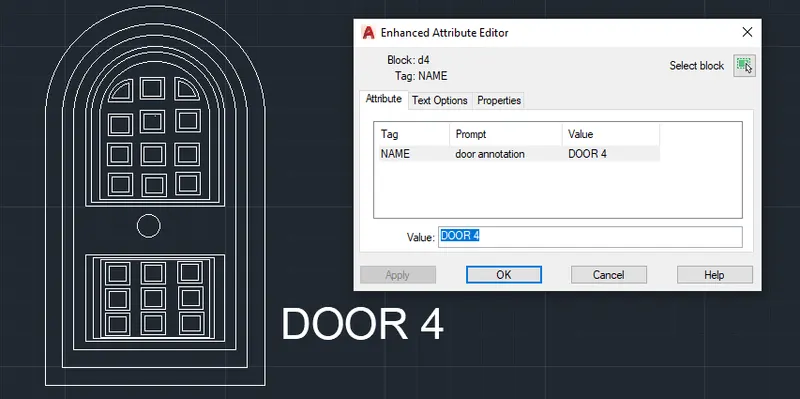
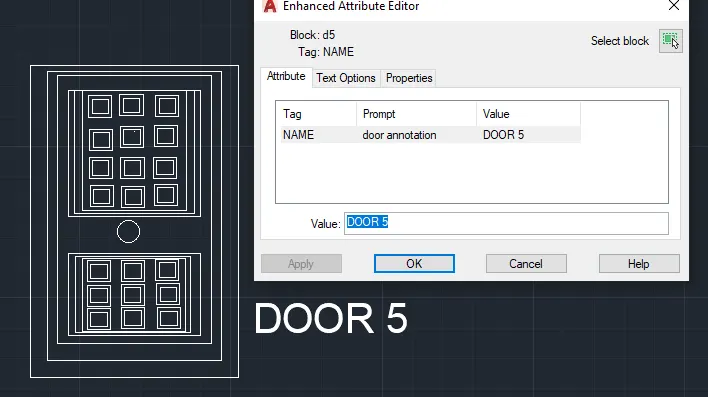
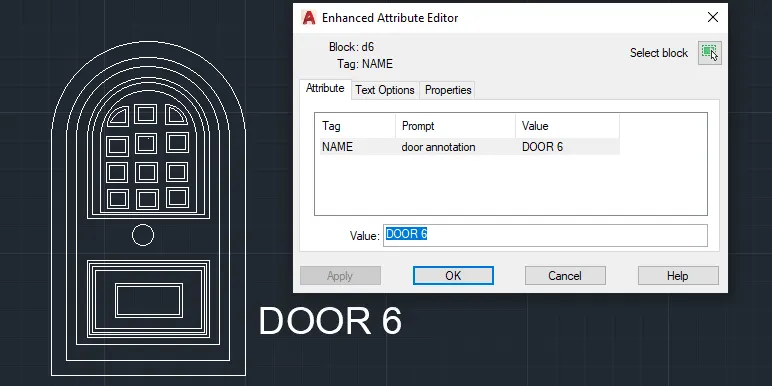
FINAL RESULT:
5.
AIM:
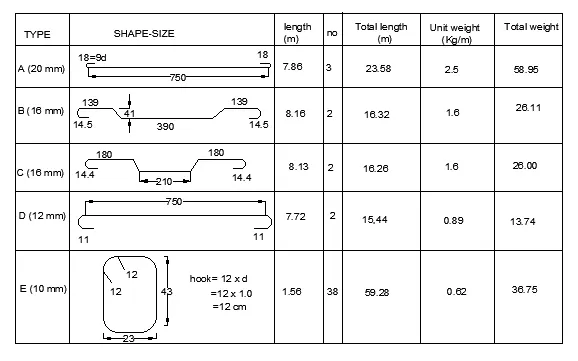
To Create each shape as ablock and insert them on the table as given in the picture
PROCEDURE:
step 1:
- In the command prompt type Unit>decimal>meters
- In the command prompt type limits>0,0
- In the command prompt type limax >100,100
step 2:
- In the command prompt type l to draw the desired lines
- In the command prompt type pl to draw the desired arc,poly lines
- In the command prompt type mt to give annotation and text
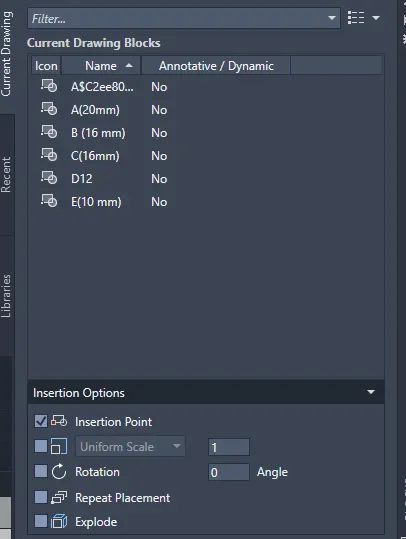
- In the command promt type B to create the block
- In the command promt type I to insert the created in the block
- In the command prompt type table to inset the table
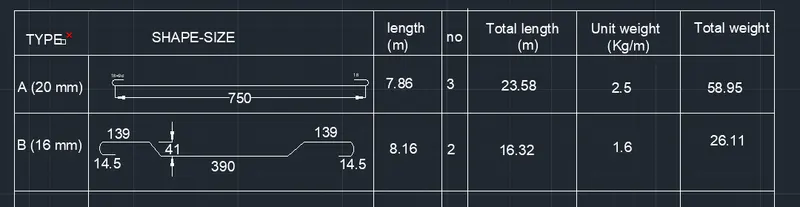
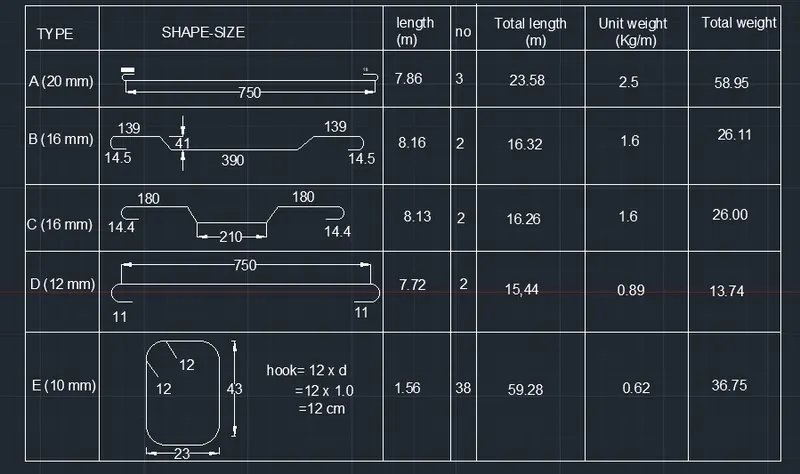
FINAL RESULT: