Creating Architectural and Structural model with 3D rendering using REVIT
1) Select the type of structure you want to build from one of the three below:
a. Multi-Unit Residential Apartment
b. Office Buildings
c. School
multi unit residential apartment from autocad project 2
2) Assume reasonable assumptions for geographic and location details for your project modeling. Based on assumptions and type of structure selected identify the modeling requirements from NBC
AIM- TO SELECT THE RERASONABLE LOCATION
PROCEDURE-
OPEN REVIT
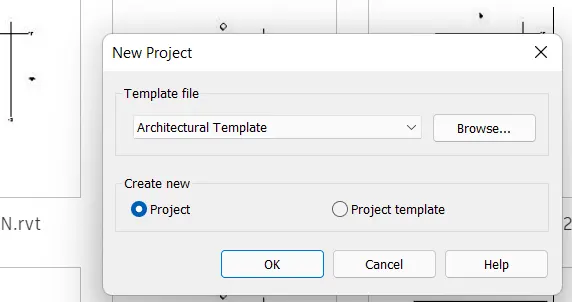
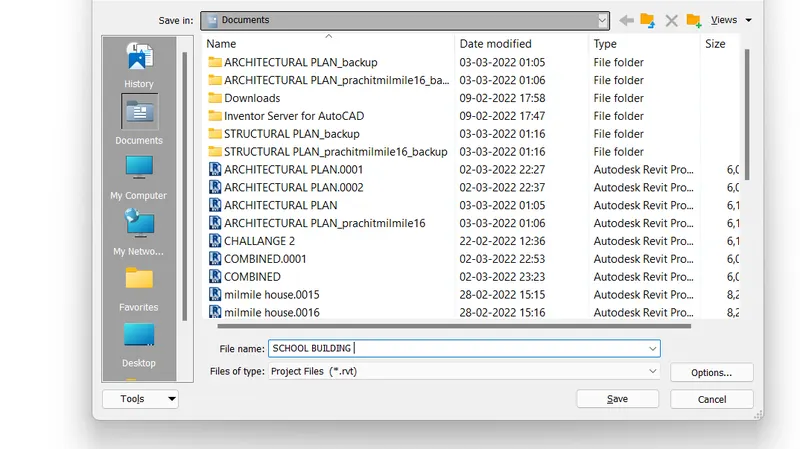
CLICK ON NEW PROJECT SELECT THE TEMPLATE
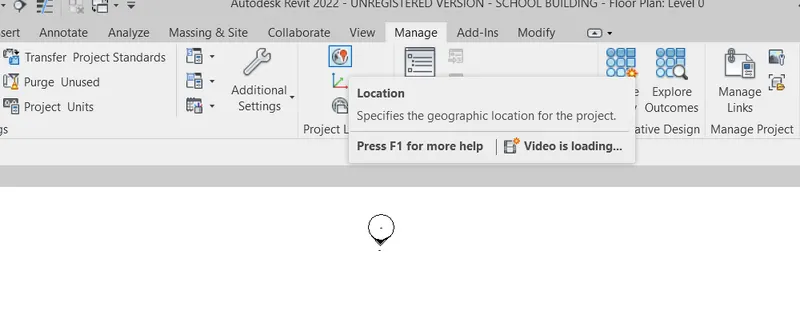
GO TO MANAGE AND SELECT THE LOACTION
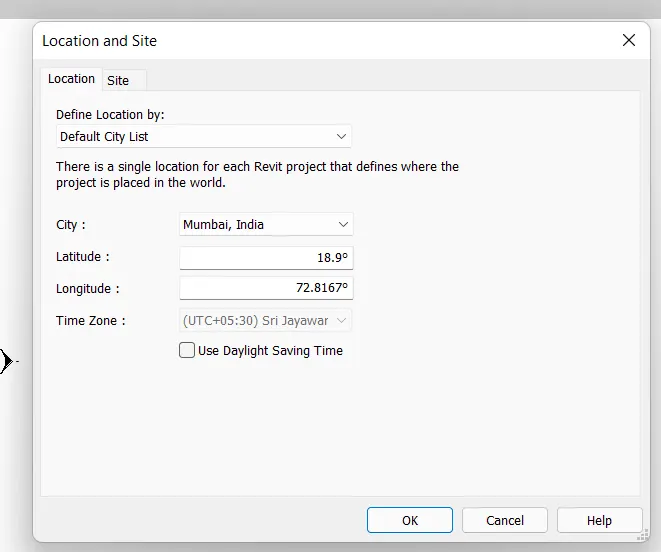
SELECT THE CITY OR ELSE PUT TUHE COORDINATES
3) Using the structural model, include the following components based on the type of structure selected
a. Foundation – Isolated / Wall/Matt Foundation
b. Columns
c. Beams Connected to Columns
d. Roof Framing/ Truss
e. Floor / Decks
f. Floor Openings for Elevators and Stairs
AIM- Using the structural model, include the following components based on the type of structure selected
PROCEDURE-
OPEN REVIT
CLICK ON ARHITECTURAL TEMEPLATE SAVE THE PROJECT
CLICK ON ARCHITRECTURAL TAB GO TO DATUM OPTION
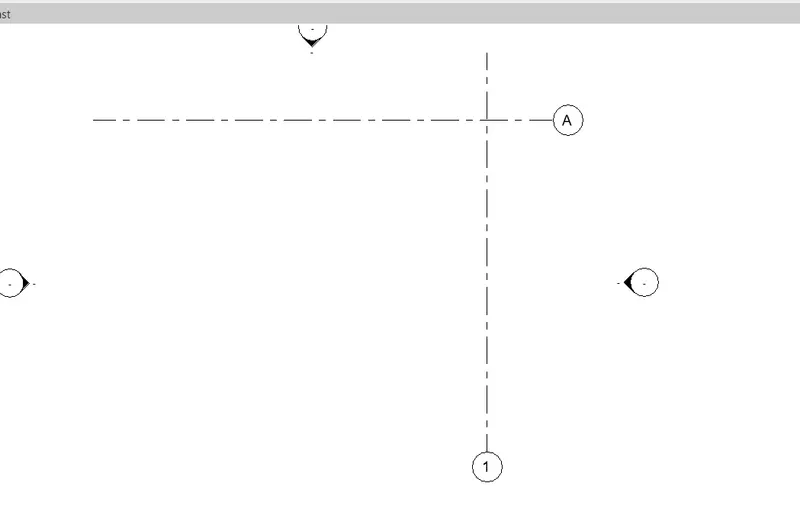
TAKE A GRID LINE CLICK ON DRAW COMMANED AND DRAW THE REQUIRED LAYOUT
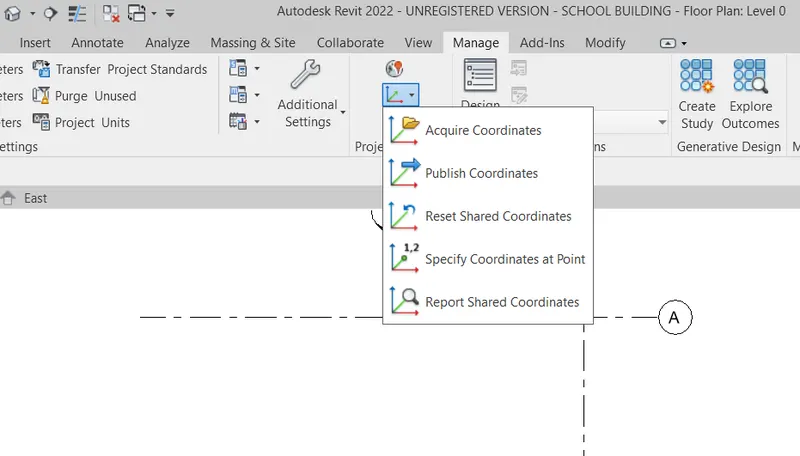
GO TO MANAGE TAB THEN CLICK ON COORDINATES
TAKER SPECIFY COORDINASTES AT POINT
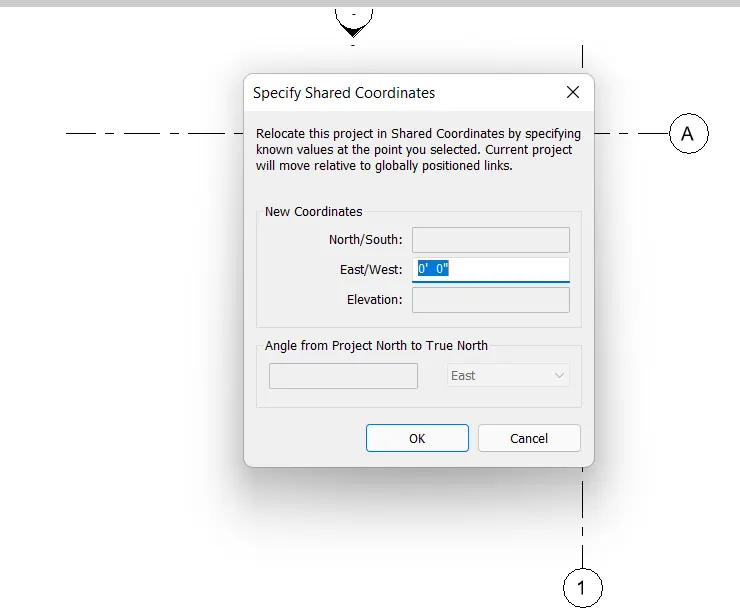
CLICK ON THE VERTICAL GRIDLINE AND SET EAST/WEST AS 00 AS SHOWN IN THE BELOW
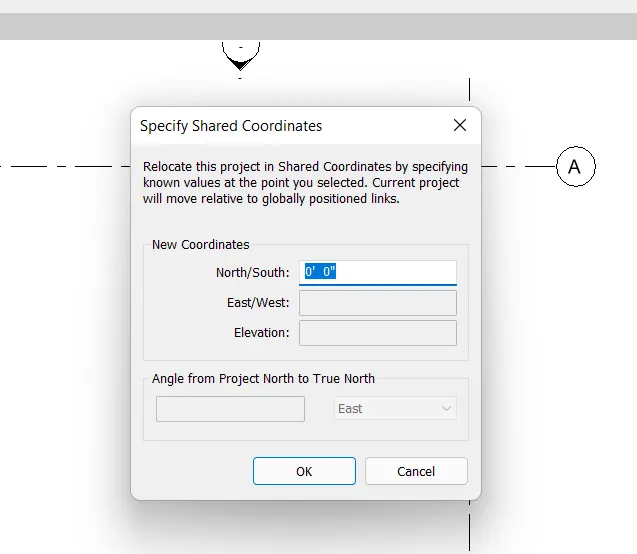
ALSO CLCICK ON THE VERTICAL GRIDLINES AND SET NORTH/SOUTH AS 00 SHOWN IN THE BELOW
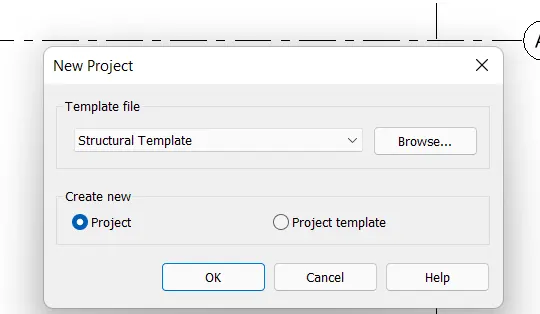
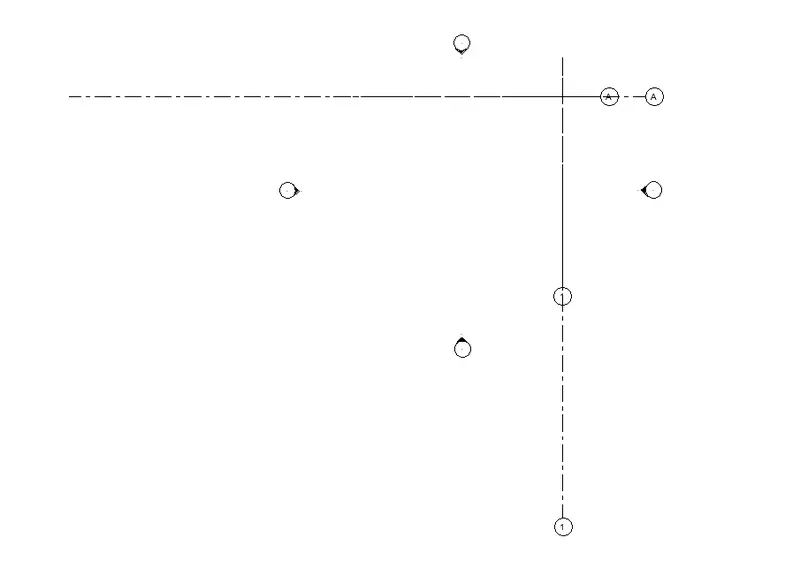
NOW OPEN NEW STRUCTURAL TEMPLATE
SAVE THE PROJECT
GO TO MANAGE TAB THEN CLICK ON COORDINATES
TAKER SPECIFY COORDINASTES AT POINT
CLICK ON THE VERTICAL GRIDLINE AND SET EAST/WEST AS 00 AS SHOWN IN THE BELOW
ALSO CLCICK ON THE VERTICAL GRIDLINES AND SET NORTH/SOUTH AS 00 SHOWN IN THE BELOW
NOW GO TOB MANAGE TAB CLICK ON ,MANGE LINKS
THE CLICK ON ADD AND ADD BOTH ARCHITECTURAL AND STRUCTURAL FILES
AFTER ADDING GO TO MANAGE TAB CLICK ON RELOCATE PROJECT BY CLICKING ON INTERSECTING POINTS
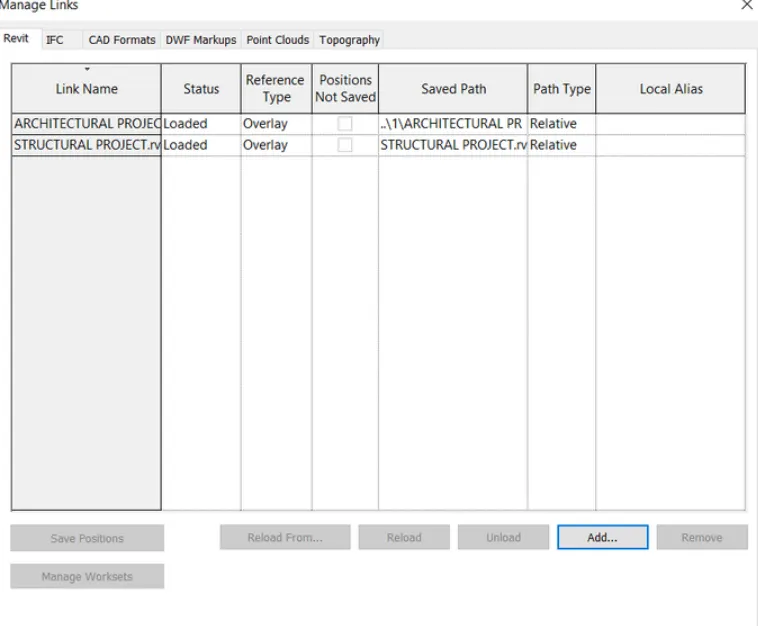
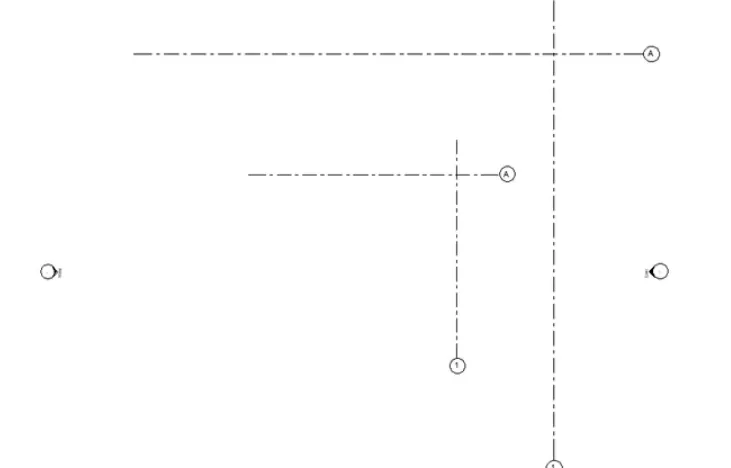
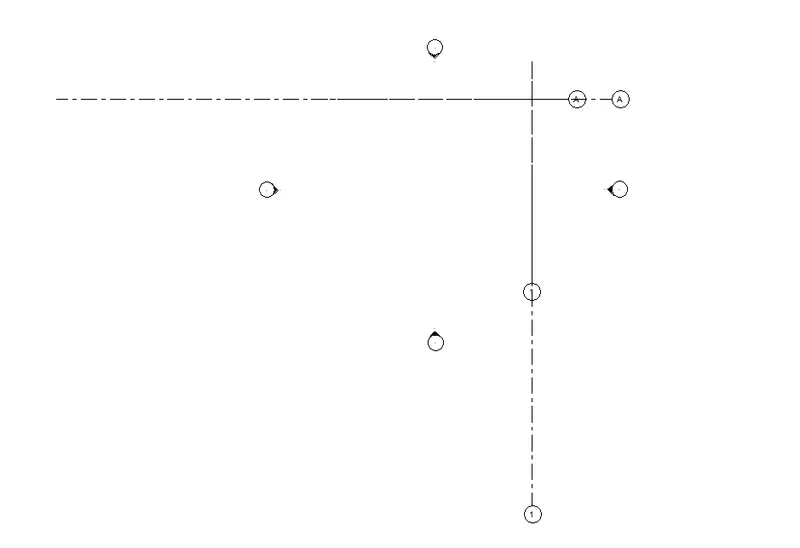
NOW GO TO HOME PAGE AND SELECT ARCHETECTURAL MODEL
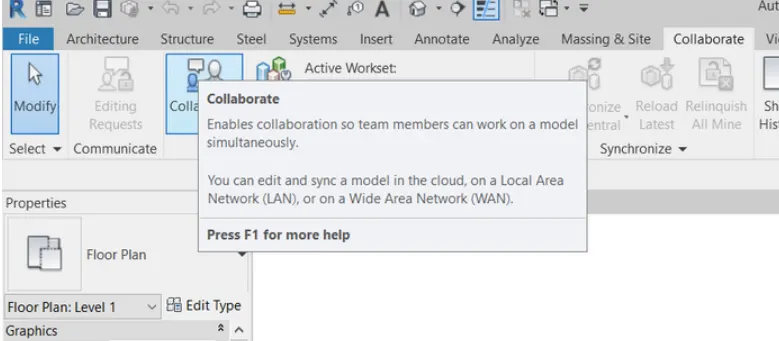
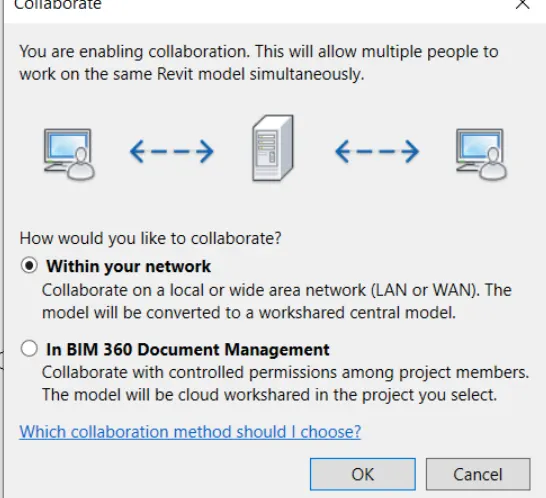
GO TO COLLABORATE TAB CLICK ON COLLBORATE AND SAVE THE FILE
AS IT IS FIRST TIME SAVING AFTER COLLBORATE IT WIOLL BECOME A CENTRAL FILE
NOW GO TO HOME PAGE AND SELECT ARCHETECTURAL MODEL
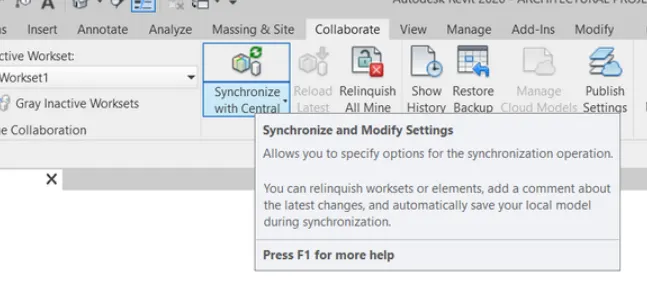
GO TO COLLBORATE TAB AND THEN SYNCHRONIZE WITH CENTRAL
NOW GO TO HOME PAGE AND SELECT STRUCTURAL MODEL
GO TO COLLBORATE TAB AND THEN SYNCHRONIZE WITH CENTRAL
THEN OPEN STRUCTURAL MODEL
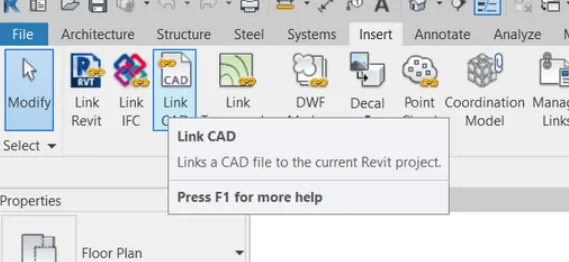
GO TO INSERT AND CLICK ON LINK CAD FILE
GO TO STRUCTURAL TAB
THEN GO TO DATUM OPTION
TAKE GRID LINE AND DRAW THE GRID LINES ON THE PLAM WHERE WALL INTERSECT
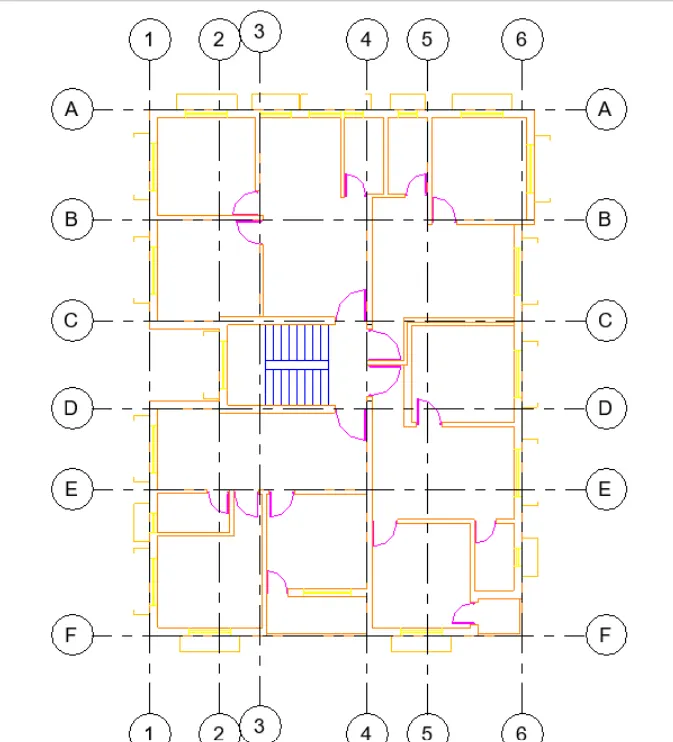
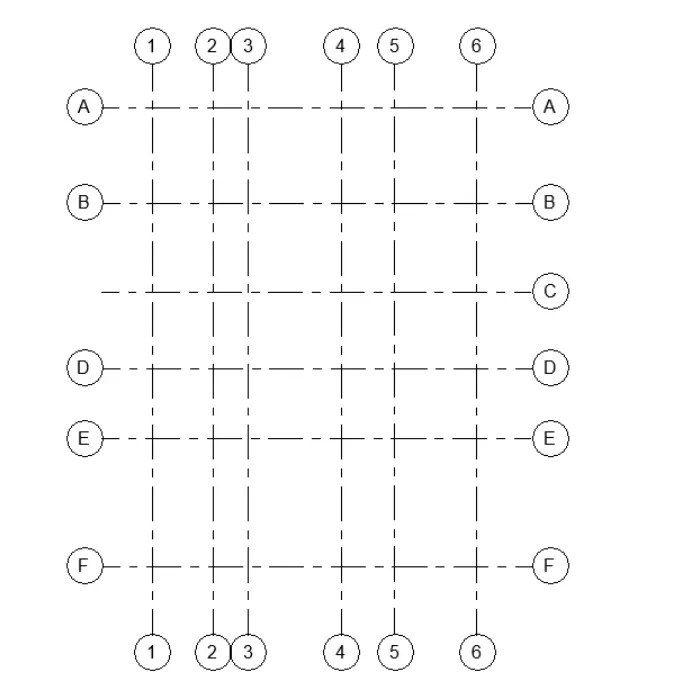
NOW GO TO ELEVATION VIEW THEN TO STRUCTURAKL TAB
GO TO DATUM OPTION
TAKR LEVELS OPTION
DRAW THE LEVELS BY TAKING OFFSET
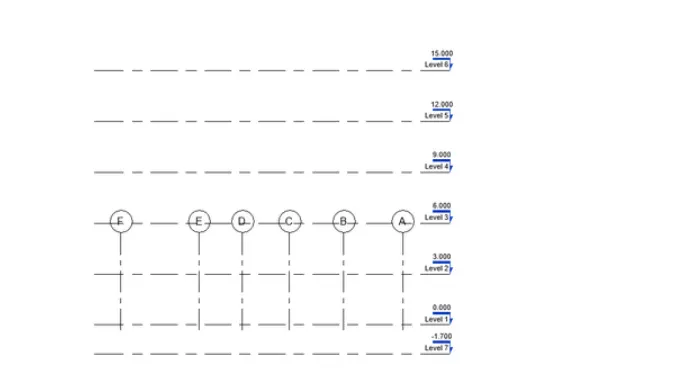
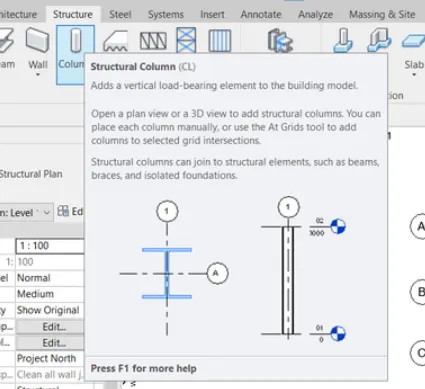
TO ADD COLUMNS
GO TO STRUTURAL TAB
SELECT THE COLUMN
THEN GO TO SELECT PARAMETERS IN THE PROPERTIES TAB
SELECT THE RECTANGULAR RCC COLUMN
GO TO EDIT TYPE IN PROPERTIES TAB
THEN CHANGE THE DIMENSIONS AS 250 AND 400MM AND THE NAME
THEN CLCIK OK
THEN PLACE THE COLUMNS WHEREWVER GRIDS INTERSECT
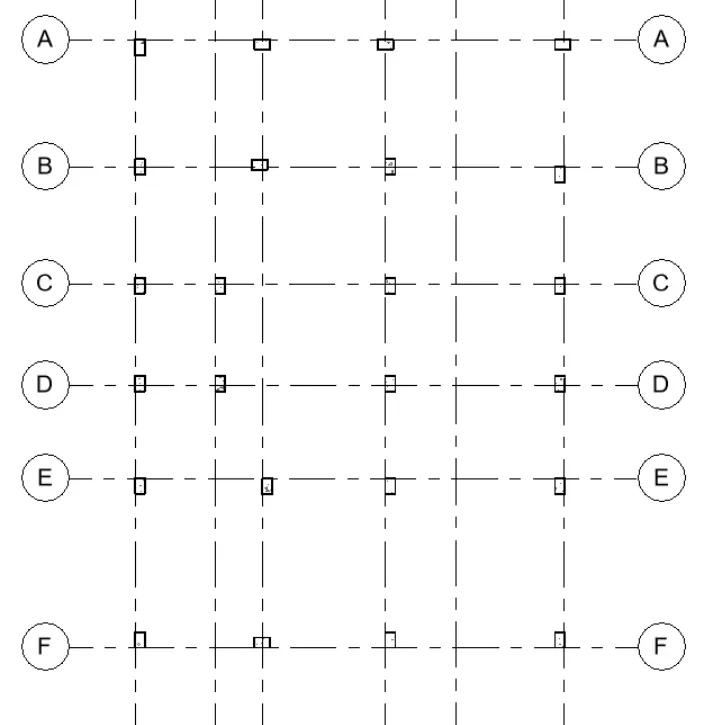
TO ADD ISOLATED FOUNDATIONS
GO TO STRUTURAL TAB
SELECT THE ISOLATED FOUNDATIONS
THEN GO TO SELECT PARAMETERS IN THE PROPERTIES TAB
GO TO EDIT TYPE IN PROPERTIES TAB
THEN CHANGE THE DIMENSIONS AS 1000 MM X 100MM X 500MM AND THE NAME
THEN CLCIK OK
THEN PLACE THE ISOLATED FOUNDATIONS WHEREWVER REUIRED
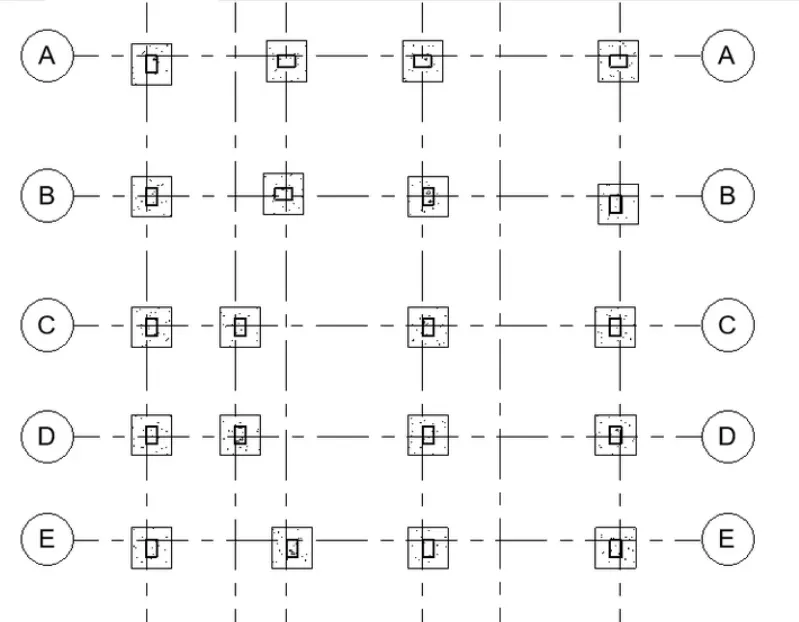
TO ADD WALL IN FOUNDATIONS
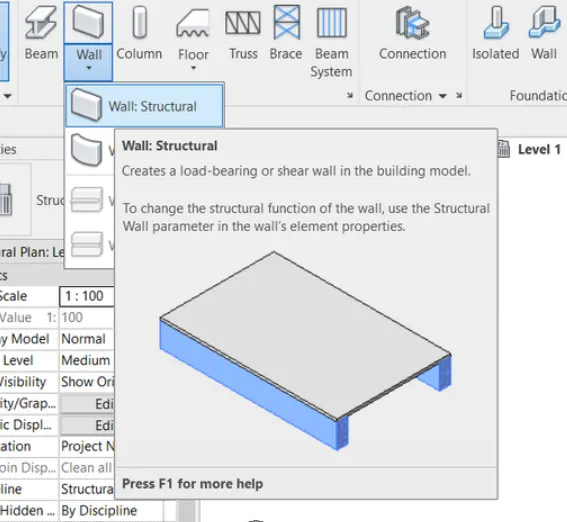
GO TO STRUTURAL TAB
TTAKE WALL STRUCTURAL
THEN GO TO SELECT PARAMETERS IN THE PROPERTIES TAB
GO TO EDIT TYPE IN PROPERTIES TAB
CHANGE THE BNAME AND DIAMENSTION TO 250 MM
THEN CLCIK OK
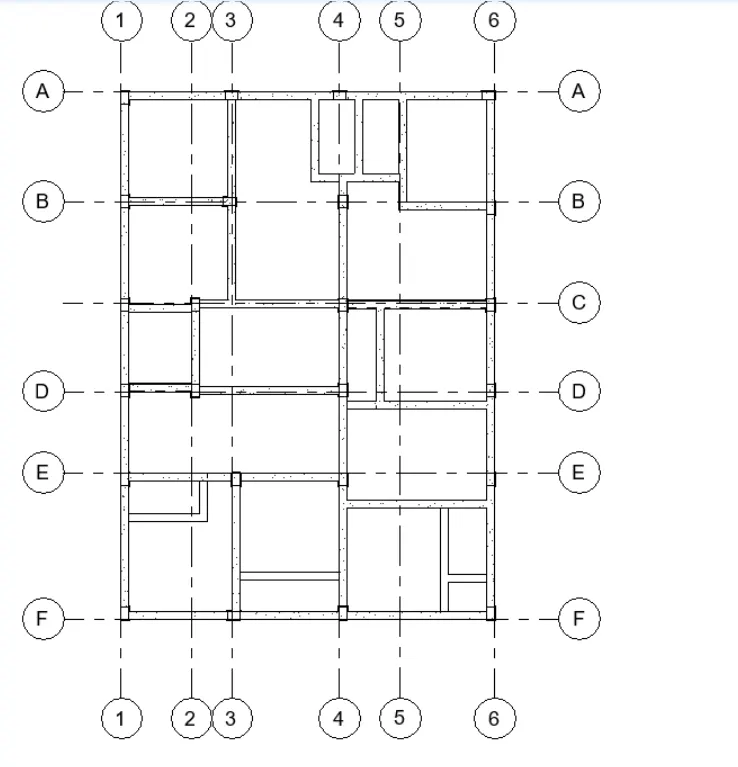
TO ADD BEAMS
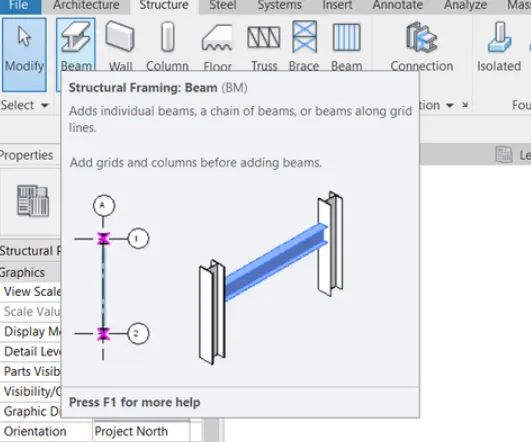
GO TO STRUTURAL TAB
TAKE A BEAM OPTION
THEN GO TO SELECT PARAMETERS IN THE PROPERTIES TAB
GO TO EDIT TYPE IN PROPERTIES TAB
GIVE THE REQUIRED DIMNSTIONS AS 250MM X 400MM
THEN CLCIK OK
THEN PLACE THE BEAMS IN THE LAYOUT
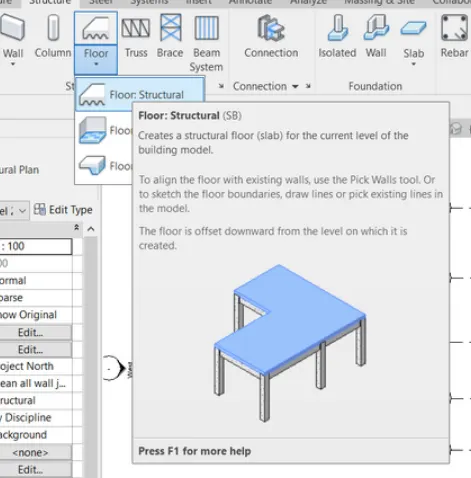
TO ADD THE FLOOR SALB
SLAB THIKNESS IS TAKEN AS 150MM
GO TO STRUTURAL TAB
SELECT THE FLOOR
THEN GO TO SELECT PARAMETERS IN THE PROPERTIES TAB
GO TO EDIT TYPE IN PROPERTIES TAB
RENAME AS REQUIRED
THEN CLCIK OK
PLAC E THE FLOOR AS REUIRED
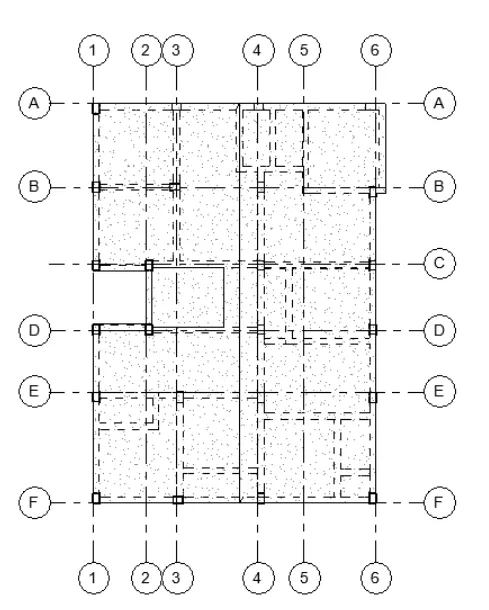
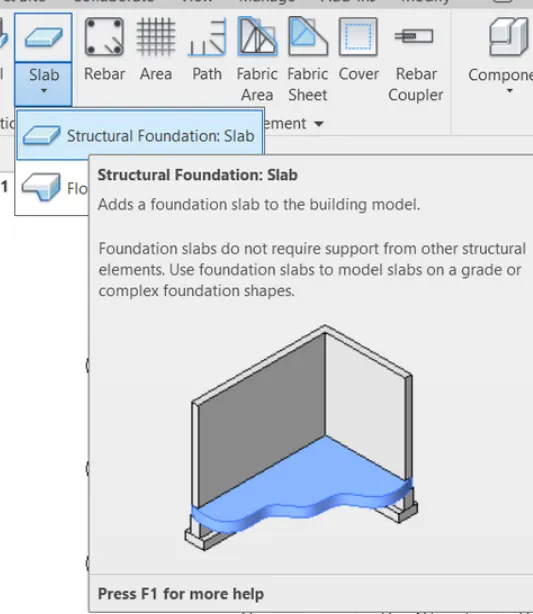
TO ADD THE FOUNDATION SALB
SLAB THIKNESS IS TAKEN AS 150MM
GO TO STRUTURAL TAB
SELECT FSLAB AND THE CLICK ON FOUNDATION SLAB
THEN GO TO SELECT PARAMETERS IN THE PROPERTIES TAB
GO TO EDIT TYPE IN PROPERTIES TAB
RENAME AS REQUIRED
THEN CLCIK OK
PLAC E THE FLOOR AS REUIRED
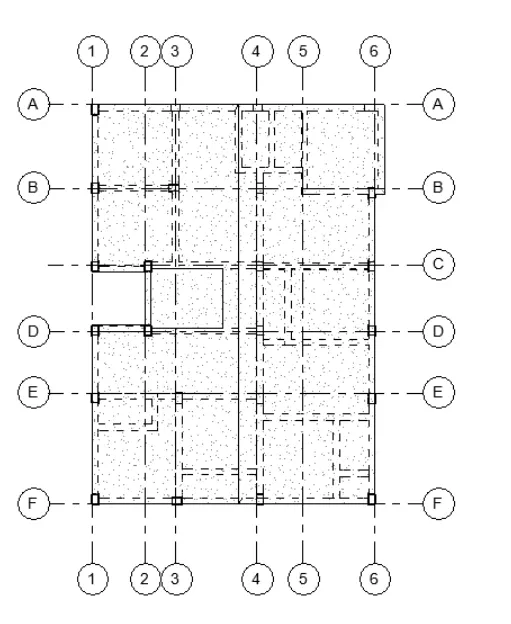
TO CREATE THE NO OF FLOORS SE;ECT THE REQUIE FLOOE PLAN
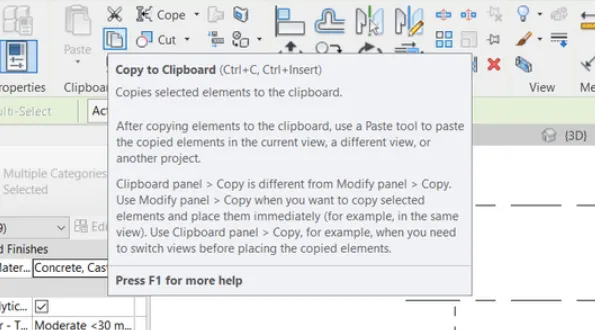
THEN SELECT THE COPY CLIPBOARD OPTION IN MODIFY TAB
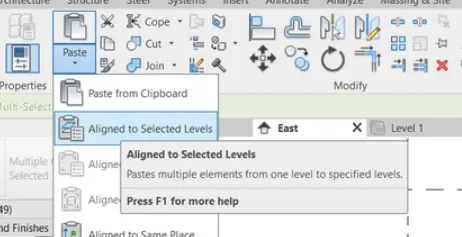
THEN GO TO PASTE DROP DOWN ARROW
SELECT THE ALINE SELECTED LEVELS
THE SELECT THE REQUIRD LEVELS
THEN CLICK OK
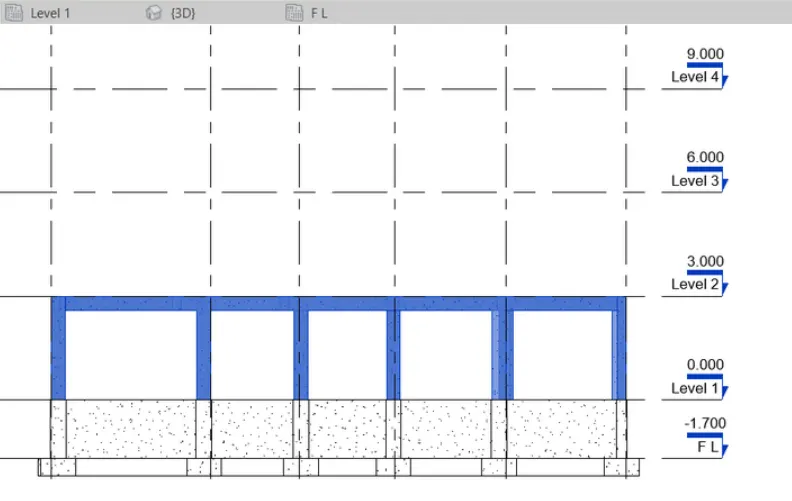
RESULT
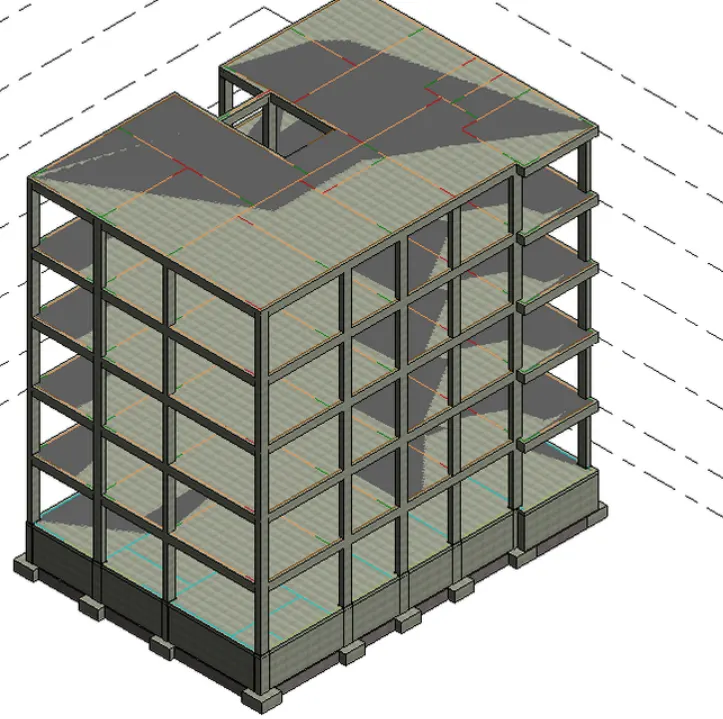
4) Using the architectural model, include the following components based on the type of structure selected
a. Wall Layout with appropriate material and finishing
b. Exterior façade with fancy finish
c. Interior partition walls to size rooms
d. Components to add details to a room ( Desk, Chair, Lighting, Plumbing fixtures)
e. Add components such as stairs Elevators
f. Have at-least one side of the building with curtain walls and glass panels
g. Include interior and exterior lighting fixtures
h. Place proper topographic components from outside ( Trees, Parking, Plants) to add details to the model
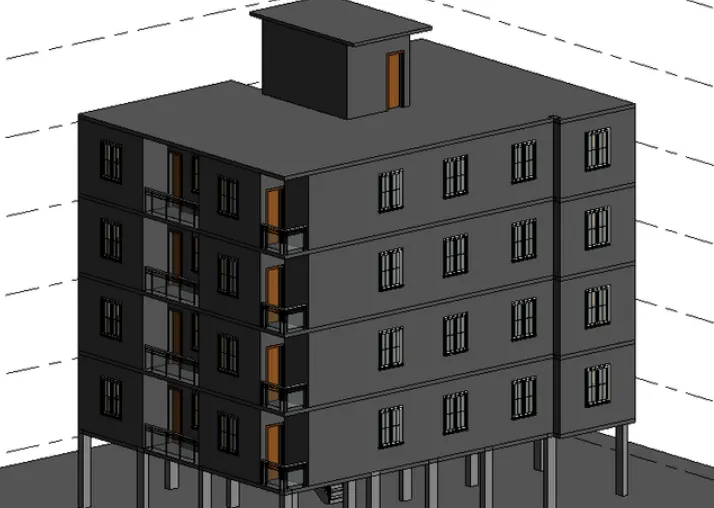
AIM- TO CREATE A ARCHITERCURAL MODEL OF THE APARTMENT BUILDING
PROCEDURE -
OPRN ARCHITECTURAL MODEL
GO TO HPOME PAGE AND THEN CLICK ON ARCHITECTURAL MODEL
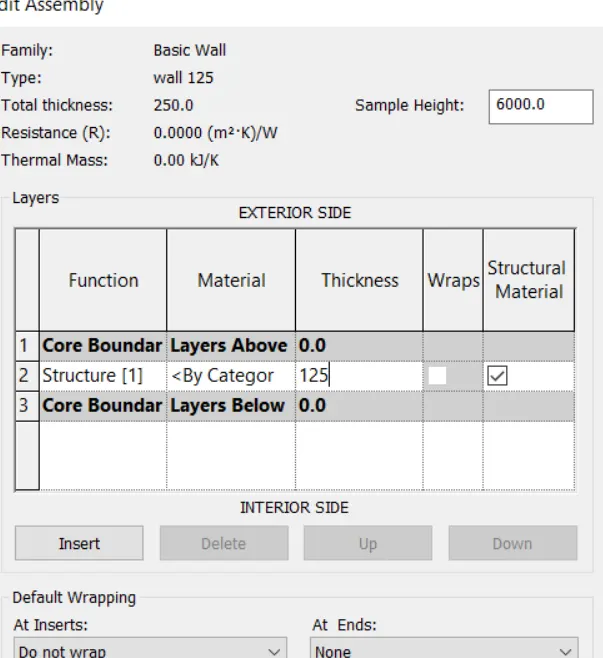
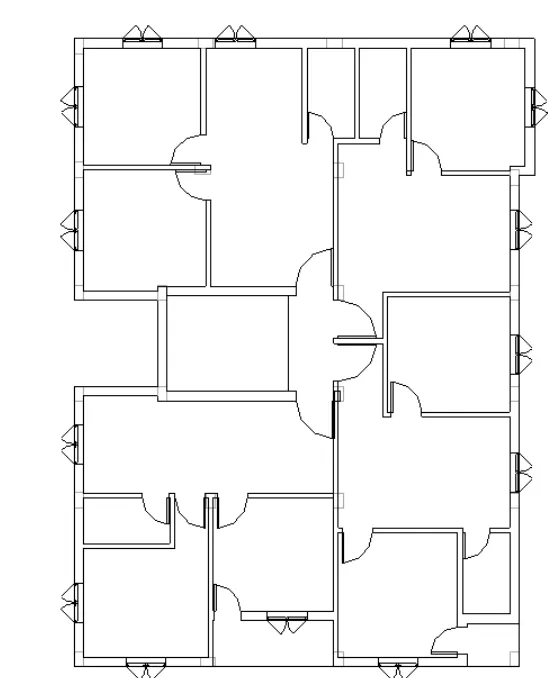
EXTERIOR WALL IS 250 MM AND INTERIOR WALL IS 125 MM
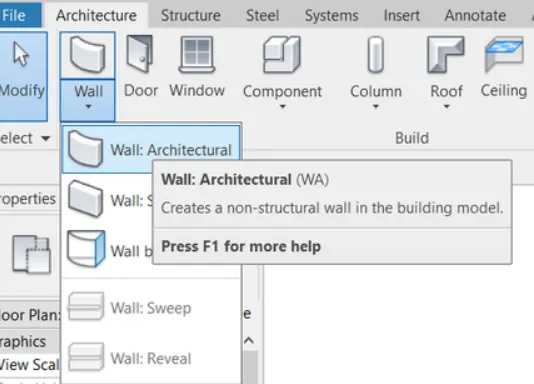
GO TO ARCHITECTURAL TAB
GO TO WALL DROP DOWN ARROW
SELECT THE ARCHITECTURAL WALL
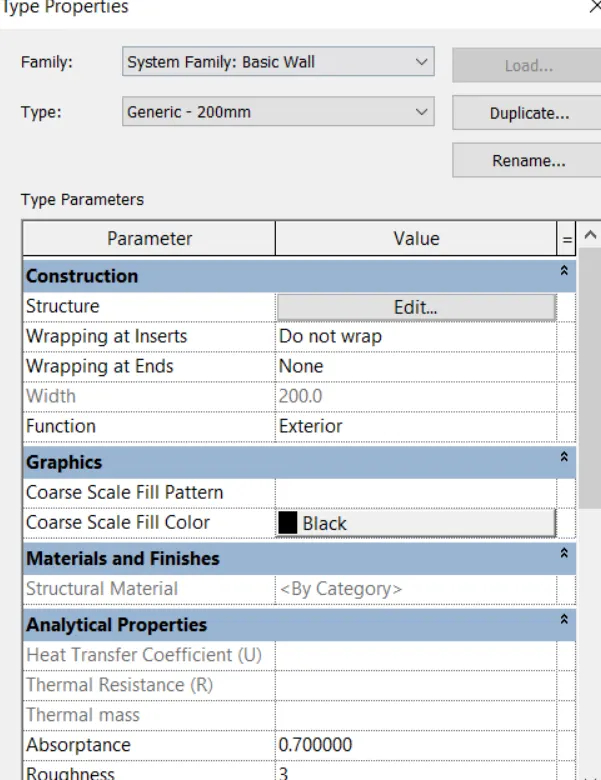
GO TO EDIT TYPE '
CHANGE THE NAME TO WALL 250
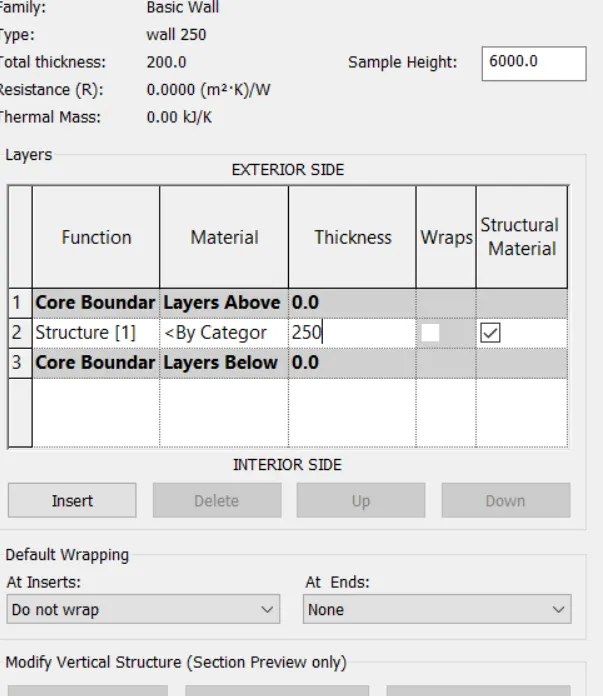
GO TO EDIT OPTION CHANGE THE DDIMENSIONS TO 250 MM
CLIOCK OK AND TDRAW THE WALL AS REQUIRED TO LAYOUT
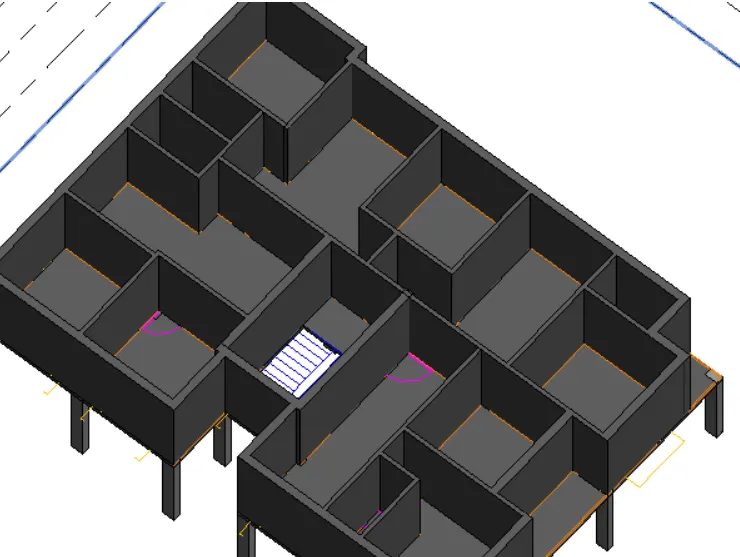
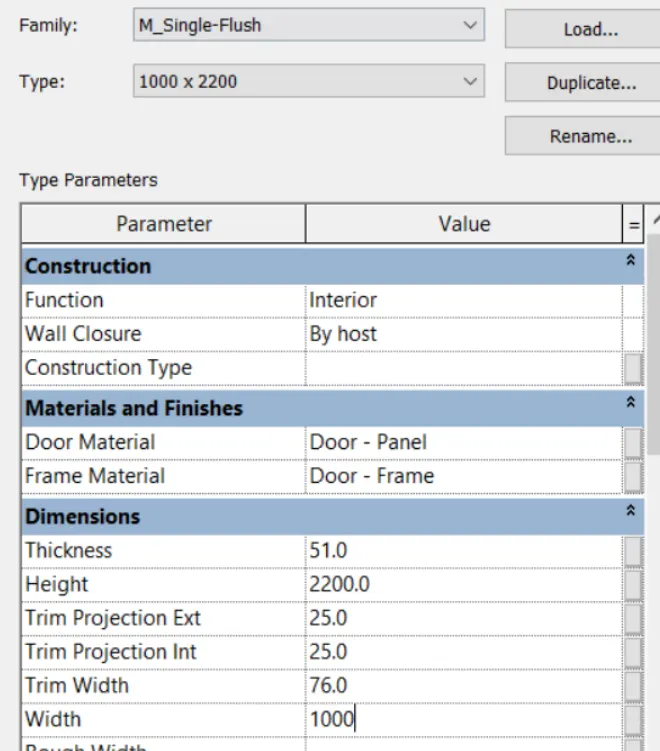
NOW TO ADD DOORS
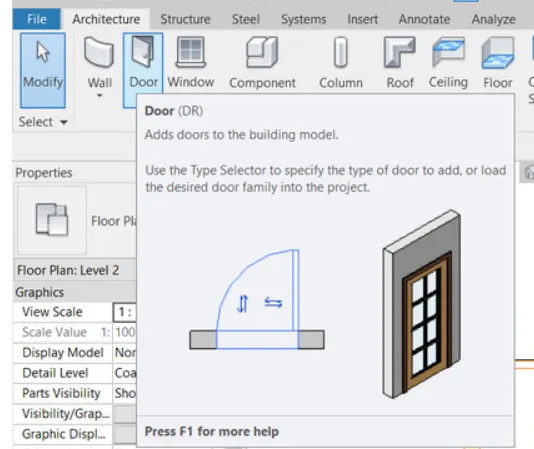
TAKE DOOR OPTI0N
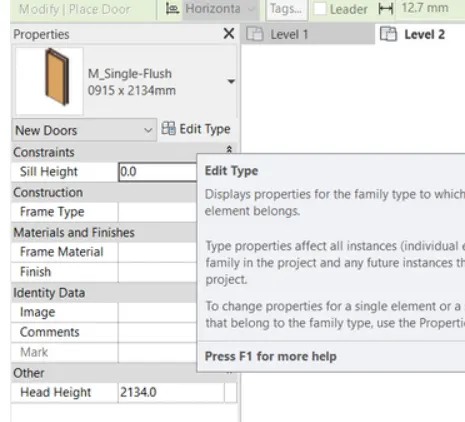
THENVBE TO EDIT TYPE IN PROPERTIES PANNEL
GO TO EDIT OPTION CHANGE THE DIMENSIONS
CLICK OK
THEN VPALCE DOORS AS REQUIRED TO LAYOUT
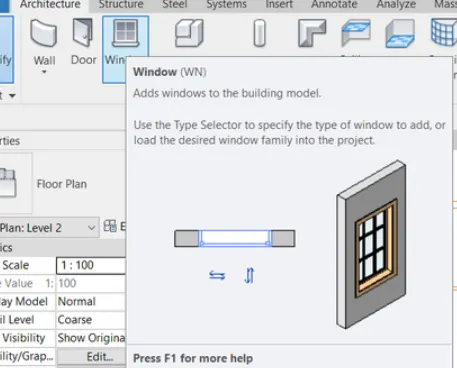
NOW TO ADD WINDOWS
TAKE WINDOW OPTI0N
THENVBE TO EDIT TYPE IN PROPERTIES PANNEL
GO TO EDIT OPTION CHANGE THE DIMENSIONS
CLICK OK
THENV PALCE WINDOWS AS REQUIRED TO LAYOUT
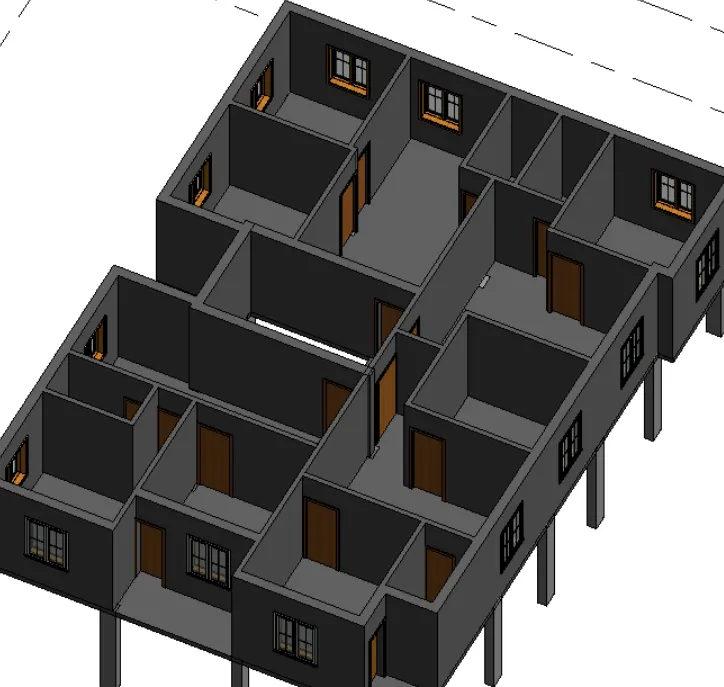
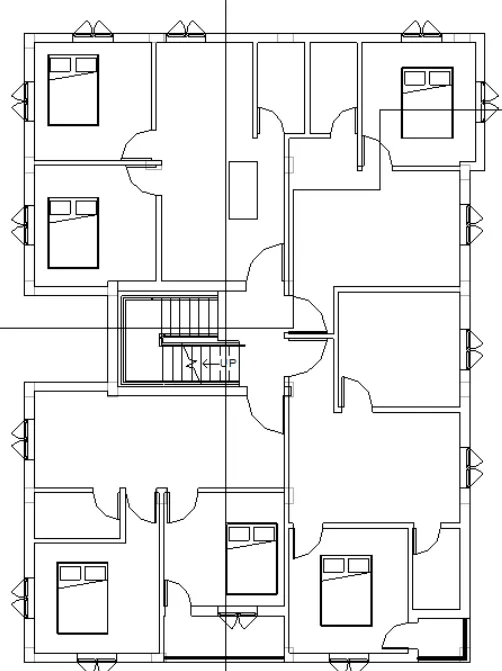
NOW ADD THE RQUIRED FURNITURES BED TV SET AND TOILET BATH SHOWER ELEMETS
G OTO ARCHITECTURAL TAB
GO TO COMPONENT DROP DOWN ARROW
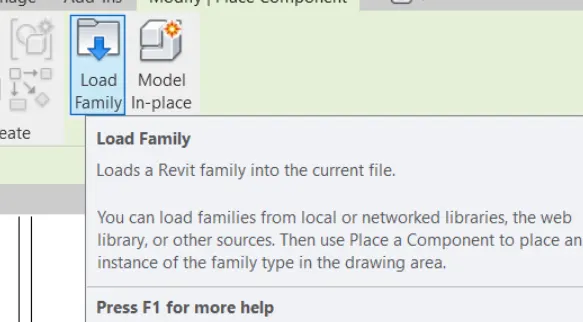
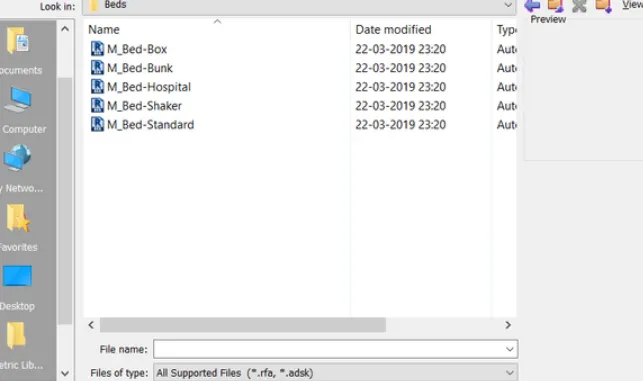
TJHEN SELECT THE PLACE A COMPONENTS THEN GO TO LAOD FAMILIES
LOAD THE REQUIRED FAMILY
THEN PLACE FAMILIES AS YOUR REQUIED LAYOUT
NOW ADD THE SATIRCASE
GO TO ARCHITECTURE TAB
THEN TAKE THE SRAIR OPTUION
THEN CAHNGE THE REQUIRED DINMENSION
THEN PLACE STAIR AS YOUR REQUIED LAYOUT
NOW COPY THE LAYOUT TO CLIPBOARD IN MODIFY PANNEL
THEN GO TO PASTE THEN SLECT THE REQUIED FLOOR LEVLES
THEN CLICK OK
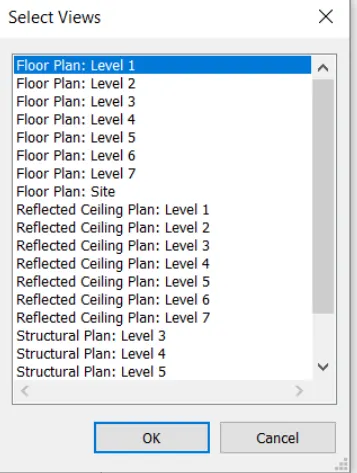
RESULT-
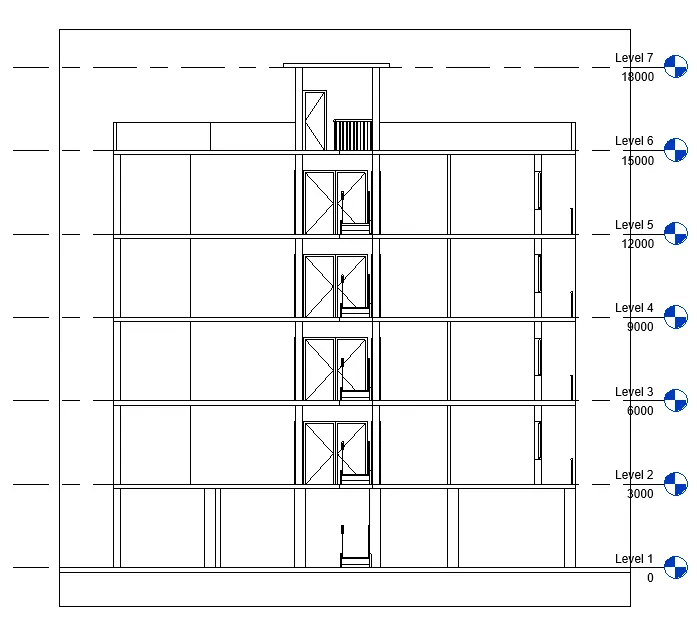
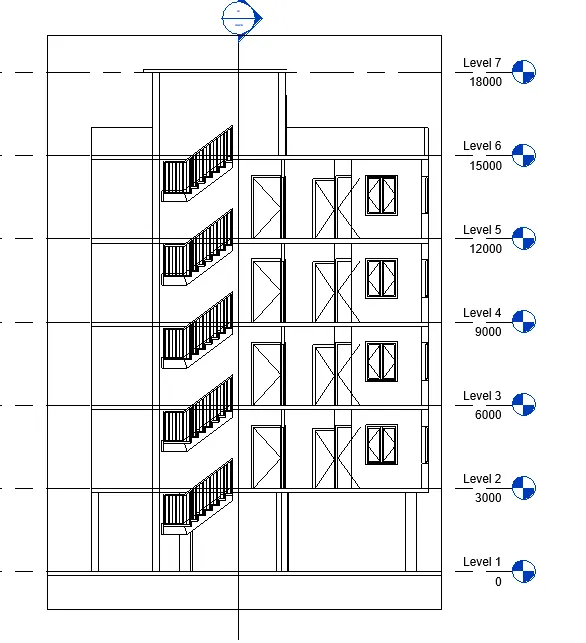
5) Provide a set of drawings in an architectural and structural model to list the following details with categories and appropriate sheet templates included
a. Floor Plans with Annotations
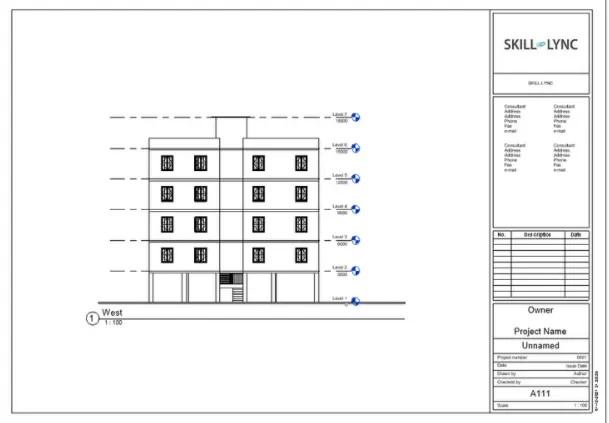
b. Elevations
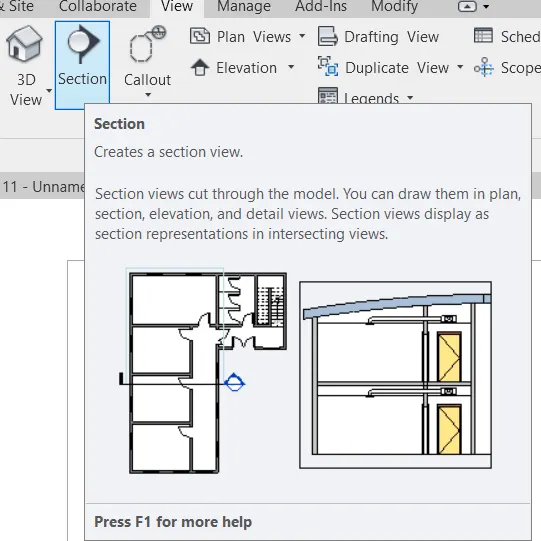
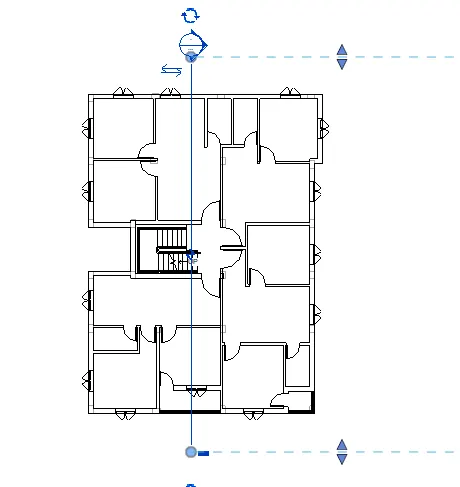
c. Sections
AIM- TO PROVIDE A SET OF DRAWING IN AN ARCHITECTURAL AND STRUCTURAL NODEL
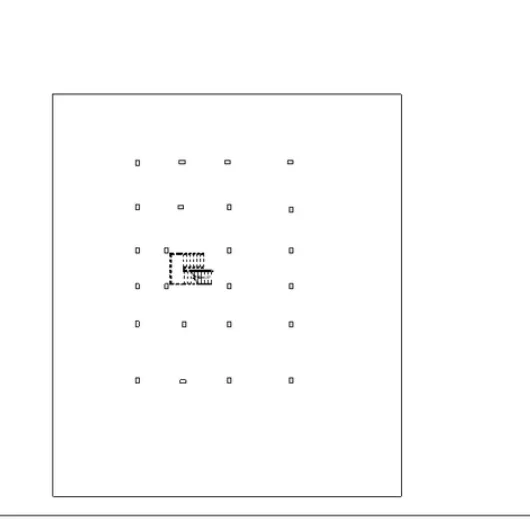
PROCEDURE-
IN MENU BAR GO TO VIEW TAB
GO TO SHEET COMPOSTION
NOW TAKE SHEET
NOW OPEN NEW WINDOW
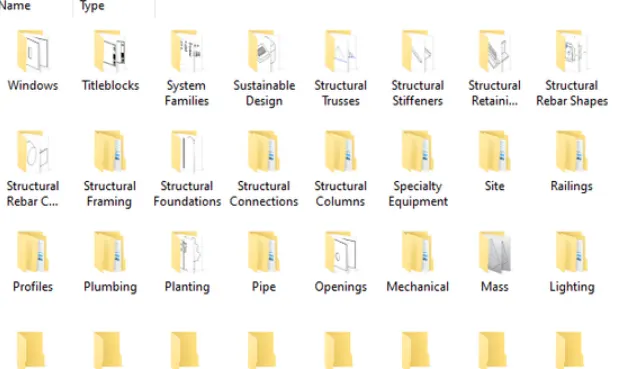
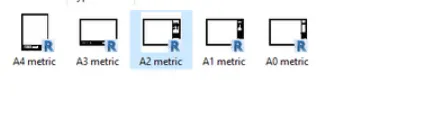
THEN GO TO LOPAD OPTION THRN OPEN LOAD FAMILIES
CLICK ON INDIA THERN GO TO TITLE BLOCK
SELECT A2 SHEET CLICK ON OPEN
CLICK ON OK
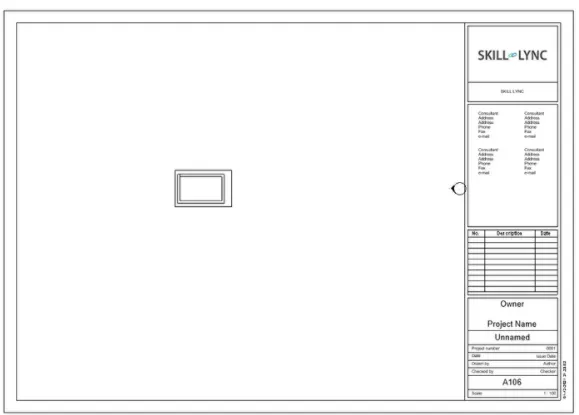
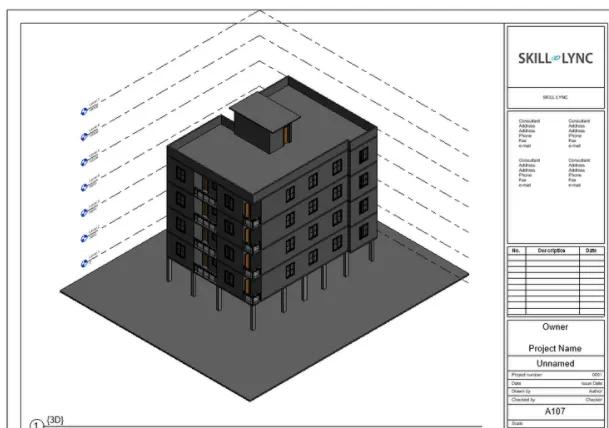
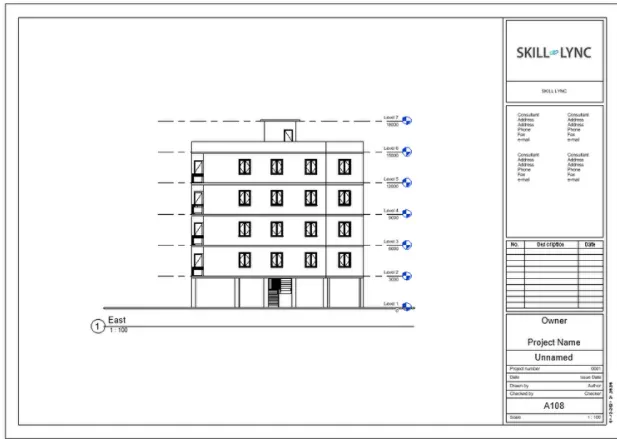
MOE OPEN OUR REQUIRED SHEETS
THEN CLICK DOUBLE CHECK
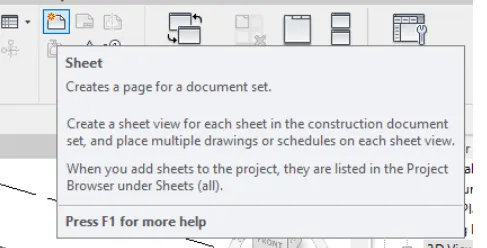
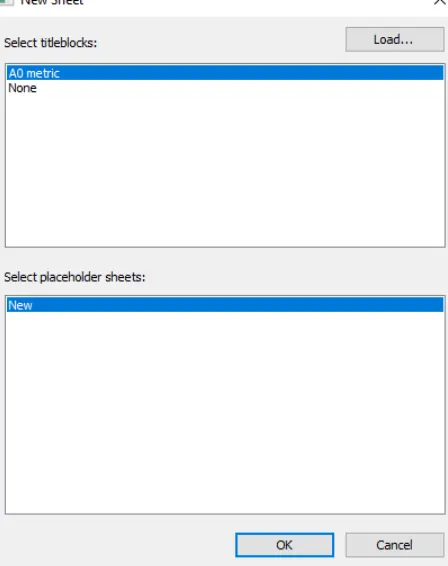
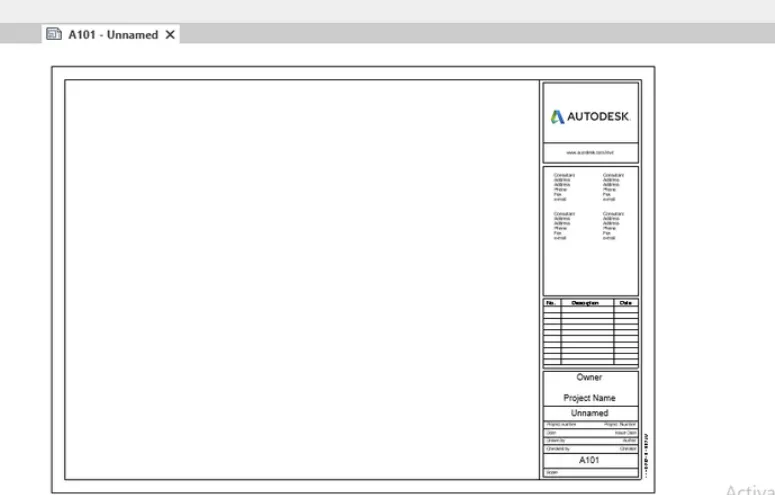
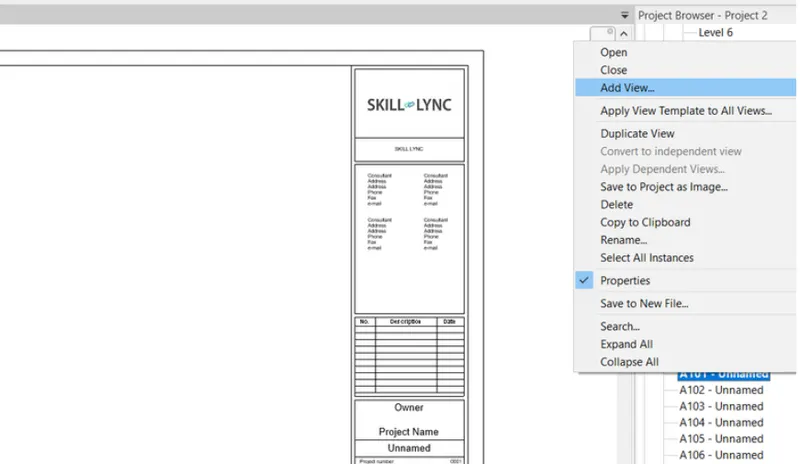
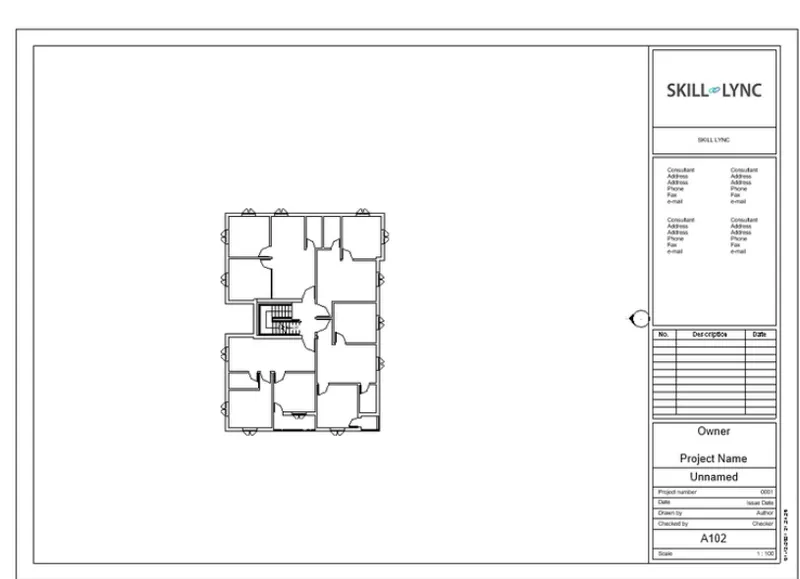
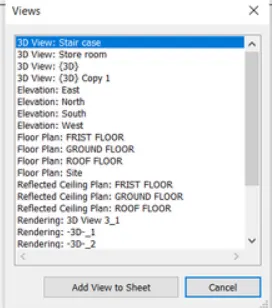
SELECT THE REQUIED SHEET THEN MOUISE RIGHT CLICK
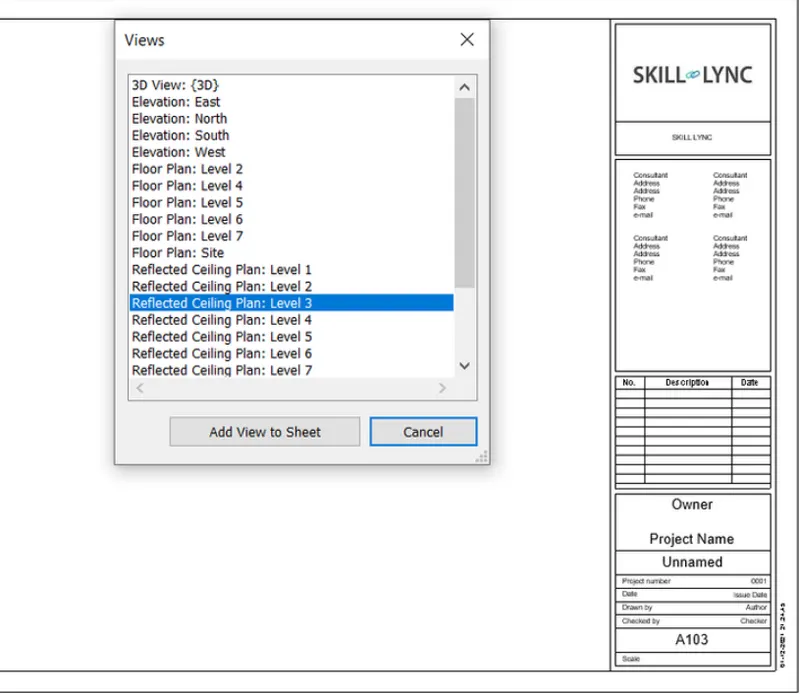
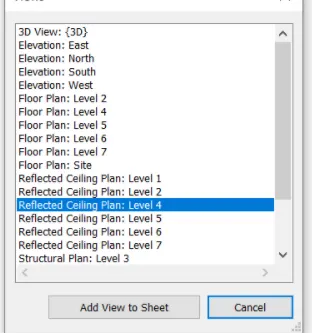
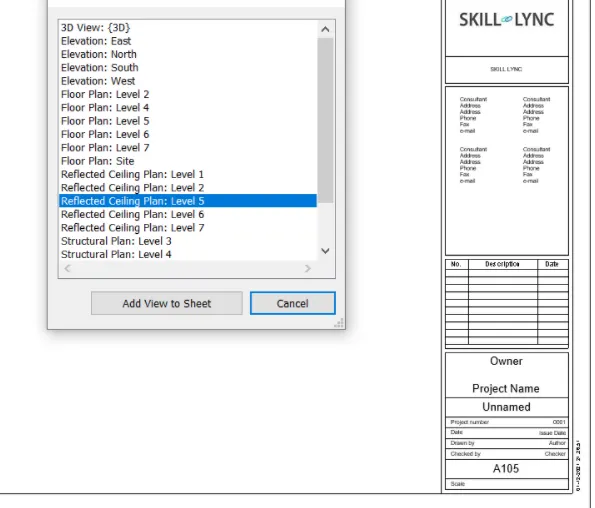
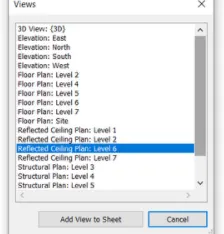
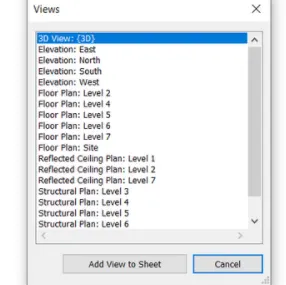
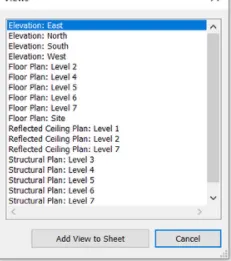
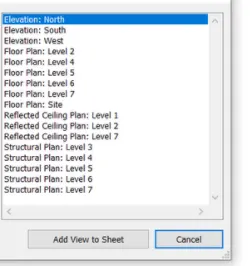
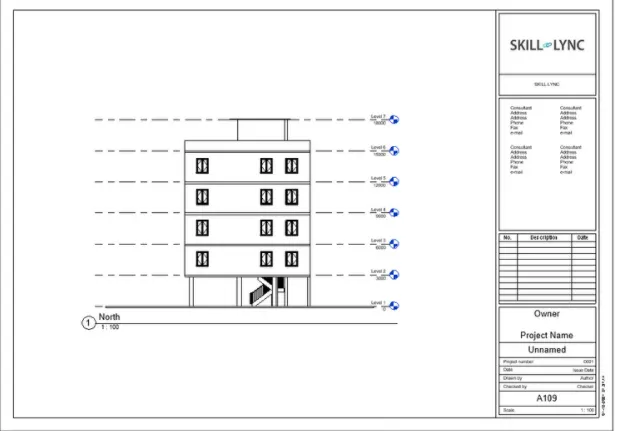
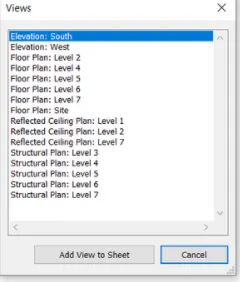
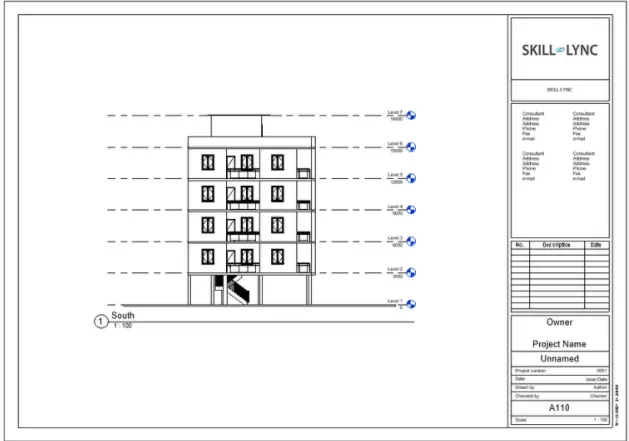
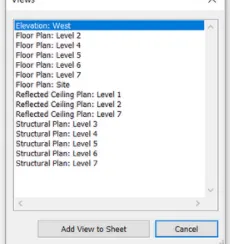
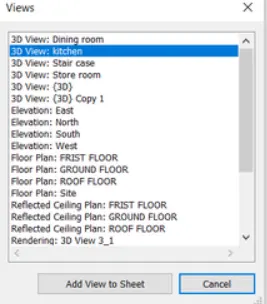
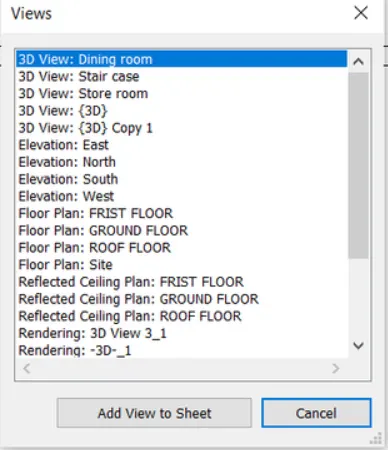
TAKE ADD VIEW
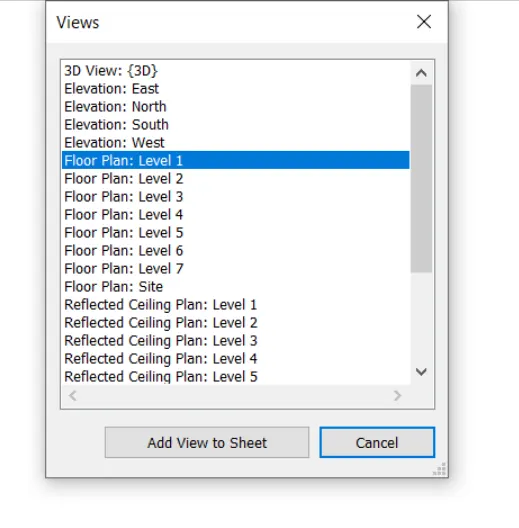
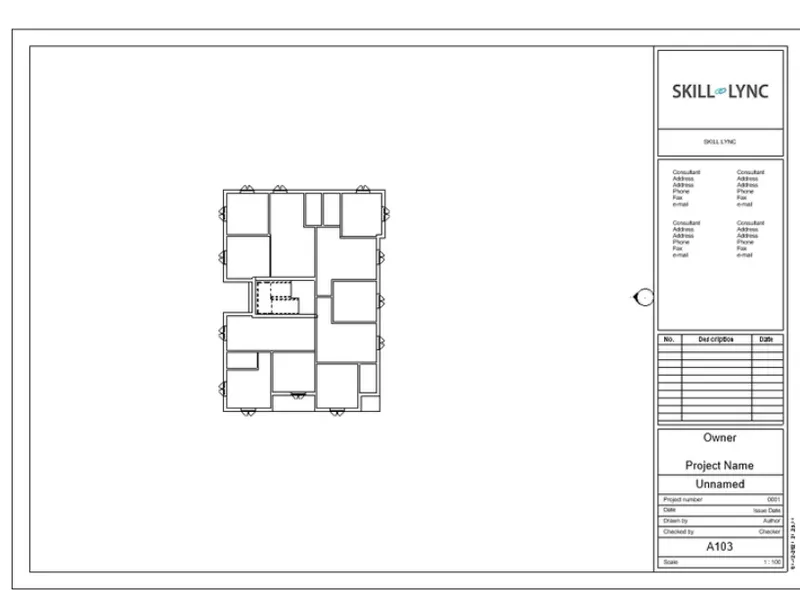
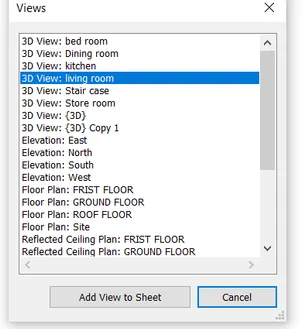
SELECT THE REQUIRED VIEW
CLICK ON ADD TO VIEW TO SHEET
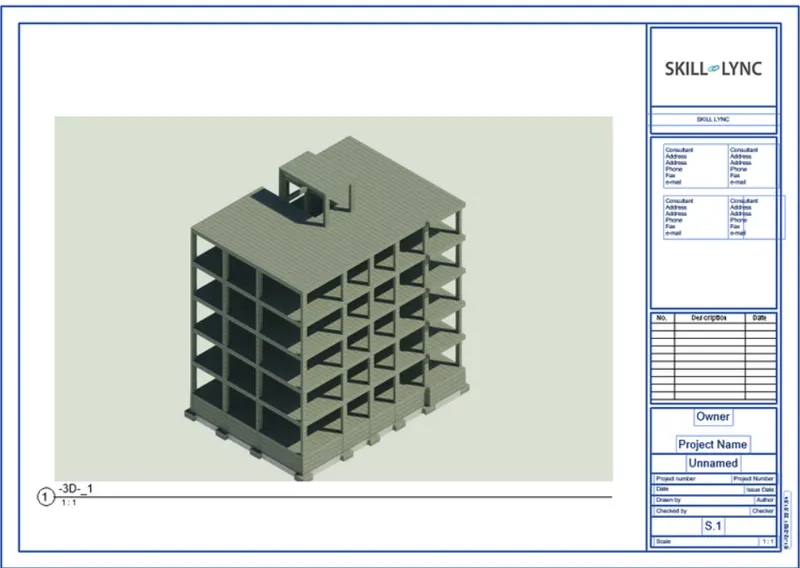
6) Using the Rendering settings, Render images of the 3D model produced and include the rendered images to the drawing sheets
a. Rendering from interior rooms
b. Rendering from out showing topographic features
c. Rendering through structural framing
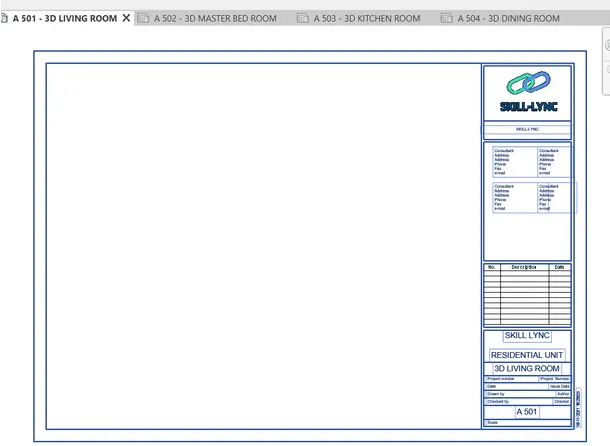
AIM- To Render images of the 3D model produced and include the rendered images to the drawing sheets
PROCEDURE-
IN MENU BAR GO TO VIEW TAB
GO TO SHEET COMPOSTION
NOW TAKE SHEET
NOW OPEN NEW WINDOW
THEN GO TO LOPAD OPTION THRN OPEN LOAD FAMILIES
CLICK ON INDIA THERN GO TO TITLE BLOCK
SELECT A2 SHEET CLICK ON OPEN
CLICK ON OK
MOE OPEN OUR REQUIRED SHEETS
THEN CLICK DOUBLE CHECK
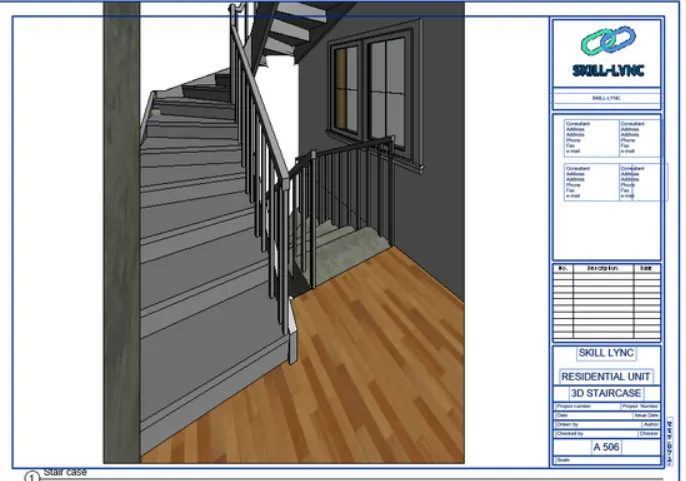
NOW ADD VIEW
SELECT THE REQUIED SHEET THEN MOUISE RIGHT CLICK
TAKE ADD VIEW
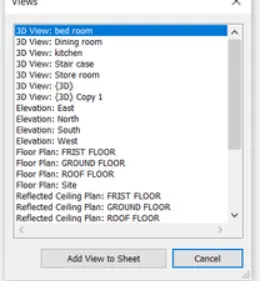
SELECT THE REQUIRED VIEW
CLICK ON ADD TO VIEW TO SHEET
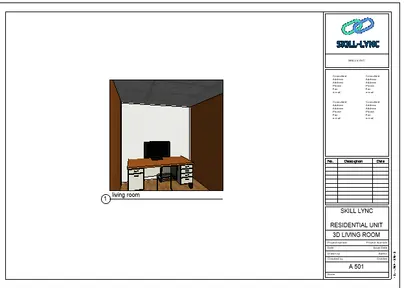
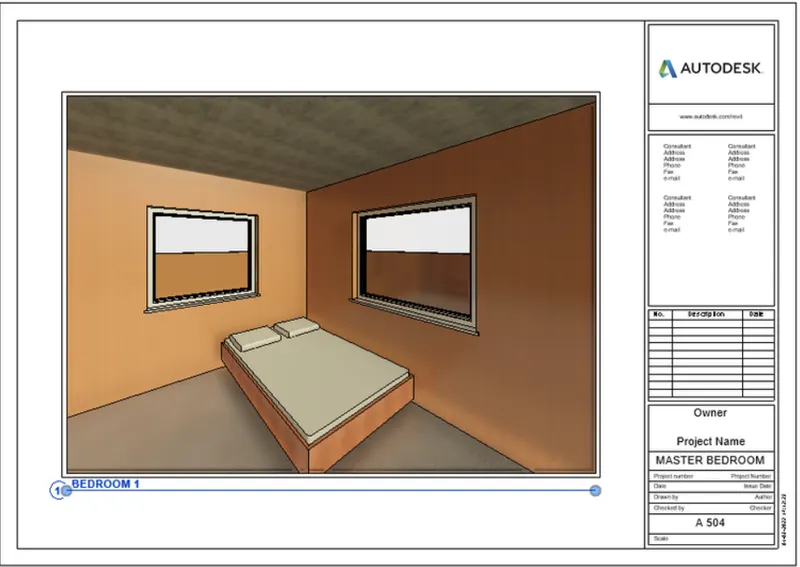
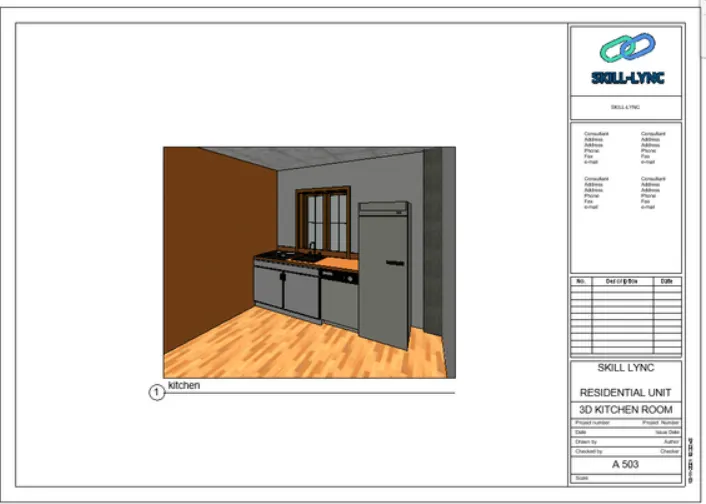
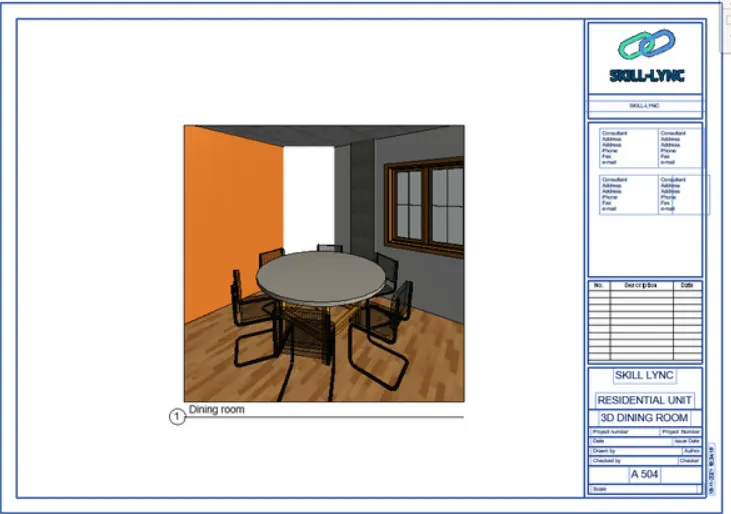
RESULT-
7) Print the set of drawing sheets created and submit the drawings from the architecture and structure model
AIM- To Print the set of drawing sheets created and submit the drawings from the architecture and structure model
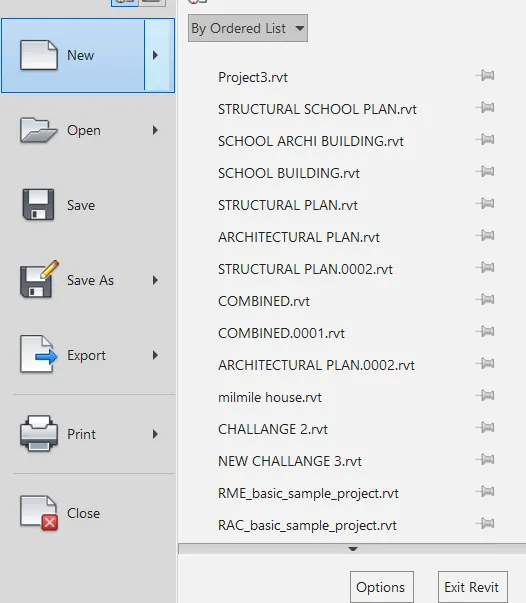
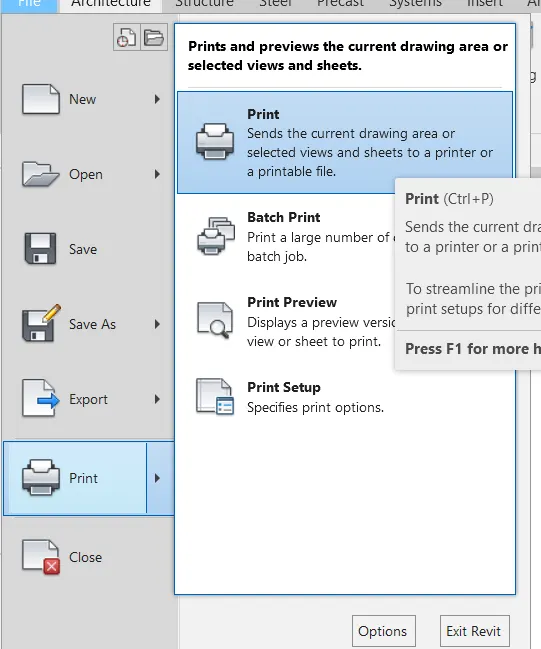
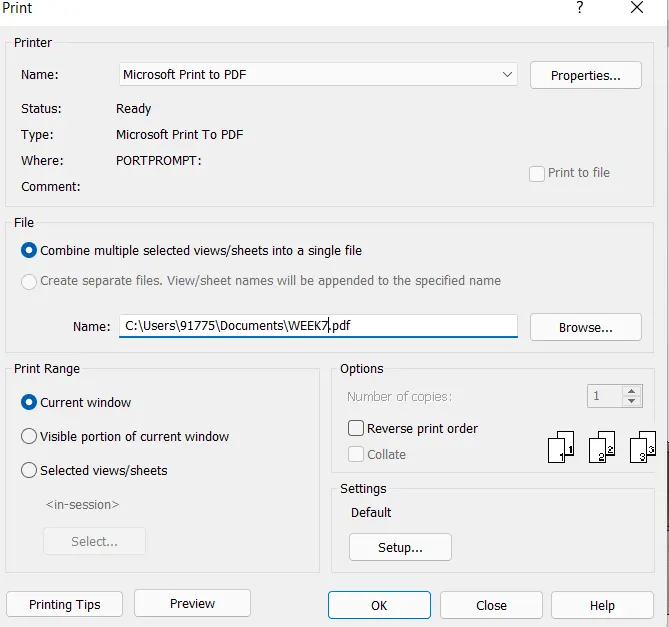
PROCEDURE- CLICK ON CTRL+P
OR
G OTO FILE MENU BAR SELECT THE PRINT OPTION
CLICK ON SELECT SET
SELECT THE REQUIRED SHEETS FOR PRINT
CLICK ON OK