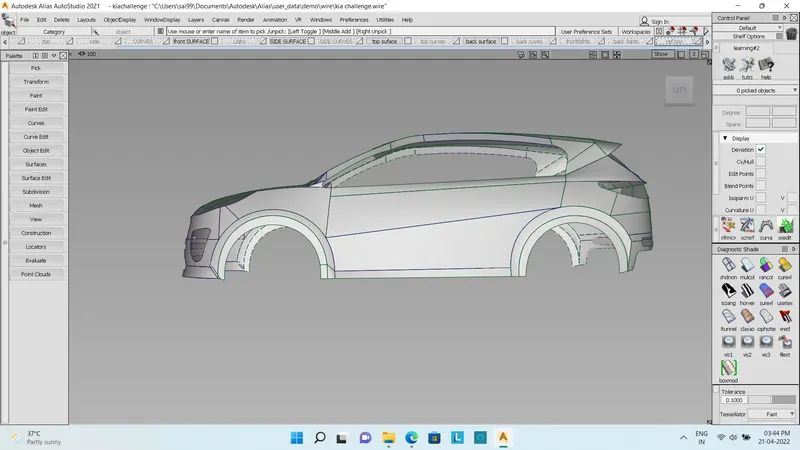
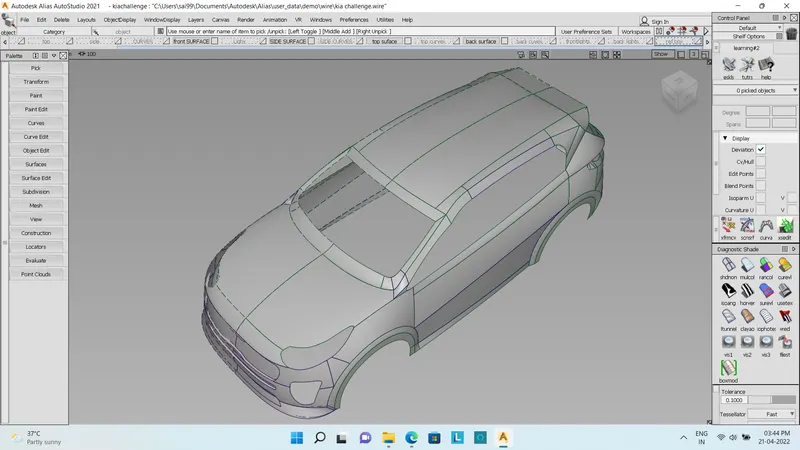
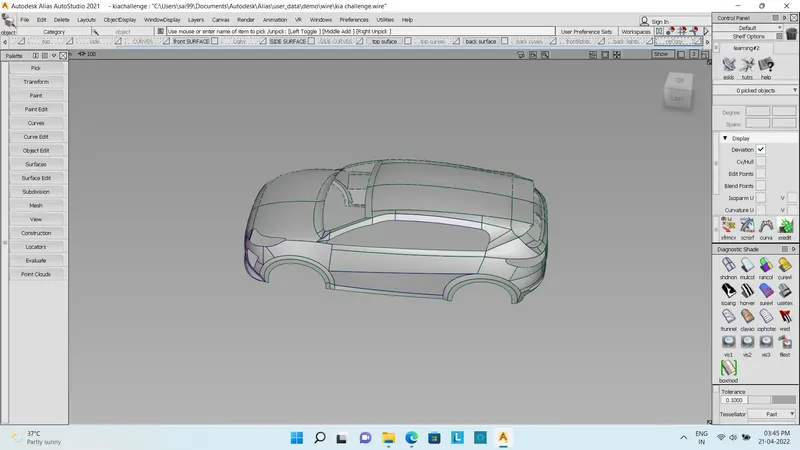
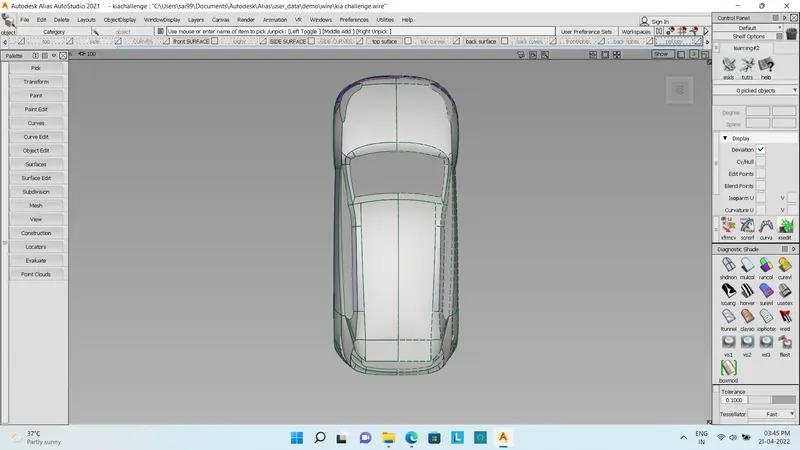
Surfacing Kia Sportage
1.OBJECTIVE - Technical Surfacing Kia Sportage.
2.INTRODUCTION - Build a Technical Surfacing Kia Sportage.
3.METHODLOGY - Import an image into canvas image.
↓
Then adjust the transparency of the canvas image.
↓
Start making curves.
↓
The curves should be adjusted to make a proper surface.
↓
Made Surfaces using square, rail and free from bend.
↓
Made some multi drafting surfaces and projecting intersecting.
↓
Made Detaching surfaces and trim converting.
↓
Alling the surfaces to achieve continuity.
↓
Made surface continuity and symmetry.
↓
Build a surface of the seat is obtained.
Description Of Tools
1. CV curves under curve toolbox option in the palette: -
CV curve tool is used to make curve. This is one of the primary tools available for the users to make any desired
shape.
2. Blend curve toolbox: -
This tool is used to blend two curves to make the corners round so that the resulting curve is proper and continuous. Further editing tools in the s same toolbox enables the user to manipulate the blend curve to a desired shape.
3.Object edit toolbox: -
1. Extend tool: it is used to extend or reduce the size of the curves.
2. Query edit tool: it is used to check and vary the construction history of a surface.
3. Detach tool: it is used to detach say a part of a curve or surface from the rest of the shape.
4. Align: it is used to align two surfaces with each other according to their positional requirement.
4. Surface toolbox: -
1. Skin: used between two curves to make a surface.
2. Rail: it is used to make a surface by assigning generation curves and rail curves.
3. Square: four curves in continuity are necessary to make this surface.
4. Free form bend tool: this makes surface between chosen curves.
5. Surface edit toolbox: -
1. Project tool: this is used to project a curve on a surface which is necessary to further use trim command.
2. Intersect tool: this tool is used to create an intersection between two surfaces which is further used to trim the
surfaces.
3. Trim tool: it deletes the unnecessary part from a surface.
4. Untrim tool: it undoes the trim surface.
6. Diagnostic shading: -
1. Shading off listed as shdnon.
2. Multicolor listed as mulcol.
Conclusion
1. Learn about how to build a surface by visualization.
2. learn about how the Multi blend tool works.
3. learn about how to intersect with the projection in surface edit.
4. learn about how to use the Detach tool on surface.
5. learn about how to use Symmetry plane align tool.
6. learn about how to use trim convert tool and surface fillet tool.
7. Completed Technical Surfacing of Kia Sportage.