Challenge 9 : Project : Technical Surfacing Kia Sportage
- Title of the Project: Technical Surfacing Kia Sportage
- Objective: To do the Technical Surfacing Kia Sportage using the perspective visual with the help of auto desk alias
- Introduction: Autodesk alias can be used to create a detailed 3d model of the car .by using the certain tool in the software. By importing the image of car .we can use it to create surfaces. We have to use our perspective to create detailed surfaces of the car. Since car has a big volume we need to understand the curve flows properly .
.
- Design methodology / approach the whole approach of this project can be explained with this flow chart
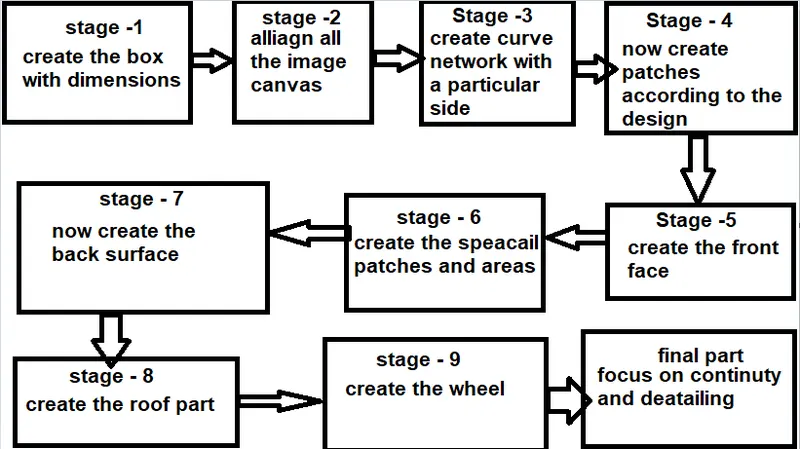
- Stage 1: create a box according the size of the car given in the image . make the dimensions as 4480X1855X1645
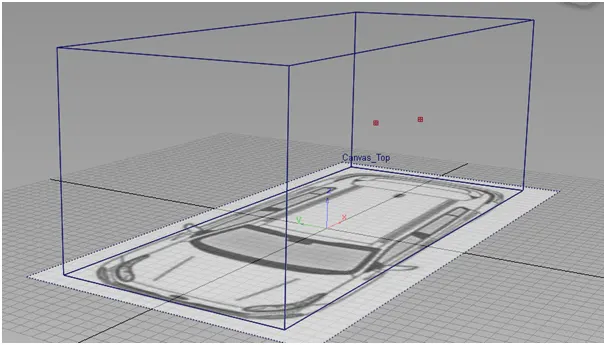
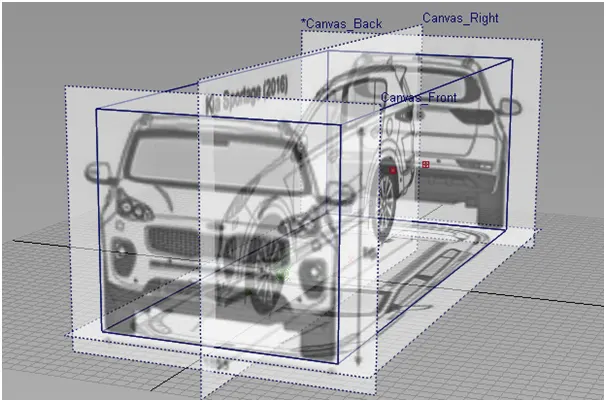
- Stage 2: import the front back top and side part of the image and align it according to the box
- Stage 3:now with a view start making curve structure ,here since side veiw has this much of information we select the side part to craete the curves
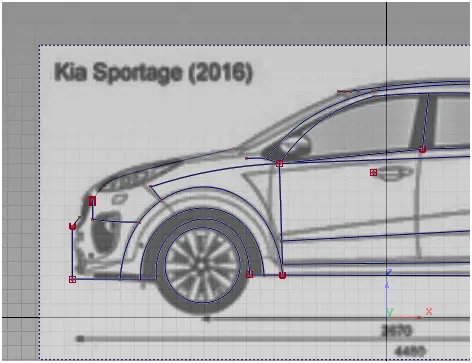
- Stage 4: Now for the each parts plan and focus on specail areas to crate patches
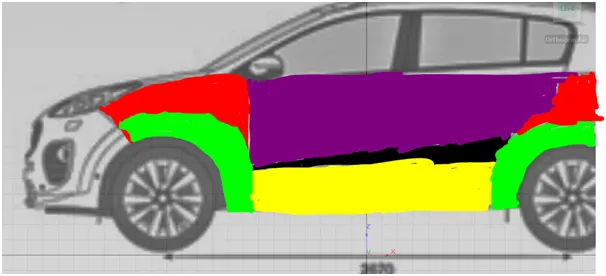
- Stage 5: now similarly we have to create the front view with the patches.
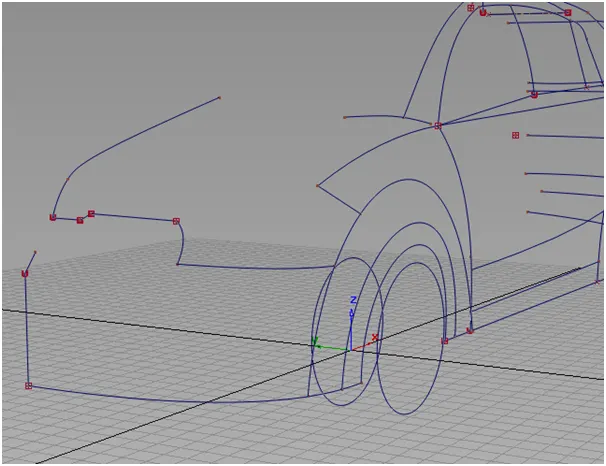
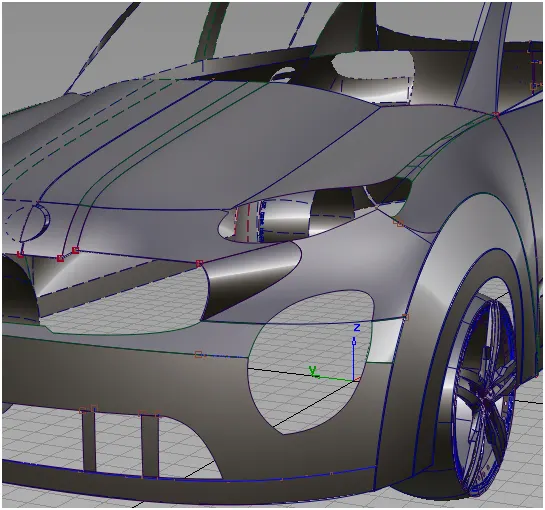
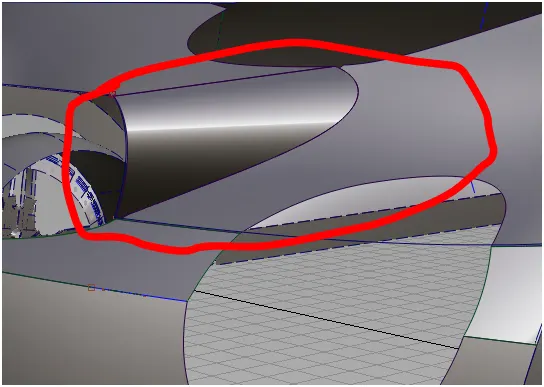
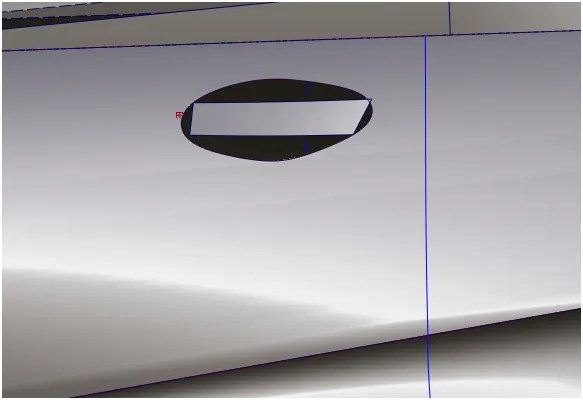
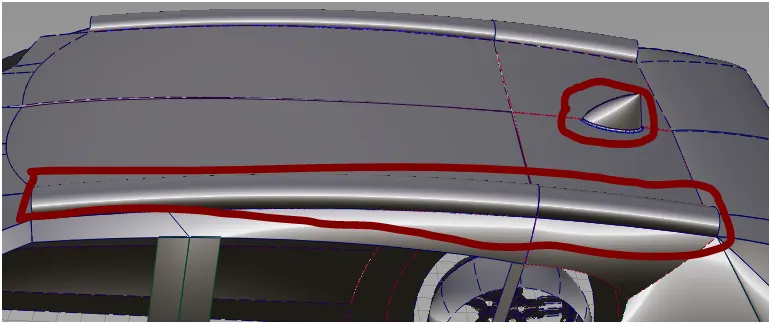
- Stage 6: use trim and project commands to create the special areas.focus on that area.
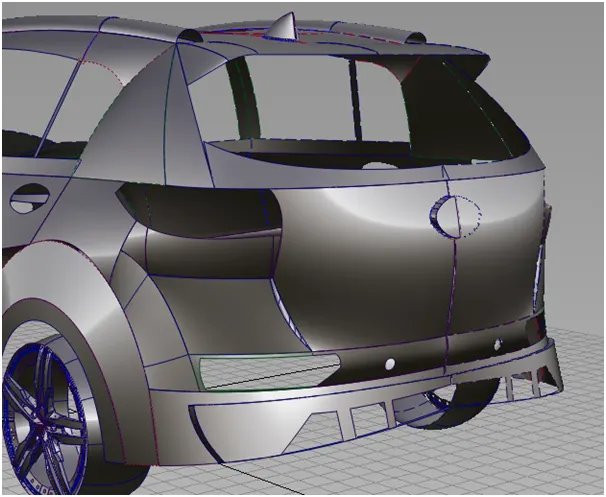
- Stage 7:for the back part reapeat the process and create the surfaces
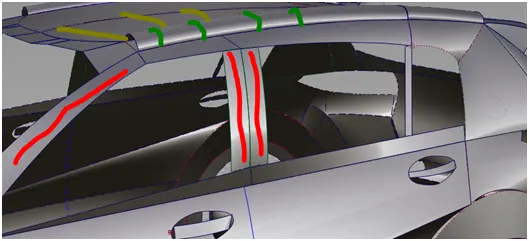
- Stage 8: for the roof part start with the side view and create the upper part. Use the top view to create the perfect roof part.
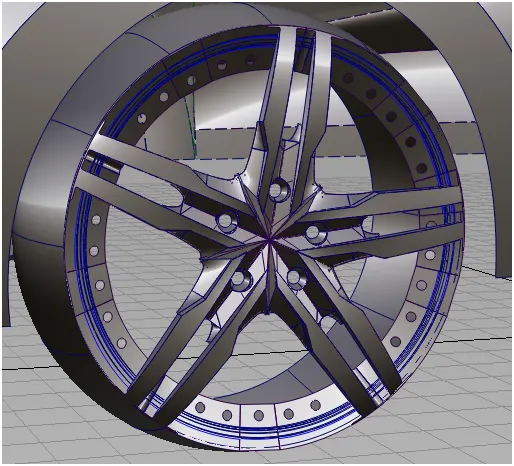
- Stage 9: now create the wheels . the wheel part can be created by using a certain pattern. And then revolve it to get a full wheel part after the alloy part create the wheel part to make a surface
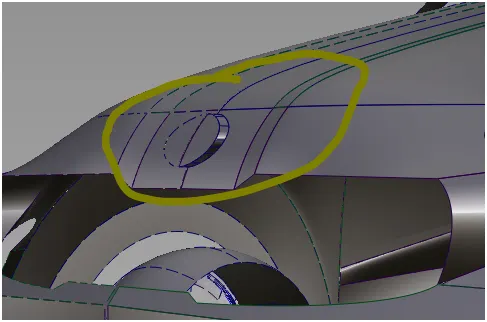
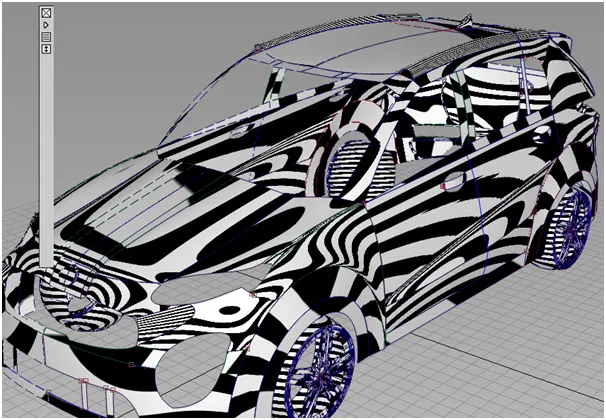
- Final stage: now for the final stage focus on the deailing parts to make it more realistic as possible apply filets and check for maximum continuity.
- Screenshots:
- Top:
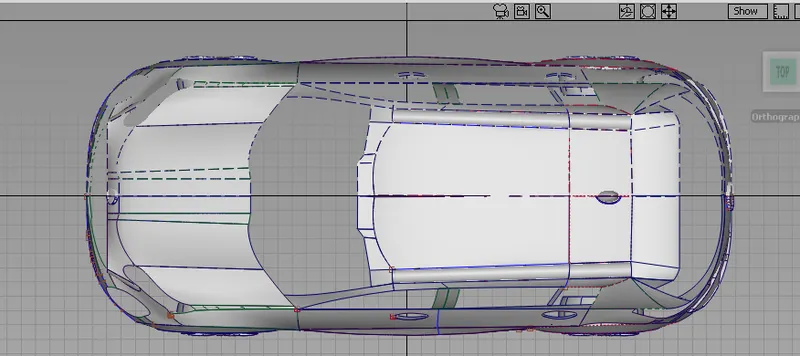
- Side:
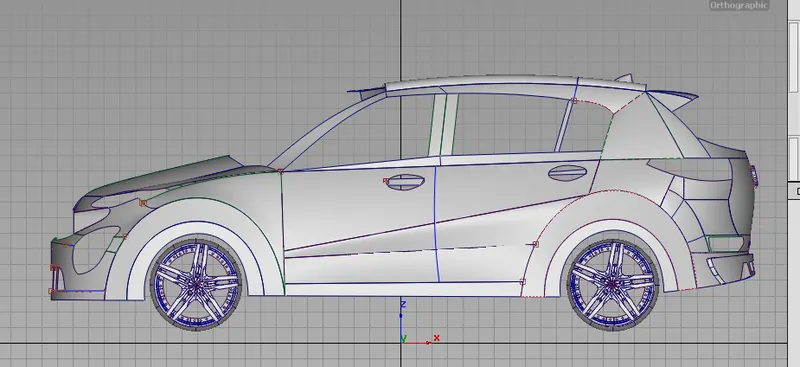
- Isometric:
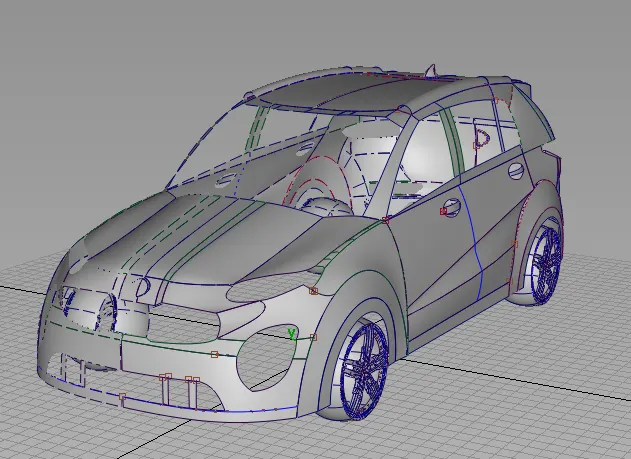
- Back:
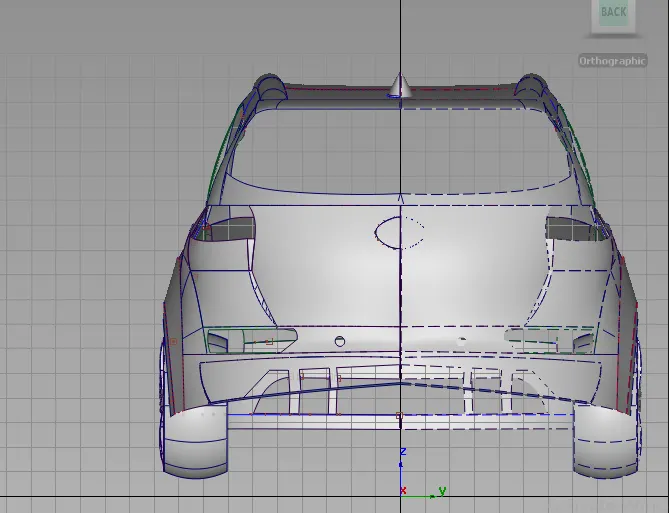
- Front:
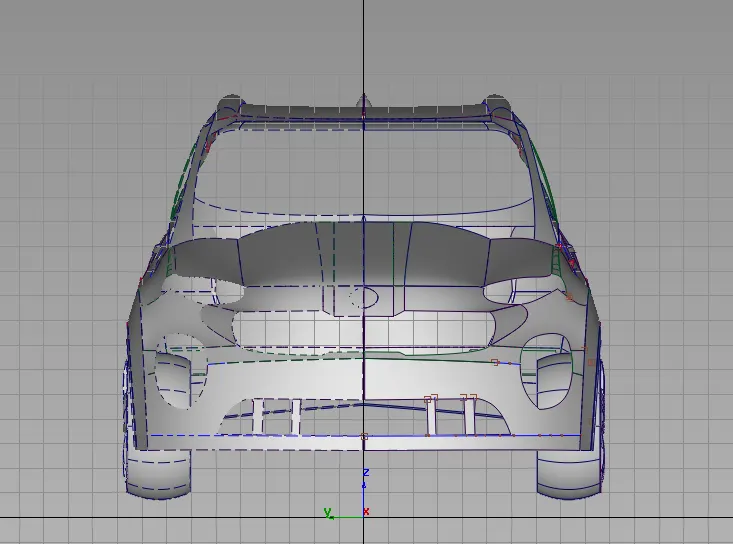
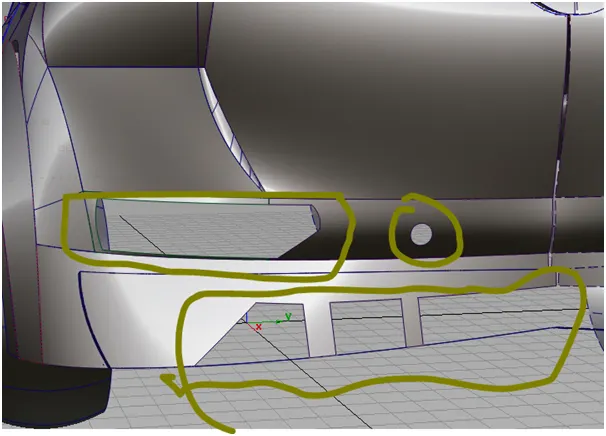
- Description : the whole structure of bumper can be created by using alias
There are several tools that were used in the making of the project. Tools like:
- Skin: skin tool that can be used to create surfaces from one curve or surface to other curves or surfaces.
- Rail: surface can be created by using generation curve and rail curve
- Project : a curve can be projected on the any surface that already exists.
- Trim:unwanted surfaces can be trimed from the surface to make whole
- Freeform blend: this can be used in special area where we want cure in a bend part like this, we can adjust the shape of the surface according to requirement
- Symmetry: this tool can be used symmetry the already created surfaces .this will help to create a pattern that can be duplicated further. Now by using the create geometry command in the symmetry option create a surface.
- Align : align the surfaces to conunity to make the surfaces make flow good
- Draft: using draft create surfaces at a angle and certain length
Conclusion: the concept Technical Surfacing Kia Sportage using the blueprint by the help of auto desk alias was completed