Challenge 6 : Concept Modeling of Side Fender
- Title of the Project: Concept Modelling of Fender and hood of GMC car.
- Objective: To do the concept modelling of Fender and hood of GMC car using the blueprint tures by the help of auto desk alias
- Introduction: Autodesk alias can be used to create a detailed 3d model of the Car Fender and hood of GMC car by using the certain tool in the software. By importing the image of car .we can use it to create surfaces. We have to use our perspective to create detailed surfaces of the bumper.
- Design methodology / approach the whole approach of this project can be explained with this flow chart
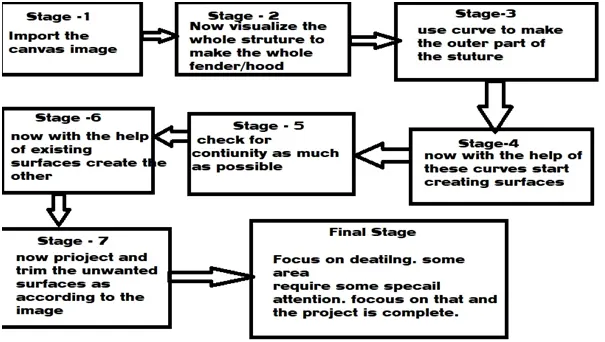
- Stage 1: Import the side view of the fender and scale the canvas image accordingly.
- Stage 2: try to visualize the whole 3d model . focous on the curve network and the surface flow .
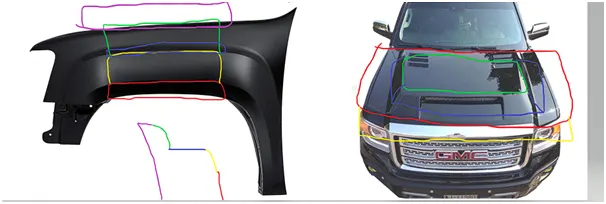
- Stage 3 : Now according to the view start creating the curve networks to make a 3d image. These curve networks will be used to create the surfaces.
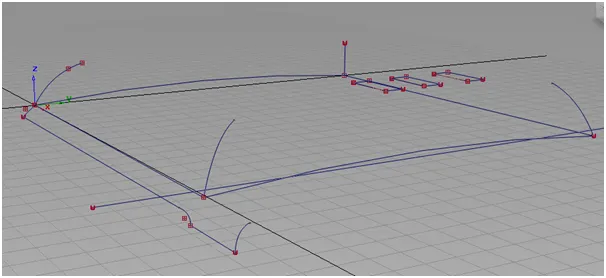
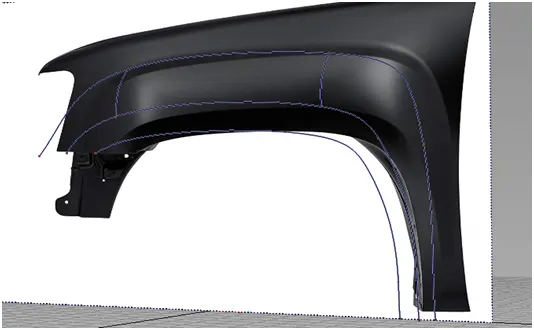
- Stage 4: now with the help of curves and tools like skin and square ror rail start making curves according to the image
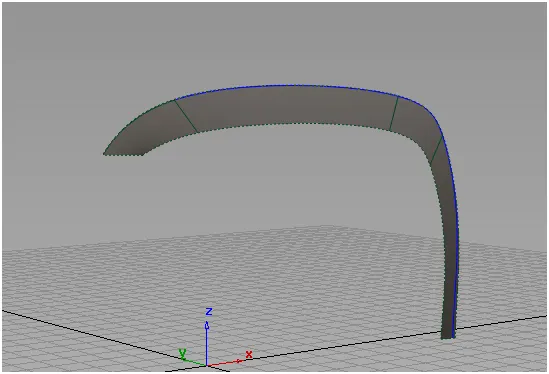
- Stage 5: now focus on the continuity, the flow of surface is one of the most important expect of the design so the flow should be even and continuous .check the flow using diagnostic shaders.
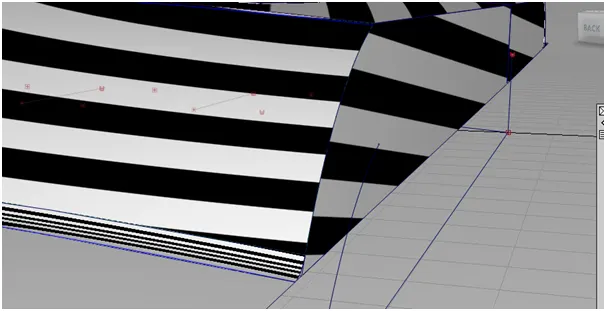
- Stage 6: with the help of surfaces create new surfaces. Draft tools can be used to create new aligned surfaces
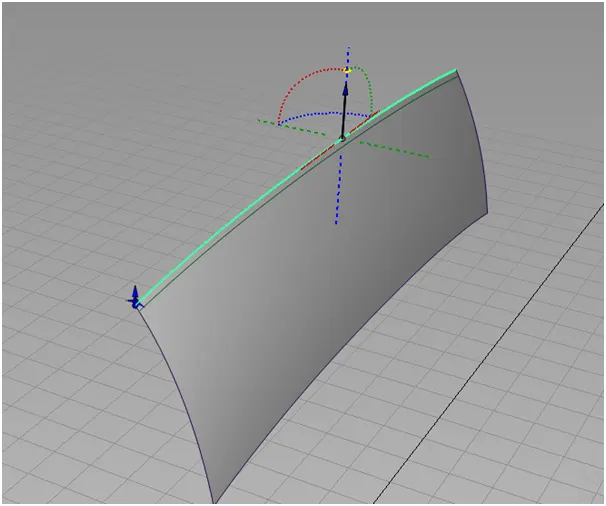
- Stage 7: trim the surfaces to make the model more realistic as possible
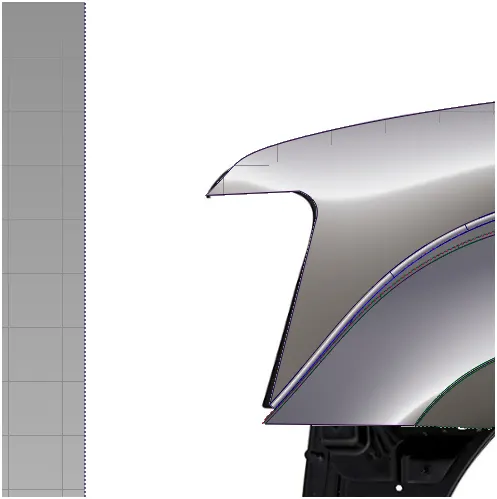
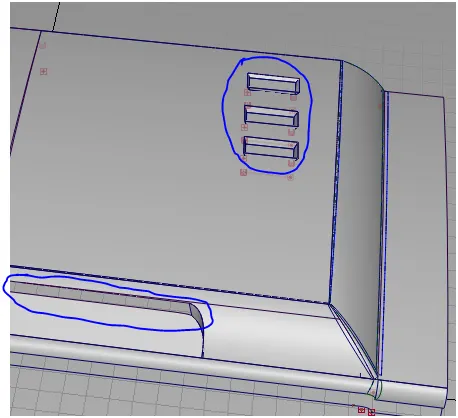
- Final stage: now focus on the detailing part to make it as realistic as possible. Also use fillets to make extra curves. To make the design smooth
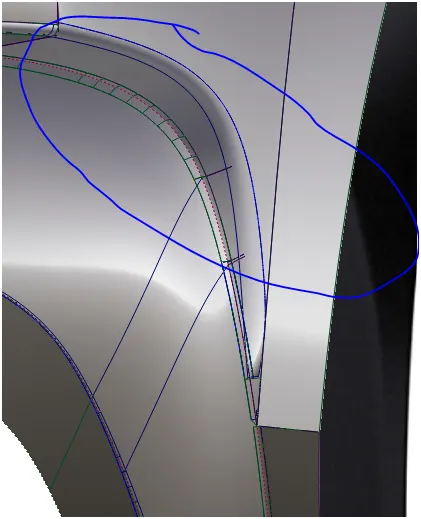
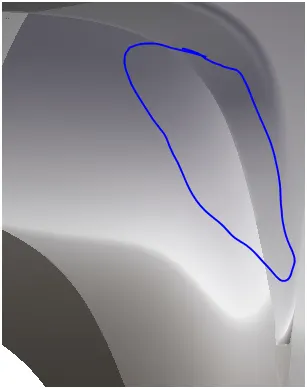
- Ss:
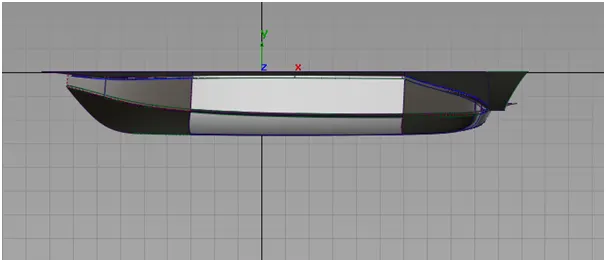
- Top:
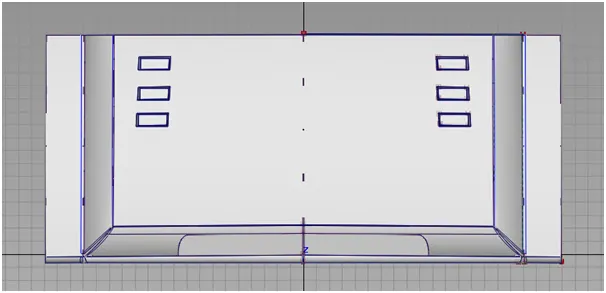
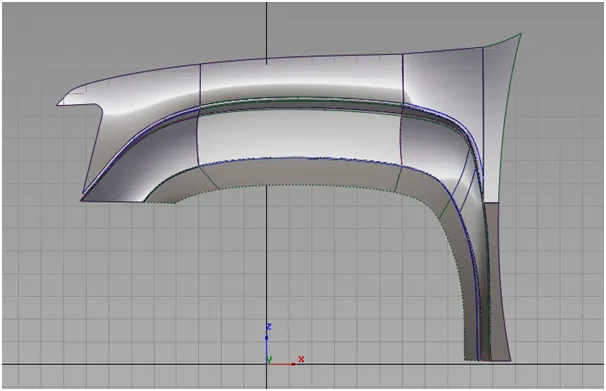
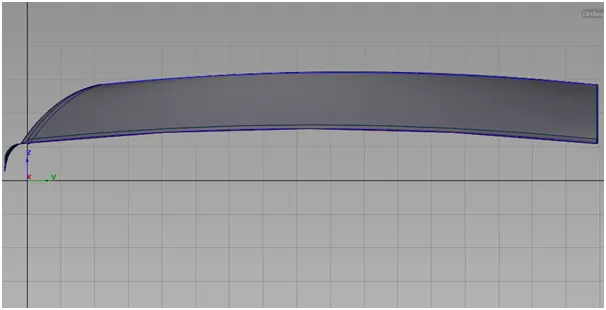
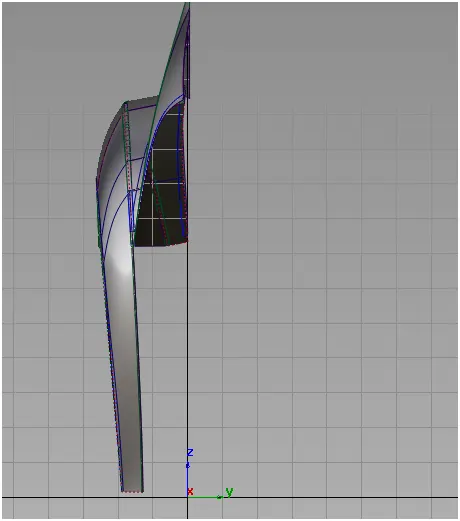
- Side:
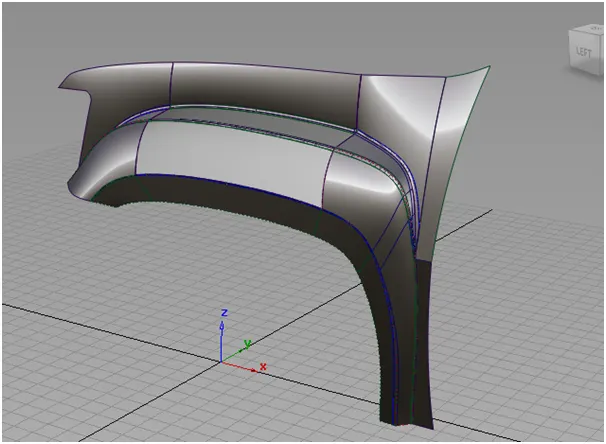
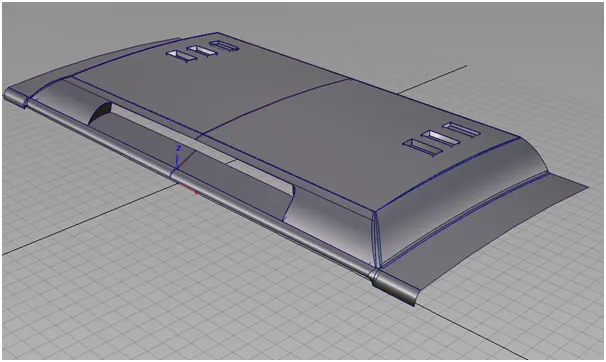
- Isometric:
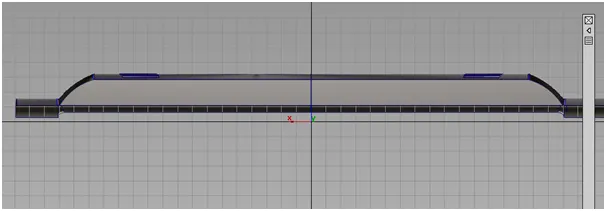
- Back:
- Front:
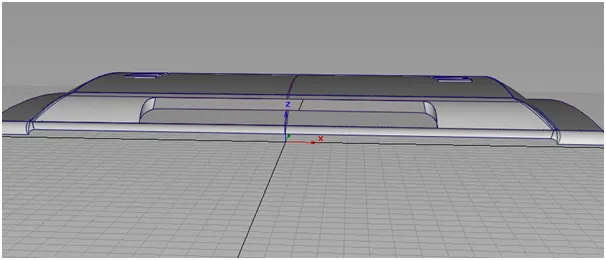
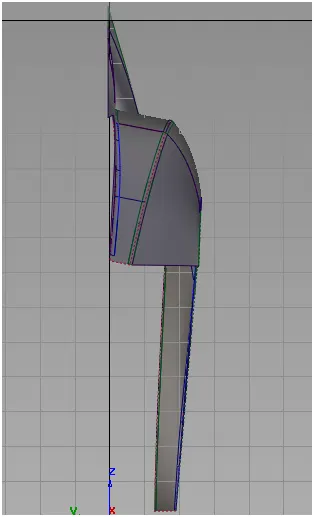
- Description : the whole structure of bumper can be created by using alias
There are several tools that were used in the making of the project. Tools like:
- Skin: skin tool that can be used to create surfaces from one curve or surface to other curves or surfaces.
- Rail: surface can be created by using generation curve and rail curve
- Project : a curve can be projected on the any surface that already exists.
- Trim:unwanted surfaces can be trimed from the surface to make whole
- Freeform blend: this can be used in special area where we want cure in a bend part like this, we can adjust the shape of the surface according to requirement
- Symmetry: this tool can be used symmetry the already created surfaces .this will help to create a pattern that can be duplicated further. Now by using the create geometry command in the symmetry option create a surface.
- Align : align the surfaces to conunity to make the surfaces make flow good
- Draft: using draft create surfaces at a angle and certain length
- Conclusion: The Concept Modelling of Fender and hood of GMC car was completed using autodesk alias.