Challenge 8 : Concept Modeling of Seats
Modeling of Seats
1.OBJECTIVE - Modelling for Seats.
2.INTRODUCTION - Build a Seats by visualization.
METHODLOGY
import an image into canvas image.
⛛
draw a curve as per blue print.
⛛
assign curves to layers.
⛛
build surface on wireframe.
⛛
align curves to surface.
⛛
build a surface.
⛛
intersect the surface & trim the unwanted surface.
⛛
multi drafting surfaces and projecting intersecting.
⛛
Detaching surfaces and trim converting.
⛛
surface fillet to the shape edges.
⛛
surface continuity and symmetry.
⛛
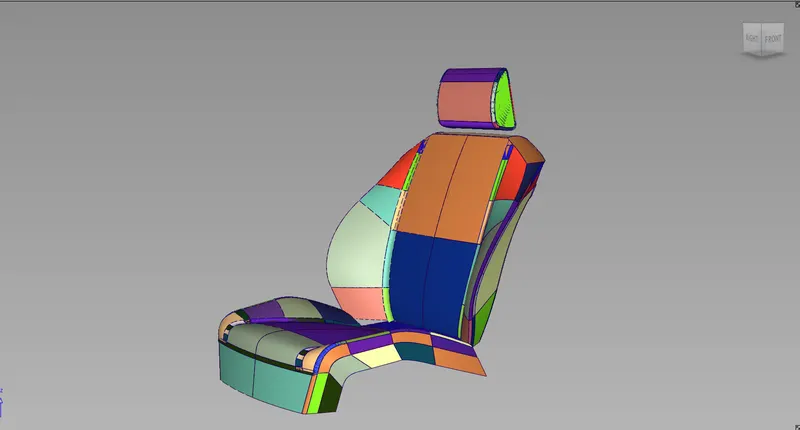
Build a surface of the seat is obtained.
4.DESCRIPTION - 1. Draw a curve as per blue print.
Using tools for wireframe -a) cv crv tool.
b) bend tool.
c) line tool.
d) circle tool.
2.Build a surface on finished wireframe.
using tool for surface -a) skin tool.
b) rail tool.
c) freeform blend tool.
3. using tools for curves in object edit
using tools in object edit -a) detach tool used for single surface divide into multi surfaces.
b) align tool used for aligning the two surfaces.
4. using tools for surfaces in surface edit
using tool in surface edit -a) project & intersect tool
b) trim & untrim tools
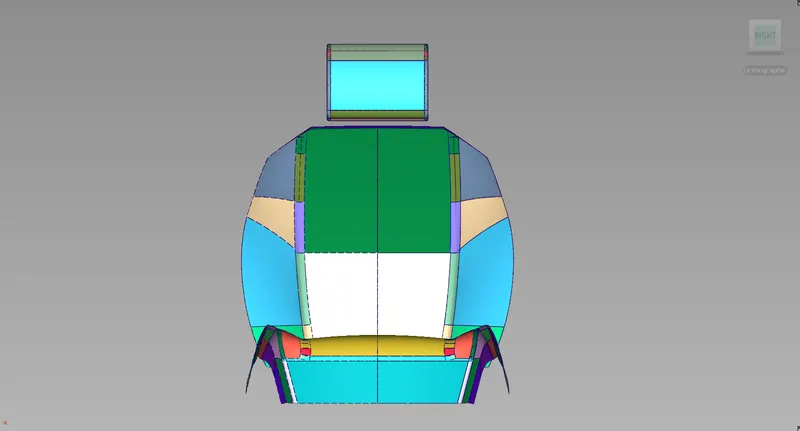
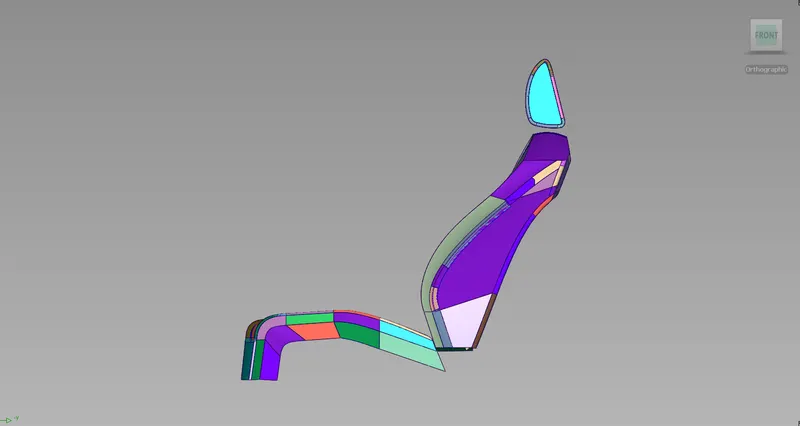
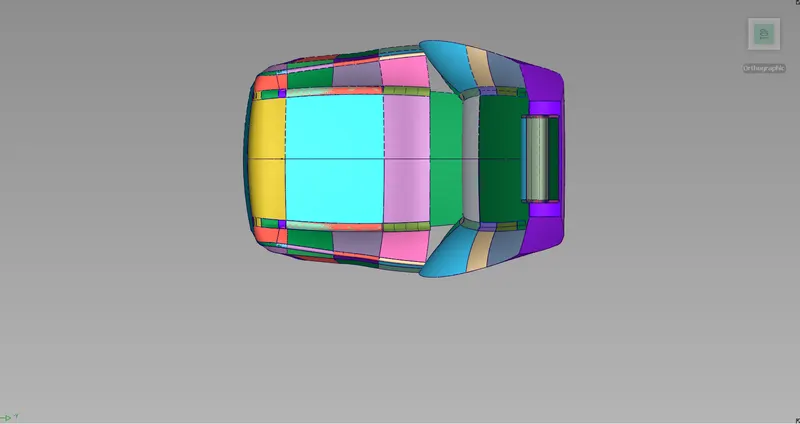
Seat Views
Conclusion
1. Learn about how to build a surface by visualization.
2. learn about how works the Multi blend tool.
3. learn about how intersect with the projection in surface edit.
4. learn about how to use the Detach tool on surface.
5. learn about how to use Symmetry plane align tool.
6. learn about how to use trim convert tool and surface fillet tool.