Challenge 12 : Rendering Project
Title : Rendering of the kia Sportage and other components of car
Objective : To provide an attractive visual to the car
Introduction:
Renderer Type
The type of renderer used: Raycaster, Raytracer, Hidden Line, Powercaster, or Powertracer. The icon in the Rendering Options window changes if you change Renderer Type. If Renderer Type is Powercaster or Powertracer, the Processors parameter becomes available. The default setting is Raycaster.
Note:
With Powercaster or Powertracer, multiple renders on the same multi-processor machine may produce the message.
Processors
Determines whether the renderer uses all available processors (All), or only a certain number of the available processors (User Defined). This parameter is available only when Renderer Type is Powercaster or Powertracer. If Processors is User Defined, the Num Processors parameter becomes available. The default setting is All.
Num Processors
The number or processors the renderer uses. This parameter is only available if Renderer Type is Powercaster or Powertracer, and Processors is User Defined. If you select User Defined, the initial value is 1. The valid/slider range is 1 to 32. The value you set will be saved in User Prefs.
Test Render
Automatically names the rendered image file testrender_nnnnnn, where nnnnnn is a six-digit number. If Test Render is ON, the Test Resolution parameter becomes available. The default setting is Off.
Test Resolution
A scaling factor applied to the X Resolution and Y Resolution values in the Render > Globals window. The slider range is 0.1 to 1. The default setting is 0.5.
Rendering Options window buttons
Reset
Resets all Rendering Options to their default settings.
Save
Saves the current Rendering Options settings for use by all subsequent renders.
Exit
Closes the Rendering Options window. The scene is not rendered, and any changes you have made to the Rendering Options are not saved.
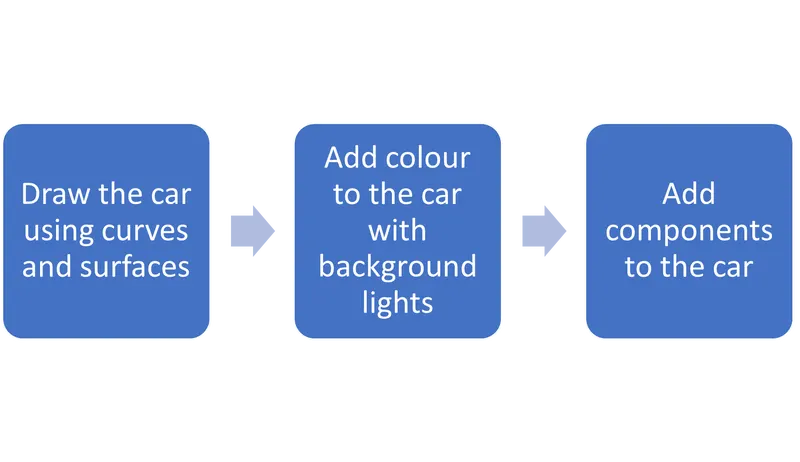
Design methodology :
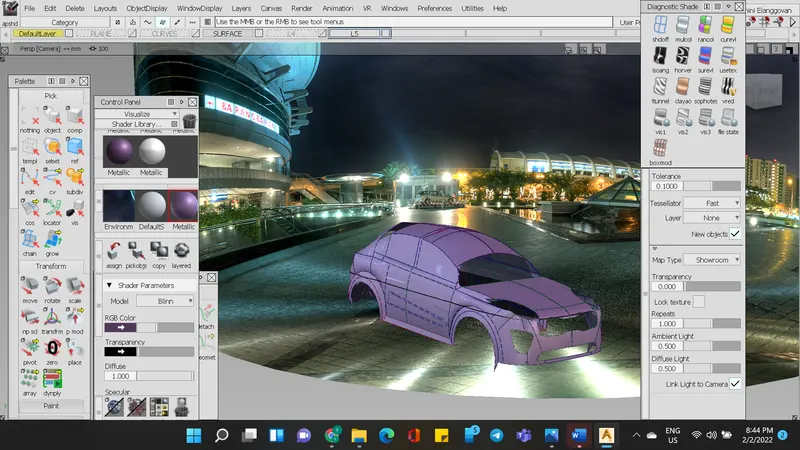
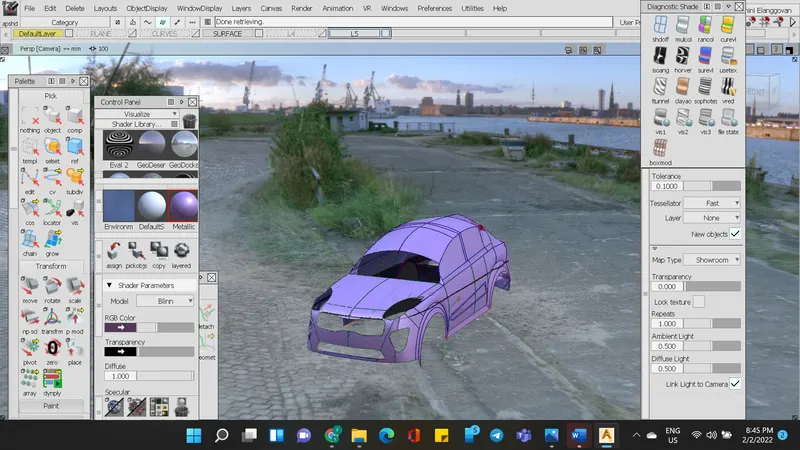
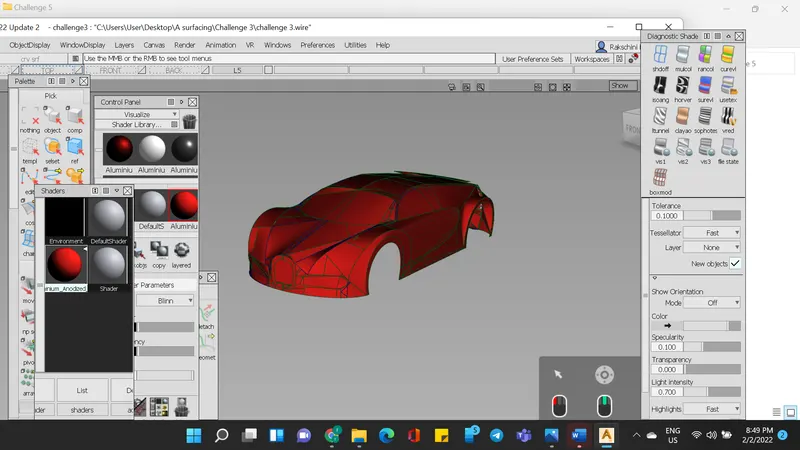
Screenshots :
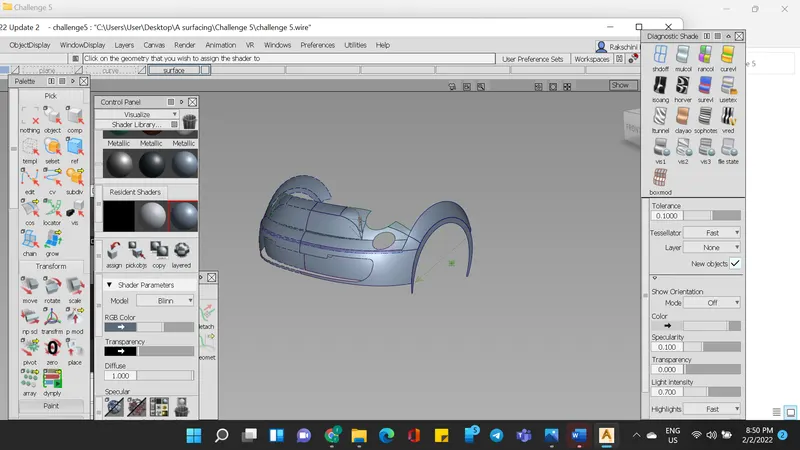
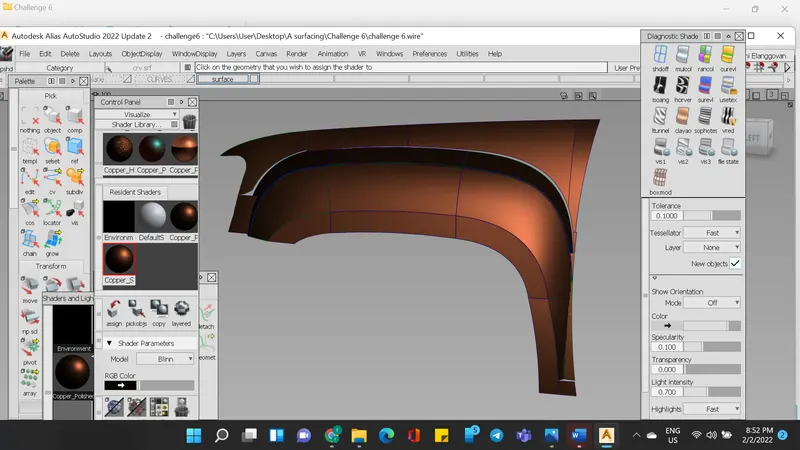
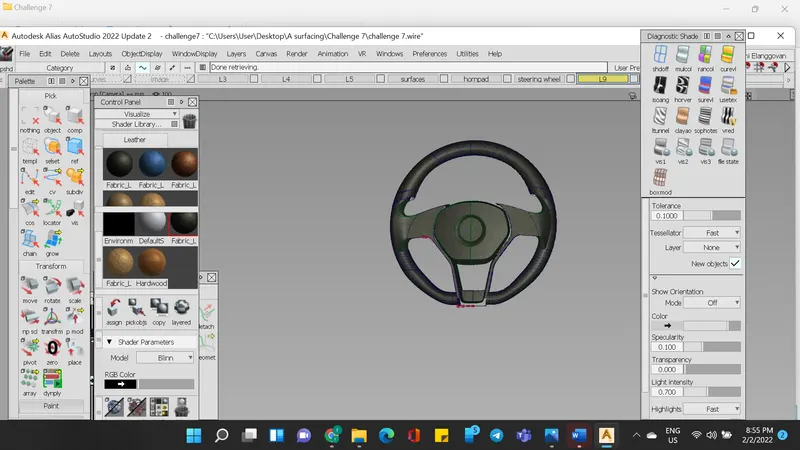
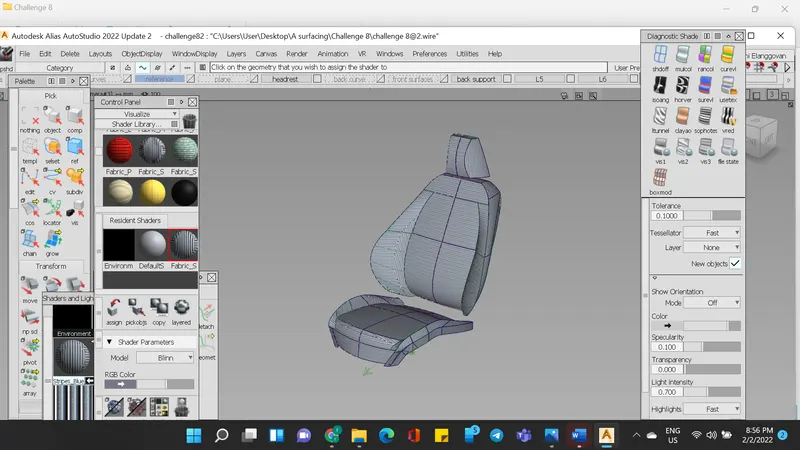
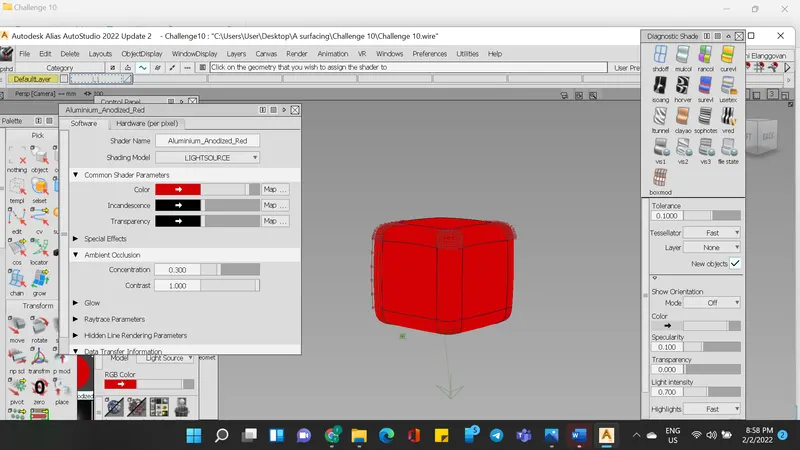
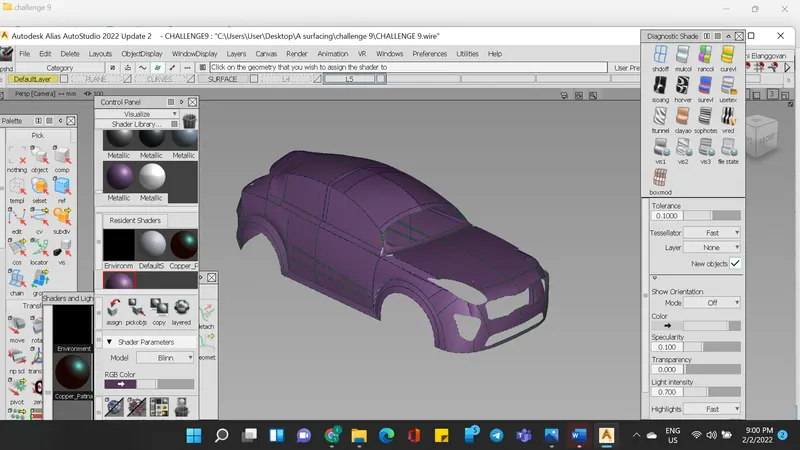
Conclusion
The models were rendered using the commands taught.