Basic commands in Matlab
Basic commands in Matlab
OBJECTIVE:
Type in the commands to create a row and column vector in MATLAB
THEORY:
In linear algebra, a column vector or column matrix is an m × 1 matrix, that is, a matrix consisting of a single column of m elements, Similarly, a row vector or row matrix is a 1 × m matrix, that is, a matrix consisting of a single row of m elements Throughout, boldface is used for the row and column vectors
MATLAB CODE:
% coding to create the row vector and column vector

clear all
close all
clc

%Assuming the students marks for row vector
students_mark=[10 20 30 40 50]


%Assuming th students marks for column vector
student_marks=[10;20;30;40;50]
RESULT:
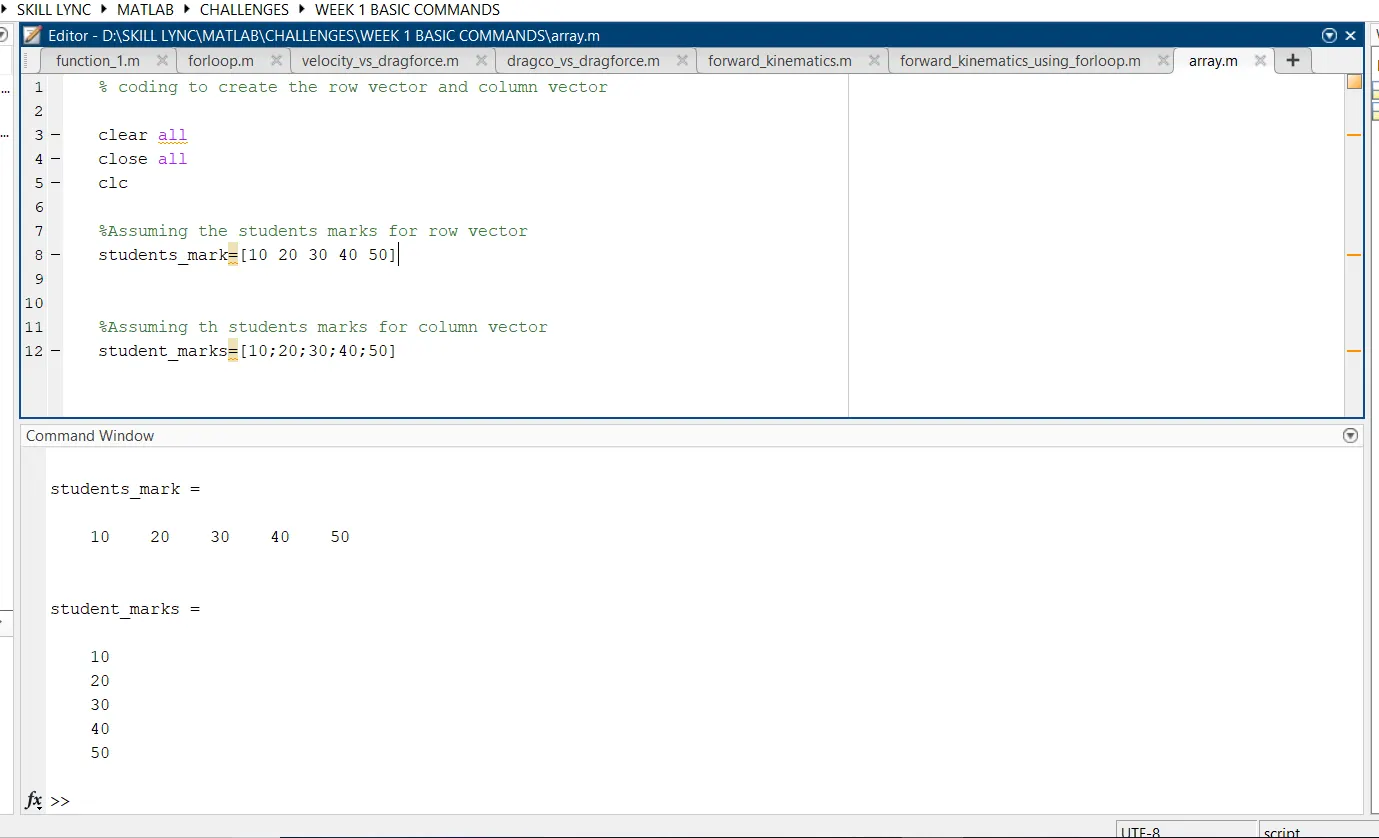
As per the requirement we have created the Row vector and column vector
using ';' symbol after each mark will create new row