Assignment 6-Frontal Crash Simulation Challenge
Objective:- To assign all the kinematic conditions as well as appropriate interfaces and create the rigid wall to the model with some output requests as bellow:
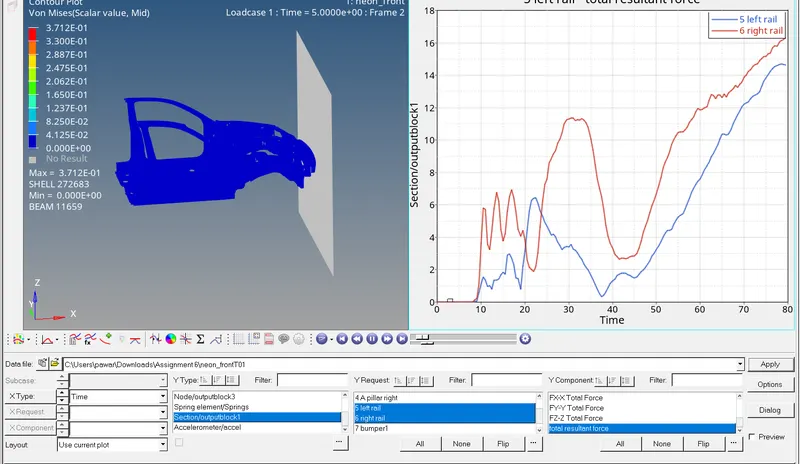
- Sectional force in the rails at location of indicated node 174247.
- Axial force received on the rails from bumper.
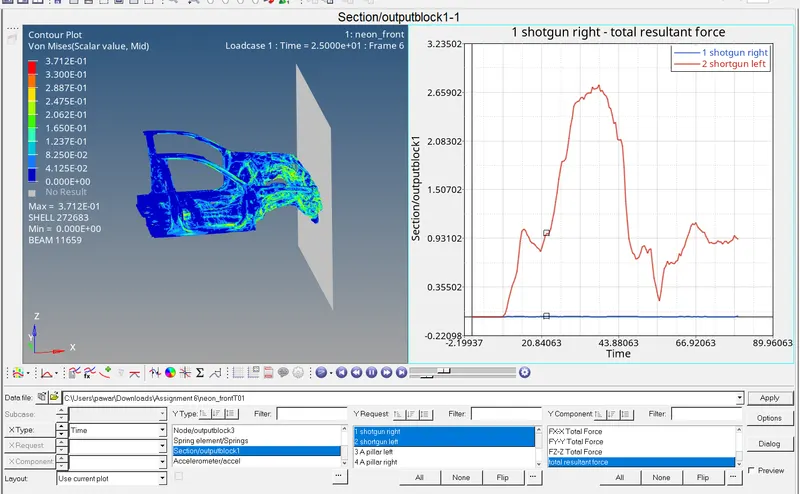
- Shotgun cross sectional forces.
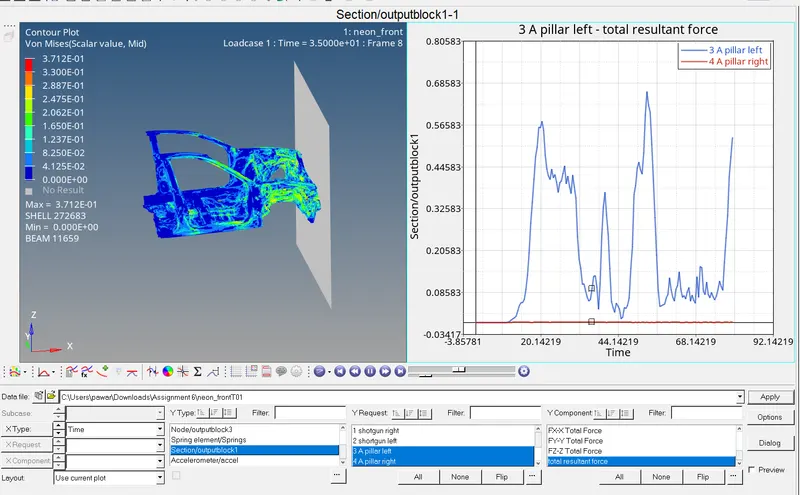
- A pillar cross section.
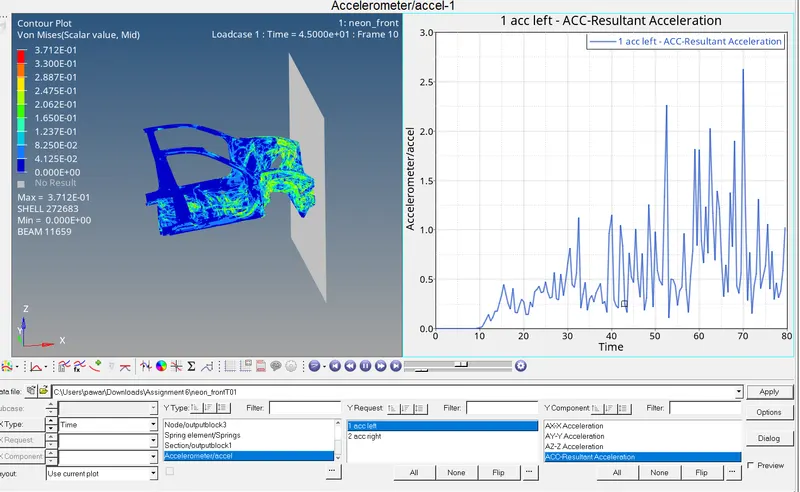
- Acceleration curve received on the accelerometer at base of B pillar (on B pillar rocker).
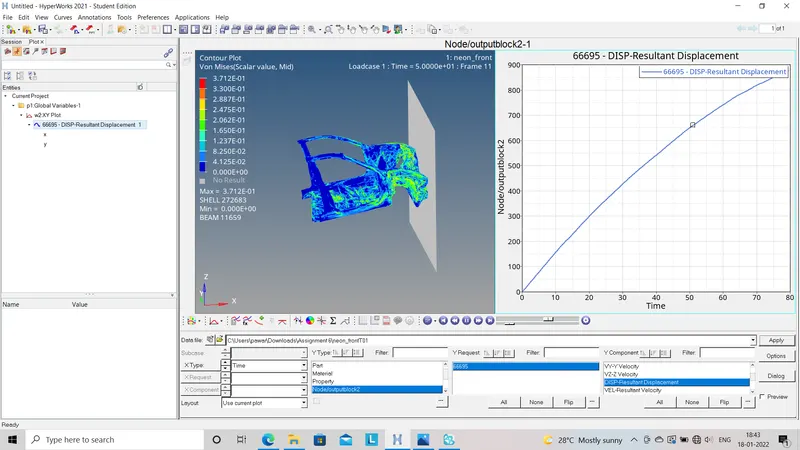
- Intrusions on the dash wall 66695,66244.
Procedure:-
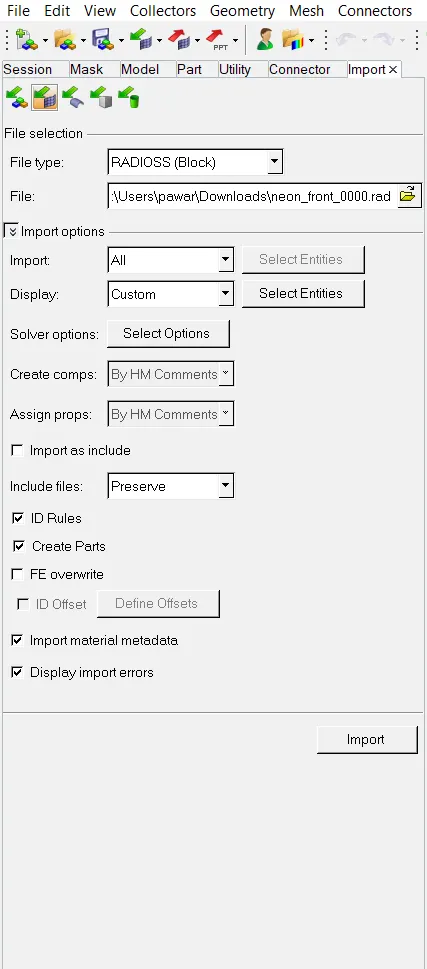
- First step we have to do is import the starter file (0000.rad) to the hypermesh. We have to choose Radioss as the profile for further process.
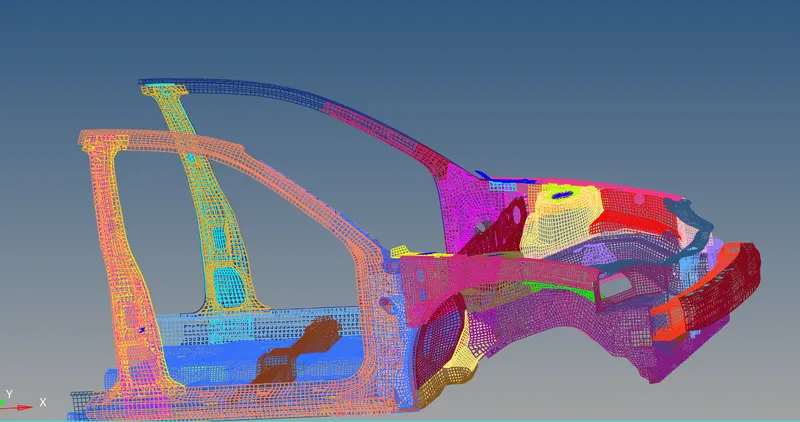
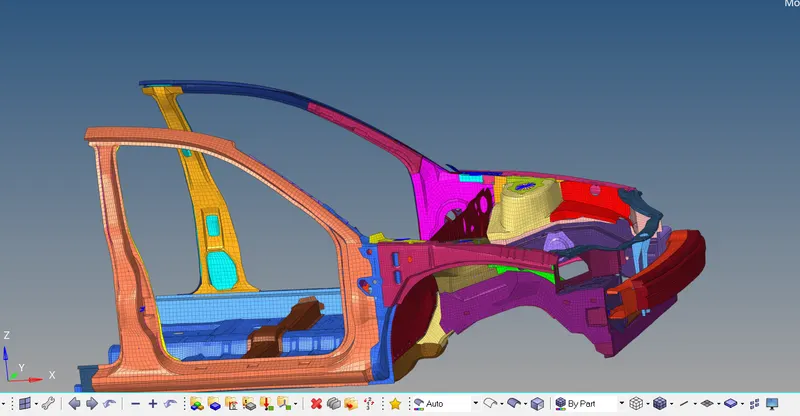
- After importing the file we will get wired frame mode we have to change it to solid frame so that we can observe model properly.
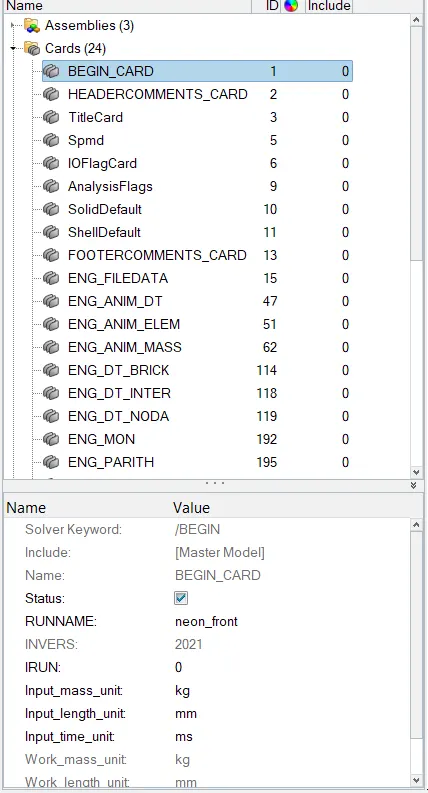
- Now we have to check the unit system which will follow throughout the simulation by using (Model deck - Cards - Begine_card - Check the units).
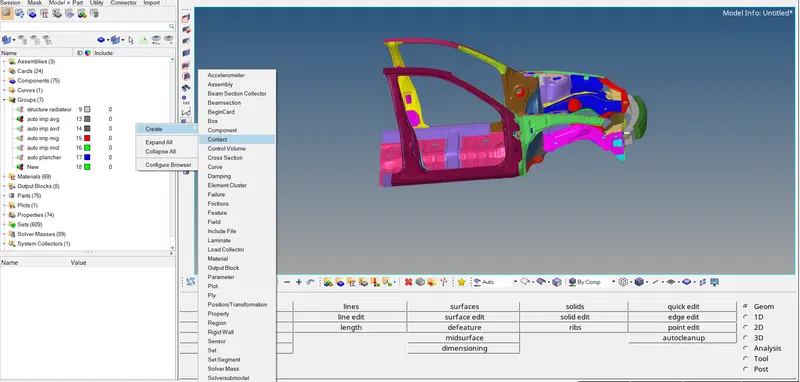
- To create the contact interface we have to go to the model deck and right click - create - contact. Now we will choose the type 7 contact interface and assign the friction value as 0.5 as per given condition.
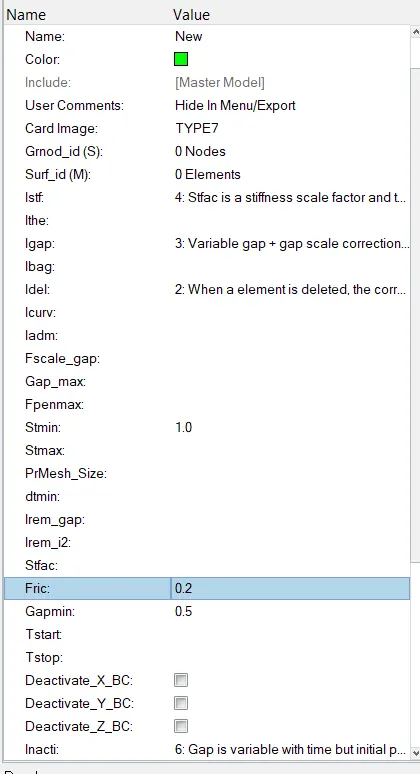
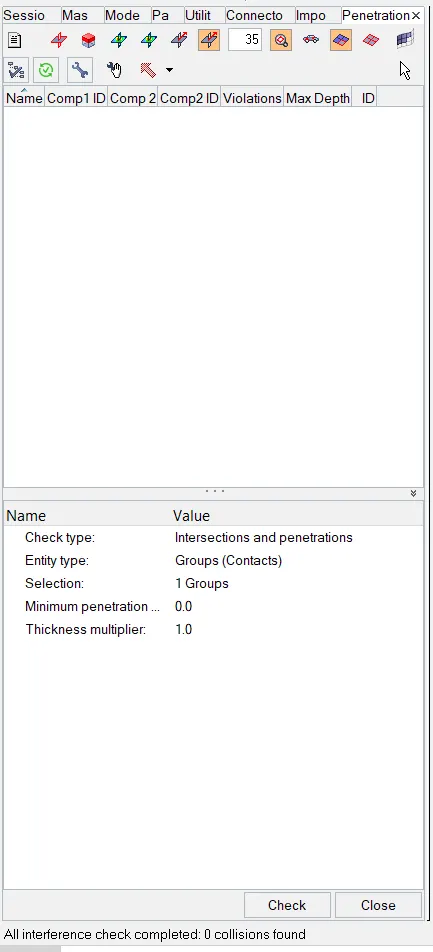
- To check the penitration in whole model we will go to Tools - Penitration check - Check. In this model their is no penitration found.
- If unwanted rigid bodies are present then we have to delete that rigid bodies as it will affect the simulation time.
- To create the rigid wall we have to go Solver deck - Right click - Create - R_WALL - Plane. In this way we create the rigid wall now we have to assign all the values as per bellow figure. We have to select any one point on bumper to create the rigid wall.
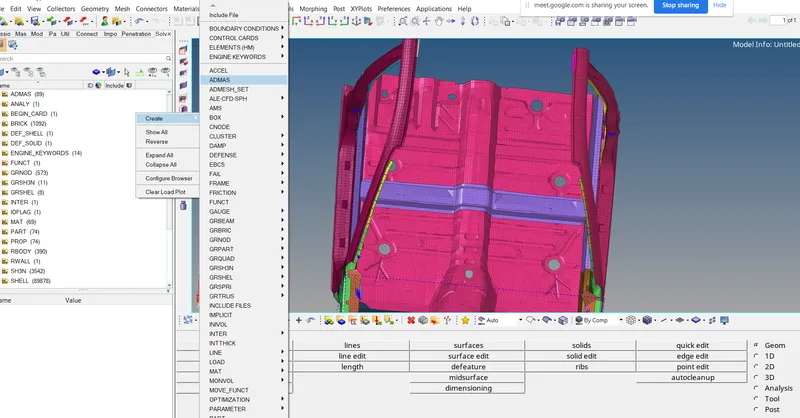
- After comparing given model weight with the full scale 300k nodes model we find that C.G.of given model should be at horizontal rail as per bellow figure also weight should be near to the 700kg. So to make the possition of C.G. as per given condition we have to add soe mass to the model by right click in solver deck - Create - ADMAS - Select the nodes (where we have to add mass) - Assign the mass value as i.e. per node mass value is 2 kg.
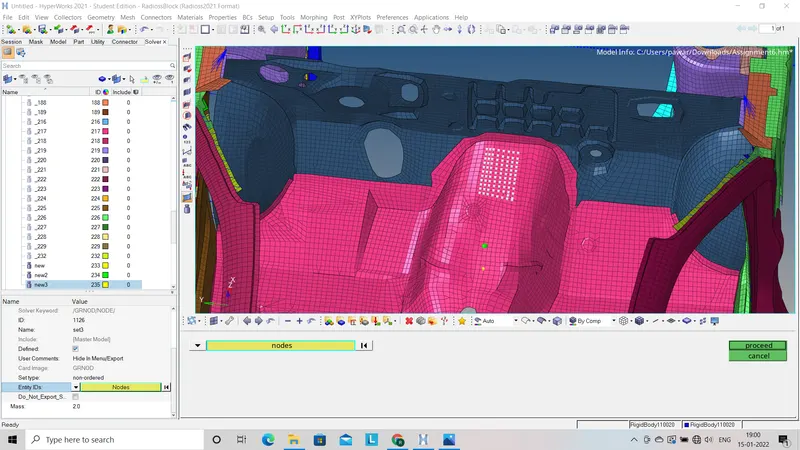
- To check how much the mass added to the model we have to go to tools - Mass details - Mass cog and innertia - cog.
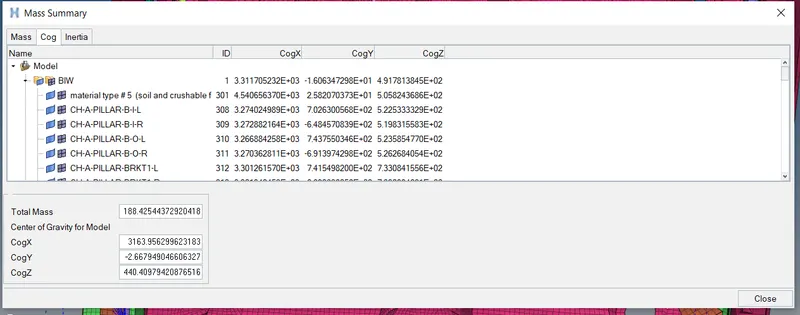
Before adding the mass
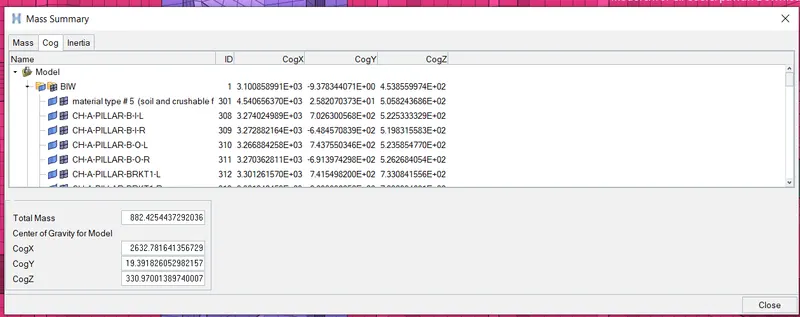
After adding the mass
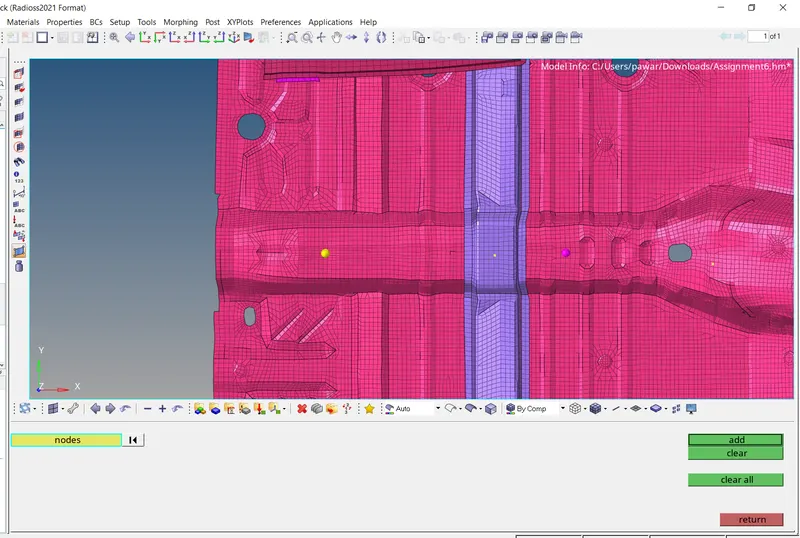
- To check the possition of COG we have add node as per co-ordinates of COG are given and then as per the possition we will add the mass.
- To create the initial velocity we have to go Solver deck - Right click - Create - Engine keywords - INIV - INIV/TRA so it create the translational velocity. We have to select all the nodes to assign the velecity.
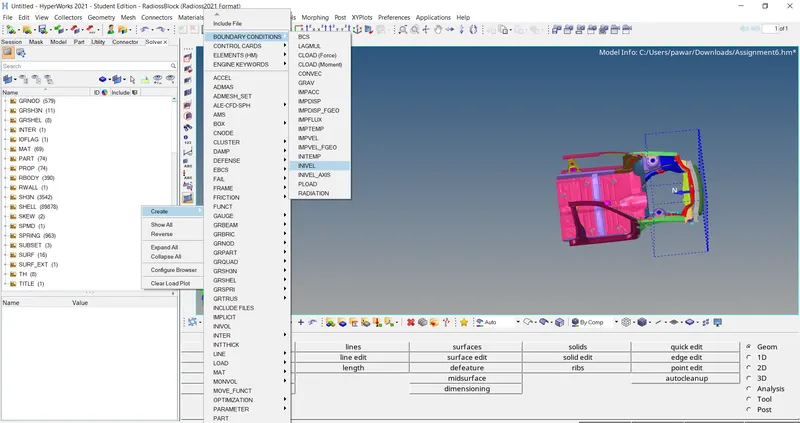
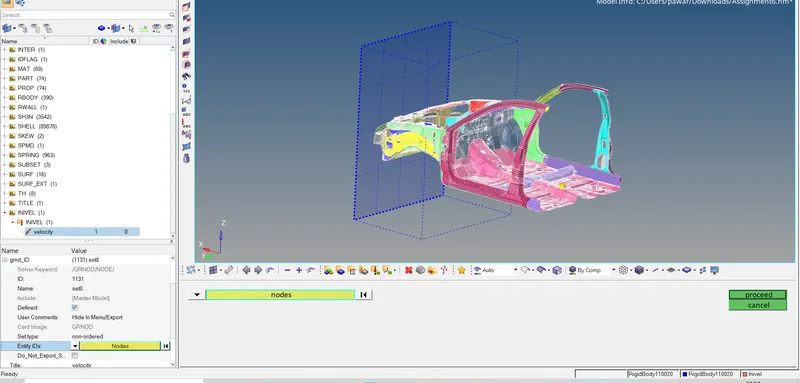
- To Use model checker to ensure good quality we have to go to tools - Model checker - Radioss block - check.
- To assign the time step and the run time we have to go to model deck Begin_card and ENG_ANIM_DT.
Output requests:-
1) Sectional force on right rail:
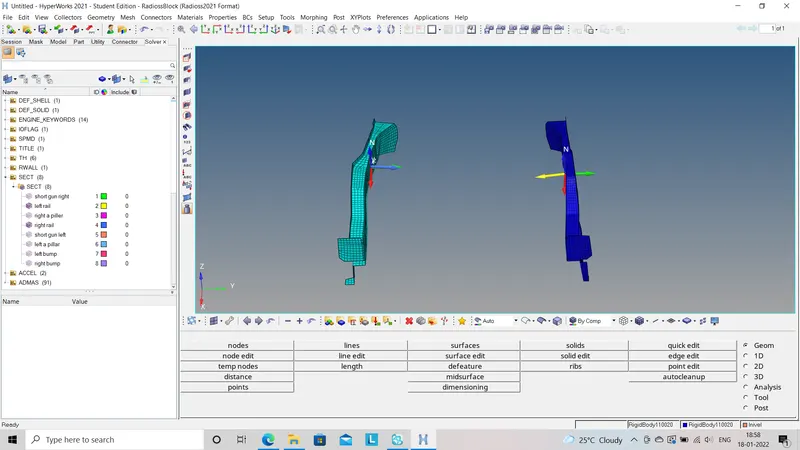
2) Sectional force on left rail
3) Shotgun cross sectional forces on both sides
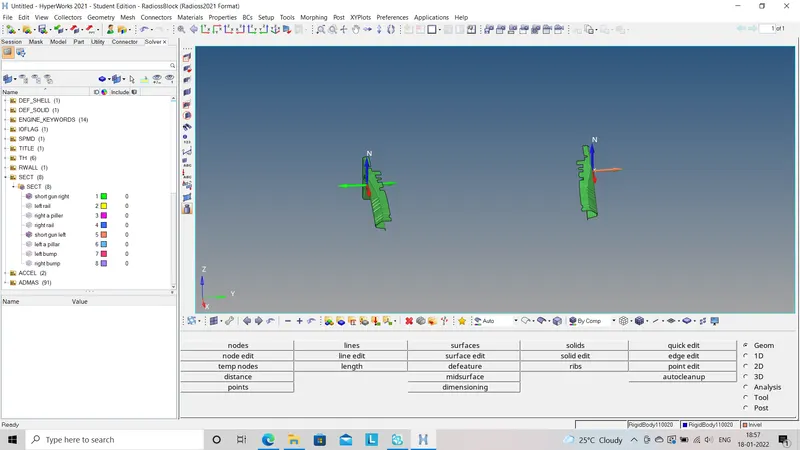
4) A pillar cross section
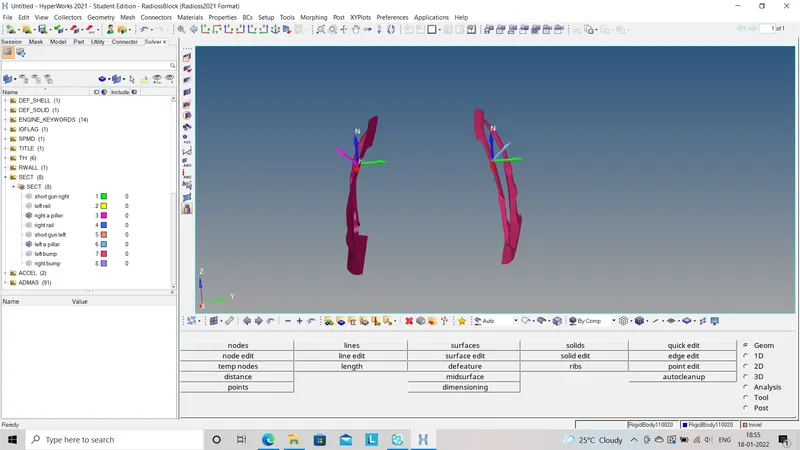
5) Axial force received on the rails from bumper
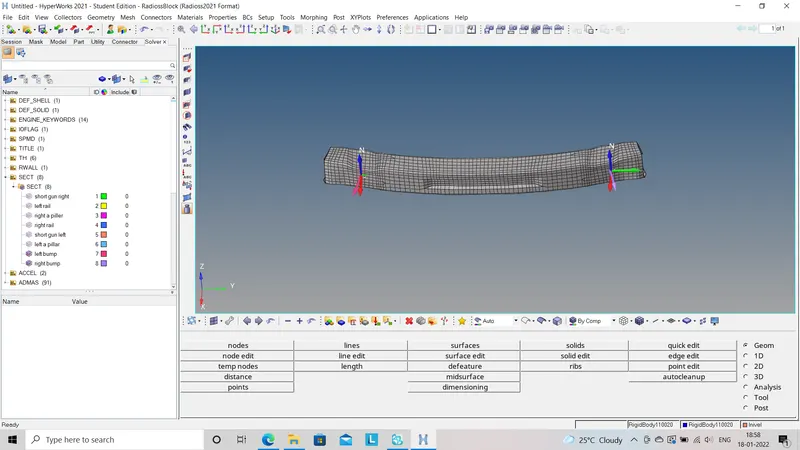
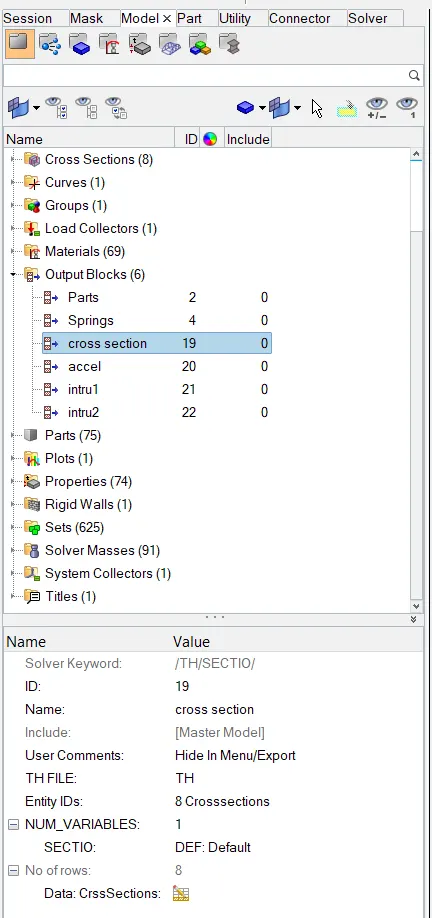
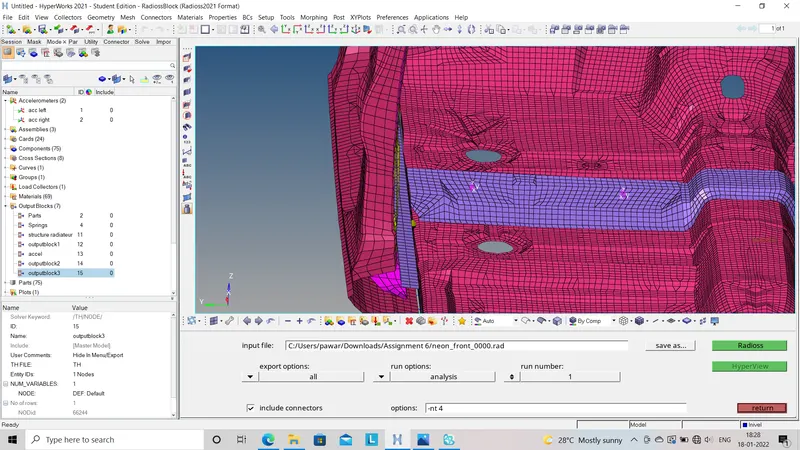
- After creating the section to all parts as per given condition we will go for create outlook to all the sections.
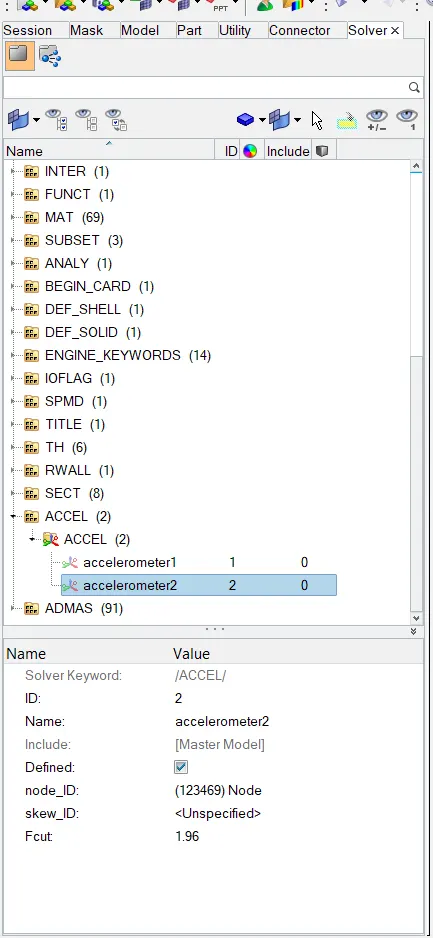
- Add accelerometer by right click in solver deck - Select Accelerometer - Select the node. We have to assign the acccelerometer on both the sides of car.
- Now we have to introduce the intrusions to the dash wall so that we have to create th movable skew and then go to outlook block.
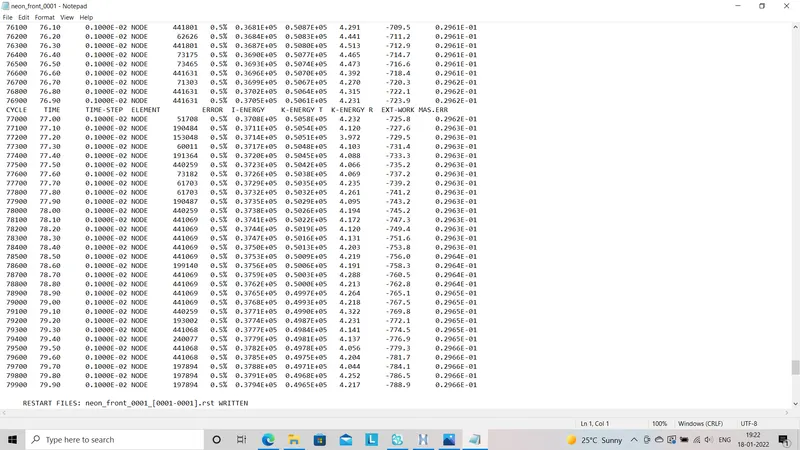
- Energy errors and mass error during the simulation as follows:
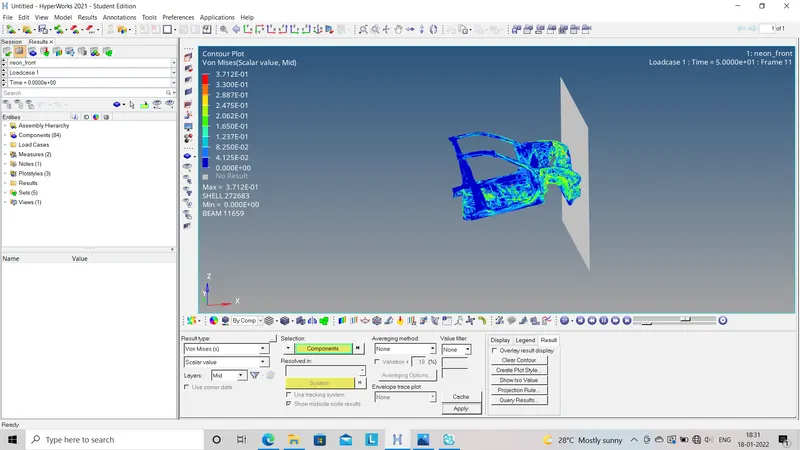
- After completing the simulation we have to import H3D file to the hyperview so that it will gives us vonmysses energy distribution as follows:
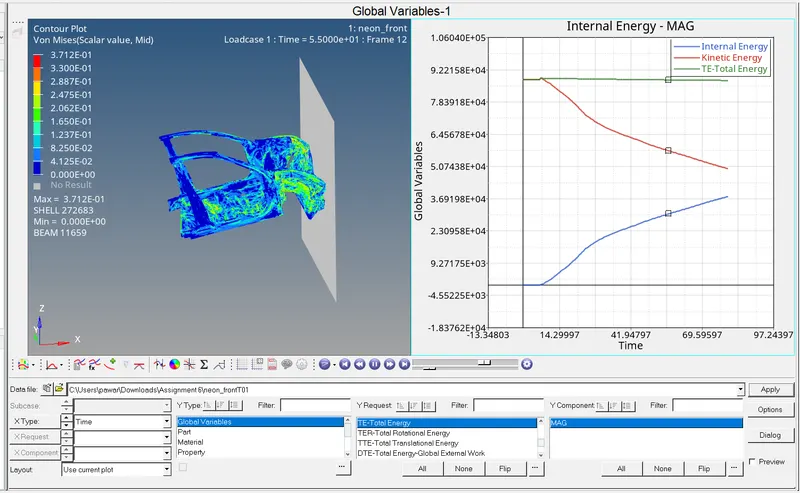
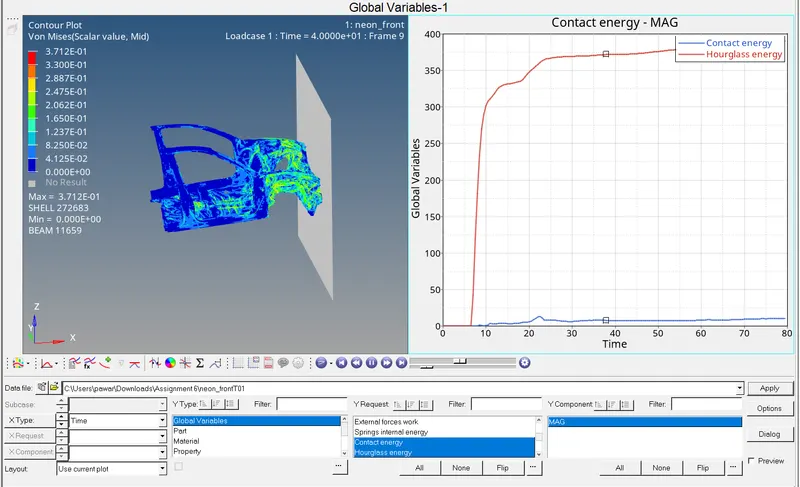
- Now we will go to the Hyper graph 2D and import T01 file so that we will get all the graphs whichever required as follows:
Result :-
- By observing all the graphs I understand that at the time of impact the K.E. energy goes on decreasing and internal energy goes on increasing so that total energy remains steady.
- Hourglass energy remains lower as we used QEPH element.
- By observing the graphs related to the intrusions I learn that through out the impact forces transferd upto 850mm displacement.
Conclusion : In this challenge I learn about how to assign all kinematic conditions, contact interface and how it affect to the simulation outputs like vonmysses stresses, all the forces. Also how to create the sections as per given condition.