Assignment 4-RADIOSS Material Laws Challenge
Assignment 4-RADIOSS Material Laws Challenge
Objective: Simulating the Rupture model with the given 7 cases
Case Setup and Execution:
The initial FAILURE_JOHNSON_0000.rad file is imported into Hypermesh from File -> Import -> Solver Deck and selecting the file.
After importing,
for Case 1 the simulation is run keeping the parameters present as they are;
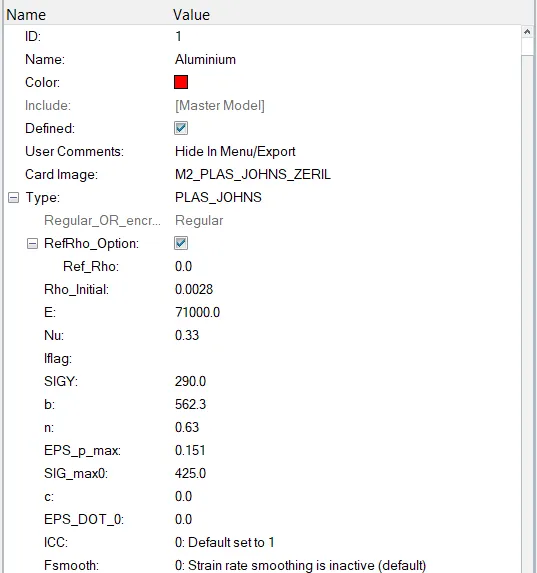
Simulation is started from Analysis panel -> Radioss
Keeping the export options, run option and run number as default and saving it as Law2_epsmax_failure_0000.rad, confirming it the simulation is started.
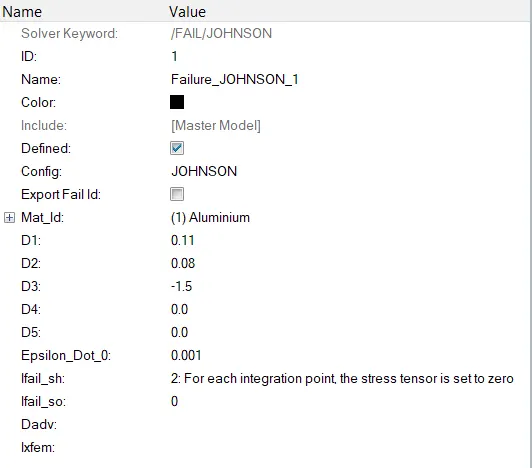
In Case 2, the Case 1 rad file is taken and the fail Johnson card is edited from Solver Browser -> Fail -> Johnson with parameters given
Ifail_sh =1
Dadv = 1
Ixfem = 1
Simulation is started from Analysis panel -> Radioss
Keeping the export options, run option and run number as default and saving it as Law2_epsmax_crack_0000.rad, confirming it the simulation is started.
In Case 3, the Case 2 rad file is taken and the fail Johnson card is deleted from Solver Browser -> Fail -> Johnson
Simulation is started from Analysis panel -> Radioss
Keeping the export options, run option and run number as default and saving it as Law2_epsmax_nofail_0000.rad confirming it the simulation is started.
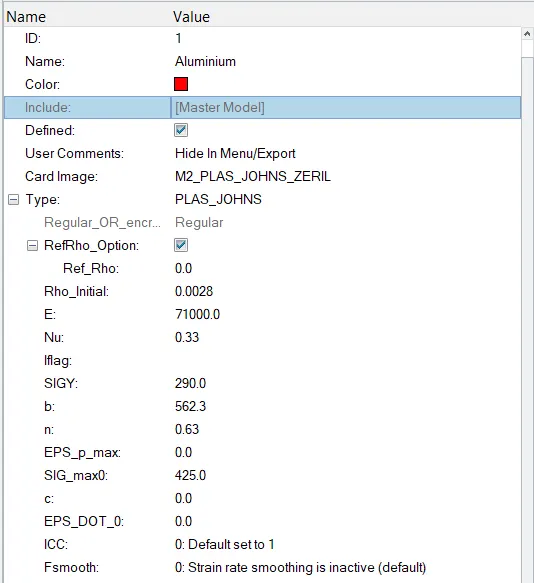
In Case 4, the Case 3 rad file is taken and the material card is edited from Solver Browser -> Mat -> Law2_Plas_John with the given parametrs
Eps_p_max = 0
Simulation is started from Analysis panel -> Radioss
Keeping the export options, run option and run number as default and saving it as Law2_0000.rad confirming it the simulation is started.
In Case 5, the Case 4 rad file is taken and the material card is edited from Solver Browser -> Mat -> Law2_Plas_John with the given parametrs
Changing card image from M2_Plas_John_Zeril to M1_Elast
In this card the values are taken as
Rho_Intial = 0.0028
E = 71000
Nu = 0.33
Simulation is started from Analysis panel -> Radioss
Keeping the export options, run option and run number as default and saving it as Law1_0000.rad confirming it the simulation is started.
In Case 6, the Case 5 rad file is taken and the material card is edited from Solver Browser -> Mat -> Law1_Elast with the given parametrs
Changing card image from M1_Elast to M36_Plas_Tab
In this card the values are taken as
Rho_Intial = 0.0028
E = 71000
Nu = 0.33
Eps_p_max = 0.16
Eps_t = 0.1
Eps_m = 0.11
N_fuct = 1
fct_ID = confirming with curve id 40 formed above
f_scale = 0
and the other parameters as default
Simulation is started from Analysis panel -> Radioss
Keeping the export options, run option and run number as default and saving it as Law36_0000.rad confirming it the simulation is started.
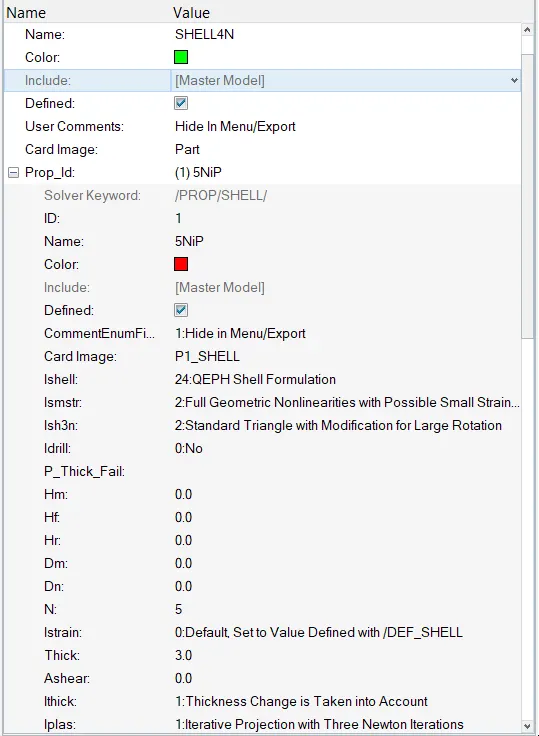
In Case 7 we start with new import with the given Law27_0000.rad file and run the file with the material parameters given
and giving the /PROP/SHELL with the standard parameters
Simulation is started from Analysis panel -> Radioss
Keeping the export options, run option and run number as default and saving it as Law36_0000.rad confirming it the simulation is started.
Results:
Case1: Law2_epsmax_failure
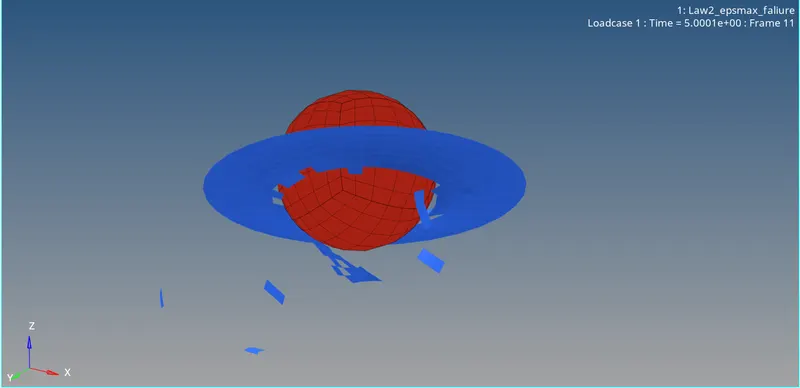
The plots for Simulation is taken from Hypergraph 2D
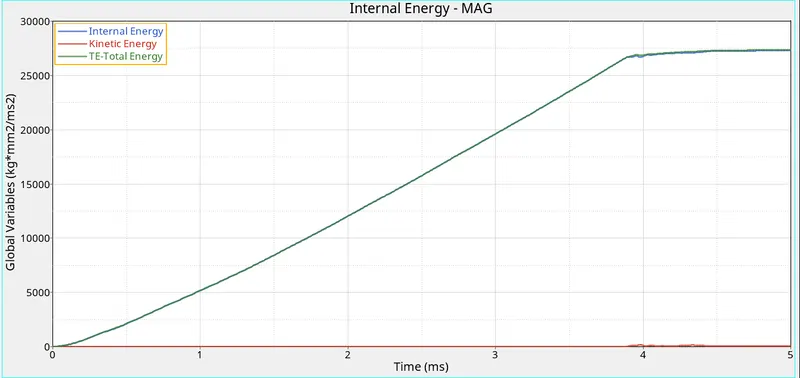
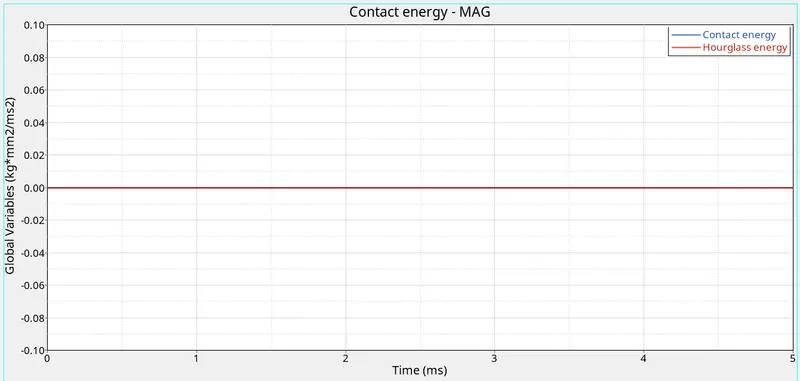
In this case since the Johnson cook and johnson failure laws are taken together, so the elements are deleted when they reached failure and after the elements in contact are deleted, the internal energy stabilizes.
Case2: Law2_epsmax_crack
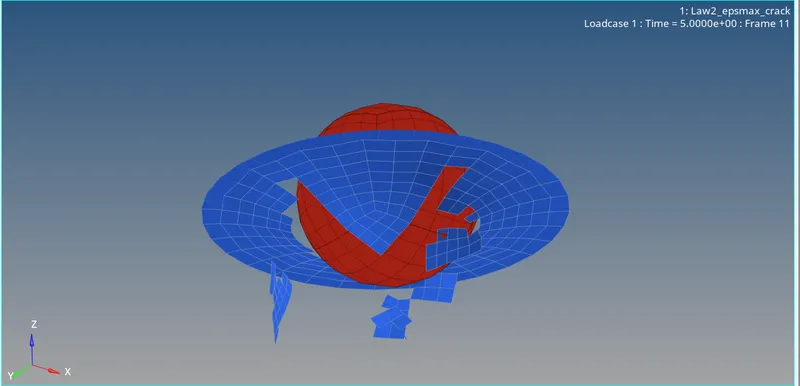
The plots for Simulation is taken from Hypergraph 2D
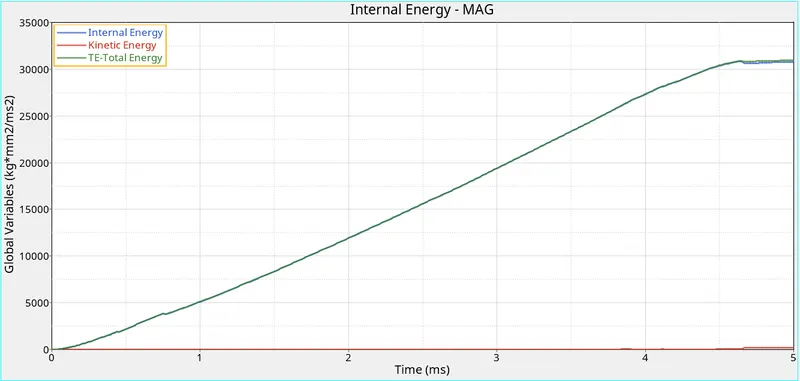
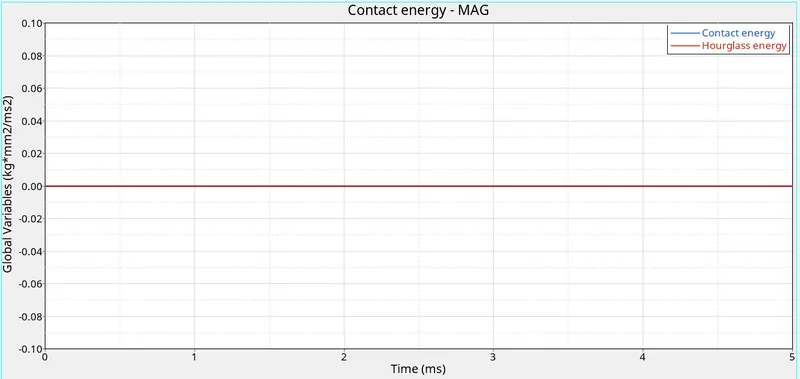
In this case the Johnson cook and johnson failure laws are taken together with changes made to Johnson failure in Ixfem and Dadv and since Xfem is activated, the elements are cracked with the defined crack growth and deleted when they reached failure, so the time taken increases for the internal energy to stabilize and also higher when Xfem is not chosen.
Case3:Law2_epsmax_nofail
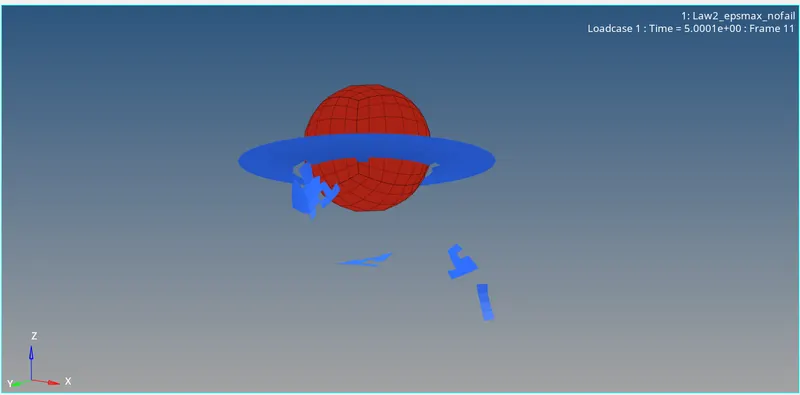
The plots for Simulation is taken from Hypergraph 2D
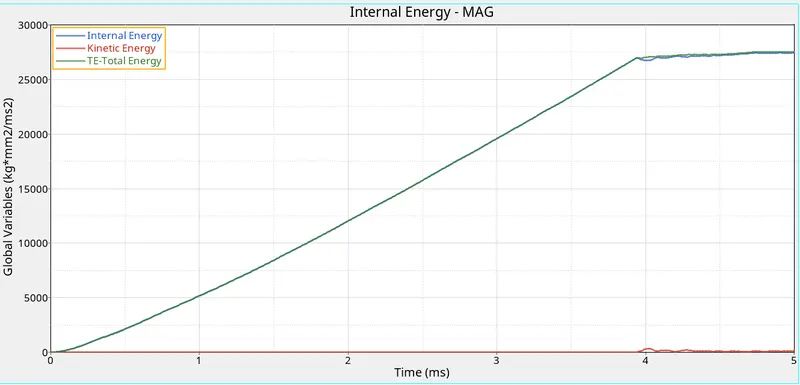
In this case the johnson failure law is deleted, so this behaves similar to case 1even the internal energy behaves the same. So the presence of Johnson failure law without changes made doen't have much impact for this simulation.
Case4: Law2
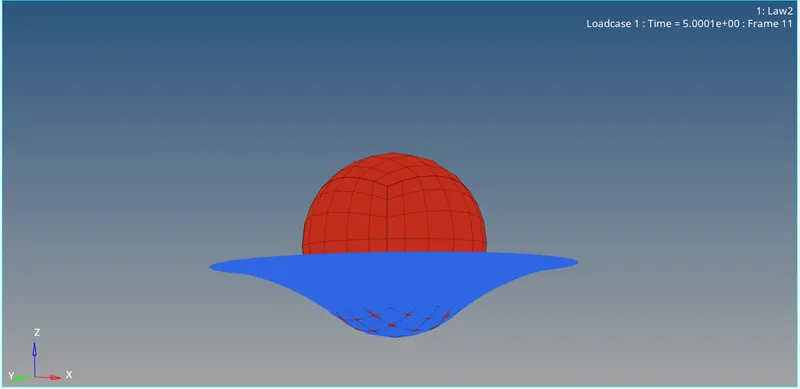
The plots for Simulation is taken from Hypergraph 2D
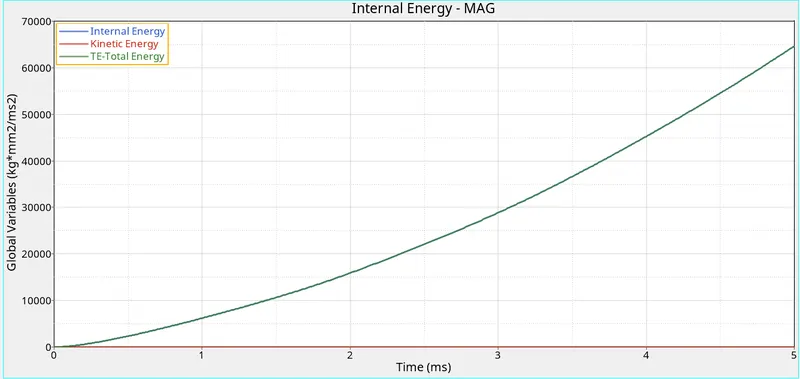
In this case since the epsmax value is taken 0 for Johnson cook law, the elements are not deleted but streched continuosly.
Case 5: Law1
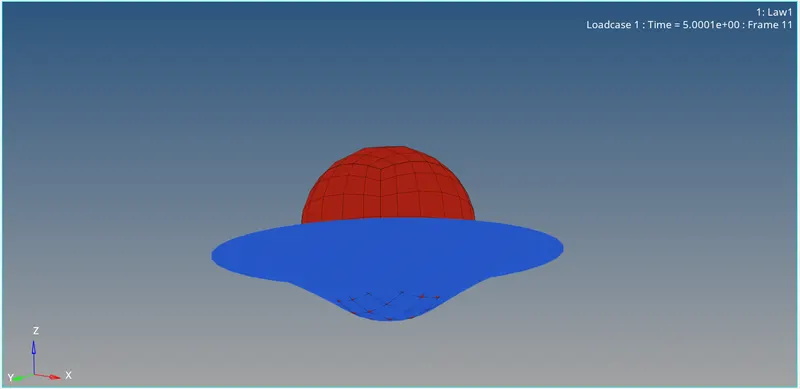
The plots for Simulation is taken from Hypergraph 2D
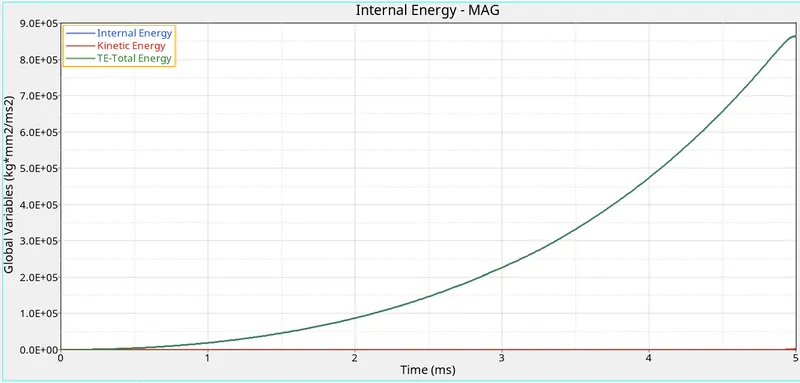
In this case the material card is changed to Law 1, which is elastic, the elements are streched continuously with higher energy than Law 2 in case 5 due to complete elastic nature of the material.
Case 6: Law 36
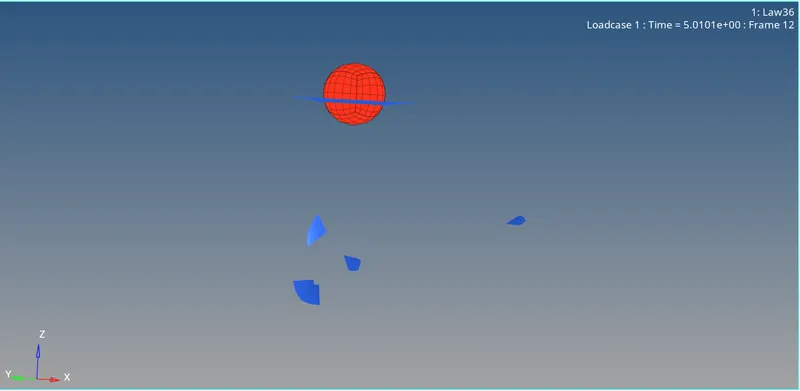
The plots for Simulation is taken from Hypergraph 2D
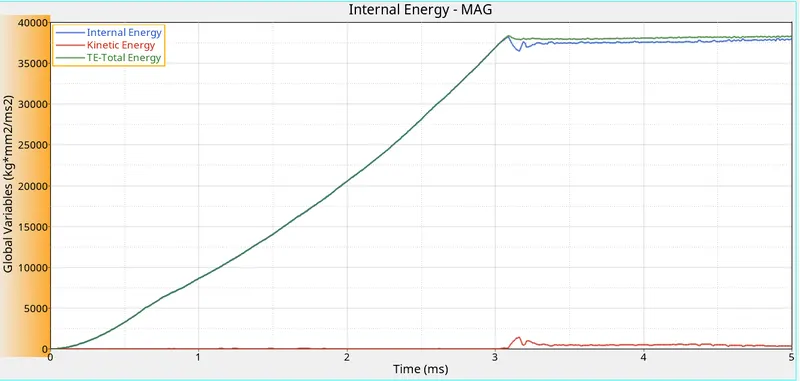
In this case, since the materail law chose is Law 36 which is used when there is user defined material behavior and the elements are craccked but not deleted.
Case 7: Law 27
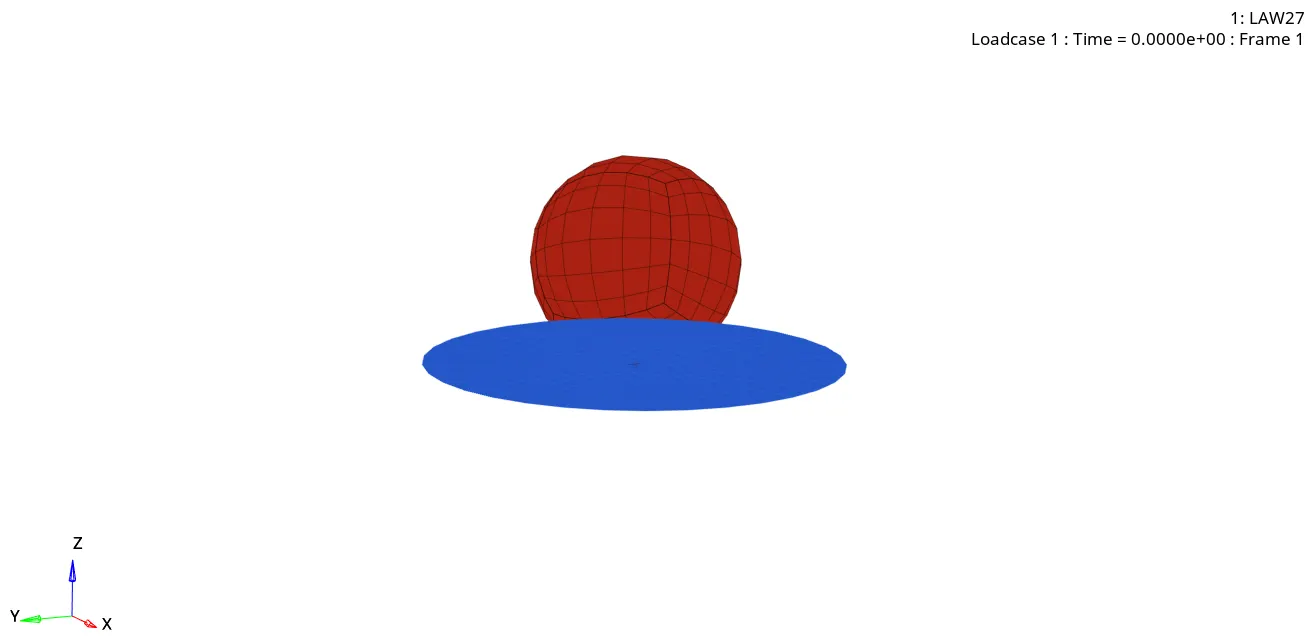
The plots for Simulation is taken from Hypergraph 2D
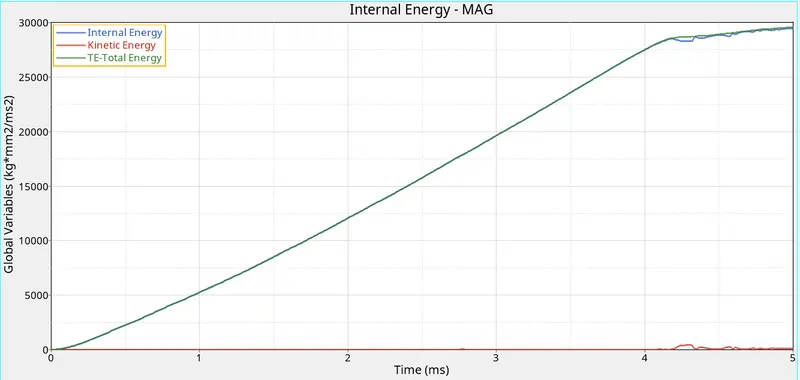
In this case the materail law chosen is Law 27 for brittle materials ans the elements cracked are in bulk similar to brittle fracture and are deleted.
Conclusion:
| Case | No of Cycles | Energy error | Mass error | Simulation Time |
| Law2_epsmax_failure | 49380 | 0.8% | 0 | 271.56 s |
| Law2_epsmax_crack | 49217 | 4.1% | 0 | 347.09 s |
| Law2_epsmax_nofail | 49408 | 0.8% | 0 | 265.75 s |
| Law2 | 48737 | 3.0% | 0 | 298.51 s |
| Law1 | 47969 | 1.3% | 0 | 276.58 s |
| Law36 | 52209 | -1.7% | 0 | 304.92 s |
| Law27 | 49508 | 0.8% | 0 | 274.38 s |
From the above table we can see Law 36 has negative energy error and less than 5% which is good and acceptable compared to other cases which has positive energy error.
The rad files are successfully simulated in Radioss 2021