Assignment 3-2D Element Formulation Challenge
Recommended properties:
Parameters Comment
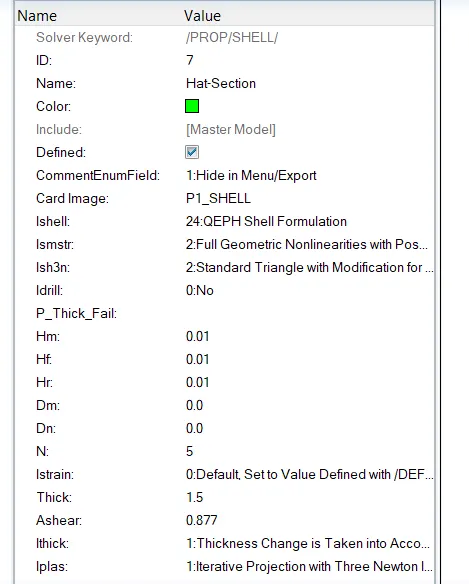
Ishell =24 QEPH 4 nodes shells are best combination of cost and accuracy.
Ismstr=2 Full geometric nonlinearities (default)with possible small strain formulation activation in RADIOSS Engine.
Ish3n=2 Standard 3 noded shell (C0) with modification for large rotation(default)
N=5 Number of integration points set to 5 for accuracy bending.
Ithick=1 Thickness change is taken into account for accuracy.
Iplas=1 Iterative plasticity for good accuracy.
Questions:
Comparison of results with base simulation and improved shell element properties
1. Using the crash beam file from the previous assignment, change the run time to 55 ms.
Import the file > Go To File > Import > Solver Deck > Element_Formulation-Shell-3_assignment_0000.rad
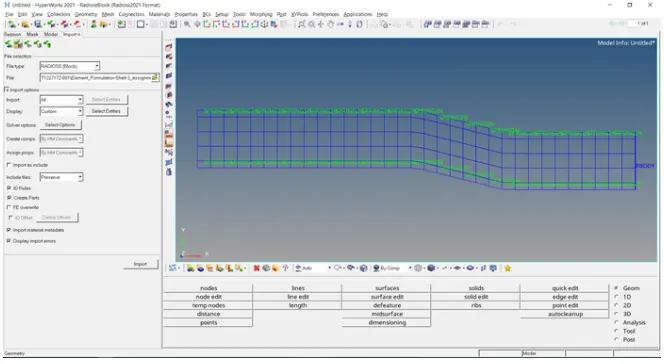
Change ENG_RUN to 55ms
Go To Solver Tab > Cards > ENG_RUN > t.stop to 55 ms
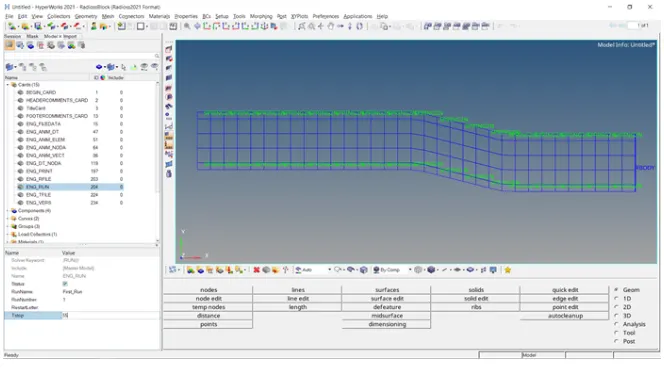
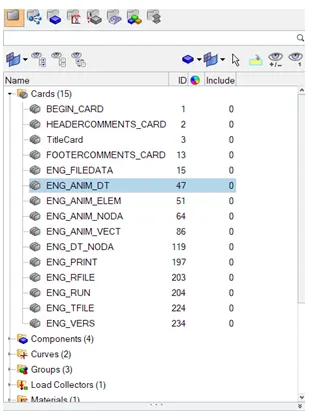
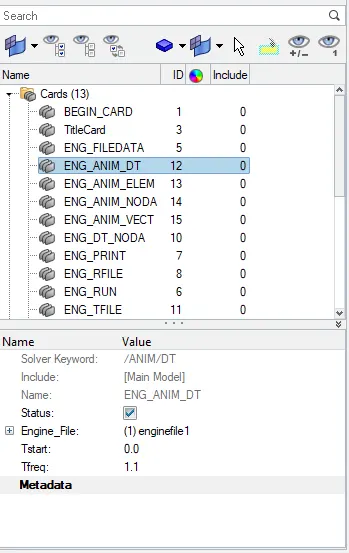
2. Change the number of animation steps during simulation to a minimum of 25 and maximum of 60.
The output time step has been selected 30 animation steps. Therefore, the frequency
Tfreq = 55/50 = 1.1
3. Run the base simulation without any modification to element properties.
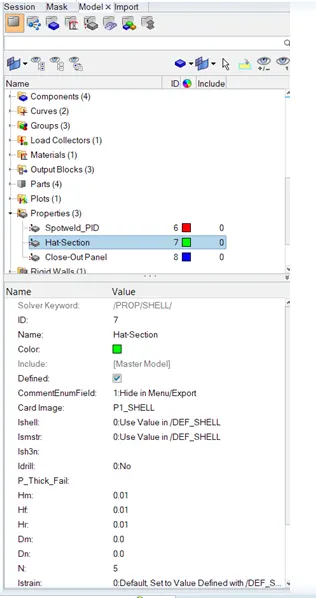
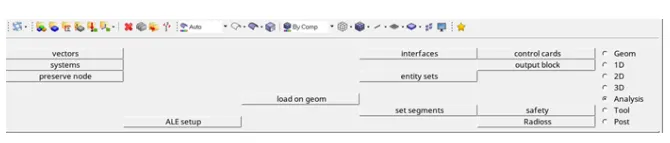
For Analysis We will go to Analysis > RADIOSS
In option box write -nt 4 basically its highlight the 4 core processor system for fast simulation.
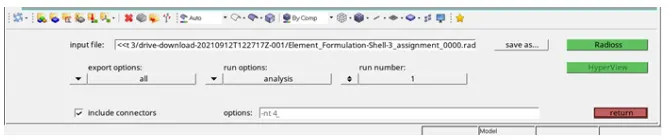
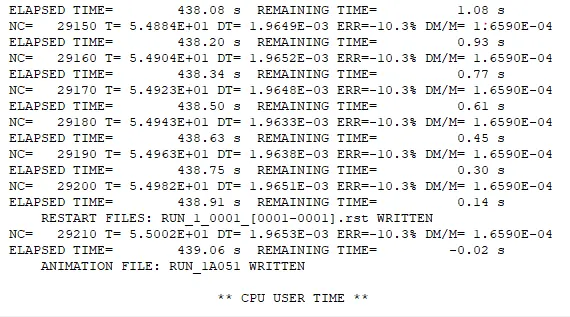
Now click on Radioss to start the simulation, After the end of simulation we will get following result output.
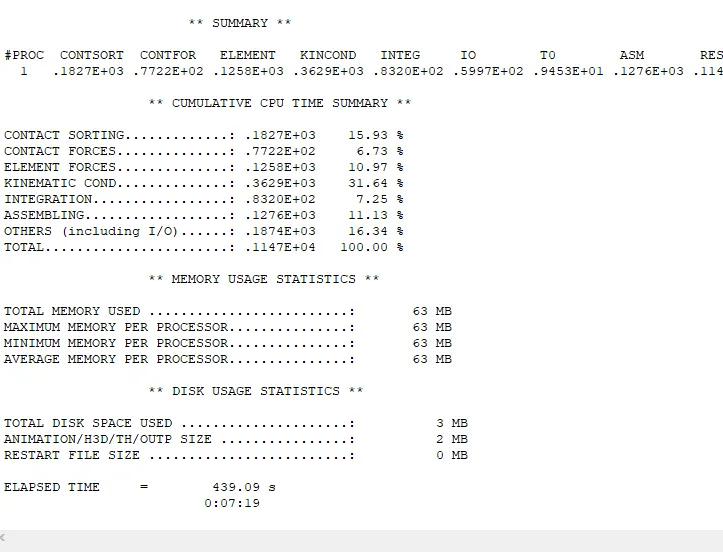
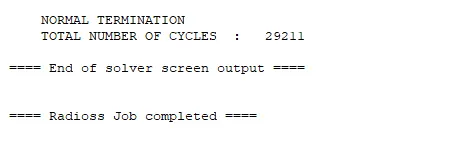
Click on Apply
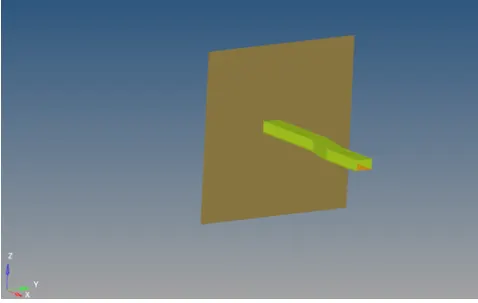
Now click on contour option and apply
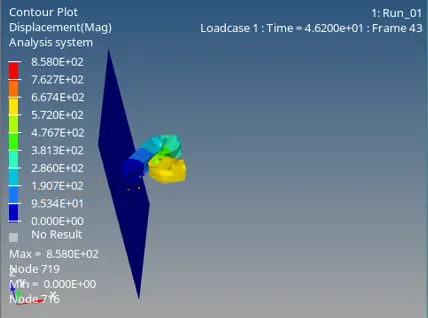
Play the Animation
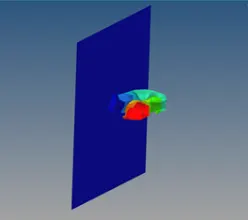
4. At the end of the simulation, do the energy error and mass error checks and determine whether results would be acceptable.
Energy Error -10.3%
Mass Error -1.6590E-04
5. If acceptable, plot rigid wall forces, internal energy, hourglass energy, contact energy, total energy of the simulations.
Now open Hypergraph 2D and import “Element_Formulation-Shell-3_assignmentT01”
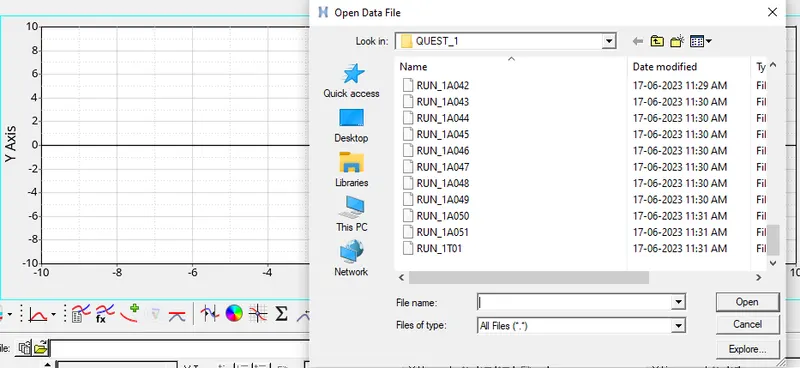
Apply setting.
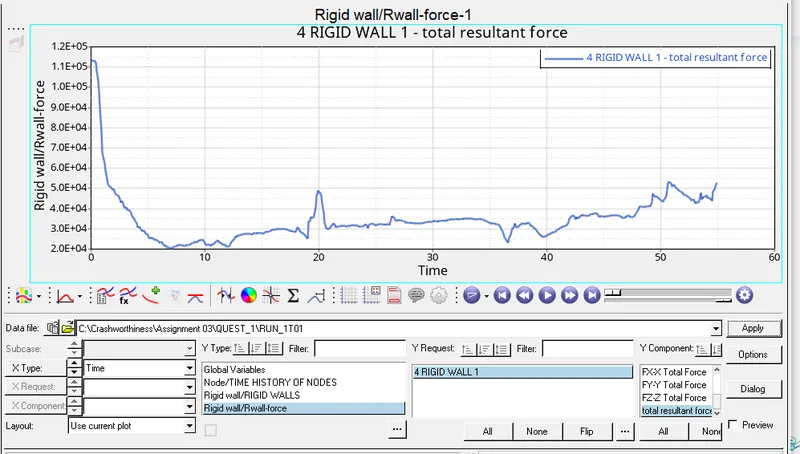
Rigid Wall
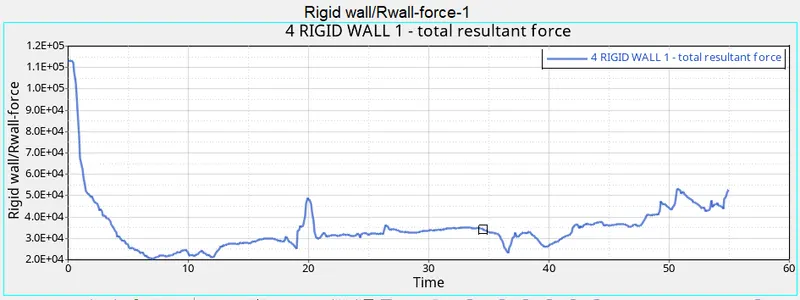
Graph to plot internal energy, hourglass energy, contact energy, total energy of the simulations.
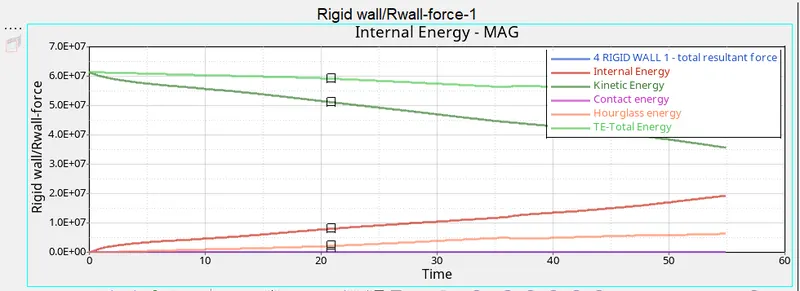
6. Change all the shell elements properties to recommended properties, save this as separate, rad files and run the simulation.
Change the following detail in Model > Properties > Hat Section & Close out panel.
After changing the detail run the simulation.
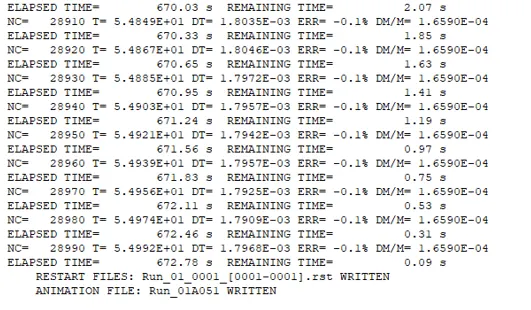
% energy error = -0.1% Acceptable (acceptable range 5 to -15%)
% mass error = 1.6590E-04 % Not Acceptable (acceptable range is 3 to 3%)
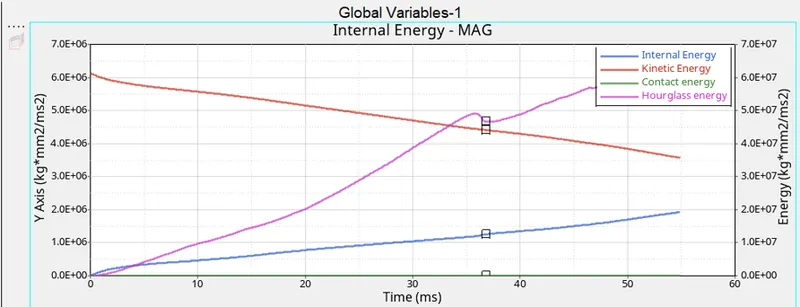
7. Follow steps 5 and 6.
8. Create a brief report comparing all the results from steps 5 and 6 for both simulations.
Comparison
|
Analysis 1 |
Analysis 2 |
|
|
Energy Error |
-10.3% |
-0.1% |
|
Mass Error |
-1.6590E-04 |
1.6590E-04 |
|
Contact Sorting |
15.93 % |
10.87 % |
|
Contact Forces |
6.73 % |
14.30 % |
|
Element Forces |
10.97 % |
27.53 % |
|
Hourglass |
Increased over time |
It is Zero |
9. Comment whether there is any change in the results and why there is any change in the result.
In the second we assigned the element formulation and strain rate which increased the efficiency of the solver and also created less unstabilised elements while running the simulation.