Assignment 2-RADIOSS Engine File Editing & 3D Meshing Challenge
- Density (rho) =.0078 g/mm^3
Modulus of elasticity (E)= 210000 g/mm-mS^2
Speed of sound in steel = Sqrt (E/rho)
= Sqrt ( 210000 /0.0078)
=5188.745 mm/mS
2.the time takes for a shock wave to travel from one end of the rail to the other.= 1000/5188.745
=0.193 mS
3. Time for sound to travel length of rail= 1000/5188.745
=0.193 mS
4.frequency of animation output to a time that will give 20 animation steps=.193/20
=.00965
OBJECTIVE
Meshing the model with hexa mesh.
Hex size=10 mm,tet collapse=.15
PROCEDURE
Open the .stp file in hypermesh using file-import-import geometry.
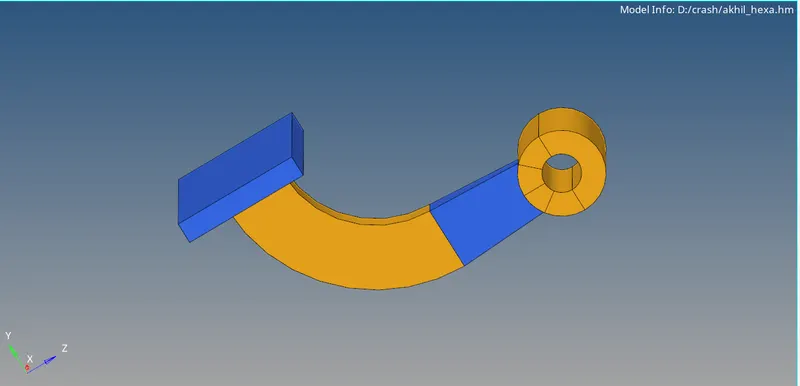
- Isolate the first component.Make a 2D mesh on the top surface with 10 mm taget length and quad element only.
- Go to 3D-element offset-select the elements.
- Select two surafces as along geometry to follow.Specify number of layers.
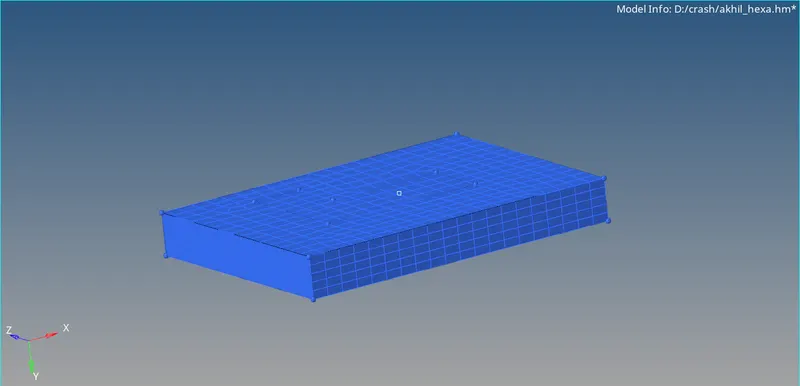
- Make current component as second component.Hide the 3D elements.
- Create a temporaray point at the centre of curvature.Go to 3D-Spin-Select spin elements.
- Select the centre of survature as direction.
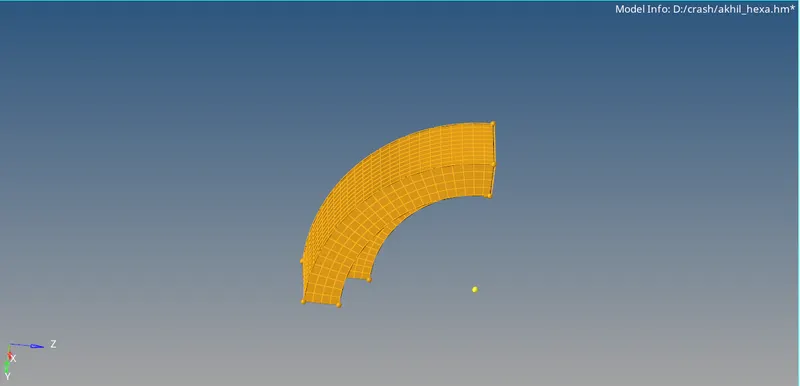
- Mkae 2D face of the second Component.Make 3rd component as current and hide 3D elements.
- Mesh the other end of the components.Number of nodes should be same in both faces.
- Go to 3D-linear solid.Select the elements and select the points for aligning.
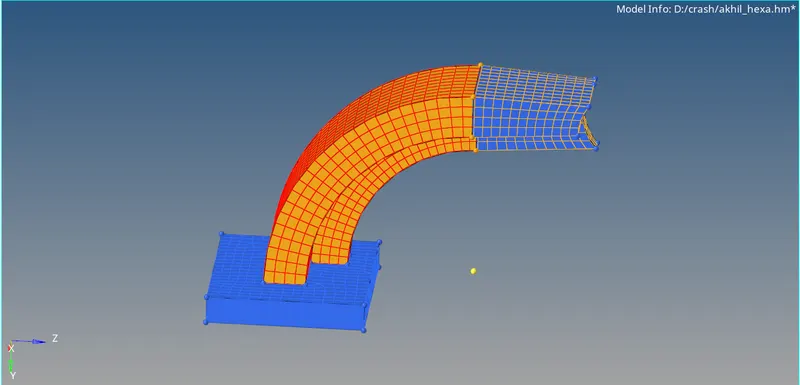
- Isolate last component and mesh the top surface.Make a 3D mesh using3D-SOLID MAP option.
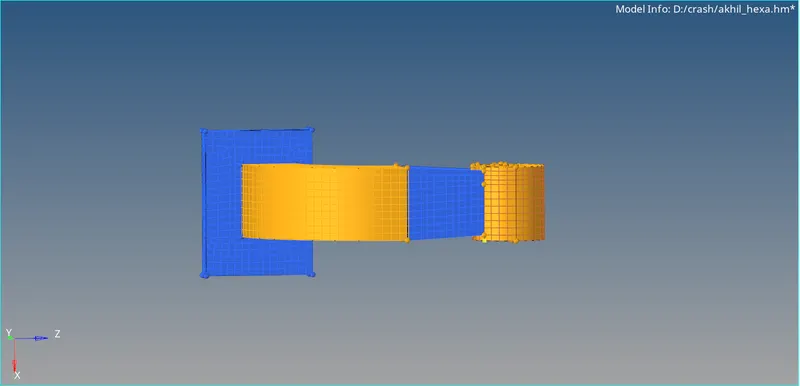
- Delete the 2D elements from the surface.
LEARNING OUTCOMES
Understood how to do hexa meshing using solid map,linaer solid, element offset and spin method
RESULT
Hexa mesh on the given model has performed.
CONCLUSIONS
After creating hexa mesh,2D mesh on the surface must be removed.
OBJECTIVE
Mesh the given model with Tetra Mesh
Target length= 5mm
Tet collapse =0.15
PROCEDURE
- Open the given model.Isolate the component.
- Mesh the surface of component with trais and target length 5mm.
- Go to 3D-Tetra mesh.
- Go to Second component.Click View-Browsers-Hypermesh-Utilility- geom/mesh-Quick Tetra
- Select the component and give target as 5 mm.Do tetra mesh.
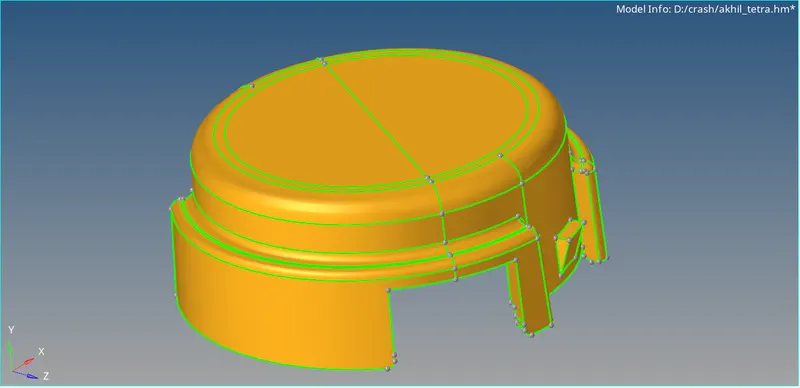
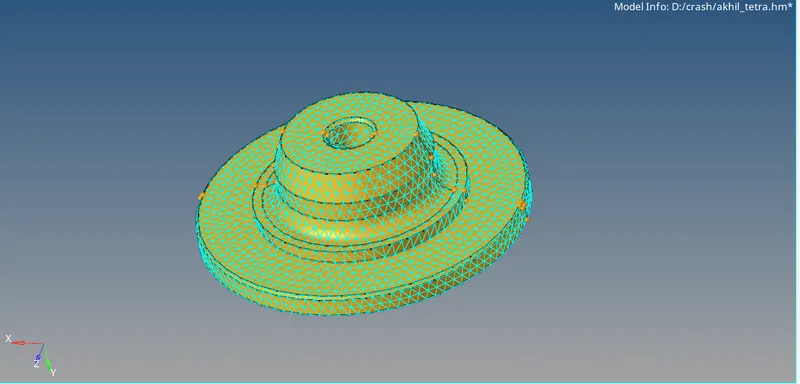
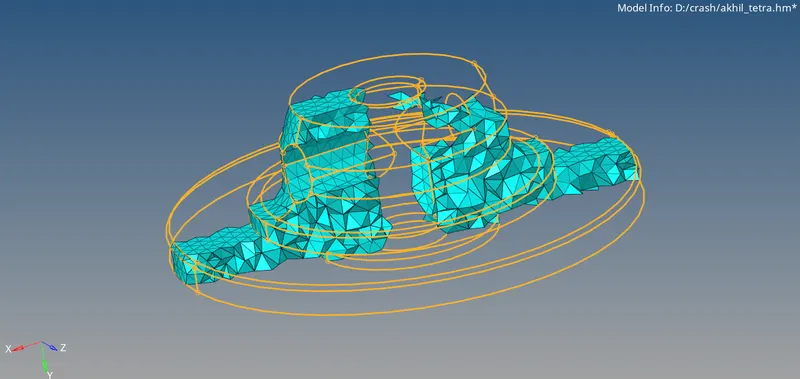
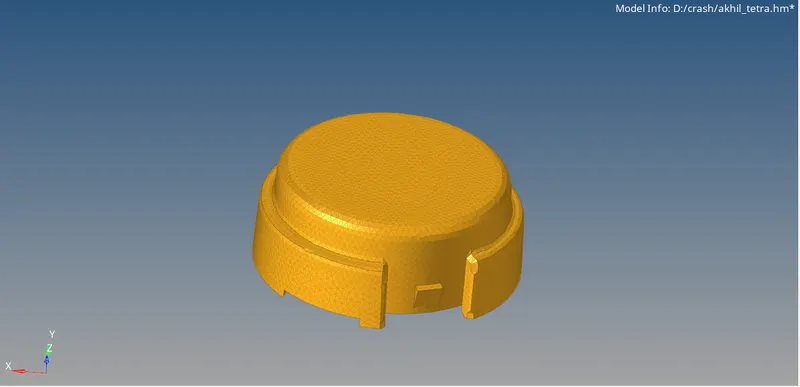
- Give tet collapse as 0.15 and check the quality.
LEARNING OUTCOMES
Understood How to do tetra mesh using different methods.
RESULT
Tetra mesh on the given model has performed.
CONCLUSION
Tetra mesh using second method will do geometrical cleanup also.So it will give better result than first method.