Assignment 2
1. Check the material properties of the rail component and calculate the speed of sound in steel rail=_______
Ans:
Given
E = 210000
Rho = 0.0078
C = √(E/rho) = √(210000/0.0078)
C = 5188.745 m/s or 5188.845 mm/ms
2. The length of the rail is about 1000 mm.calculate the time takes for a shock wave to travel from one end of the rail to the other.
Ans: T = L/C = 1000/5188.745
T = 0.1927 ms
3.Time for sound to travel length of rail=__0.1927 ms____
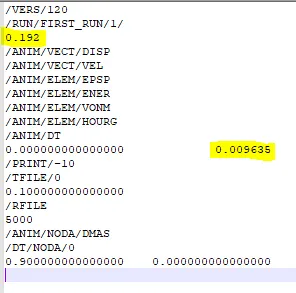
4.Edit the engine file so that the stress wave can be monitored, moving from one end of the rail to the other during impact -this will require a termination time equal to the time it takes for the sound to travel the length of the rail(set on/RUN card)
Ans: time taken = 0.1927 ms
5.Set the frequency of animation output to a time that will give 20 animation steps(/ANIM/DT)
Ans: animation output time = total time/steps = 0.1927/20
=0.009635 ms
6.Change /print -10.
7.3d meshing tetra mesh and hex mesh
Component -1 Housing -Tetra mesh
There are 3 methods of generating 3D tetra mesh
- Using 2D mesh
- Using volume tetra mesh
- Using utility tool
Following steps were followed in generating the 3d tetra mesh
- The mesh was generated using the 2D mesh method.
- 2D -> automesh -> select surface -> element size = 5mm -> element type = trias -> mesh
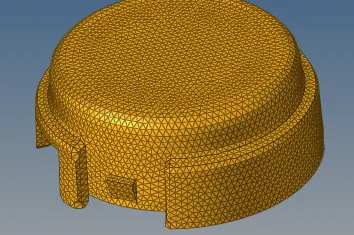
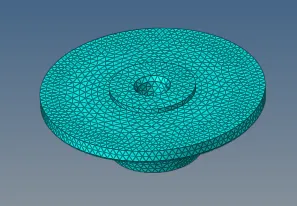
- 3D -> tetramesh -> select elements = 2D elements -> tet collapse > 0.15 -> mesh
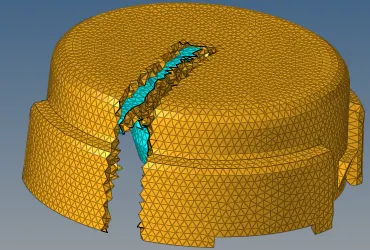
- Check for tet collapse in Tools -> check elems -> 3D. Repair the failing elements either by remeshing or manual adjusting.
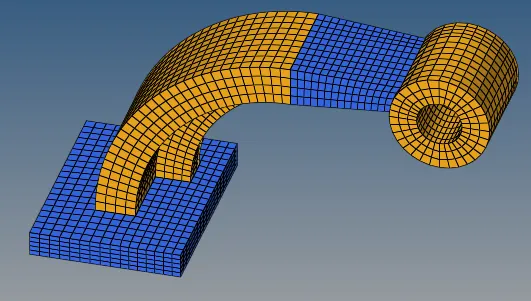
Component -2 - Arm Bracket - Hex mesh
Hex mesh can be generated using 2D quad elements using differnet options like
- solid map
- linear solid
- spin
- line drag etc
Following steps are followed in generating the hex mesh for given component
- Generate uniform quad elements on a surface 2D-> select surface -> element size -> element type = quads -> mesh
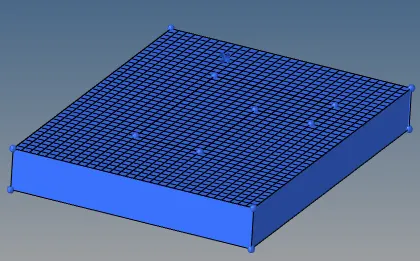
- use 3D -> line drag -> select 2D elements -> select line -> on drag = 5 (no of elements along the line) -> drag
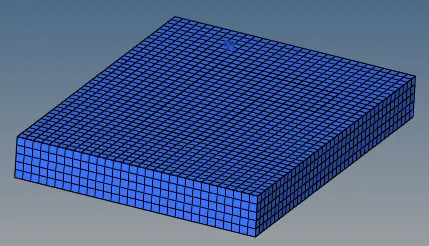
- Now next part i.e. arm curve is made using few elements on the above surface. Go to 3D -> spin -> select 2d elements to spin -> select axis and base point -> angle = 90 -> on spin = 30 (no of rows of hex elements) -> spin
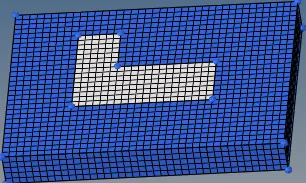
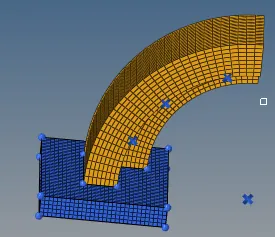
- Now create arm curve is joined with arm straight. Create 2D mesh on the end surface of arm straight same as that on arm curve as shown in below figure
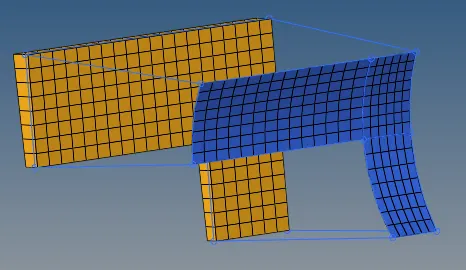
- Now 3D -> linear solid -> select elements -> select alignment -> density = 15 -> solids
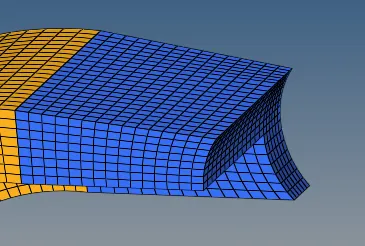
- Now create the 2D mesh on Boss. Match the no of elements on arm straight.
- 3D -> Solid map -> select elements to drag -> destination surface -> along geometry -> mesh
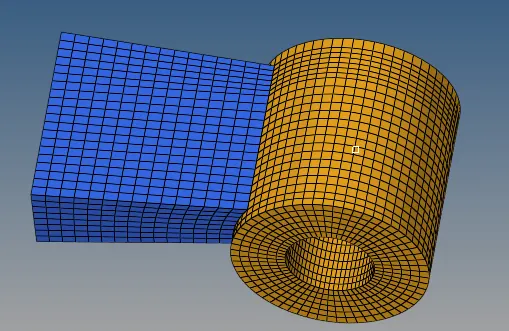
- The whole component is as follows
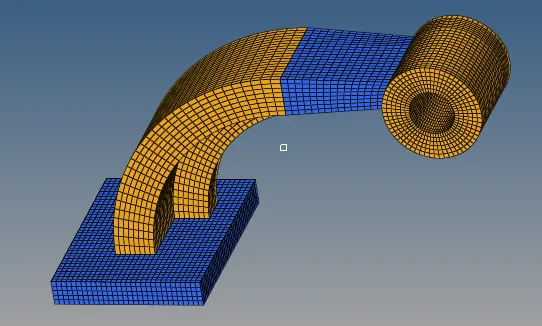
- Alternative size of hex mesh is also tried which is as follows