Assignment 2
AIM:
To mesh the models with 2D and 3D elements with given quality criteria.
METHODOLOGY:
- Import the model.
- Mesh the models.
PROCEDURE:
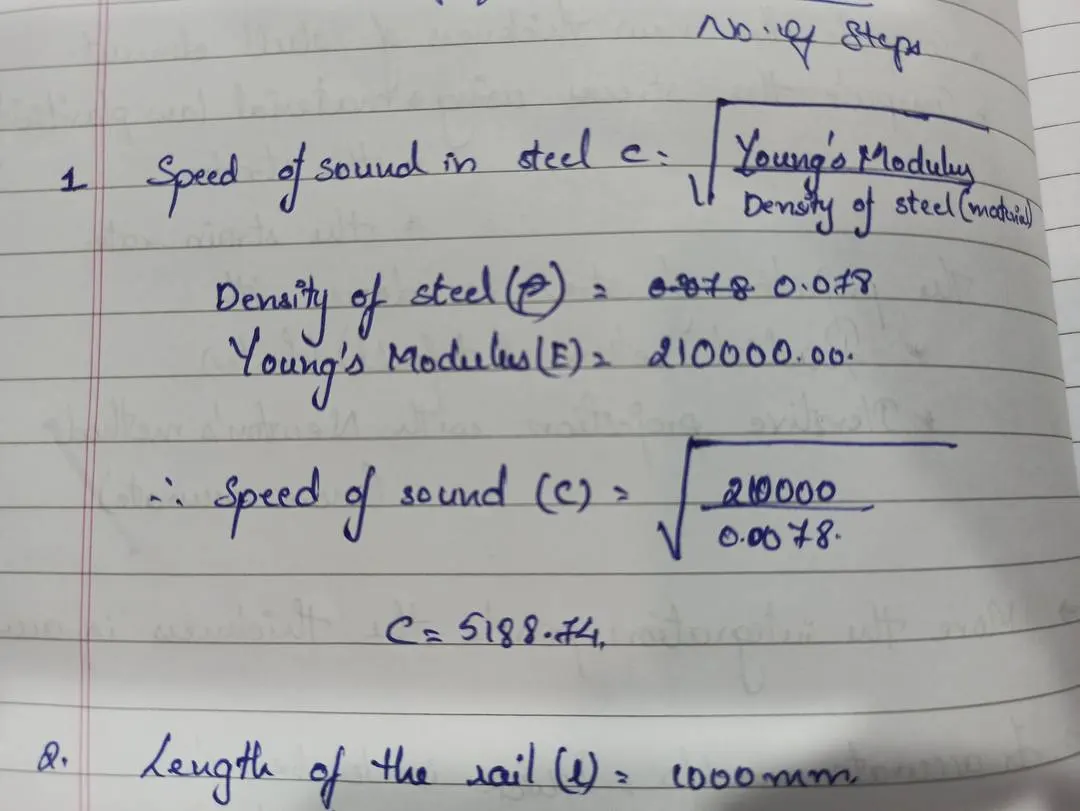
- Check the material properties of the rail component and calculate the speed of sound in steel rail=
2. The length of the rail is about 1000 mm.calculate the time takes for a shock wave to travel from one end of the rail to the other.
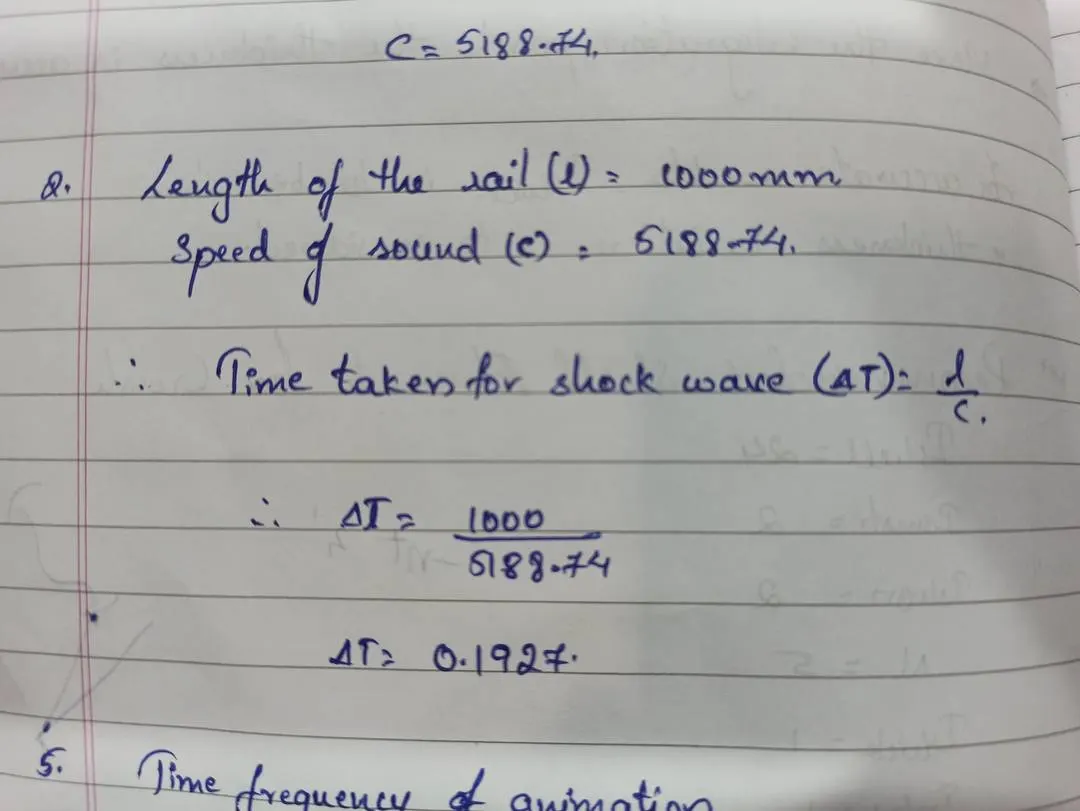
- Time for sound to travel length of rail=0.1927
- Edit the engine file so that the stress wave can be monitored, moving from one end of the rail to the other during impact this will require a termination time equal to the time it takes for the sound to travel the length of the rail(set on/RUN card)
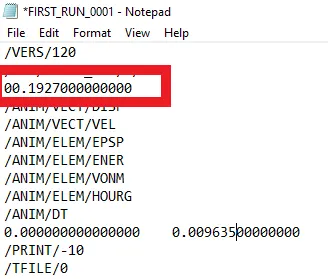
5.Set the frequency of animation output to a time that will give 20 animation steps.
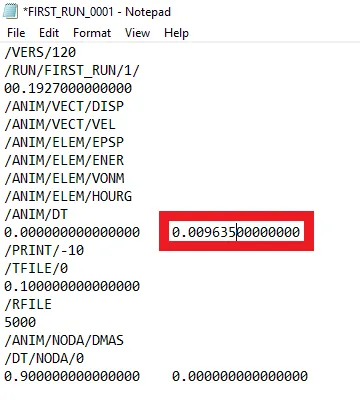
6.Charge /print -10.
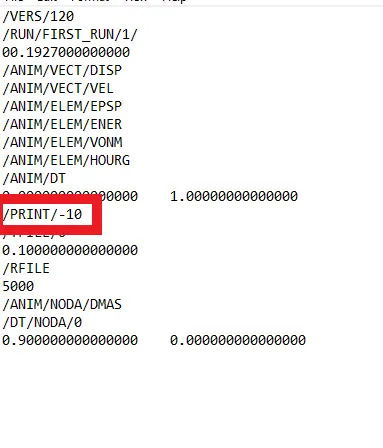
7.2D meshing. Check the element quality for the 3 components, 2D meshed and repair where needed. • Repair if required: Imax=7 Imin=3.5, aspect 5, skew 60,jacobian 0.5 warpage 15, tria angles 20 to 120, quad angles 40 to 140.
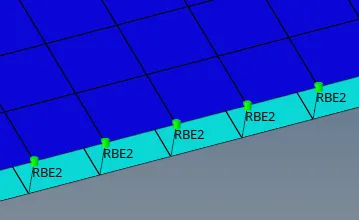
- Mesh the surfaces.
- Connect the two surfaces with 1D connectors like RBE2,spot etc.
8.3d meshing tetra mesh and hex mesh
- Repeat class examples and, maintain the quality • Target tet size=5mm, hex size=10mm,tet collapse=0.15.
Aim:
To create tetramesh for the given models.
Methodology:
- Import the model.
- Clean up the geometry.
- Mesh the model with given criteria.
Introduction:
A chassis is main component in vehicles. All the parts are mounted on the vehicle chassis.It is a load bearing framework of an artificial object.
Procedure:
Model 1:
- Import the geometry from the download folder.
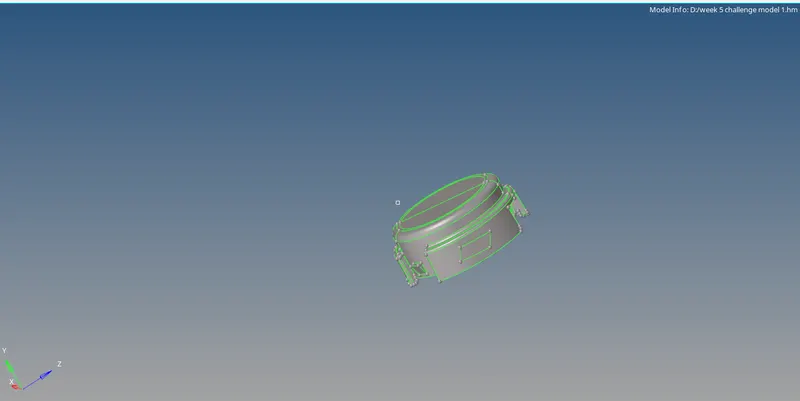
figure-1( import part 1)
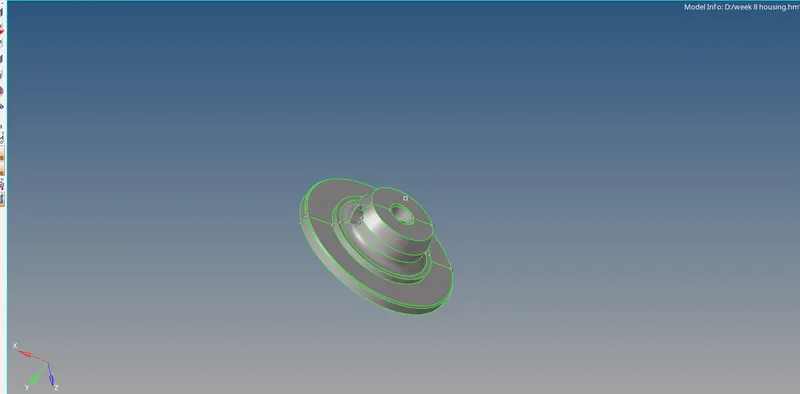
Figure-2 (import part 2)
- Clean up the geometry by deleting the unwanted lines.
- Mesh the model surface by surface with given quality criteria.
- Solve the errors if any.
- Go to 3d panel, click on “tetramesh”.
- Select the model and set the quality criteria in “tetra parameters”.
- Go to tetamesh panel, select the model again and click on “mesh”.
- Check for the tet collapse, if any and clear them.
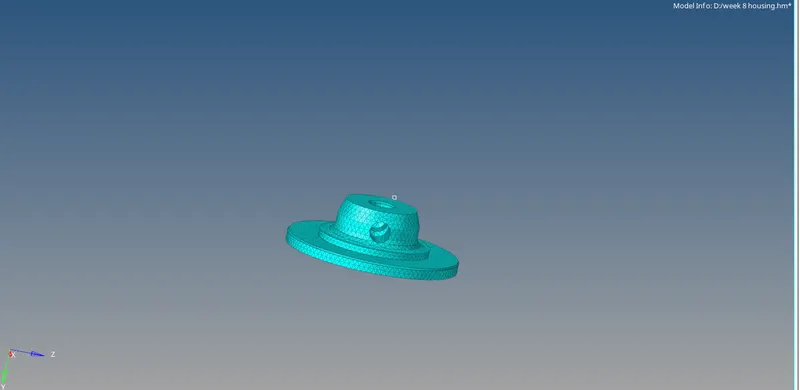
Figure-3(Meshed model)
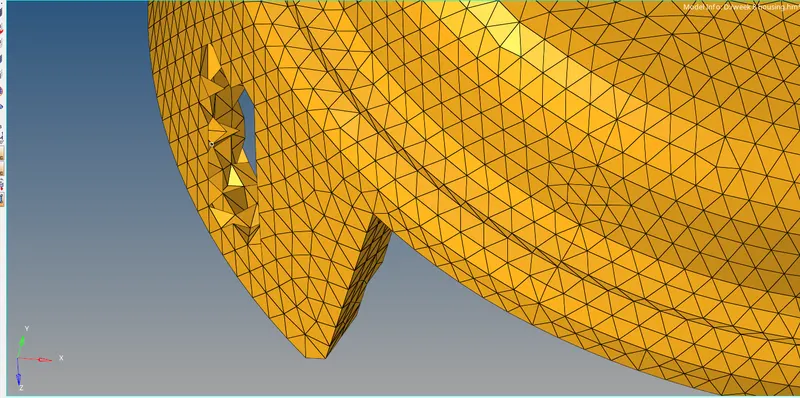
Figure-4(tetramesh elements)
Result:
The given models are meshed with different types of 3D meshes.
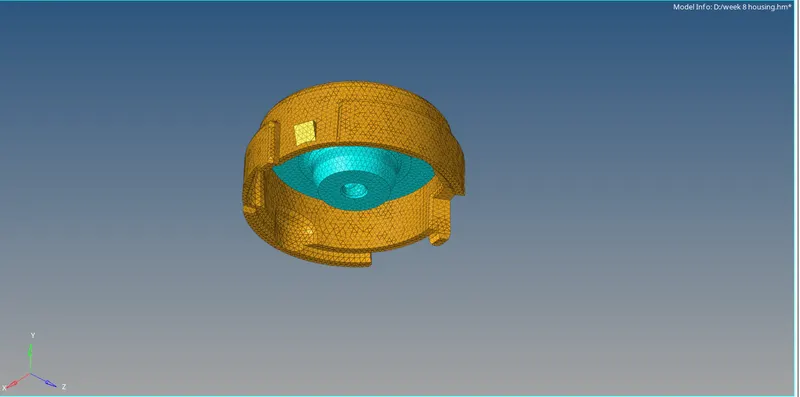
Figure- (2d to tetramesh)
Hexa mesh:
- Import the model.
- Enable only base surface and hide the remaining surfaces.
- Select the surface and mesh the model with given quality criteria.
- Go to 3D panel, select element offset.
- Click on solid layers, select the 2D elements to be offset.
- Select the surfaces for direction and set the thickness values.
- Set the number of layers and click on offset.
- Mesh the all others surfaces as above steps.
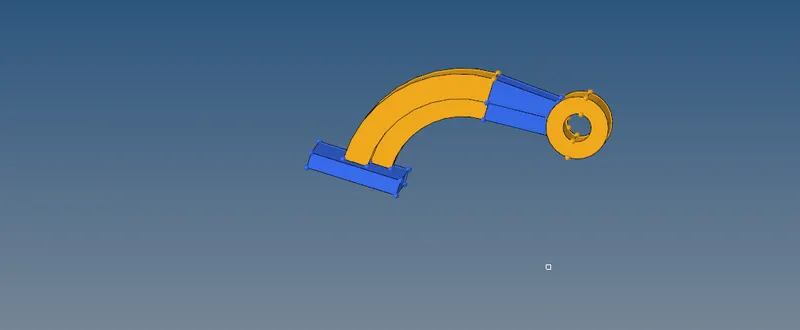
Figure-1 (import model)
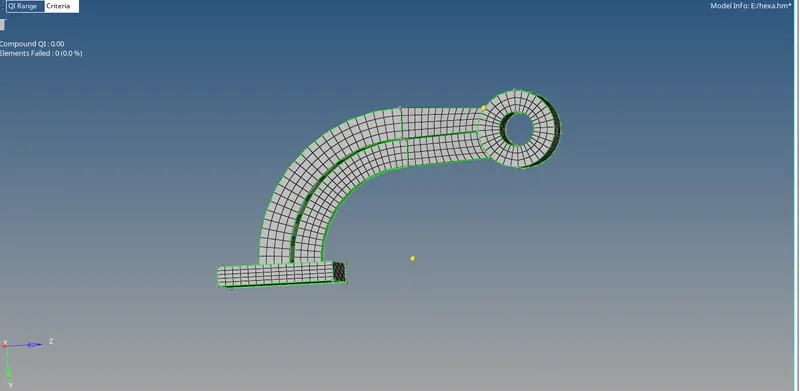
Figure-2(Hexa mesh)
Result:
The model is meshed with hexa mesh.
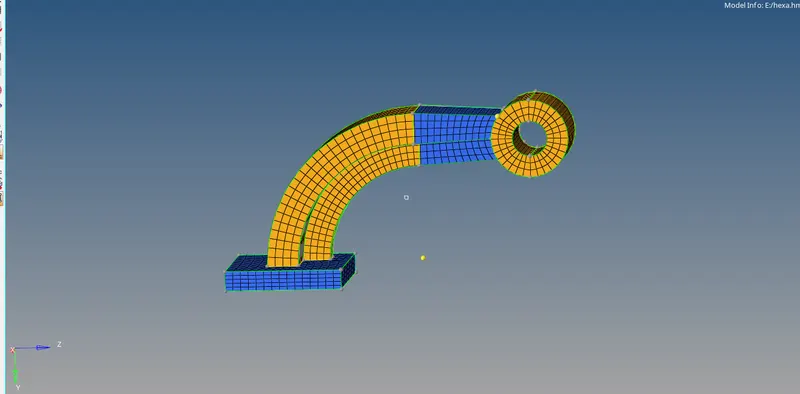
Figure-3 (final model)