Assignment 1-2D Meshing Challenge
Aim
To perform geometry clean up, extract mid surface and mesh with given Elements criteria
Objective
- Geometry clean up
- Extract mid surface
- Clean mid surface geometry & Ignore holes less than dia 5mm
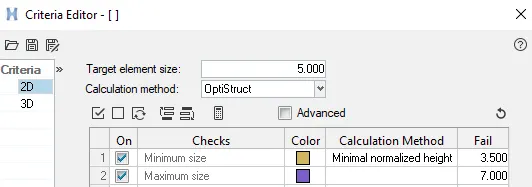
- Create 2D mesh with target length 5mm, min 3.5mm and max 7mm
- Assigning proper thickness
Procedure
Model1
Step1: Importing the geometry
Open HyperWork software, go to file-> import-> select the file format and click on import, similar way all the different componets are imported
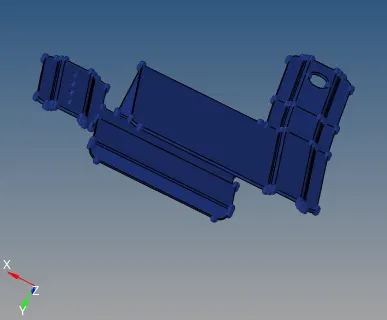
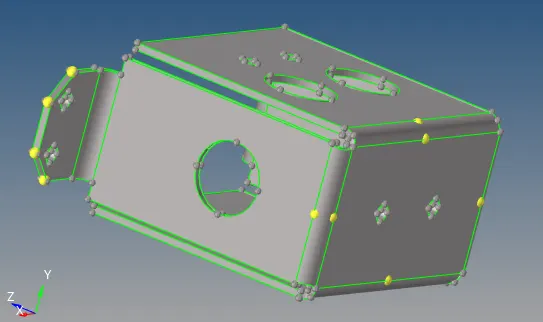
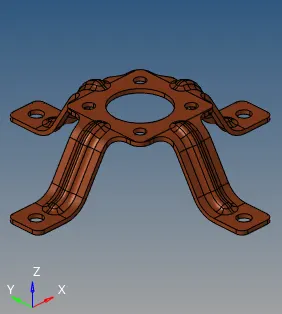
Step2: Geometry clean up
The premary stage of meshing any part is to clean the geometry, if the part created in any modeling software and then imported in any CAE software due to change in the formate of the file. some error in the geometry can be seen like Free egdes, deformed shape, duplicate surface, missing surface, unconnected adjection surface so on and so forth
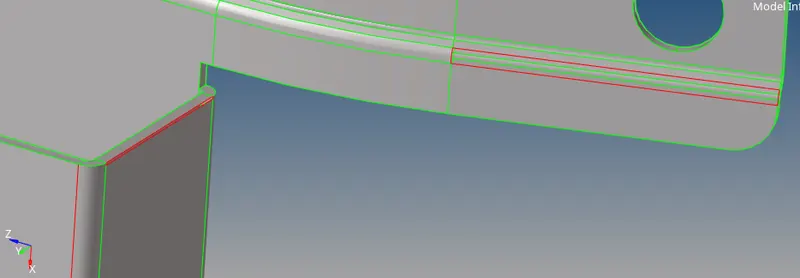
fig:-free edges and missing surface
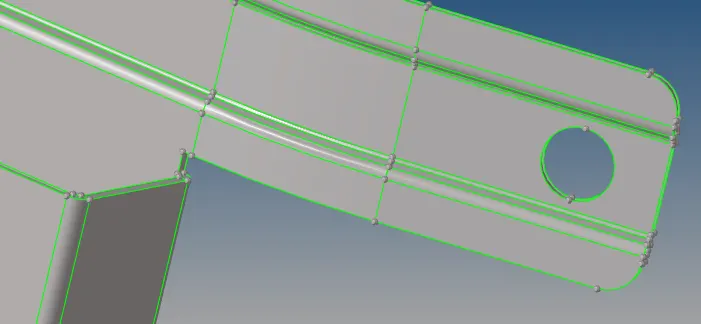
Fig:-After Geometry clean up
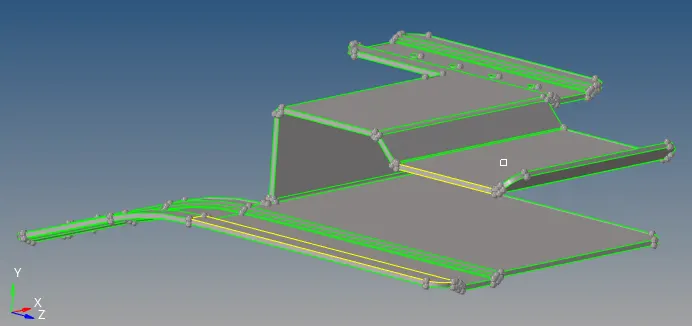
fig:-final Geometry clean up
Step3: Extract mid surface
After Geometry clean up on parent geometry its time to extract mid surface. The mid surface is extract by automid surface .Geometry->Midsurface-> Automid surface -> select the component-> click on extract.
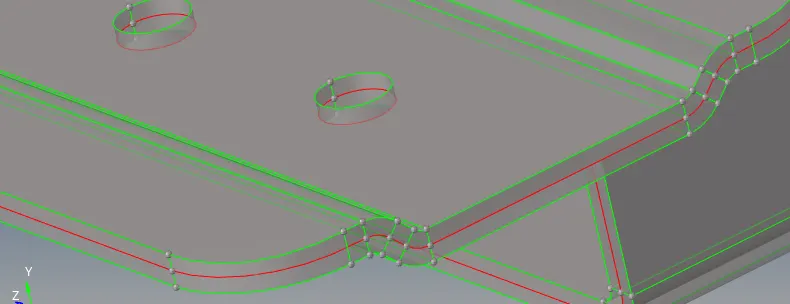
fig:- Midsurface with parent geometry
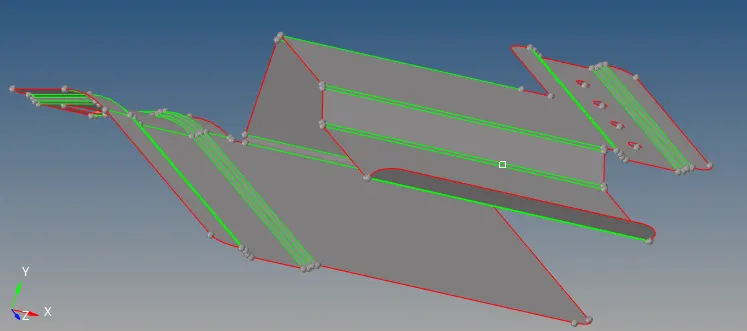
fig:-Mid surface
Step4: Geometry clean up on mid surface
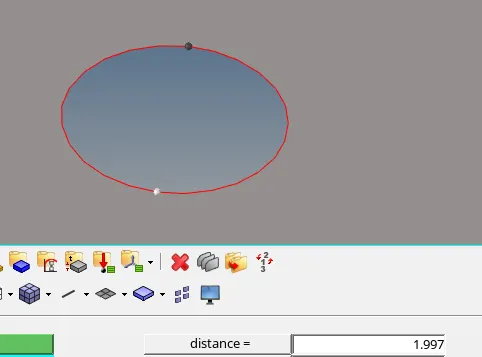
since below hole is less than 5mm, so it is ignored.
Step5: Assigning Quality criteria
Step6: Meshing
While meshing any component, the one thing has to be kept in mind is that the flow of mesh has to be smooth for smooth flow of energy.to make mesh flow smooth certain criteria like no tria should be facing directly each other, tria should not be present at the edge and rotating quad are also not required if the preparation for durability analysis.
Go perform mesh on the model, got to 2D panel-> Automesh-> assign elements target length and other parameter-> select the surface to mesh-> click on mesh.
Some mesh clean up tools are used to make better mesh flow and reduce tria concentraction and rotating quad.
Final model
Model2
Step: Geometry clean up
The premary stage of meshing any part is to clean the geometry, if the part created in any modeling software and then imported in any CAE software due to change in the formate of the file. some error in the geometry can be seen like Free egdes, deformed shape, duplicate surface, missing surface, unconnected adjection surface so on and so forth
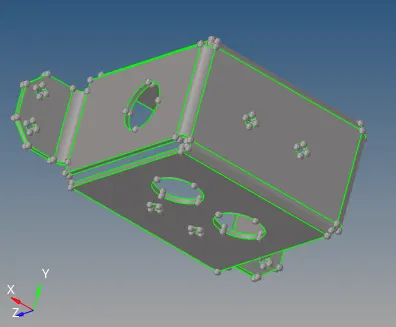
fig:-Unwanted temporary nodes are present on the geometry
Step3: Extract mid surface
After Geometry clean up on parent geometry its time to extract mid surface. The mid surface is extract by automid surface .Geometry->Midsurface-> Automid surface -> select the component-> click on extract.
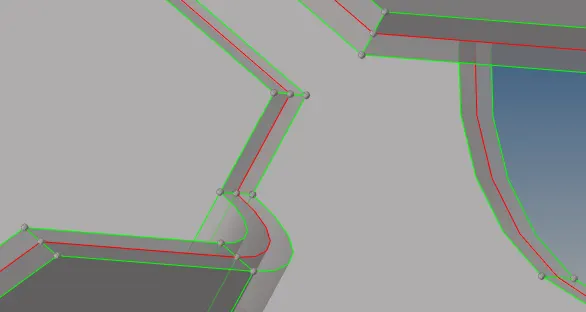
fig:-Mid surface with parent geometry
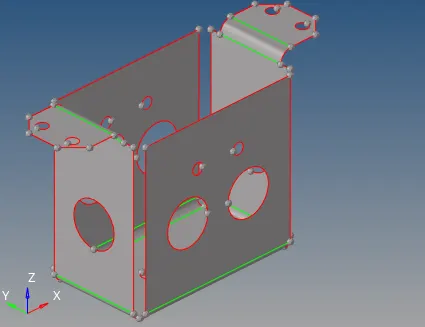
fig:- Mid surface
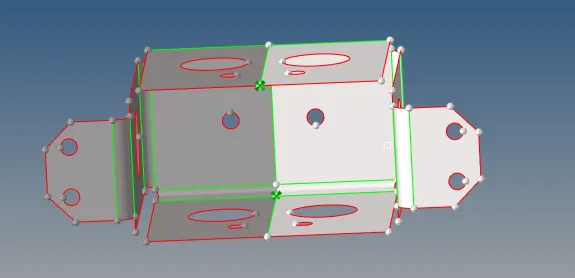
fig:-Symmetric portion
To cut half portion and reflect on other side after mesh generation
Meshing
Go perform mesh on the model, got to 2D panel-> Automesh-> assign elements target length and other parameter-> select the surface to mesh-> click on mesh.
Some mesh clean up tools are used to make better mesh flow and reduce tria concentraction and rotating quad.

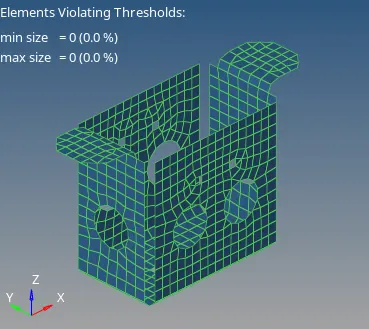
Final model
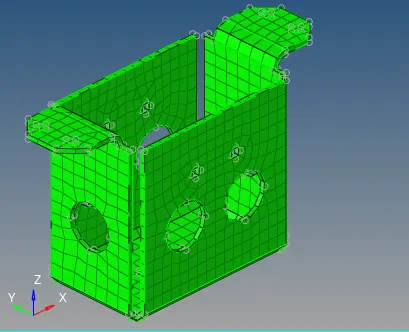
Model 3
Step2: Geometry clean up
The premary stage of meshing any part is to clean the geometry, if the part created in any modeling software and then imported in any CAE software due to change in the formate of the file. some error in the geometry can be seen like Free egdes, deformed shape, duplicate surface, missing surface, unconnected adjection surface so on and so forth
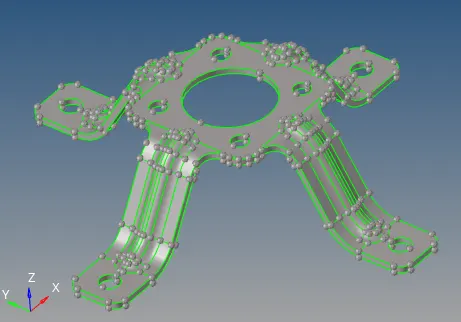
Step3: Extract mid surface
After Geometry clean up on parent geometry its time to extract mid surface. The mid surface is extract by automid surface .Geometry->Midsurface-> Automid surface -> select the component-> click on extract.
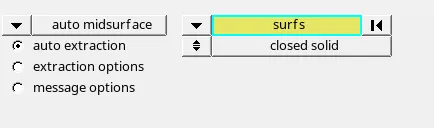
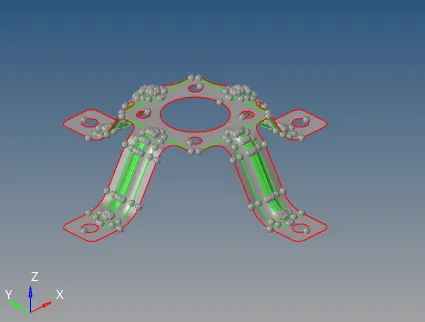
fig:- Mid surface
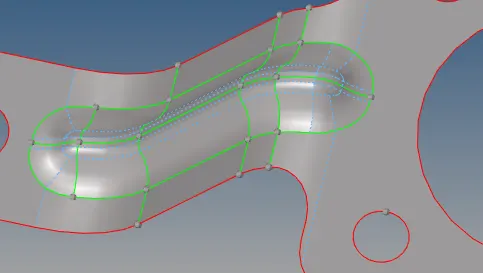
fig:-Geometry clean up om mid surface
Meshing
Go perform mesh on the model, got to 2D panel-> Automesh-> assign elements target length and other parameter-> select the surface to mesh-> click on mesh.
Some mesh clean up tools are used to make better mesh flow and reduce tria concentraction and rotating quad.
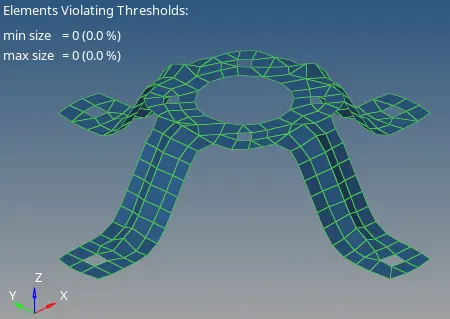
Final model
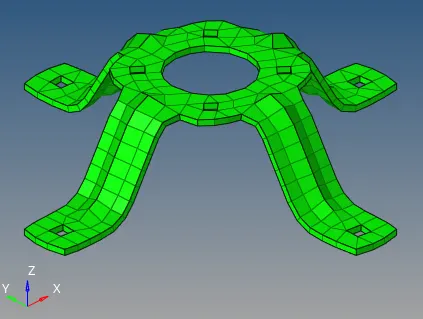
Learning Outcomes
Able to understand
- Geometry clean up
- Mid surface extraction
- 2D Meshing
- Assigning material and property
- Defeaturing
- Assigning thickness
Conclusion and Result
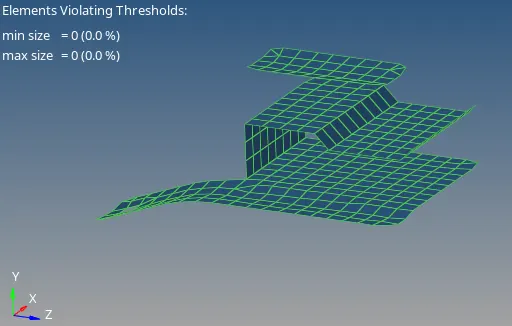
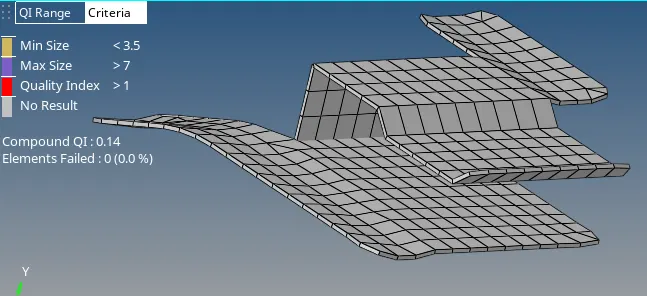
For all the three model, geometry clean up, mid surface extraction and 2D mesh generated and Materials, property and thickness is assigned. No any off Elements are present on the model.