Assignment 1-2D Meshing Challenge
Objective:
Carry out the geometry clean-up operation on the given 3 files.
- Practice
- Clip Repair
- Mounting Bracket
There should not be any free edges, convert all of them into refine geometry.
- Clean the geometry.
- Extract mid-surface.
- Clean mid-surface geometry.
- Ignore holes less than diameter 5mm.
- Create 2D mesh with target length 5mm, min 3.5mm max 7mm.
- And assign proper thickness, by creating a generic property.
Procedure:
- Import the given components in Hypermesh one by one in separate windows.
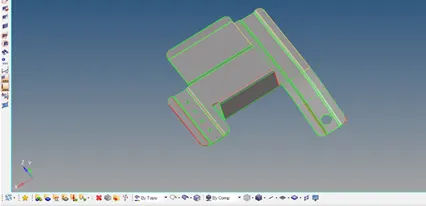
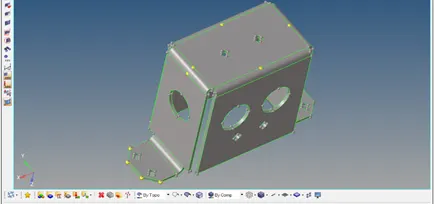
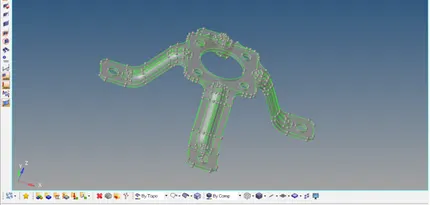
2. Check for any topology error for each component and are clean it up using the toggle in Quick edit panel.
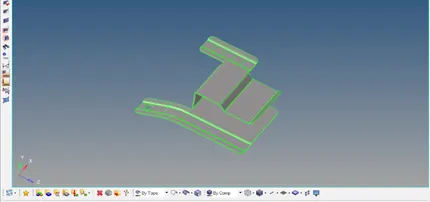
3. Extract the mid surface for each of the components by Auto mid-surface by selecting the surfaces of the component, and they are assigned with materials, properties and thickness accordingly.
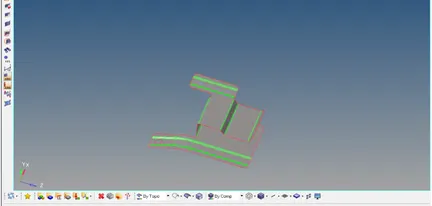
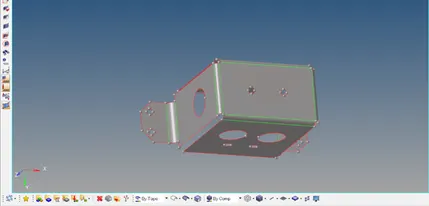
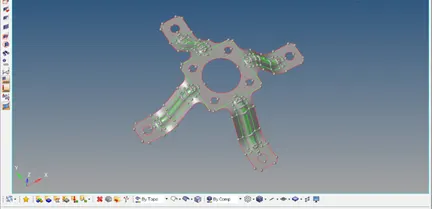
4.Each component’s mid surface is now cleaned up by adding washer splits for the wholes and suppress the unwanted lines, use auto clean up tool under the geometry panel, toggle the unwanted edges lines (minimum length).
5.Mesh each component surfaces by choosing the element size 5 and type Quads/Mixed accordingly manually for each surface using interactive mode to make the mesh proper mainly around the holes and fillets
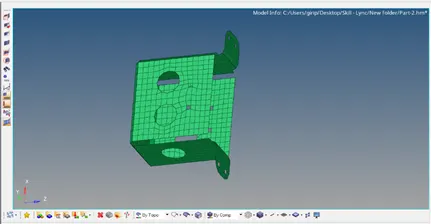
6.After meshing, now the improper meshed elements are selected separately and are meshed again and again to make it proper by eliminating the revolving quads and adjacent trias.
7.Now check the elements with the option Check elems in the Tool panel satisfying the given quality criteria.
8.Clean up the failed elements using the tools such as element optimize, place node, split quad elements, combine tria elements, drag tria element etc or try to remesh the failed elements.
9.Check again the Quality Index and repeat the clean-up process until the given Quality Criteria Satisfies i.e., no elements failed.
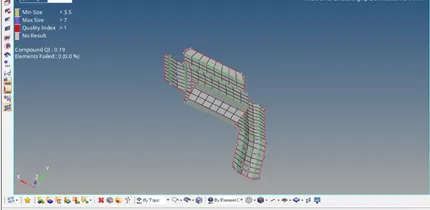
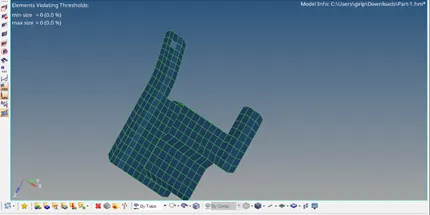
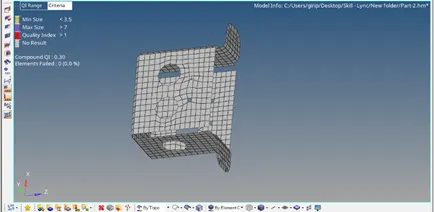
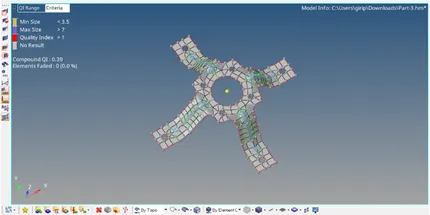
10. Check the free edges using the option edges in the Tool Panel, to make sure that there are no free edges inside the component other than the holes.
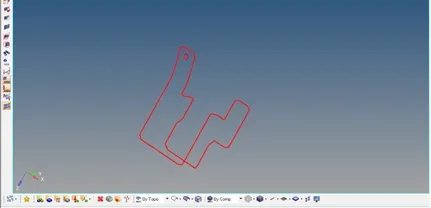
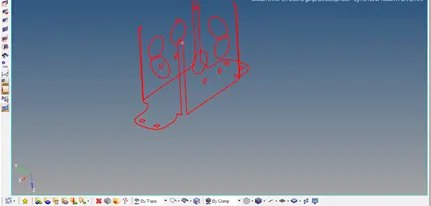
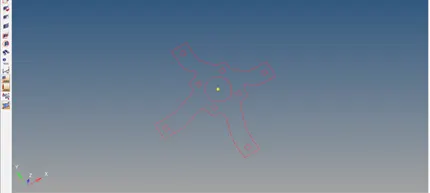
11.Check Normals for the elements, whether they are all in the same direction, using the normal option in the Tool panel.
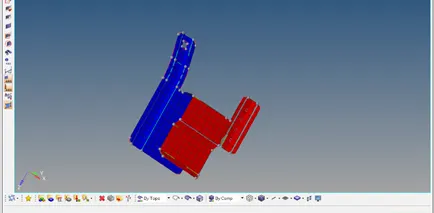
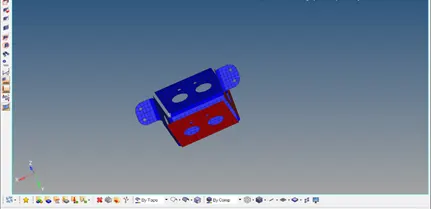
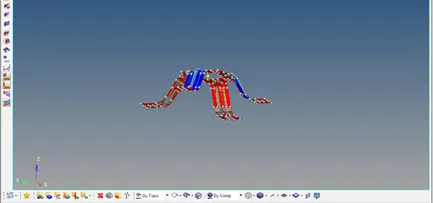
12.Selecting 2D Detailed representation gives u the Final model of the meshing component.
Final Model:
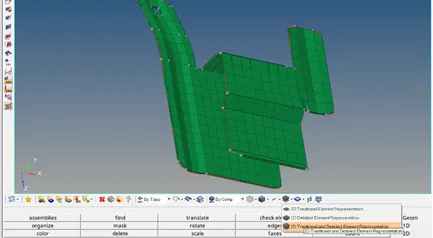
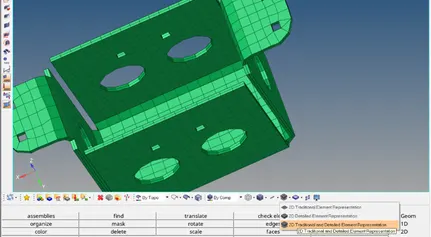
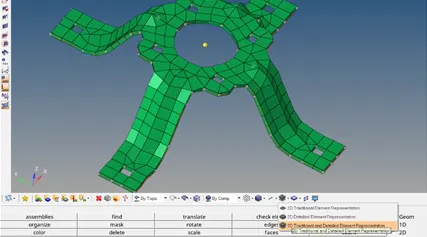
Result & Conclusion:
Thus, the given components are meshed and cleaned up satisfying the given Quality Criteria.
In this Challenge I have learned Extracting Mid Surface, Geometry Clean up, 2D meshing with the proper flow with satisfying Quality Criteria, and assigning Thickness by material and property to the component.