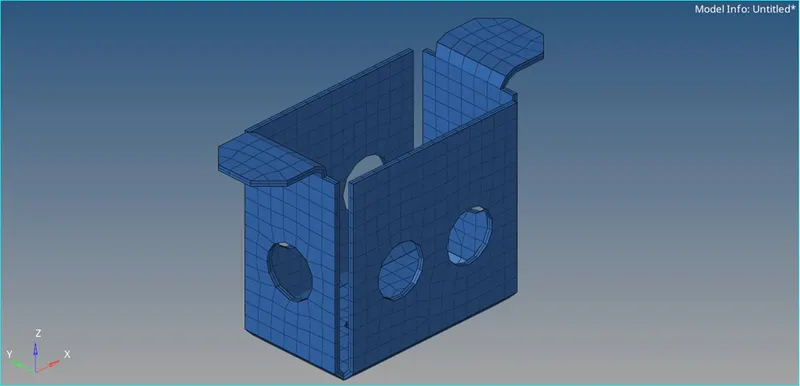
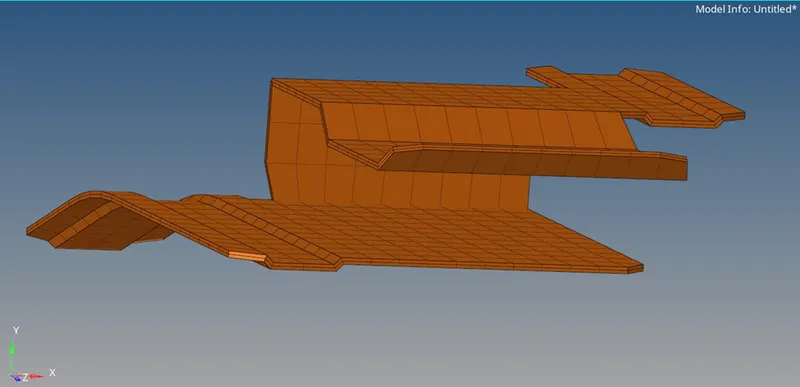
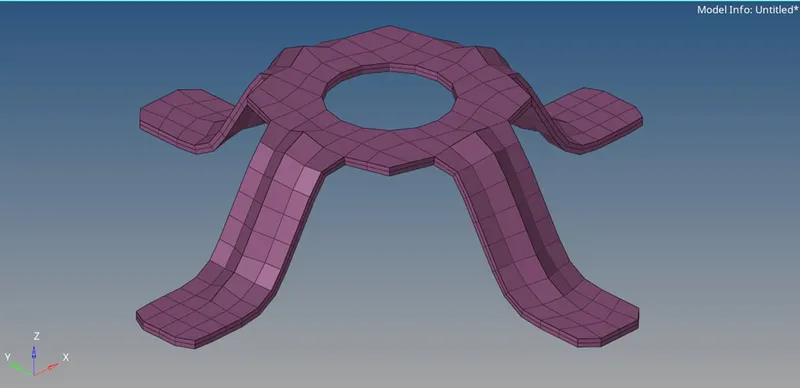
Assignment 1-2D Meshing Challenge
AIM
=====================================================================================
Meshing 3 geometries.
OBJECTIVE
=====================================================================================
- Geometry cleanup.
- Extract middle surface.
- Middle surface cleanup.
- Ignore less than 5 mm diameter.
- Create 2D mesh with target element length of 5 mm.
- Element maximum length should be 7 mm and minimum length should be 3.5 mm.
- Assigning proper thickness to the middle surface.
- The final file should be saved in .hm format.
PROCEDURE
=====================================================================================
- Importing the geometry
Import solver deck < Import model < Select file < Import
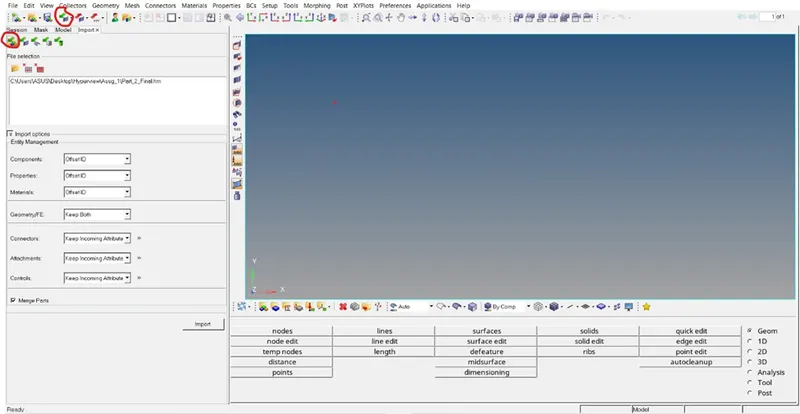
- Geometry Cleanup
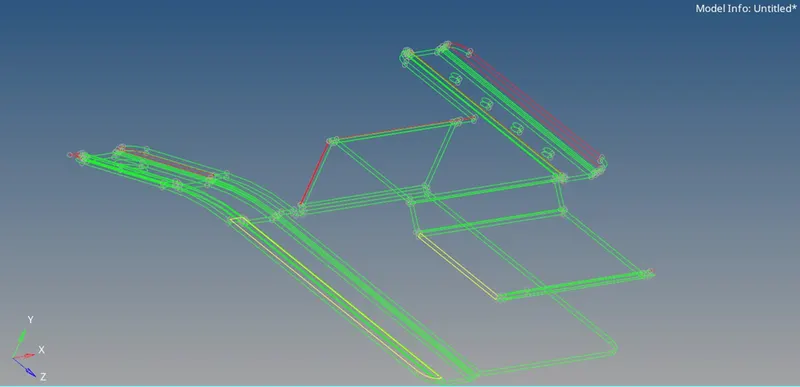
Feature lines are stitched properly. Some surface are created.
- Extract middle Surface
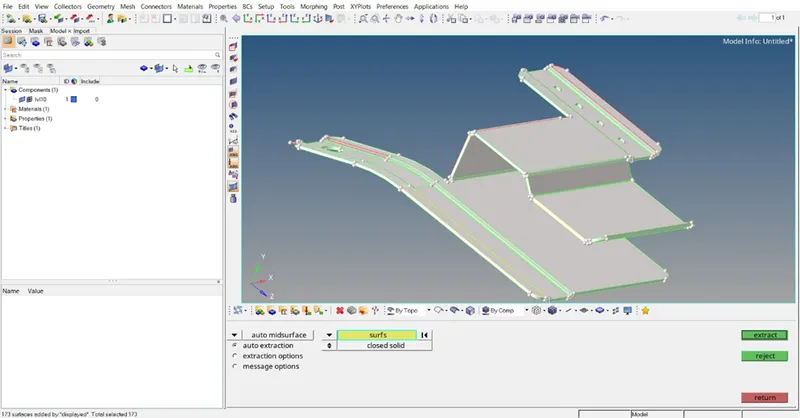
Geometry < Midsurface < Skin method < Auto midsurface
- Middle Surface cleanup
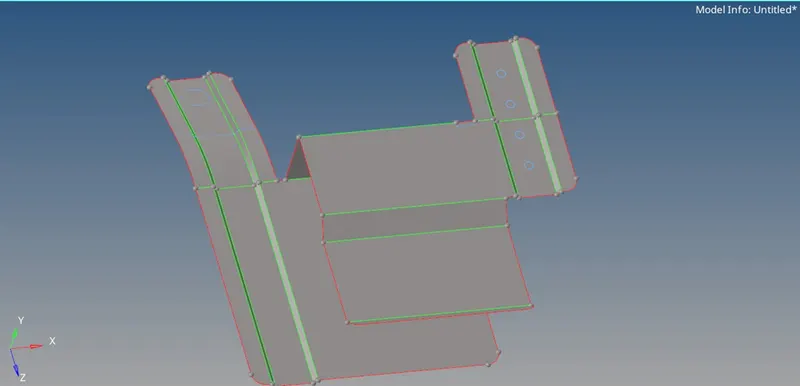
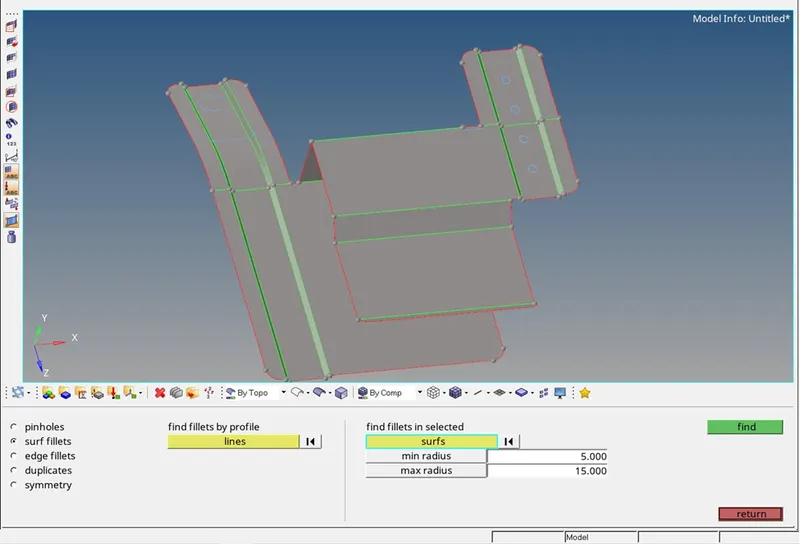
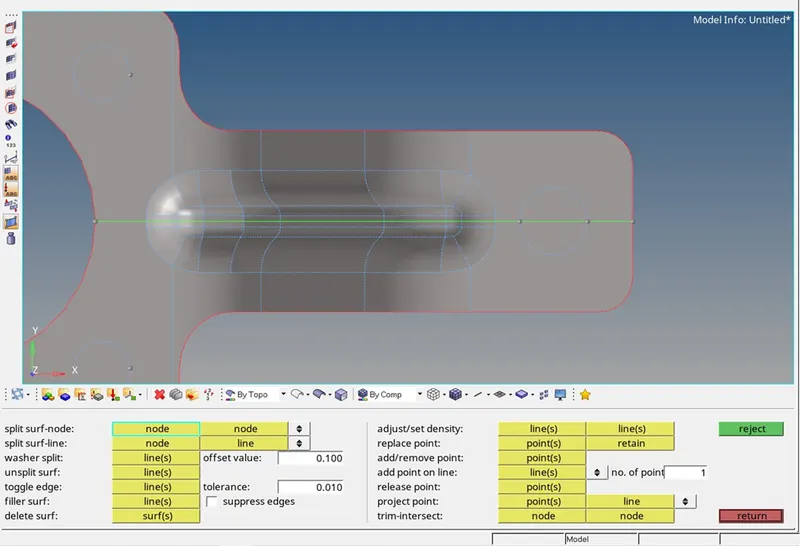
Some construction lines need to be toggled and holes up to 5mm diameter need to be filled for better mesh flow.
Geometry < Quick edit < Filler surf
Geometry < Defeature < Surf fillets
Geometry < Quick edit < Toggle edge
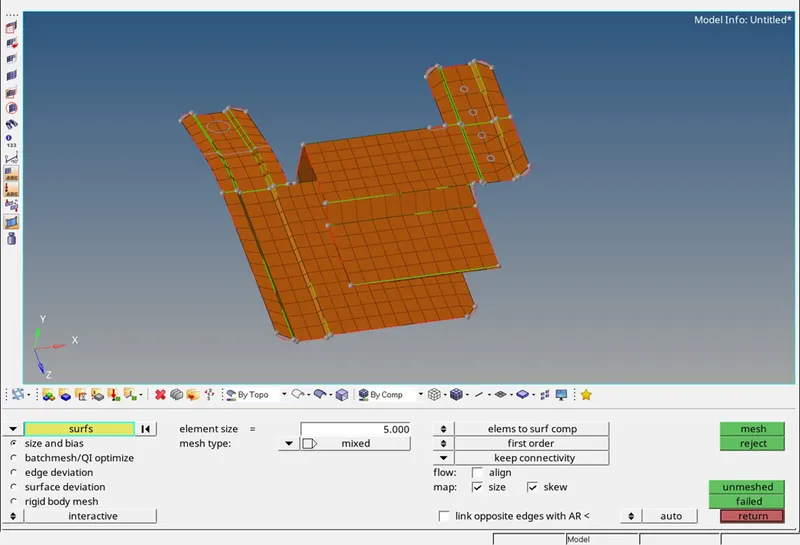
- Mesh
2D mesh is deployed on the surface with target element length of 5.
2D < Automesh
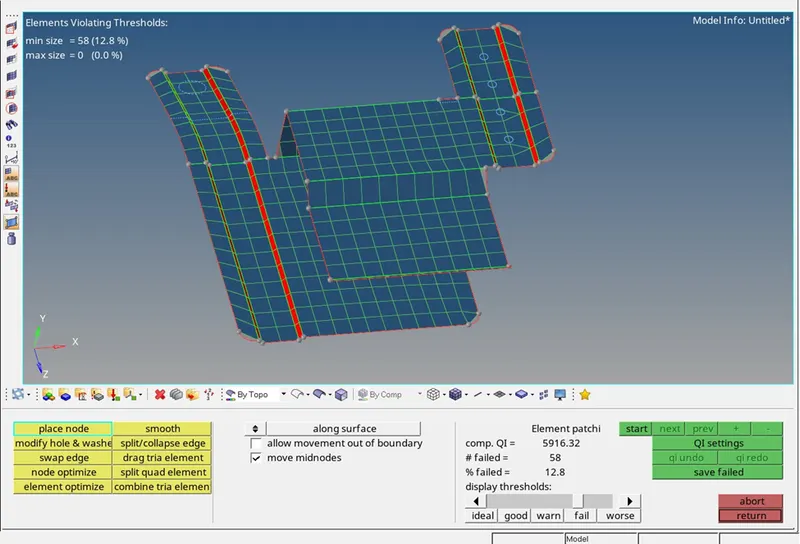
- Quality Criteria
After deploying the mesh, the quality of mesh is to be ensured.
2D < quality index
Tools < check elems
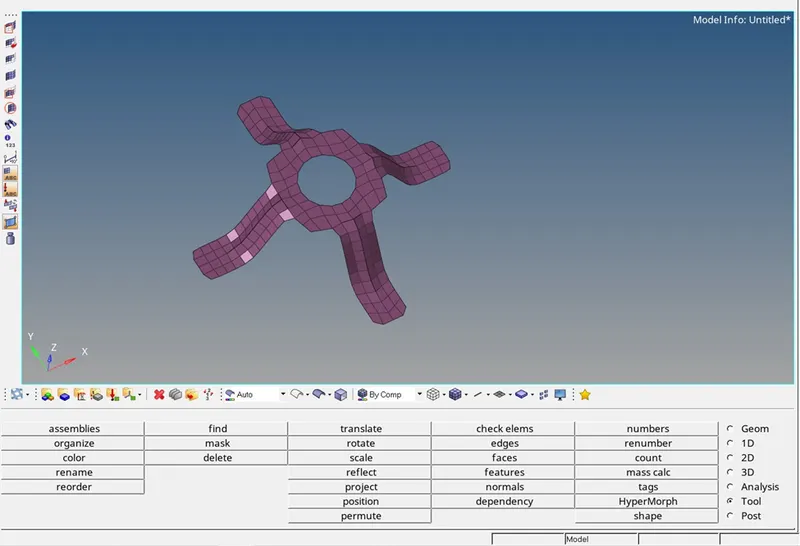
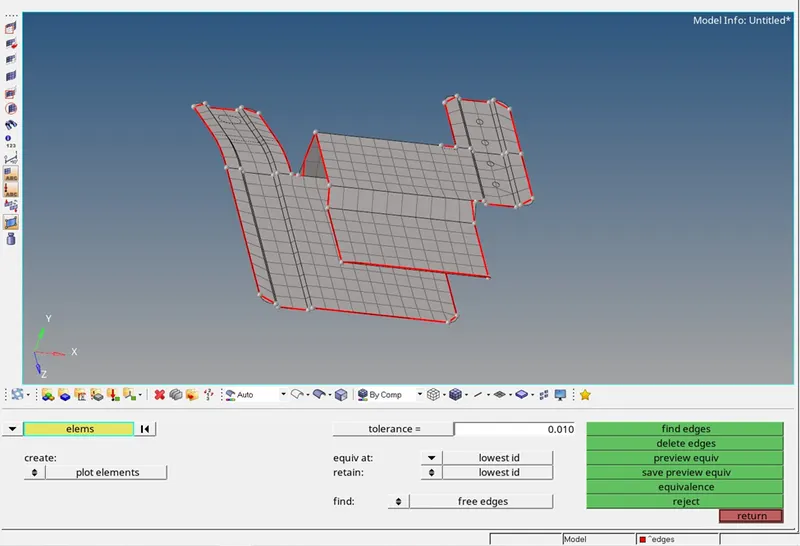
- Free edges
After completing meshing free edges should be checked for connectivity of elements.
Tools < Edges
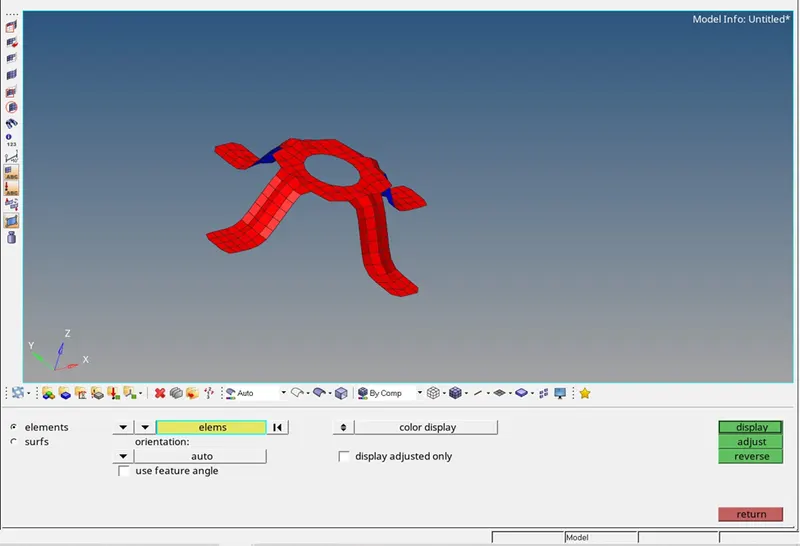
- Normals
Normals of elements are also checked before saving the model.
Tools < Normals <elements
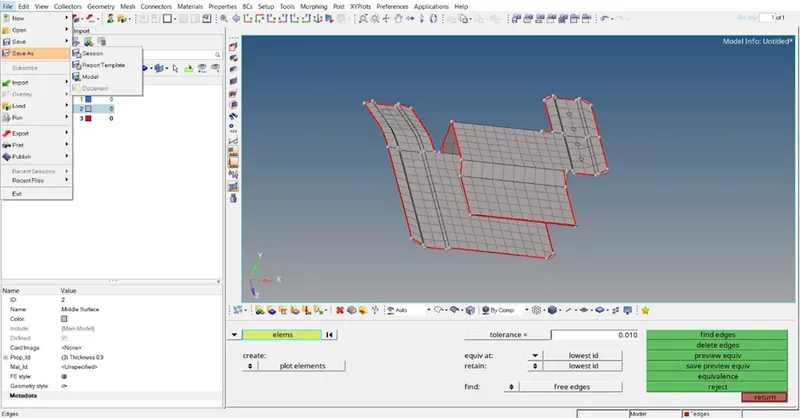
- Save
Eventually the models are saved in .hm format.
File < Save as < Model
- Thickness Assigment
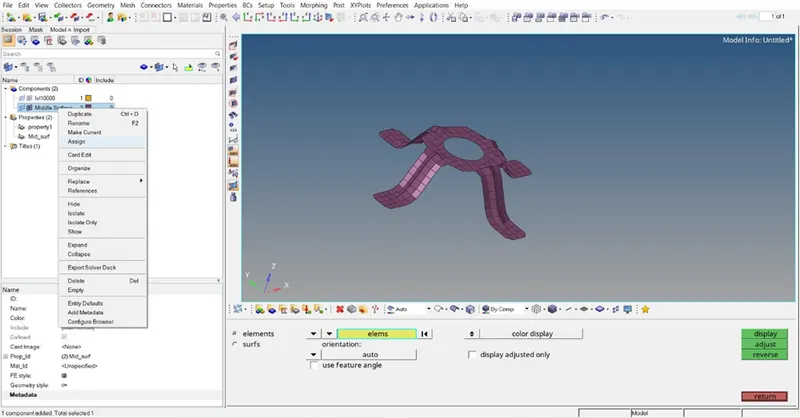
For thickness a new property is defined and that property is assigned to the middle surface component.
Right click in the model browser < Property< Thickness
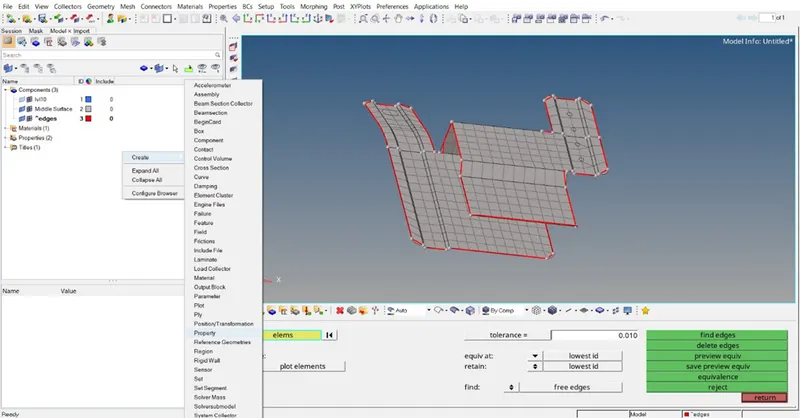
Right click on component of model browser < Assign < Property
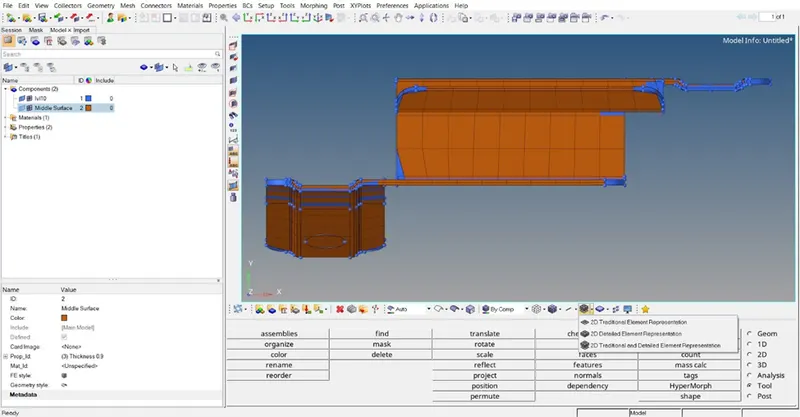
- 2D representation
2D traditional element representation < 2D tradition and detail element representation.
- Conclusion