Assignment 1-2D Meshing Challenge
Objective:
The Objective of this Assignment is to perform the following task as fallows,
- Clean the geometry.
- Extract midsurface.
- Clean midsurface geometry.
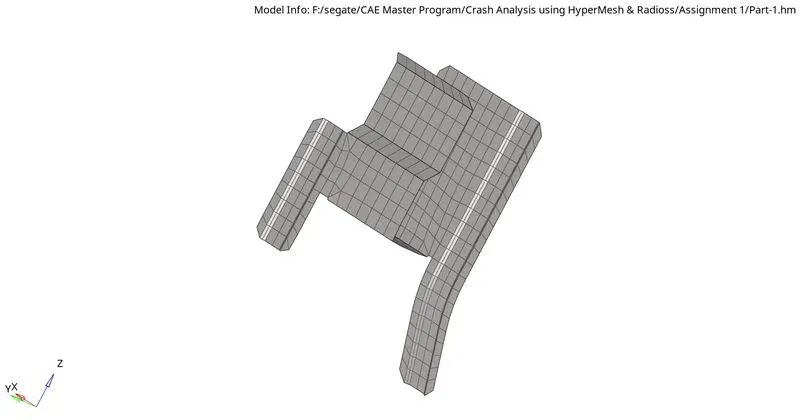
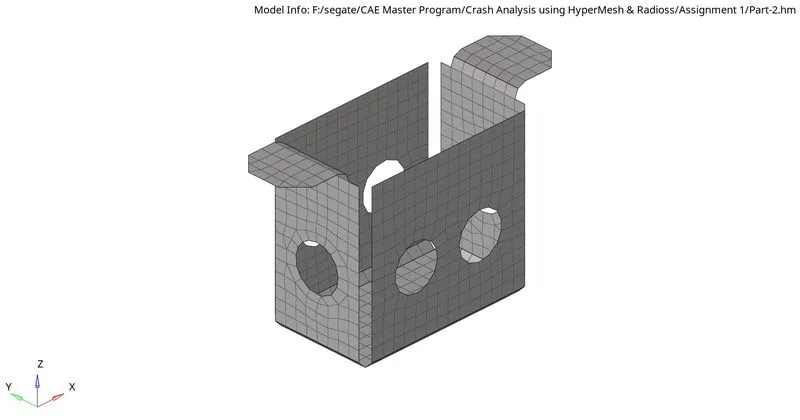
- Create 2D mesh with proper mesh flow.
- And assign proper thickness, by creating a generic property.
Target Element Length = 5mm, Min. Length =3.5mm and Max. Length =7mm.
CAD MODEL IMAGE:
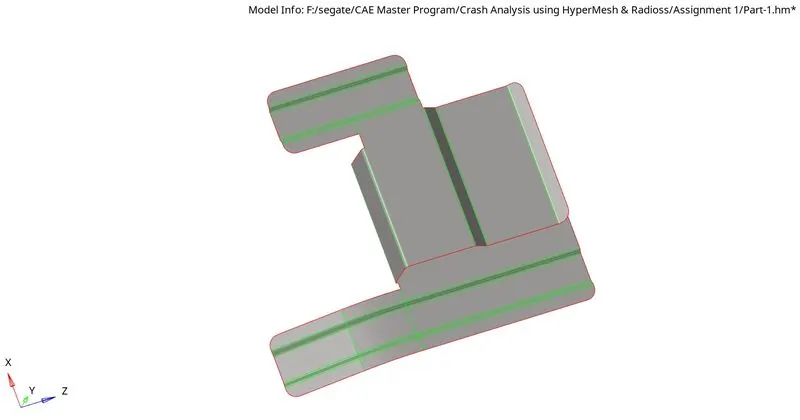
- Part-1
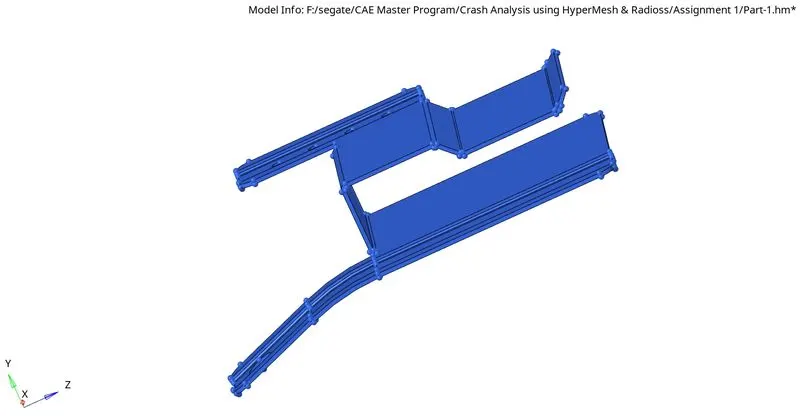
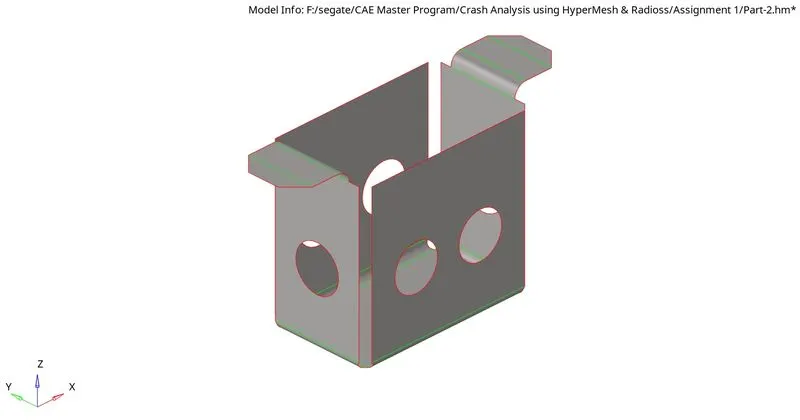
- Part-2
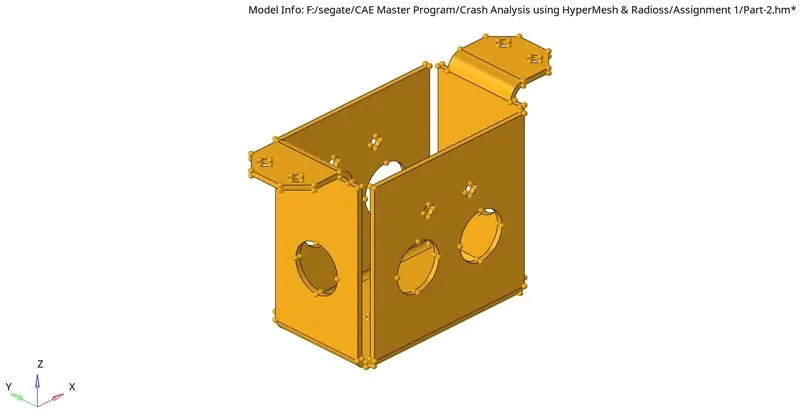
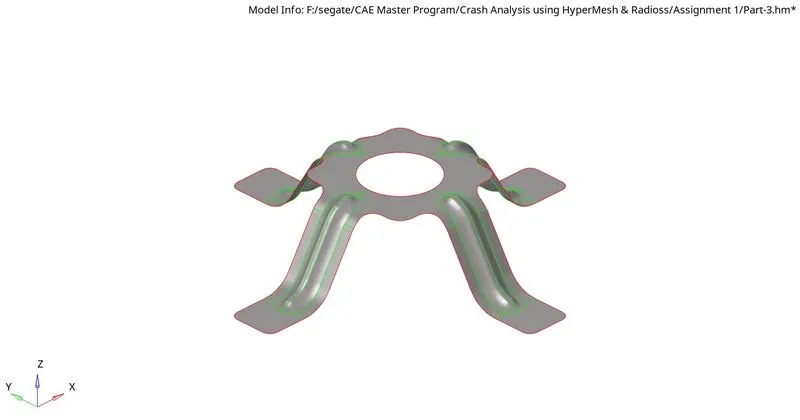
- Part-3
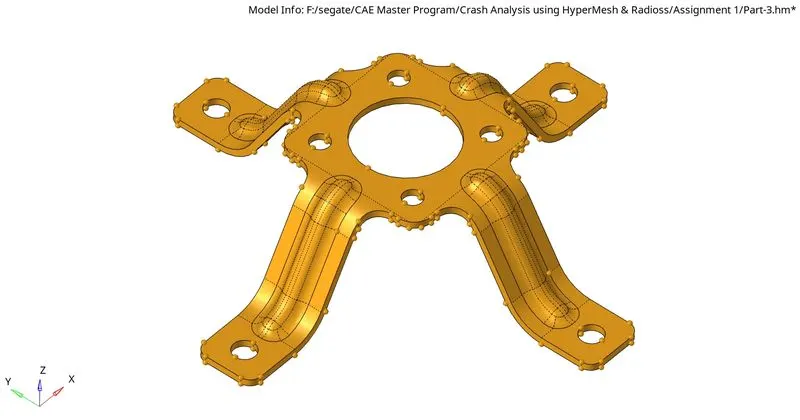
PROCEDURE:
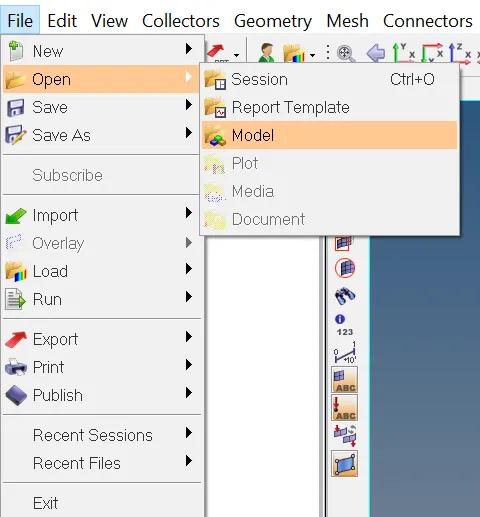
Step-1: Opening the Geomentry
File->Open->Model.
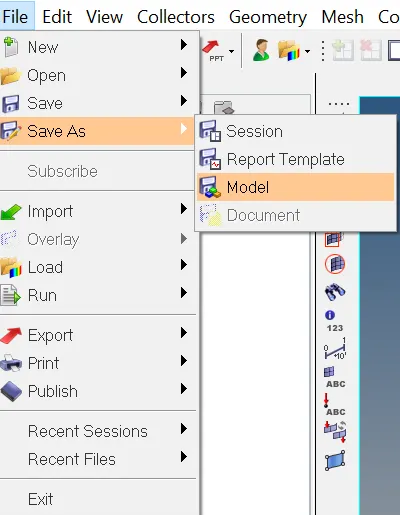
Step-2: Save the File.
File->SaveAs->Model.
Step-3: set up file criteria.
Preferences->File criteria Settings.
set the target element size to 5mm, minimum as 3.5mm, maximum as 7mm.
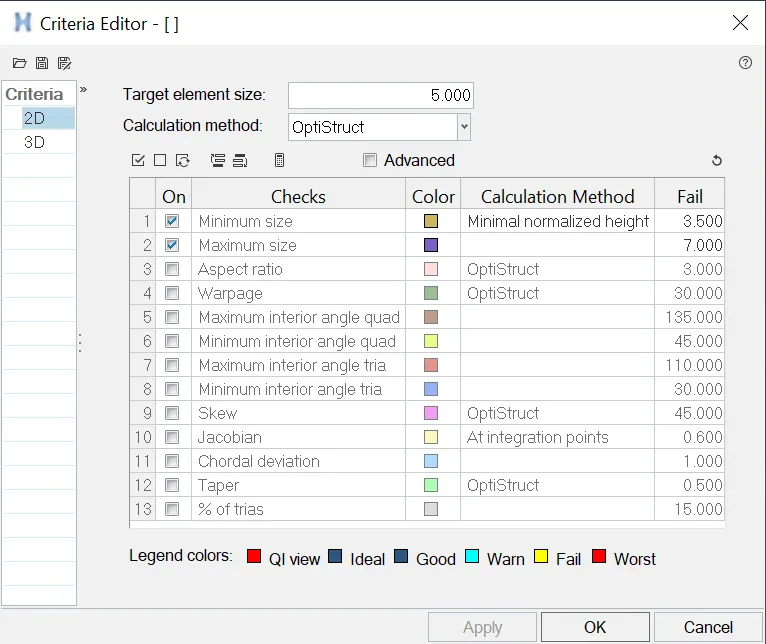
tep-4: Geomentry cleanup.
i. checking wheather the given geomentry is solid or not, if yes then deleting the solid part.
ii. Defeaturing the surface fillets and Holes with less than 5mm.
iii. toggling the unwanted lines.
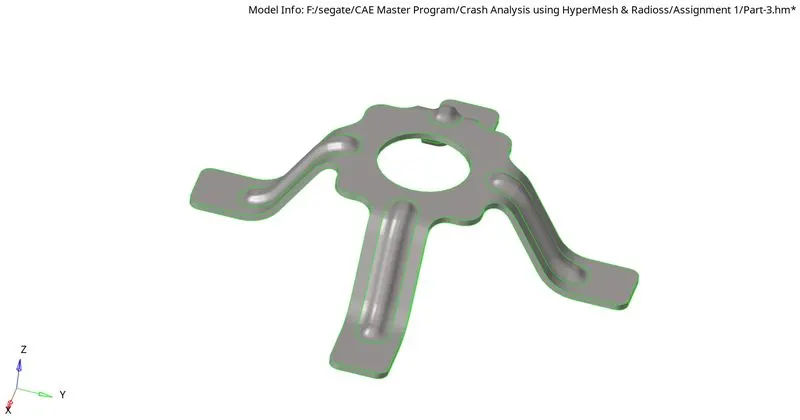
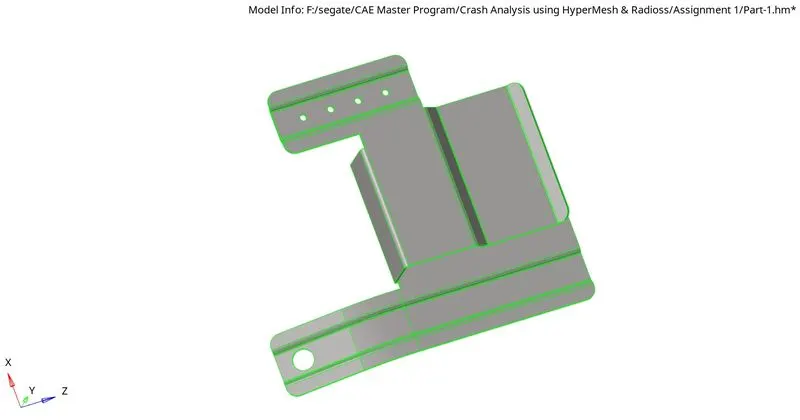
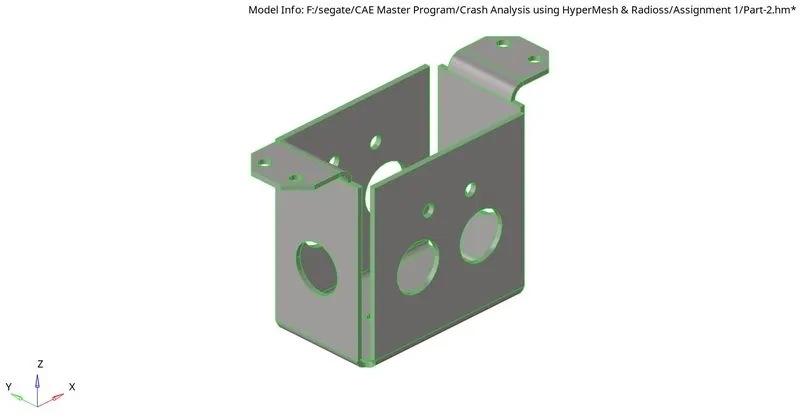
Step-5: Creating midsurface & Cleanup.
i. As this is a pastic geomentry AutoMidsurface won't be desirable so taking the midsurface manually.
ii. splitting the midsurface with the help of feature edit tool to get a good mesh flow.
Step-6: Creating 2D Mesh.
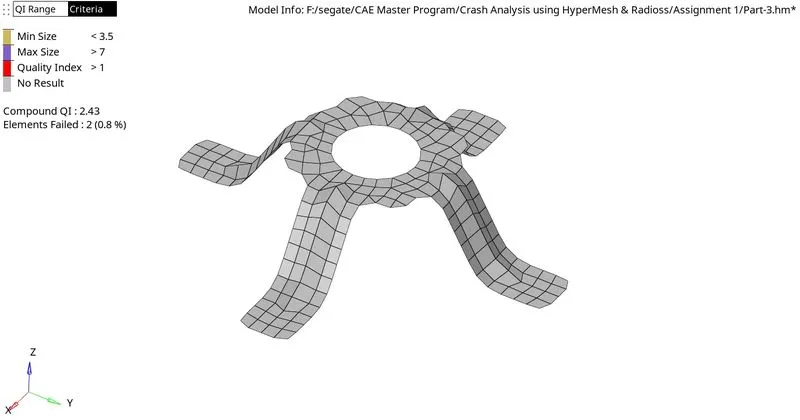
2D->Automesh->Surf->Selected surf.
set the element size as 5 and element type as Mixed.
Step-7: Creating Property.
Creating property and assigning the desire thickness based on the parent geomentry.
Step-8: Quality checks.
i. Min. Element Length.
ii. Max. Element Length.
iii. Normal.
iv. Duplicate.
v. Equivalance.
Step-9: Save.
Result:
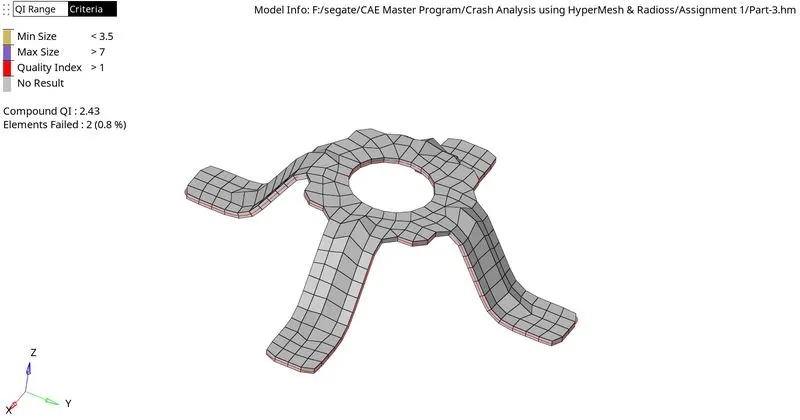
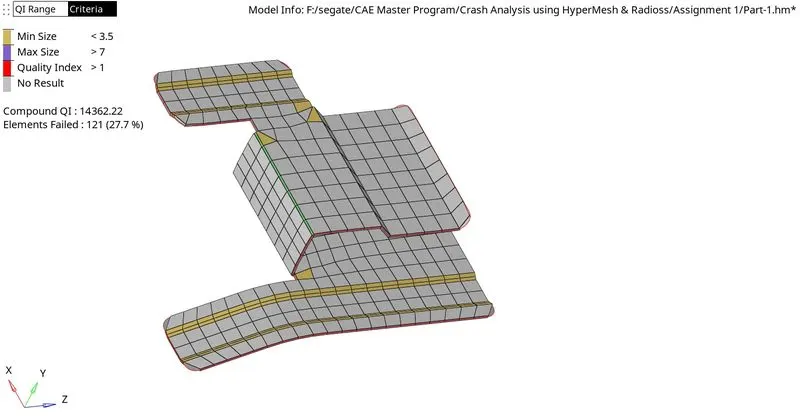
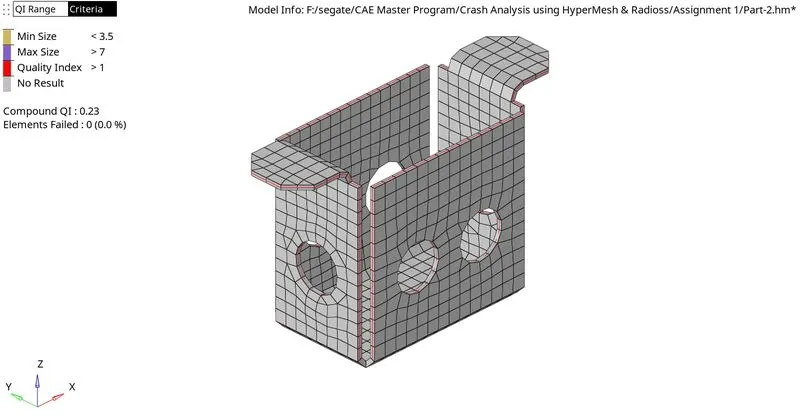
All the three geomentry and its midsurface's is cleaned and a good mesh is created with proper mesh flow.
FINAL MODEL IMAGE: