Assignment 1-2D Meshing Challenge
Aim:- To extract the midsurface from given geometry along with the meshing within given quality criteria and create property to the given model.
Procedure:-
Model 1: (Part 1)
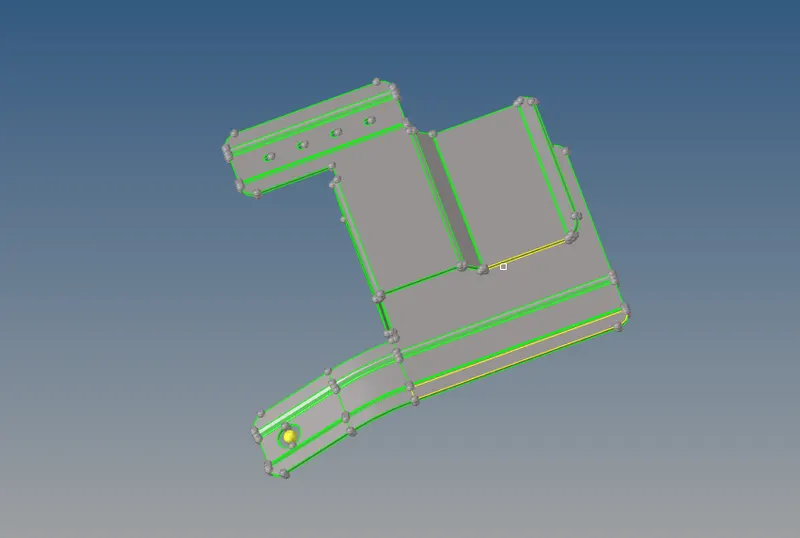
- First step we have to do is import the given .hm file to the hypermesh GUI. After importing the given model we will check the component through out.
- To check the component properly we have to observe given component in wire frame mode.
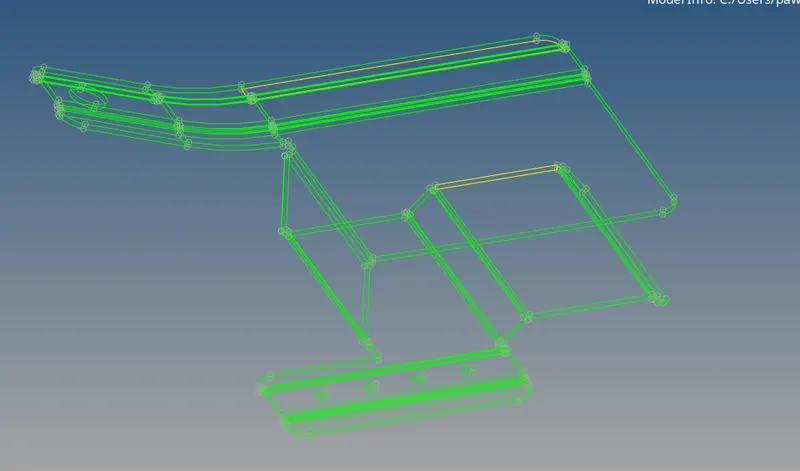
- Now in some regions we will see breake or damage in the geometry, it will removed by using toggle method as (Geometry - quick edit - Toggle edge - select the edges).
- Also some surfaces are missing from there original possition. we have to make that surface by using (Geometry - Surface - Ruled - Select the lines).
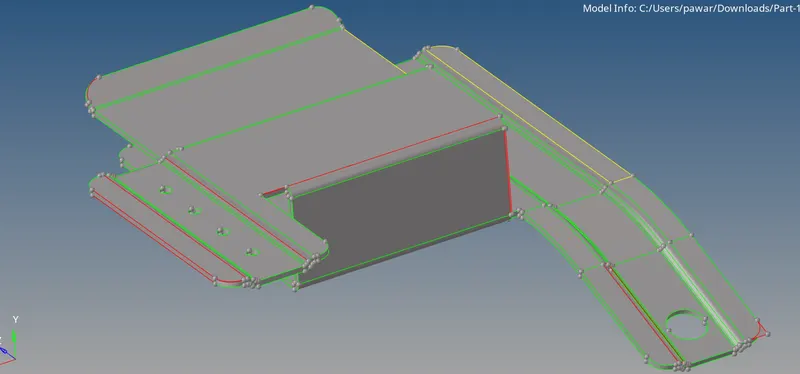
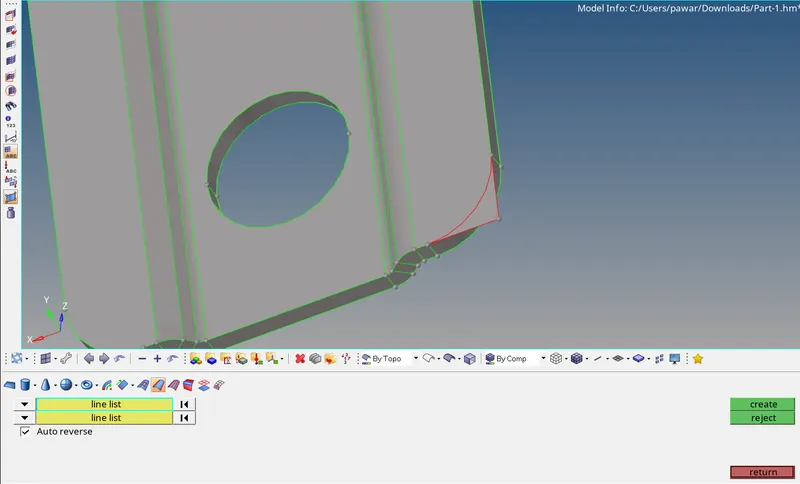
- After geometry clean up we will go for midsurface extraction (auto) by using (Geometry - Midsurface - select the extraction method (offset) - Auto extraction - Select the surface - Create).
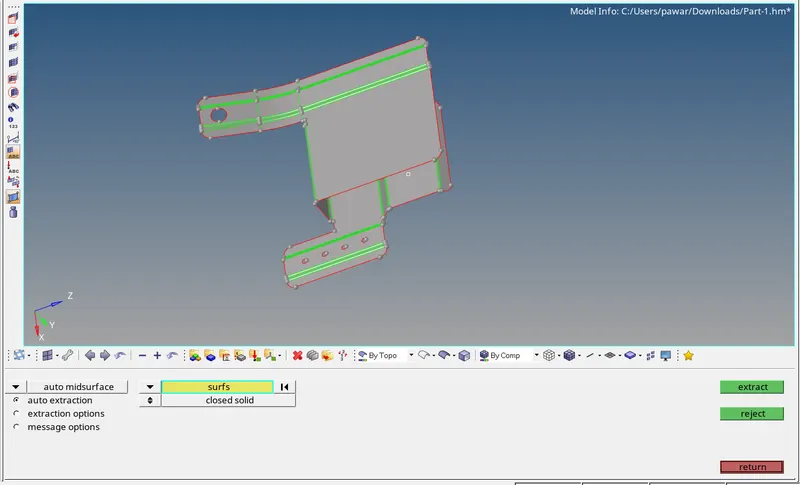
- Now after extracting the midsurface we will go for meshing by using (2D - Auto mesh - Select the elements - Select the mesh type - Slect the mesh size - Create).
- Before creating the mesh we have assign quality criteria as per given parameters by using (Preferences - Criteria file - Select the values).
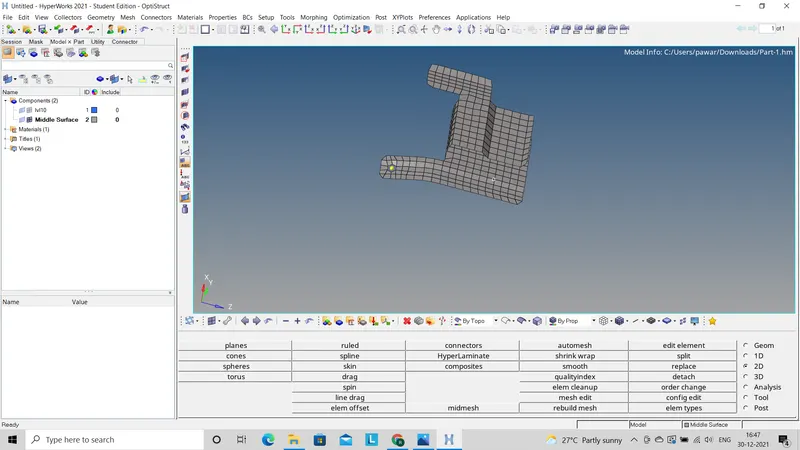
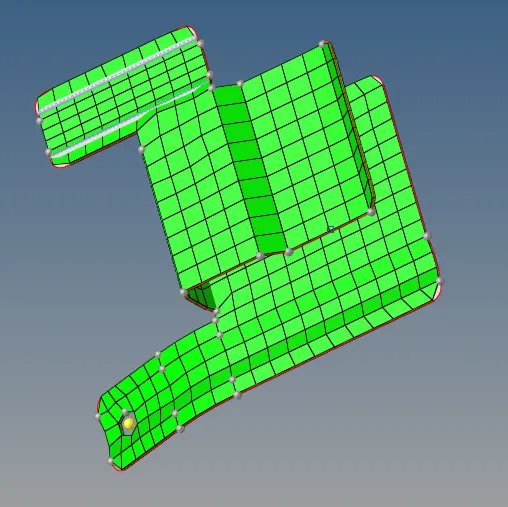
- Now we will see given model in By element quality mode so that we will see elements failed for quality criteria.
- To remove all the failed elements we have to use all the clean up tools like elements optimization, Drag the tria, Split edges.
- After making clean model within given quality criteria we will go for assigning property to the component.
2) Model 2 (Part 2):-
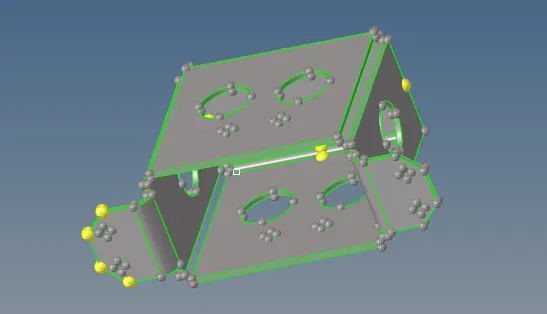
- First step we have to do is import the given .hm file to the hypermesh GUI. After importing the given model we will check the component through out.
- To check the component properly we have to observe given component in wire frame mode.
- Now in some regions we will see breake or damage in the geometry, it will removed by using toggle method as (Geometry - quick edit - Toggle edge - select the edges).
- Also some surfaces are missing from there original possition. we have to make that surface by using (Geometry - Surface - Ruled - Select the lines).
- After geometry clean up we will go for midsurface extraction (Manual) as it gives better result than auto midsurface by using (Geometry - Surface edit - offset - select the surface - Fill the offset value).
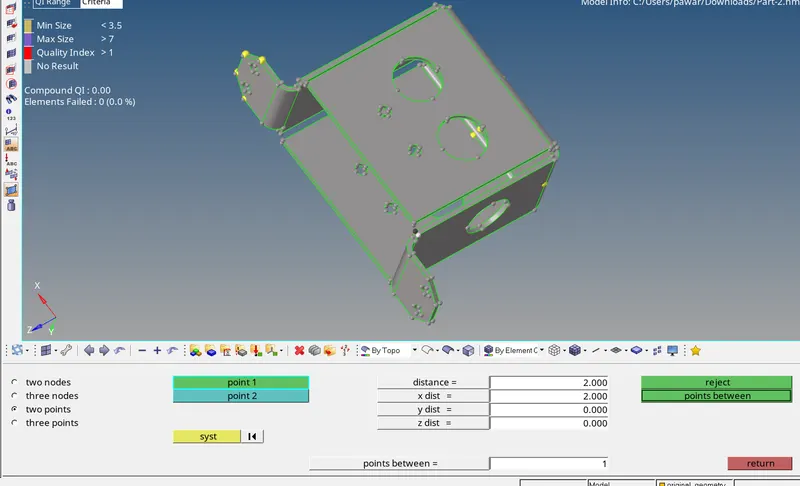
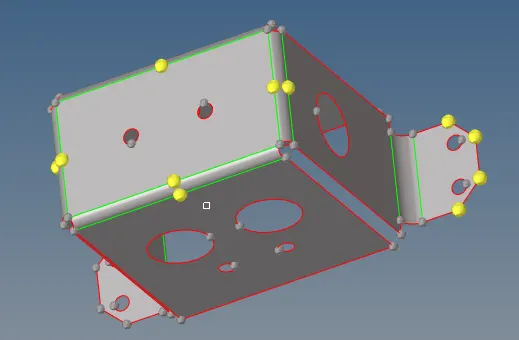
- Now after extracting the midsurface we will go for meshing by using (2D - Auto mesh - Select the elements - Select the mesh type - Slect the mesh size - Create).
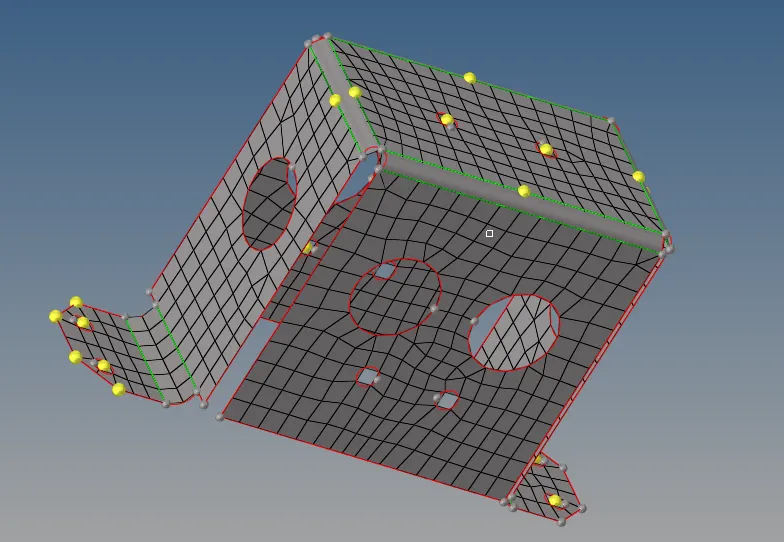
- Before creating the mesh we have assign quality criteria as per given parameters by using (Preferences - Criteria file - Select the values).
- Now we will see given model in By element quality mode so that we will see elements failed for quality criteria.
- To remove all the failed elements we have to use all the clean up tools like elements optimization, Drag the tria, Split edges.
- After making clean model within given quality criteria we will go for assigning property to the component.
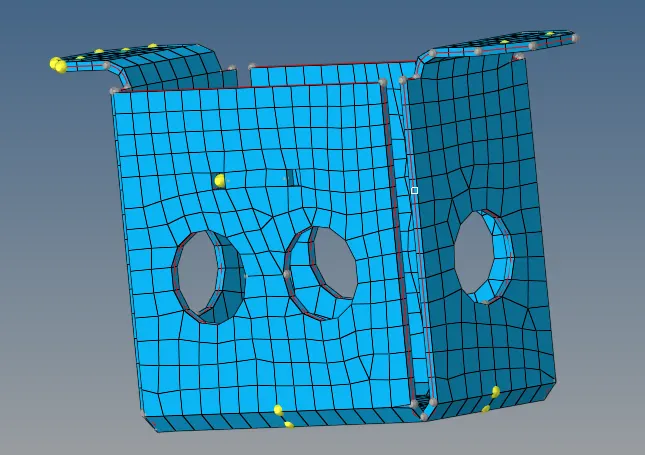
Model 3 (Part 3):-
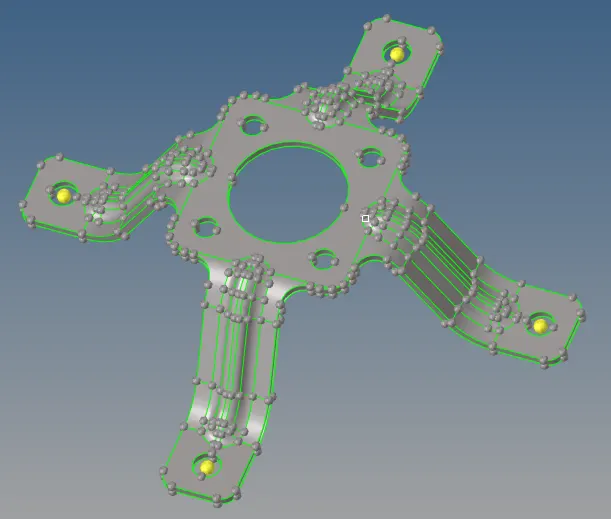
- First step we have to do is import the given .hm file to the hypermesh GUI. After importing the given model we will check the component through out.
- To check the component properly we have to observe given component in wire frame mode.
- Now in some regions we will see breake or damage in the geometry, it will removed by using toggle method as (Geometry - quick edit - Toggle edge - select the edges).
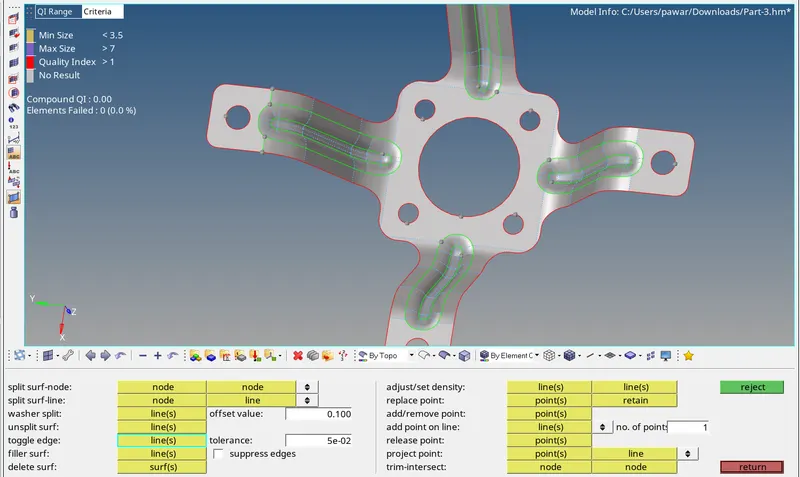
- Also some surfaces are missing from there original possition. we have to make that surface by using (Geometry - Surface - Ruled - Select the lines).
- After geometry clean up we will go for midsurface extraction (Manual) as it gives better result than auto midsurface by using (Geometry - Surface edit - offset - select the surface - Fill the offset value).
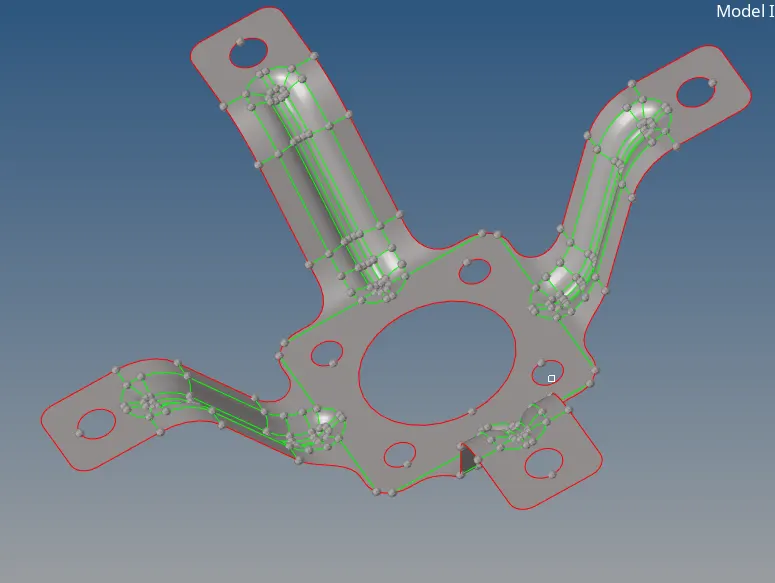
- Now after extracting the midsurface we will go for meshing by using (2D - Auto mesh - Select the elements - Select the mesh type - Slect the mesh size - Create).
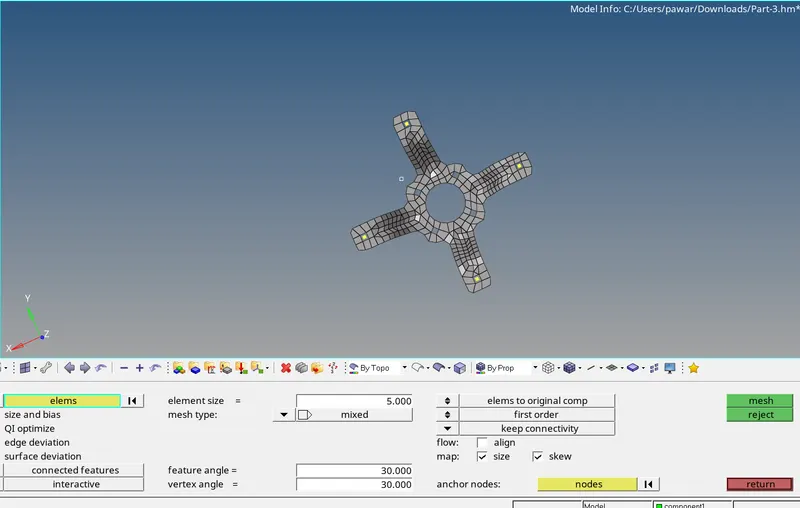
- Before creating the mesh we have assign quality criteria as per given parameters by using (Preferences - Criteria file - Select the values).
- Now we will see given model in By element quality mode so that we will see elements failed for quality criteria.
- To remove all the failed elements we have to use all the clean up tools like elements optimization, Drag the tria, Split edges.
- After making clean model within given quality criteria we will go for assigning property to the component.
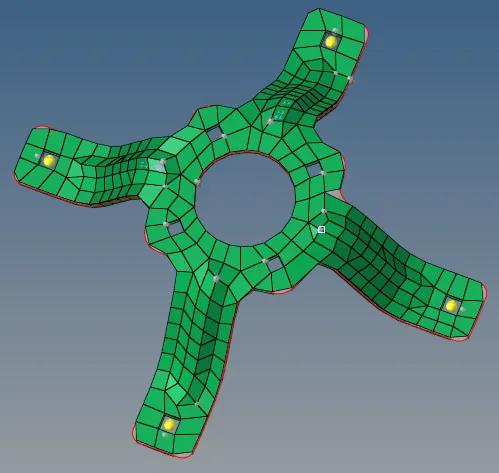
Conclusion:- In this challenge I learn about how to clean the geometry by using different clean up tools also how to extract the midsurface manually as well as auto and how to mesh the model and how to assign property to the model.