Assignment 1-2D Meshing Challenge
OBJECTIVE
Carry out the geometry cleanup operation on the given 3 files.
- Practice
- Clip Repair
- Mounting Bracket
There should not be any free edges, convert all of them into refine geometry.
- Clean the geometry.
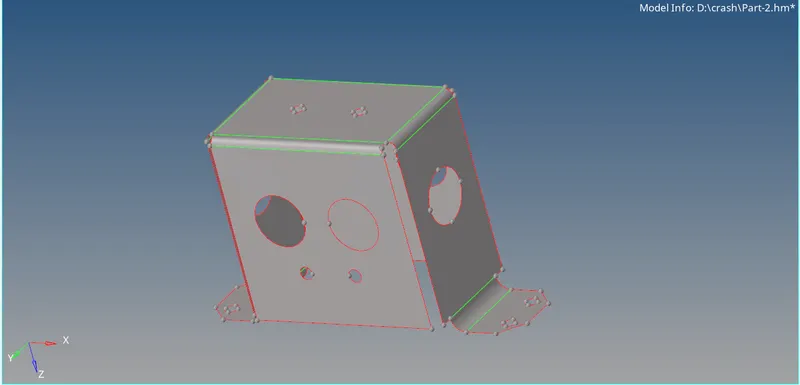
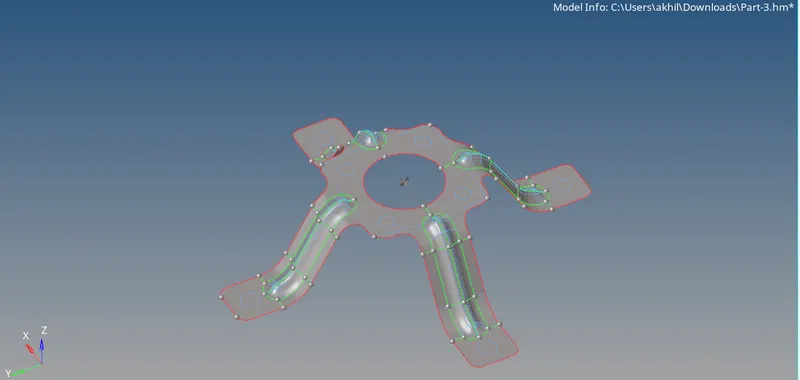
- Extract midsurface.
- Clean midsurface geometry.
- Ignore holes less than dia 5mm.
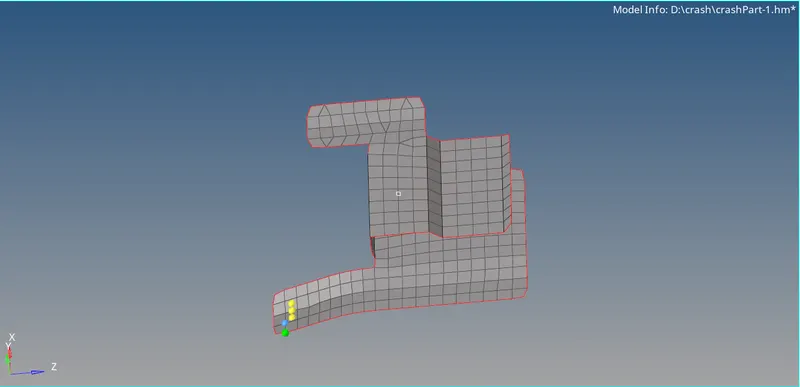
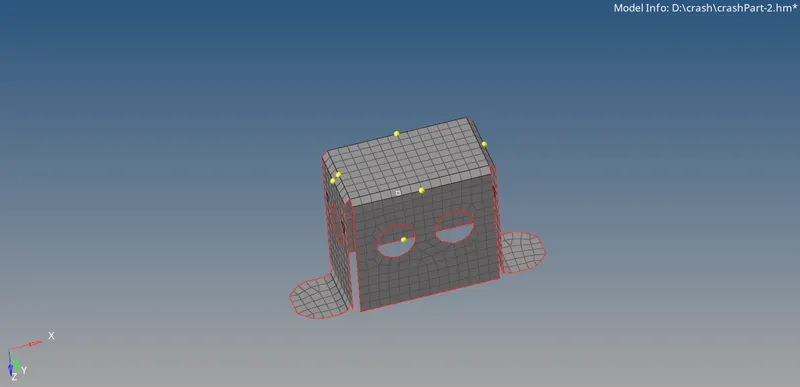
- Create 2D mesh with target length 5mm, min 3.5mm max 7mm.
- And assign proper thickness, by creating a generic property.
PROCEDURE
- Open the model.Go to geometry-quickedit(F11).
- Remove all free edges,holes having dia less than 5mm from the model using toggle and fill hole option.Make a closed geometry.
- Go to geometry-midsurface-automid-select the model.
- Remove all unwanted points from the mid surface.
- Go to quality criteria.Give target length,mininum and maximum length as 5mm,3.5mm and 7 mm.
- Remove the cuts which may fail in minimum length criteria.
- Go to 2D-automesh.Perform meshing on each surface.
- Remove the fail elements using split,drag tria,combine,smooth,rebuild commands.
Use of Reflect:
- If two surfaces are symmetric about a plane we can use reflect option to mesh second surface after completing the mesh on the first surface.
- Go to tool- reflect.Select the elements to reflect.Select the axis about which the elements should move.Select the base point.Do reflect.
- If any gap occured between elements use replace option to remove it.
- Press Shift+F3.Identify all free edges.Delete all edges.Click preview equiv.And click equivalence
- Assign thickness to midsurface.
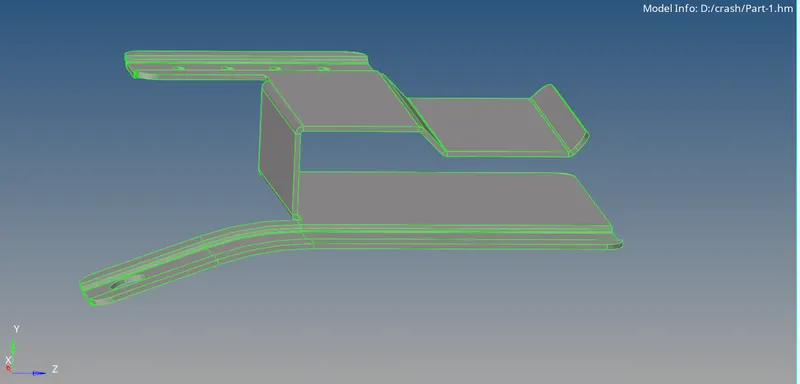
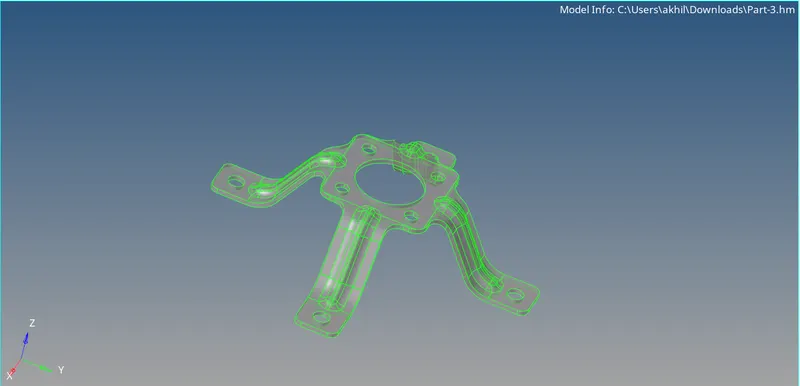
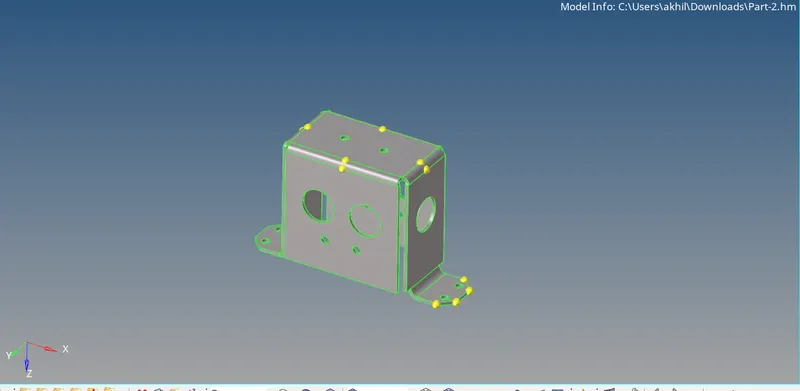
Models after topological cleanup:
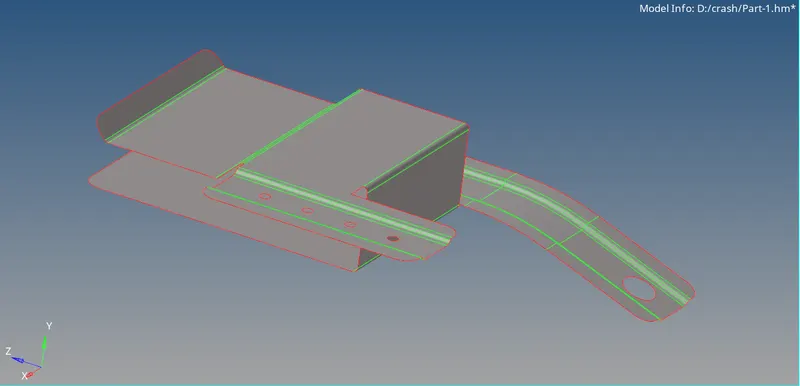
Mid surface Extraction:
Surface Mesh:
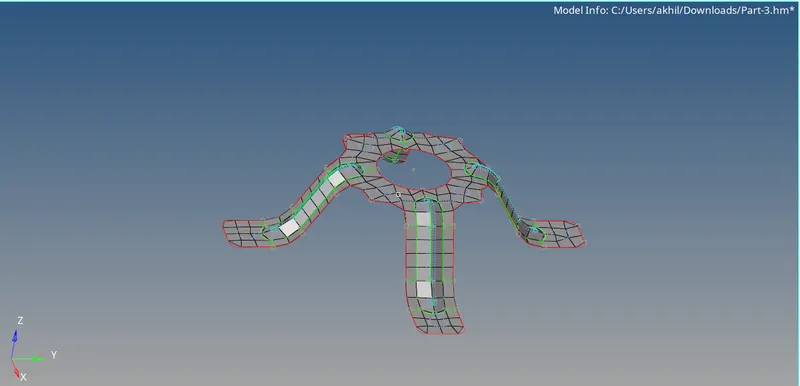
Assign Thickness:
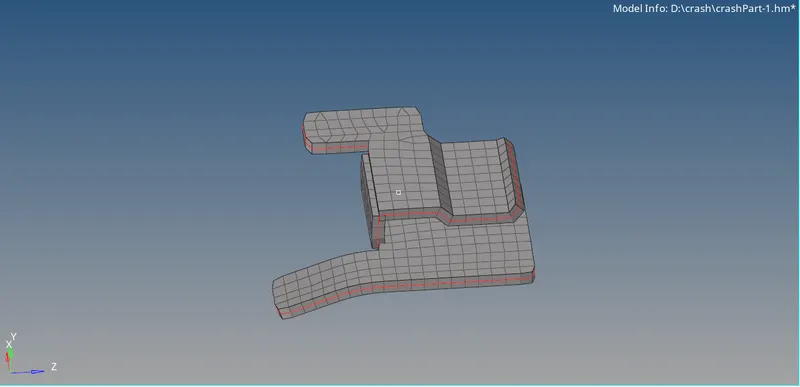
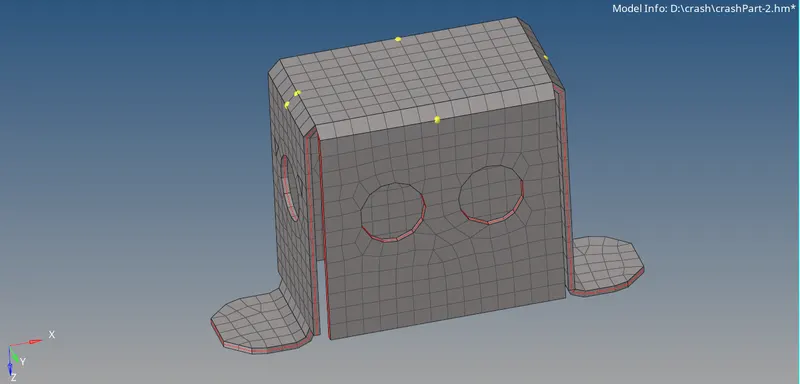
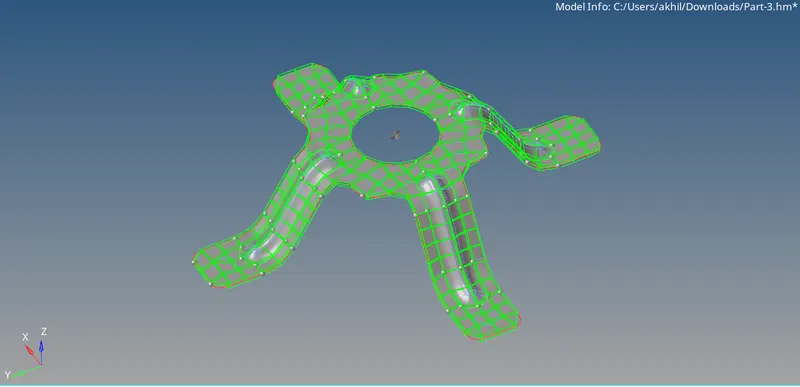
LEARNING OUTCOMES
- Understood how to do topological cleanup and how to extract midsurface.
- Understood how to mesh the mid surface and assign thickness.
- Understood how to remove the off elements using various commands.
- Understood how to do reflect and make connectivity between elements.
RESULT
Prformed topological cleanup,midsurface extraction and mesh.Finally assigned thickness.
CONCLUSION
After did reflect command.there wont be any connection between elements.Ie free edge will be present near the boundary.It must remove.