Assignment 1
Objective:
To clean the geometry and mesh the extracted mid surface and also assigning the thickness to the meshed elements.
Imported geometry-
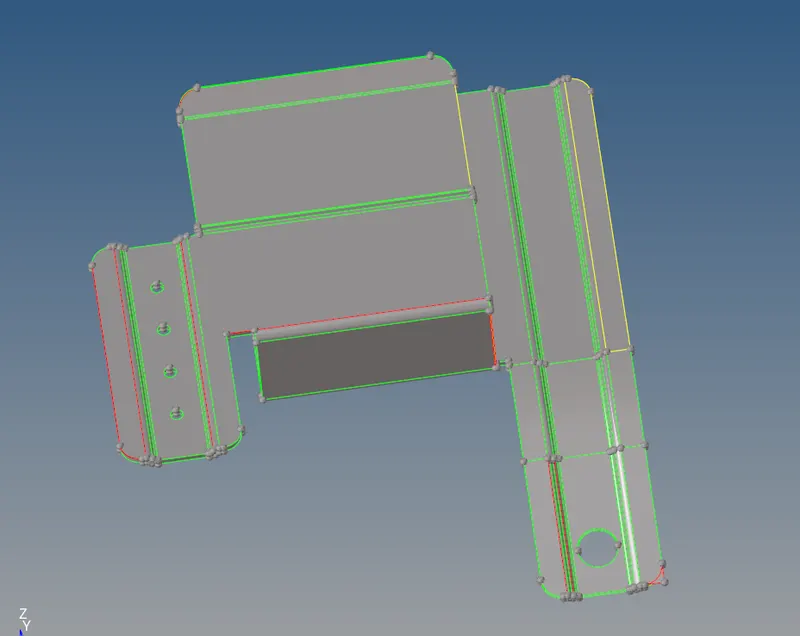
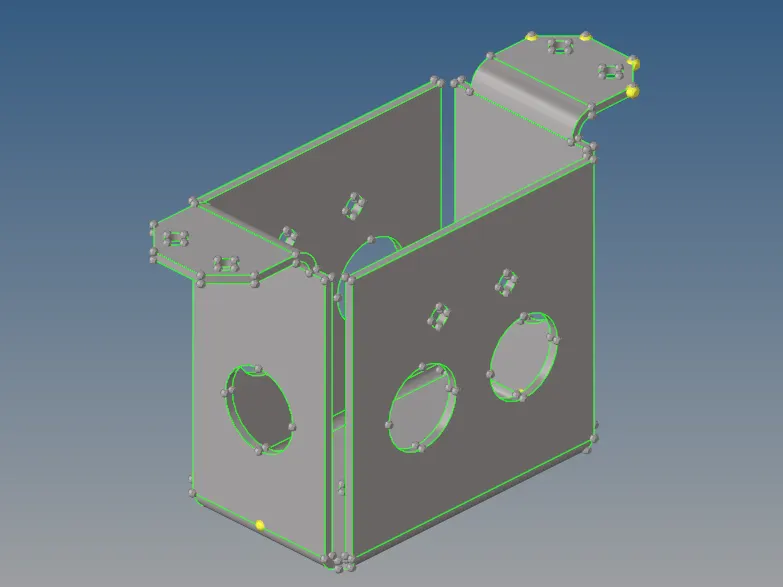
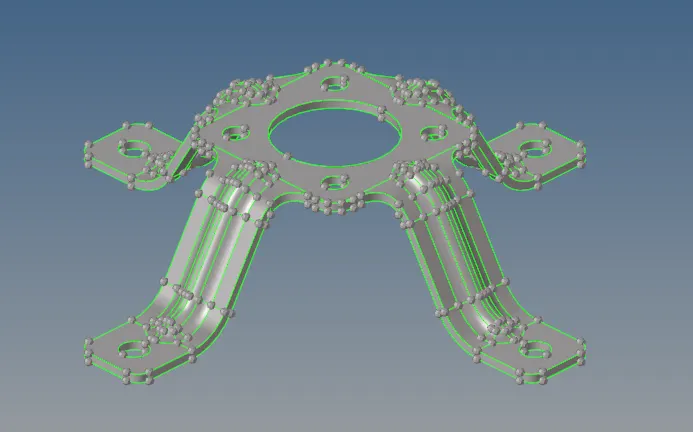
Checked geometry for geometrical errors and extra lines and nodes which will interrupt the mesh flow and then deleting it.
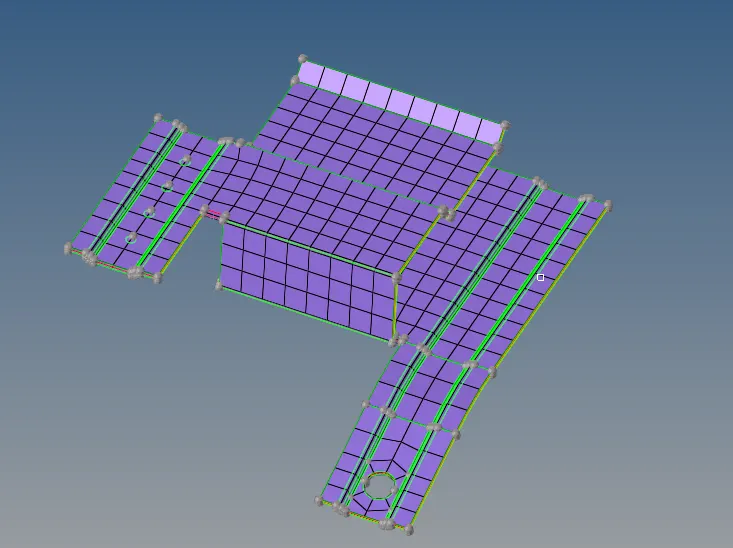
There are some red edges which show open surface ends and yellow edges show surface overlapping.
Delete overlapping surfaces.
Missing surfaces created with help of "RULED" option.
Small fillets are defeatured which are smaller than 3mm dia.
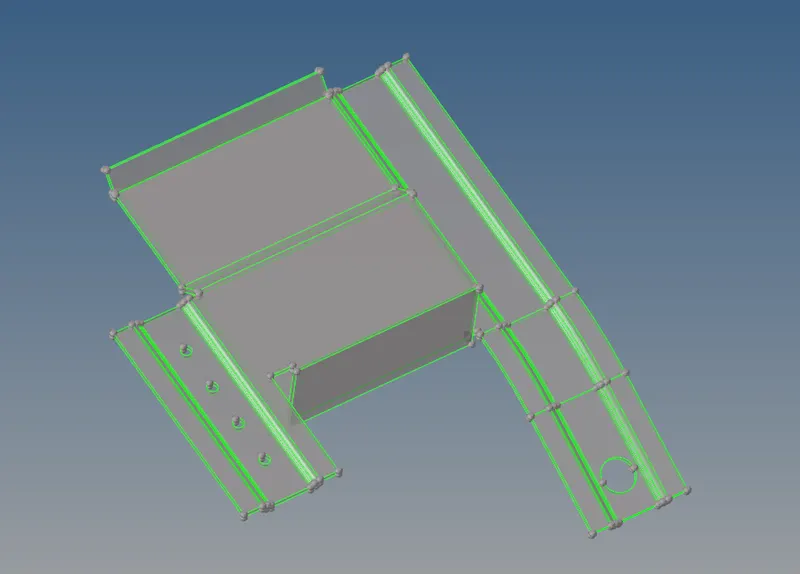
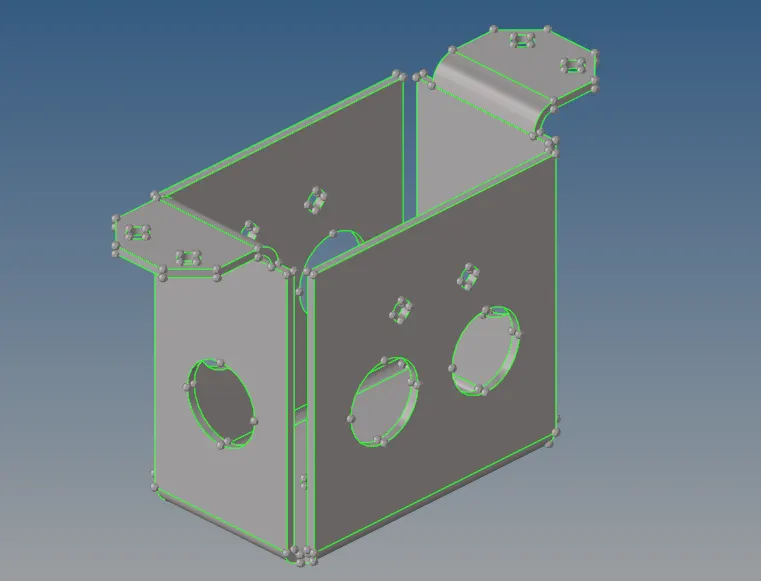
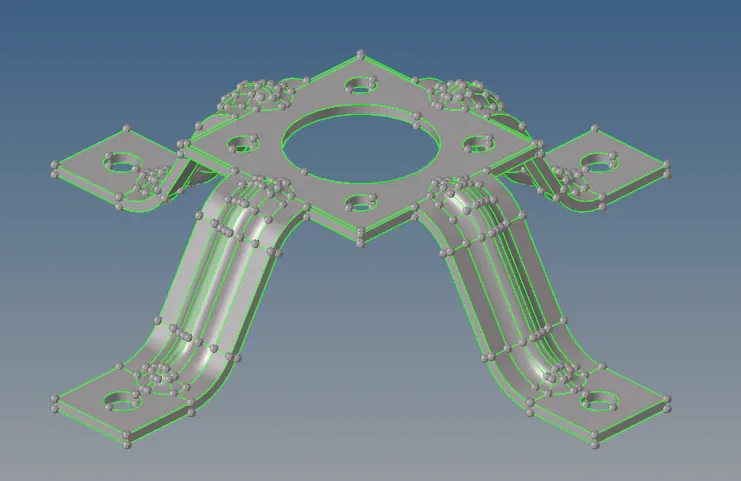
Mid Surface is created from the geometry using the auto mid surface option.
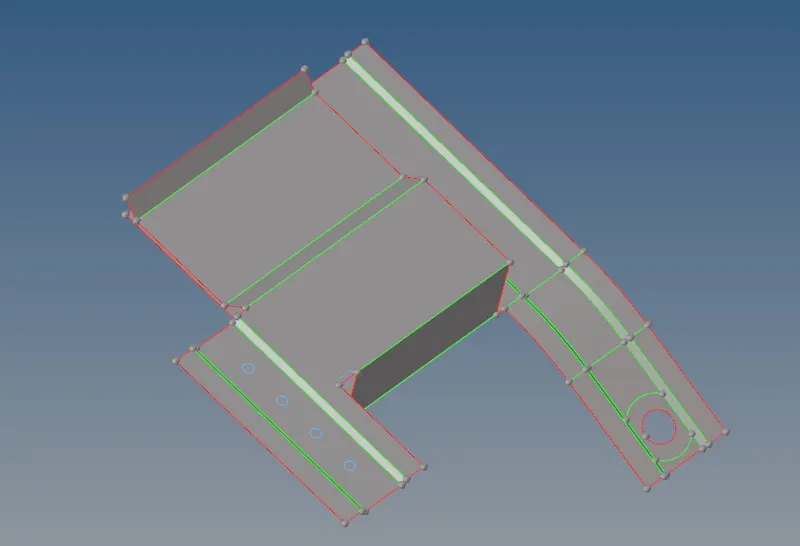
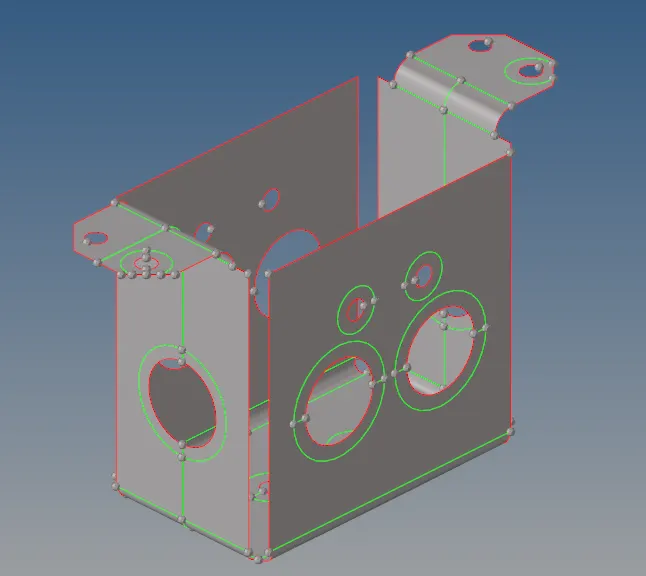
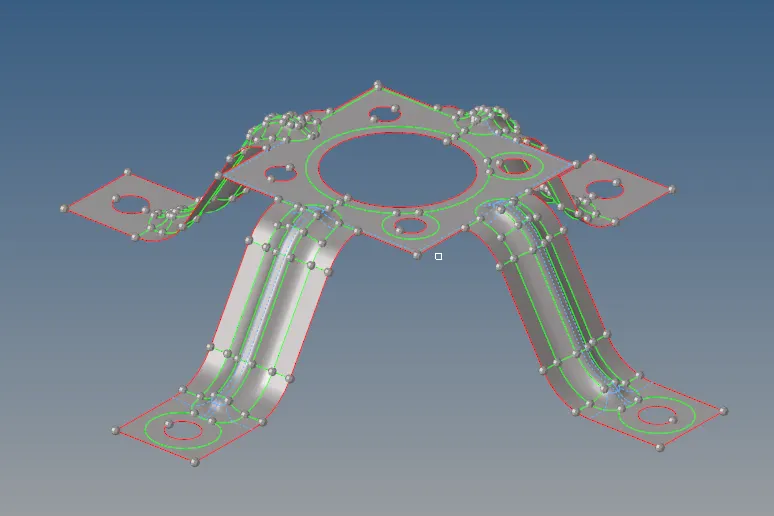
Hole less than 5 mm dia are filled. Washer surface is provided to the holes greater than 5mm Dia.
Toggle some line which does not come under minimum element criteria.
Some Surfaces were split which are symmetrical so that mesh can be reflected.
Now geometry is ready for meshing.
Meshing -
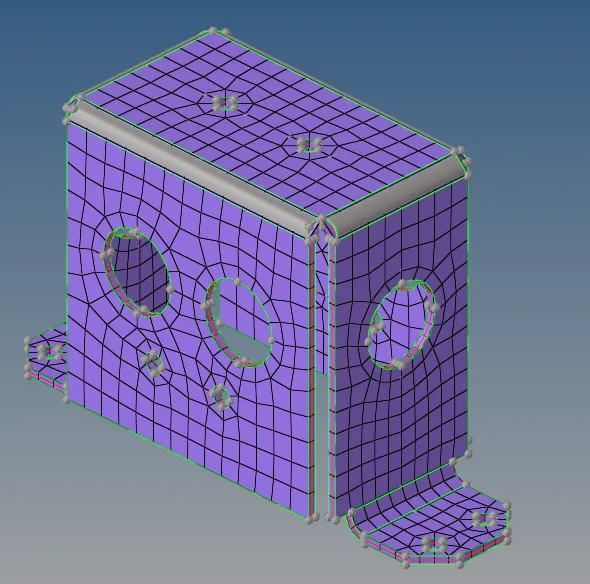
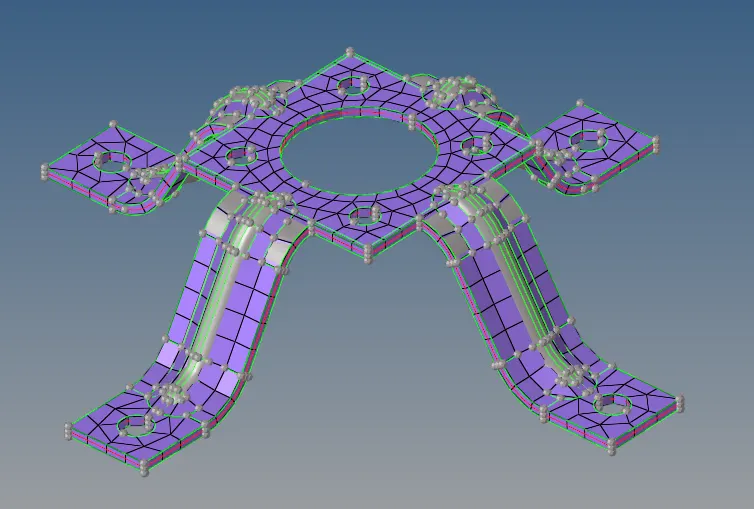
Element Size - 5mm
Meshing Started from the middle section of the geometry so that number of nodes can be changed when required.
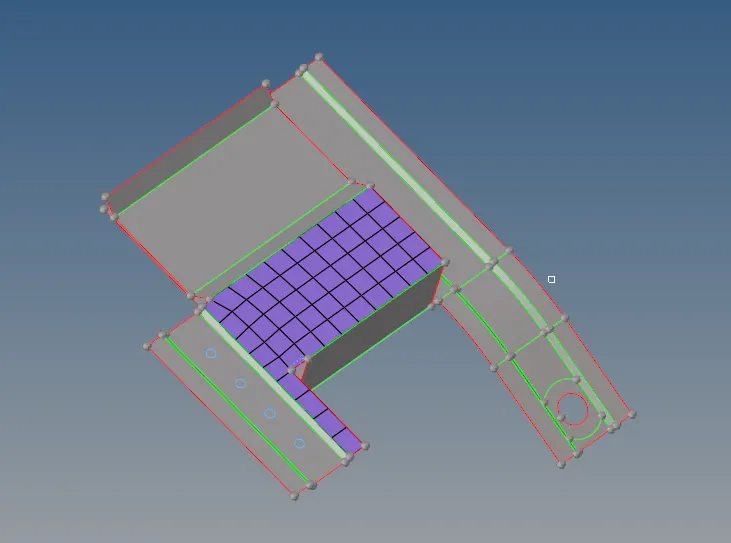
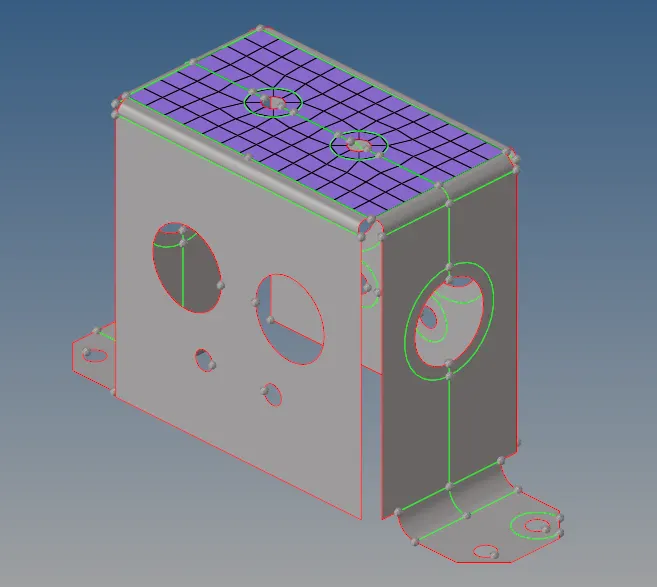
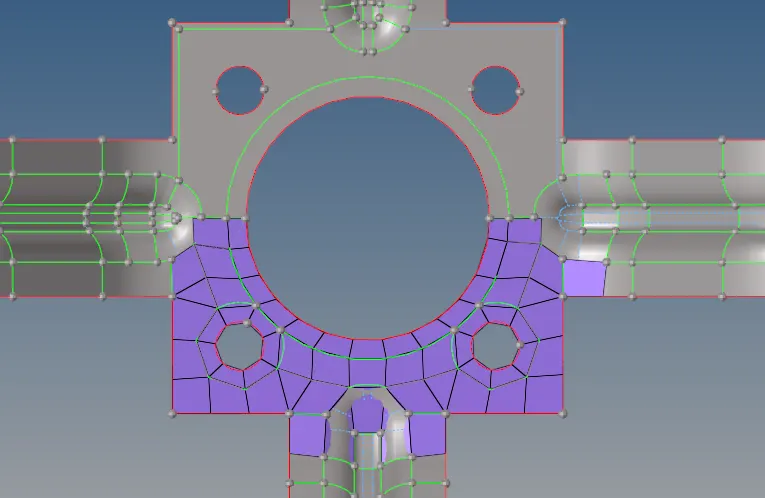
Then mesh errors have to be cleaned out. Errors like mesh flow disturbance, element duplication, geometric deviation etc.
If there is no connectivity between the mesh then connectivity provided using equivalence option.
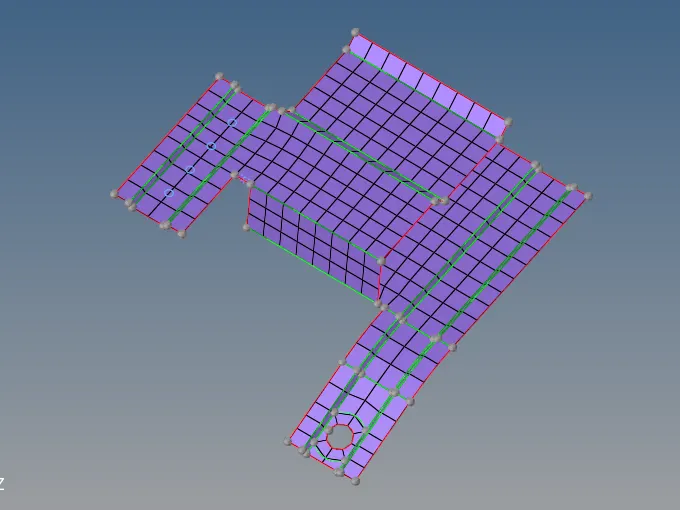
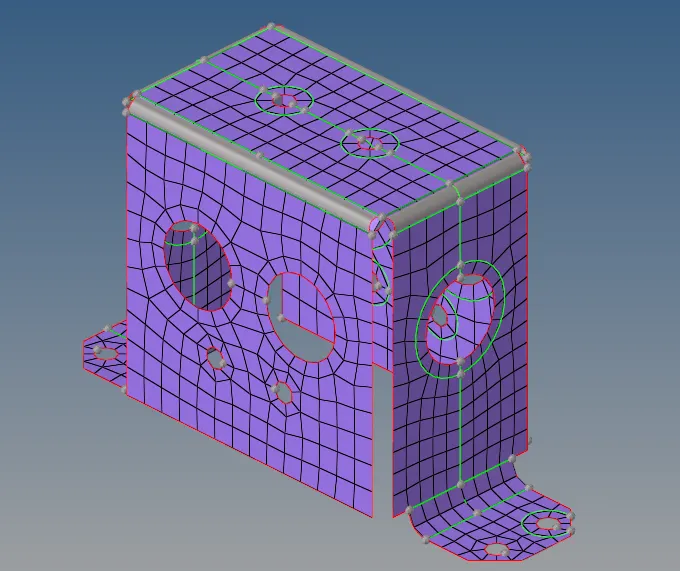
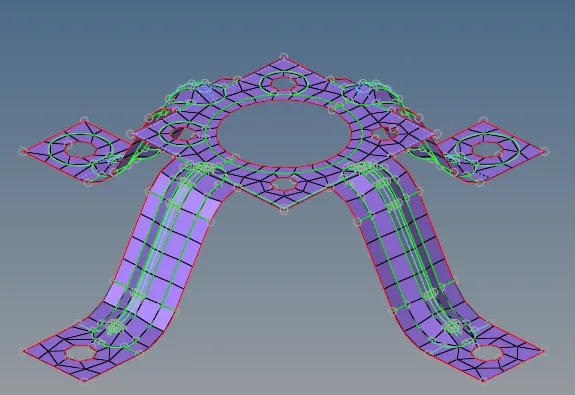
Then Material And thickness property is provided to the mesh.
Then compared with the original model by changing mesh in 3d representation to check geometry captured properly or not.
Conclusion
According to the given criteria, the model is meshed and properties are assigned to the mesh.