Assembly of Yacht
Design the Solid and Surface modelling of Sunseeker Predator Yacht
Aim and Objective :
- The objective is to design and assemble the various parts using solidworks.
Introduction :
- The Yacht assembly comprises part modelling as well as surface modelling.
- The Surface modelling environment is used upto 90% in the Yacht Assembly.
- To model the sunseeker predator Yacht by using the Surface modelling features.
Parts to be modelled :
- Propeller
- Radar
- Hull
- Garage door
- Rear seat
- Front seat
- Middle seat
- Super Structure
- Radar Mast
1. Propeller
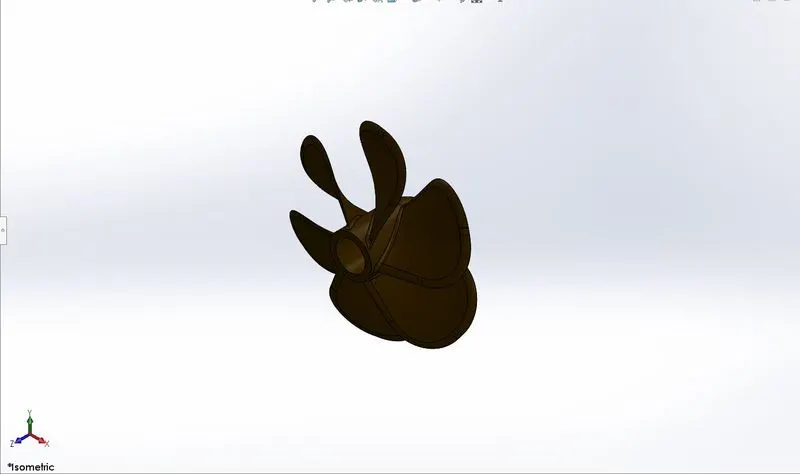
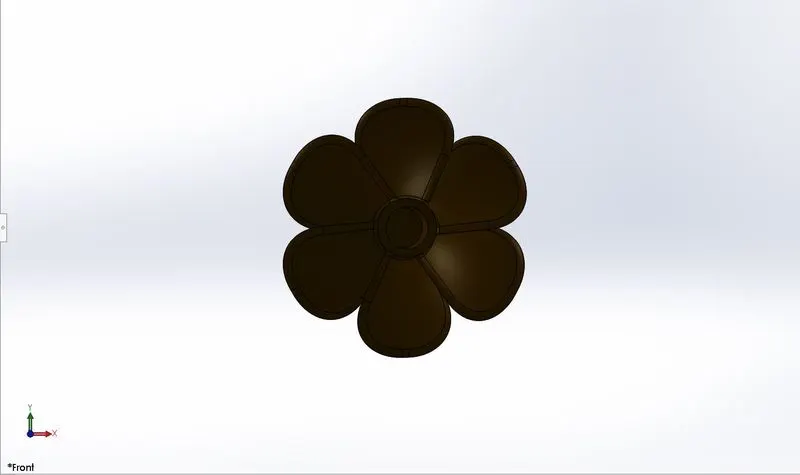
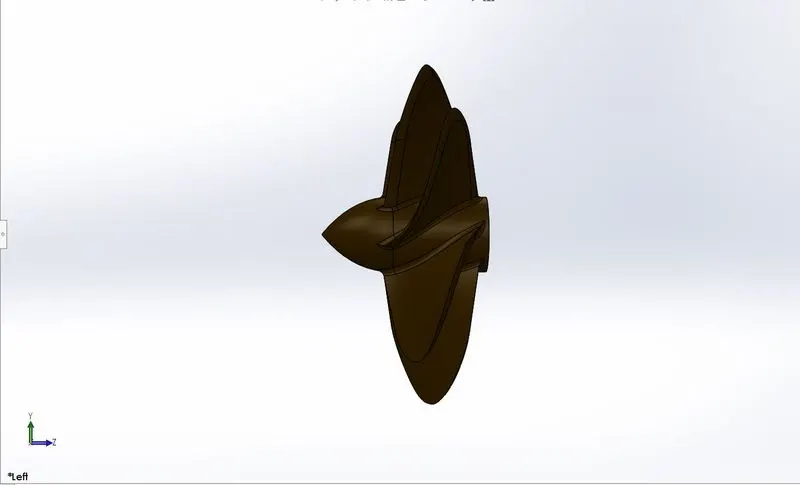
- A Propeller is a fan like structure which is used is propel the ship by using the power generated and transmitted by the main engine of the ship. The transmitted power is converted from rotational motion to generate a trust which imparts momentum to the water, resulting in a force that acts on the ship and pushes hit forward.
Commands used in propeller :
- Sketch
- Revolve
- Lofted base
- Cut Extrude
- Fillet
- Circular pattern
Sketch :
- Sketch is basically 2D representation of a particular from a different views such as front view, top view, side view etc. The sketch basically comprises of commands like lines, arcs, circles etc.
Revolve :
- Revolve is process of creating a revolved profile with reference of the sketch and the axis of rotation. The profile can be created with the revolution upto 360 axis rotation.
Lofted Base :
- Creates a 3D solid or surface by specifying a series of cross sections. The cross sections define the shape of the resulting solid or surface. You must specify atleast two cross sections. Loft cross sections can be open or closed, planar or non-planar, and can also be edge sub objects.
Extrude cut :
- The Extrude cut feature is used to remove the unwanted material as per the modelled sketch. Based on the design of the sketch the material is removed.
Fillet :
- In mechanical engineering a fillet is a rounding of the interior or exterior corner of a part. The fillet is mainly done to uniformly distribute the stress in specific area.
Circular Pattern :
- The circular pattern is used to create a similar solid surface in a circular direction upto user defined instances.
2.Radar
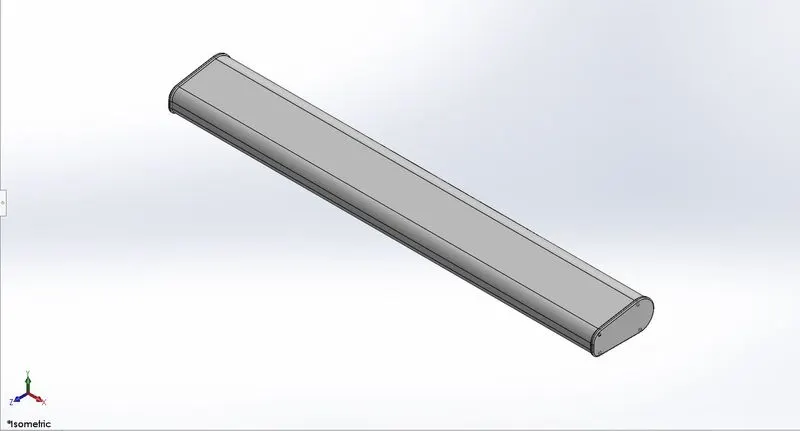
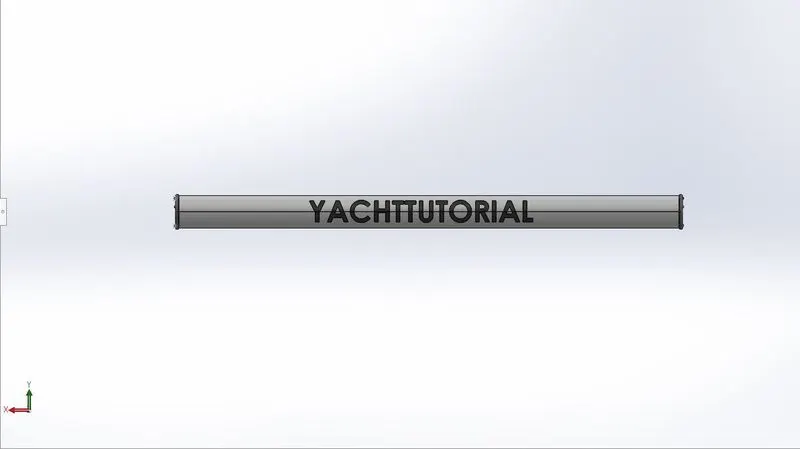
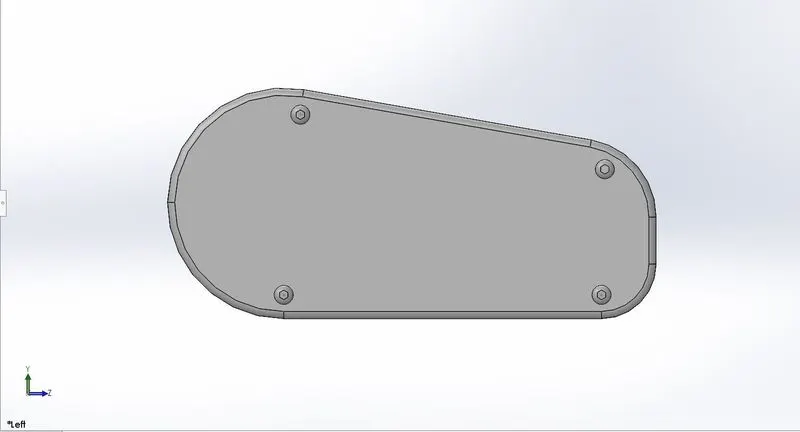
- A Marine Radar is a ranging and detecting system that picks up signals from objects several hundred feet or several miles away from your boat. The radar system sends out a signal in the form of a sound wave. This pulse is sent out from the radar dish on the top of your boat.
Commads used in Radar :
- Sketch
- Boss Extrude
- Fillet
- Cut Extrude
- Sketch Pattern
- Mirror
- Split line
Boss Extrude :
The Extrude command is used to create a solid extrusion based on the selection sketch or contours. The extrusion can be made in either positive or negative direction.
Mirror :
- The mirror command is used to create replica of the body, feature in the specific direction upto user defined number of instances.
Sketch Pattern:
- The sketch drive pattern is used to create the replica of the feature, body with reference to some sketch points which are created while creating the sketch itself.
Split Line :
- The split line tool projects an entity(sketch,solid,surface,face,plane or surface spline) to surfaces or curved or planar faces it divides a selected face into multiple seperate faces. You can split curves on multiple bodies with one command.
3.Hull
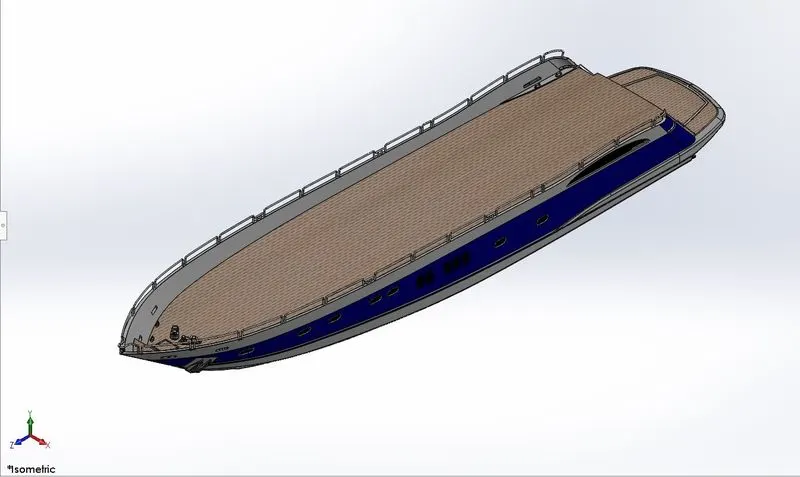
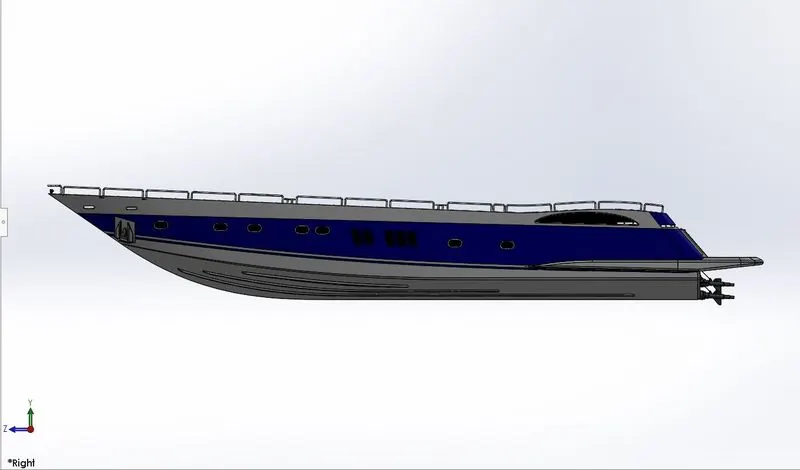
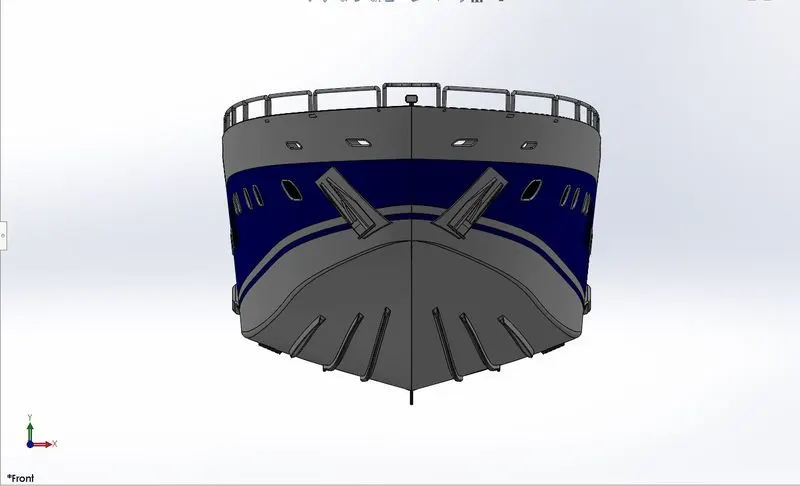
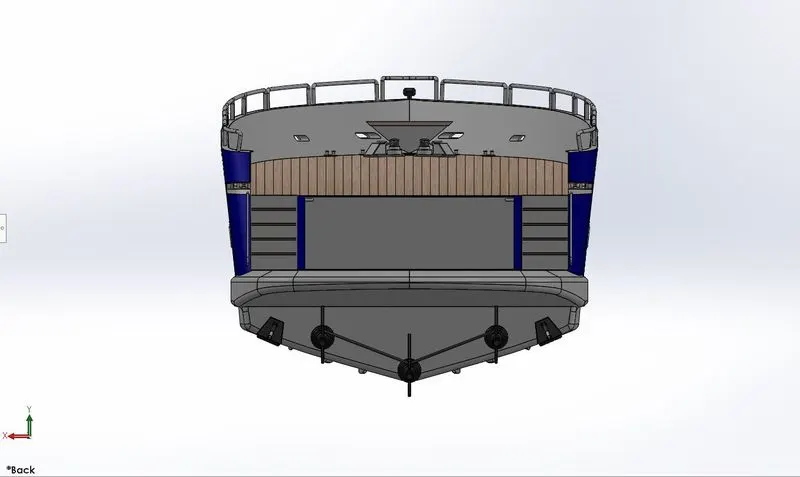
- A Hull is the watertight body of a ship or boat. The hull may open at the top (such as dinghy), or it may be full or partially covered with a deck. At top the deck may be a deckhouse and other superstructures, such as funnel,derrick or mast. The line where hull meets the water surface is called the waterline.
Commands used in Hull :
- Sketch
- Project curve
- Loft Surface
- Fill surface
- Surface Extrude
- Surface Trim
- Surface Extend
- Shell
- Boss Extrude
- Cut Extrude
- Fillet
- Chamfer
- Sweep
- Plane
- Dome
- Helix/Spiral
- Linear Pattern
- Delete Face
- Curve
- Revolve
- Combine
Project curve :
- The project will be available under the features tab, the project curves command can be used to create a 3d curve. The 3d curve can be created by using the reference of two 2d curves.
Fill Surface :
- Creates a surface patch within the boundary defined by existing model edges, sketches, curves.
Surface Extrude :
- Creates on extruded surface based on some reference sketch.
Surface Trim :
- The surface trim is used to trim the surface where one surface interacts with another surface, plane or a sketch.
Surface Extend :
- Extend the edge, multiple edge or face on a surface based on end condition and extension type.
Shell :
- The shell command is used to create a thickened surface either it can be done in the interior or exterior surface.
Chamfer :
- The chamfer command creates a bevelled feature on the selected edge, face and vertex etc.
Sweep :
- The sweep command is used to create solid features by sweeping a closed profile along an open or closed path.
Dome :
- Dome, in architecture, hemisperical structure evolved from the arc, usually forming a ceiling or roof over the surface/face being selected.
Helix/Spiral :
- This command is present under the curves in the feature tab.
- This command actually creates a spiral/helix based on some reference sketch.
Delete Face :
- This command is used to delete unnecessary faces and this feature comes with some options like delete face, delete and patch, delete and fill.
Combine :
- The combine feature is used to merge two or more solid into a single solid.
4.Garage Door
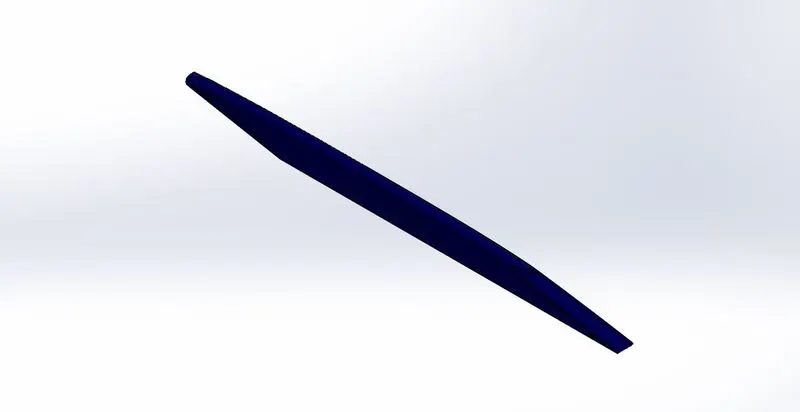
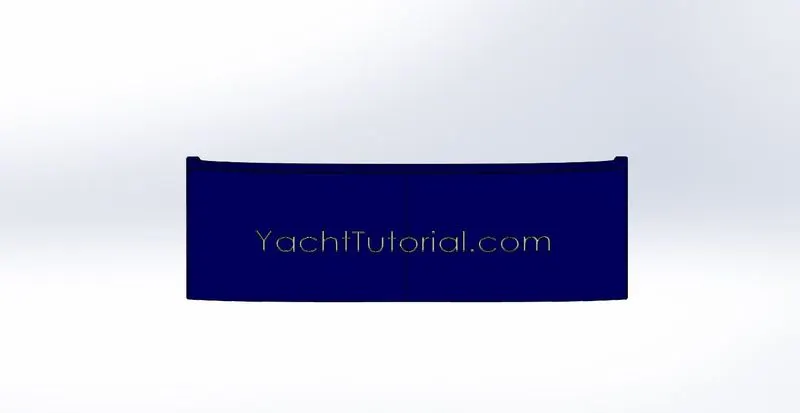
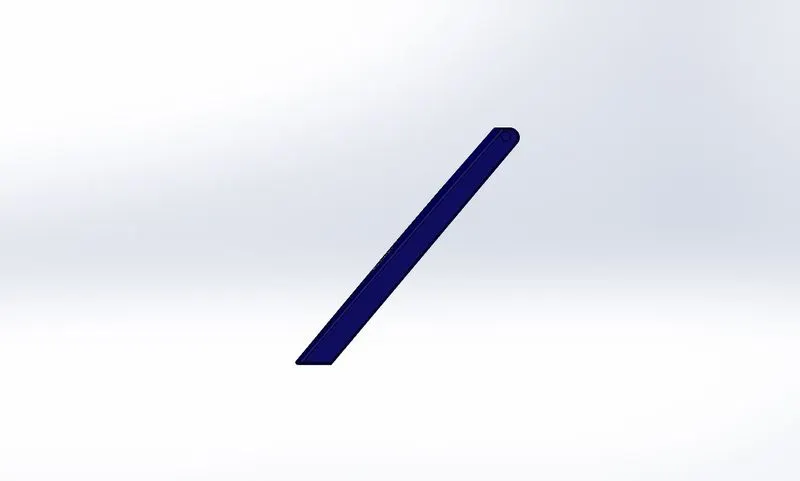
- Garage door is a large door on a garage, it is large enough to accommodate automobile and other vehicles.
Commands used in Garage Door :
- Sketch
- Cut Extrude
- Fillet
- Mirror
5.Rear Seat
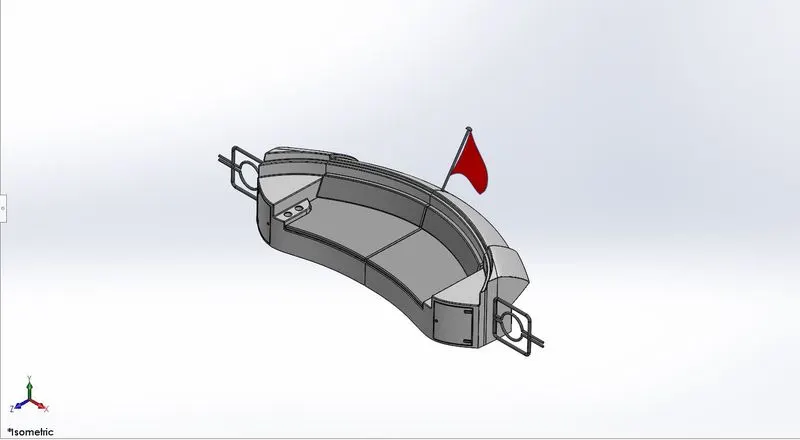
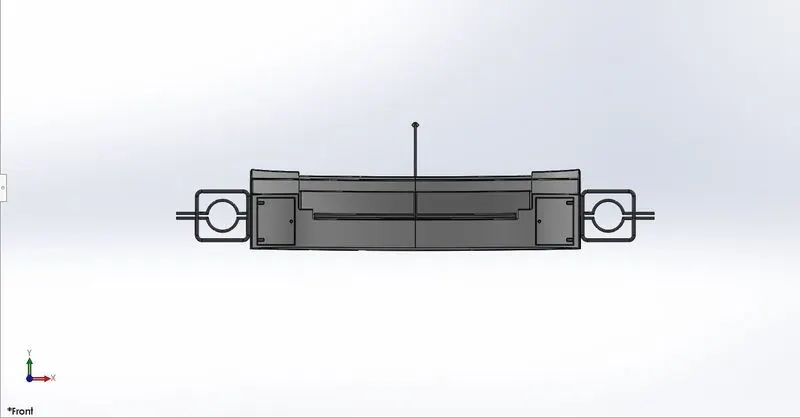
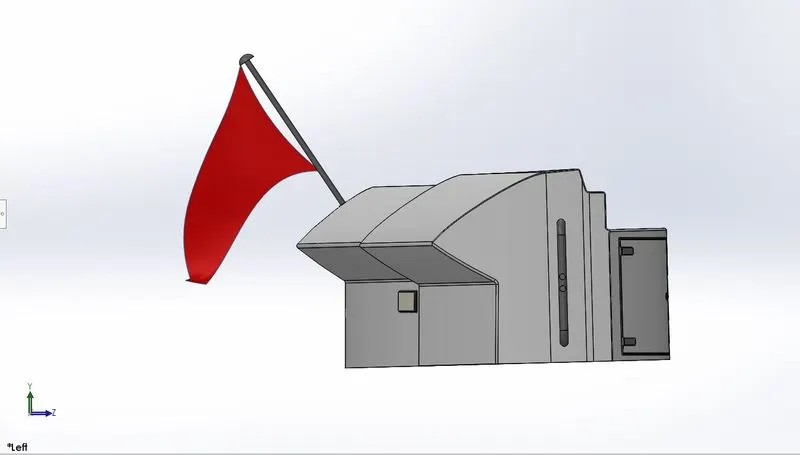
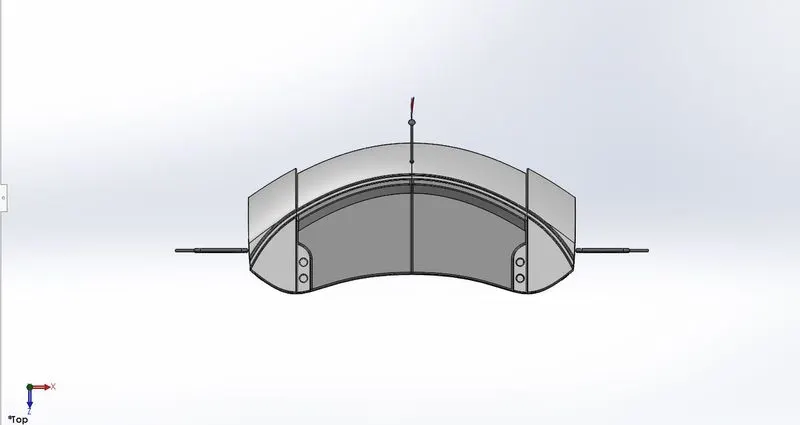
- The seat is a thing which is used for sitting purpose, the rear seat built on the rear side of the yacht.
Commands used to create Rear Seat :
- Sketch
- Surface Sweep
- Surface Offset
- Surface Trim
- Ruled Surface
- Surface knit
- Surface Extend
- Surface Loft
- Boss Extrude
- Cut Extrude
- Fillet
- Chamfer
- Mirror
- Revolve
Sweep Surface :
- Create a surface feature by sweeping an open or closed profile along an open or closed path.
Surface Offset :
- Create offset surfaces using one or more contiguous faces.
Ruled Surface :
- Ruled is built by creating a swept surface using selected edges as guide curves.
Knit Surface :
- Connecting two or more adjacent non intersecting surfaces together.
6.Front Seat
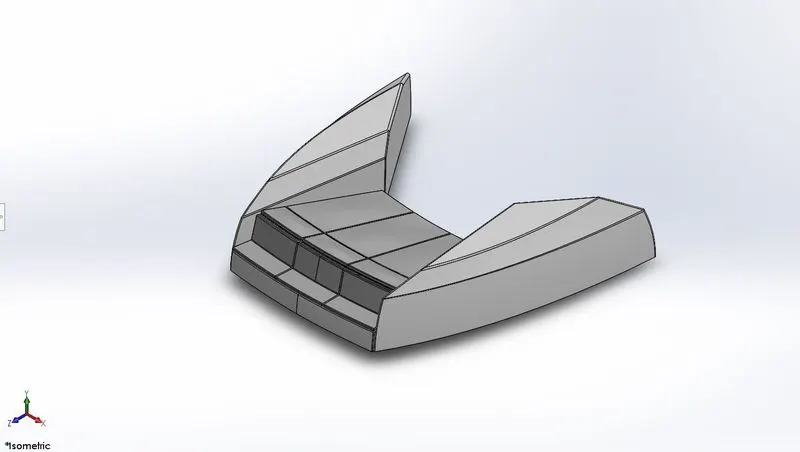
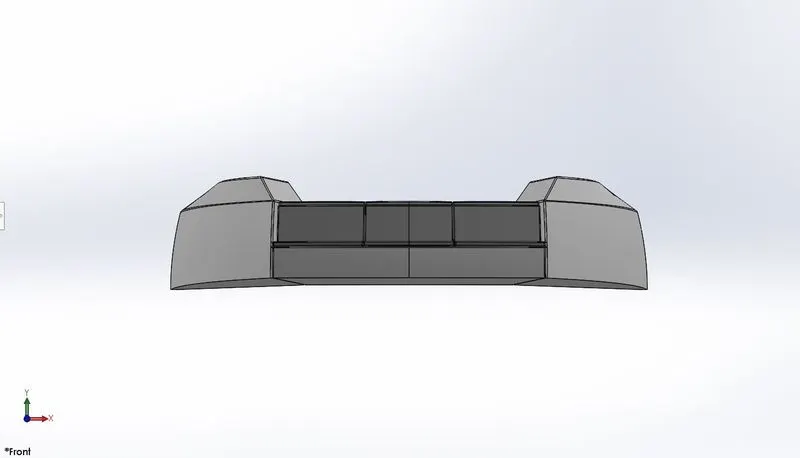
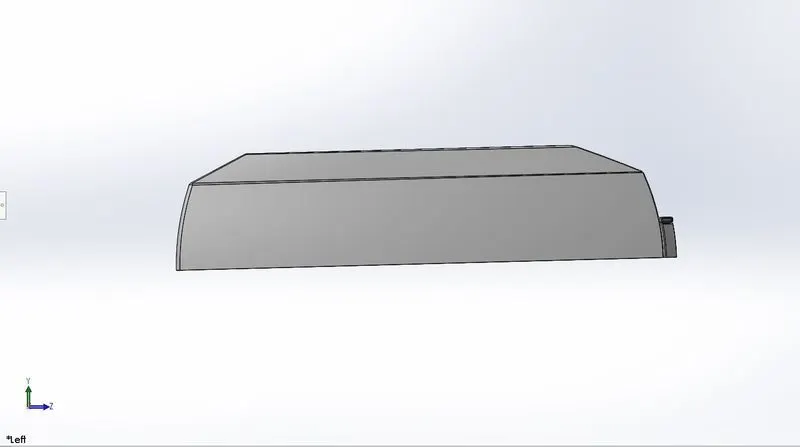
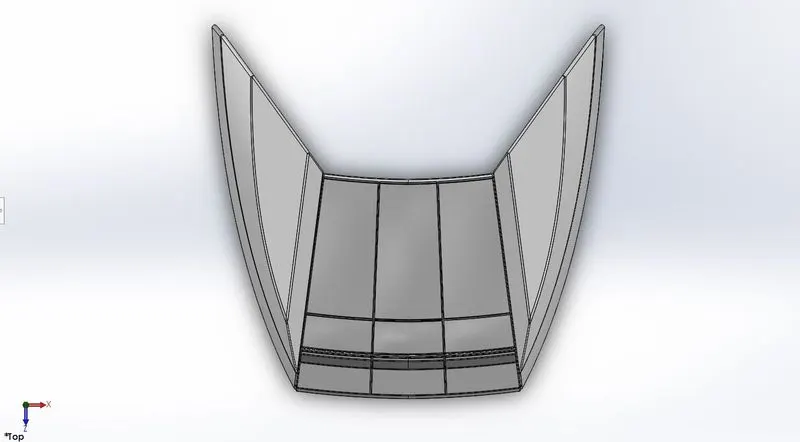
- The seat is a thing which is used for sitting purpose, The front seat is created on the front side of the yacht.
Commands used to create Front Seat :
- Sketch
- Surface sweep
- Surface trim
- Surface Knit
- Surface Extrude
- Surface Loft
- Fillet
- Chamfer
- Mirror
- Dome
- Revolve
7.Middle Seat
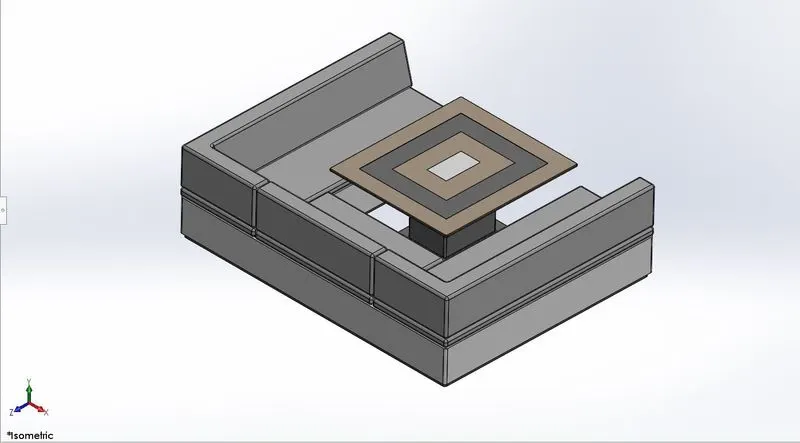
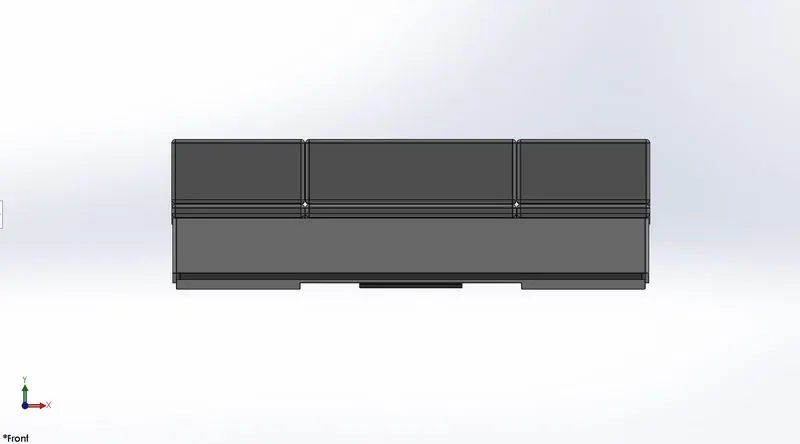
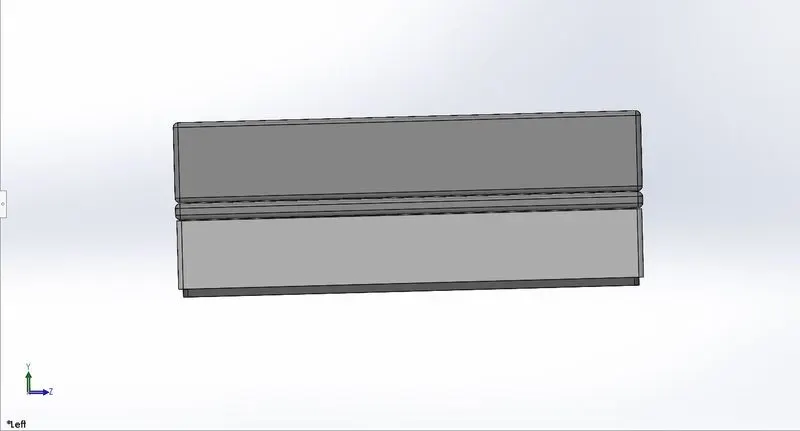
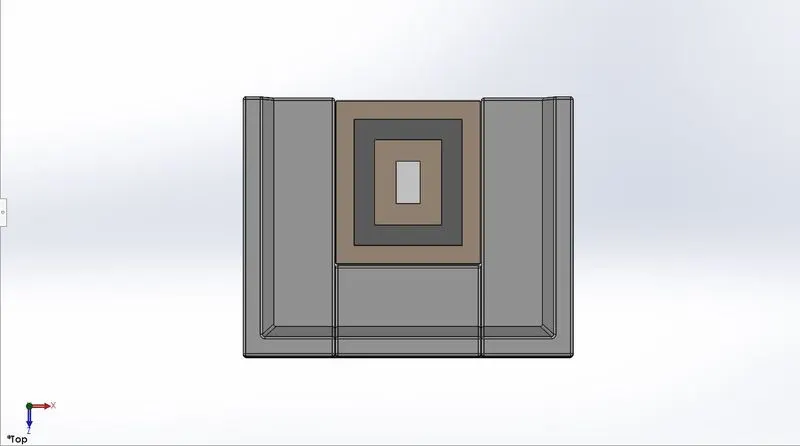
- The seat is a thing which is used for sitting purpose, The middle seat is built on the centre of the yacht.
Commands used to create Middle Seat :
- Sketch
- Boss Extrude
- Cut Extrude
- Fillet
- Chamfer
- Mirror
8.Super Structure
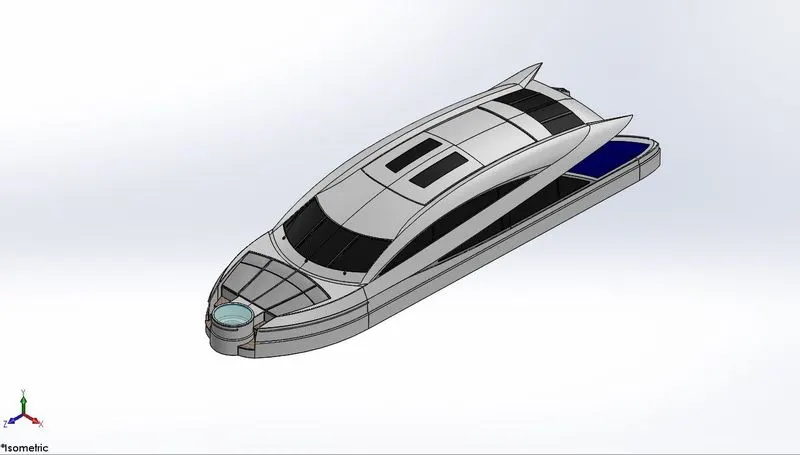
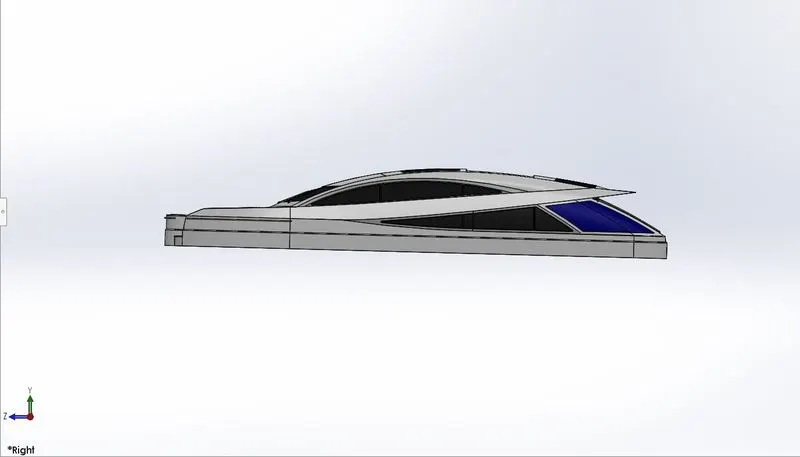
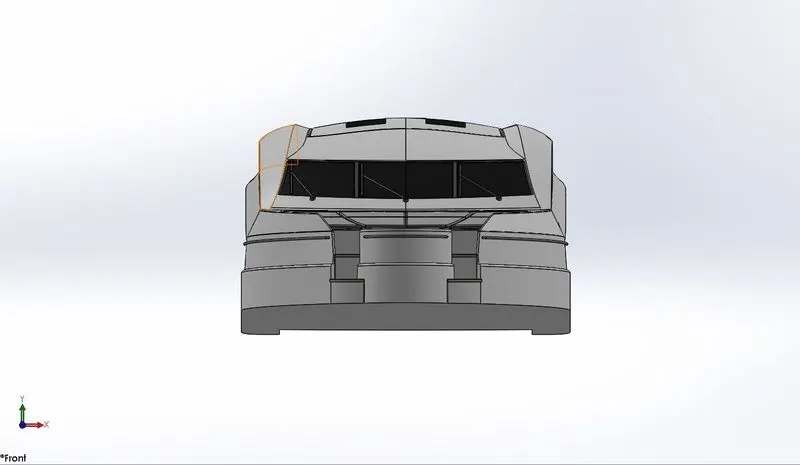
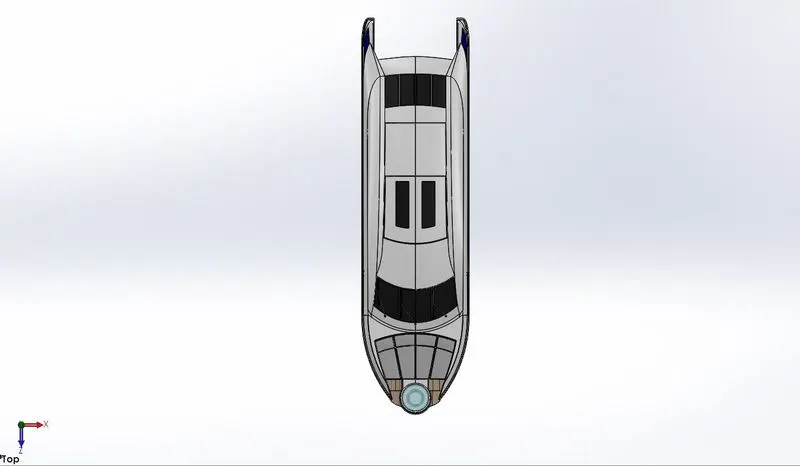
- A Super structure is an extended construction of any building or platform that rises above the rest of the building or platform in a distinct manner. Thus, Superstructure means to add a construction to an already existing structure. In ships this is the name given to the part of the ship that emerges from the deck.
Commands used to create Super Structure :
- Sketch
- Project curve
- Loft Surface
- Fill Surface
- Surface Extrude
- Surface trim
- Surface Extend
- Shell
- Boss Extrude
- Cut Extrude
- Fillet
- Chamfer
- Sweep
- Plane
- Dome
- Curve
- Surface Knit
9.Radar Mast
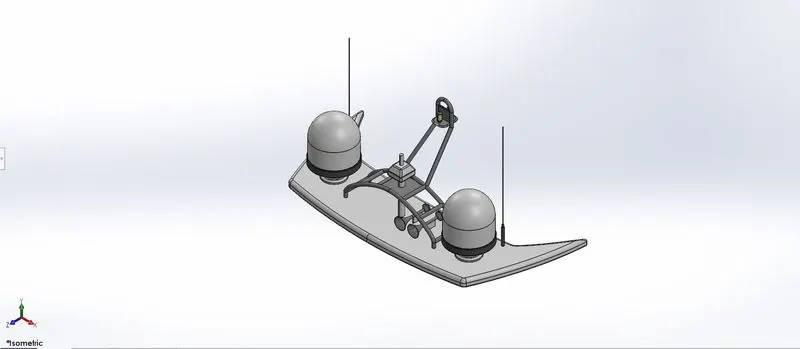
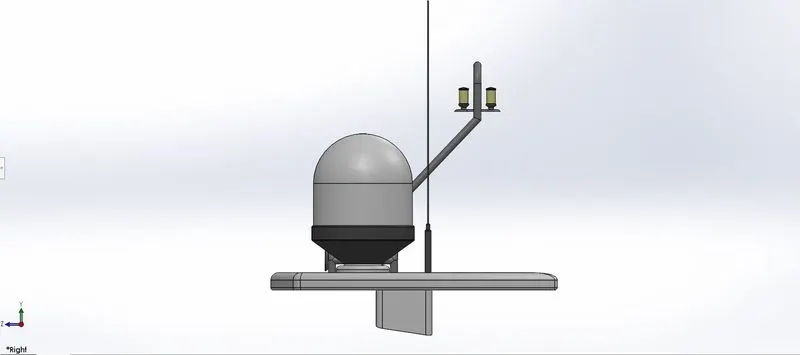
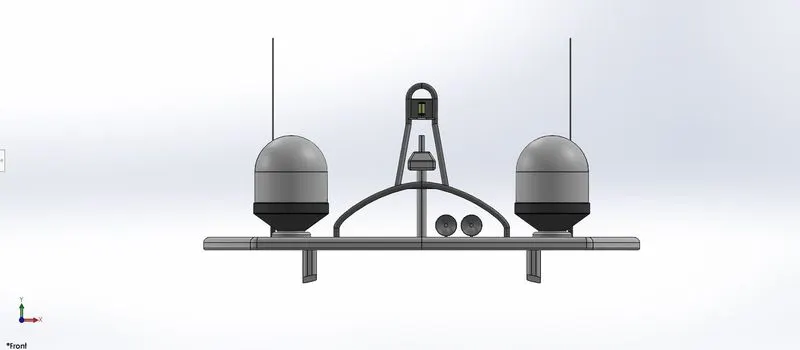
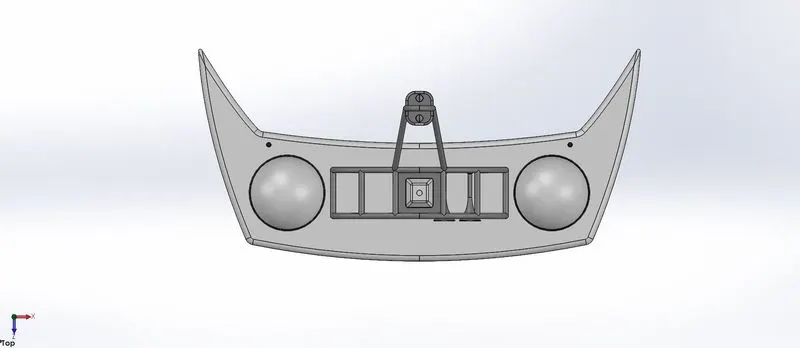
- Radar Mast is mounted in the top of the superstructure, used to detect other ship and land obstacles to provide bearing and distance for collision avoidance and navigation. They are electronic navigation instrument that use a rotating antenna to sweep a narrow beam of microwave around the water surface surrounding the ship to horizon, detecting target by microwaves, reflected from them, displaying a picture of the ships surrounding on display screen.
Commands used to create Radar Mast :
- Sketch
- Project curve
- Boss Extrude
- Fillet
- Chamfer
- Sweep
- Dome
Assembly of Yacht
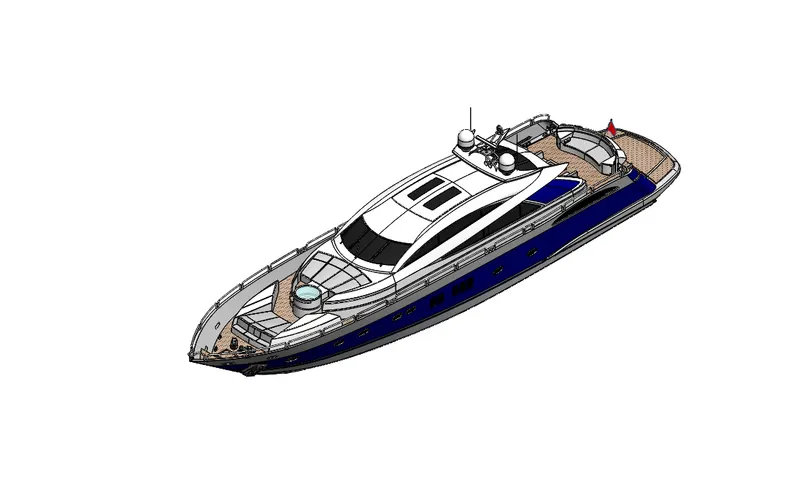
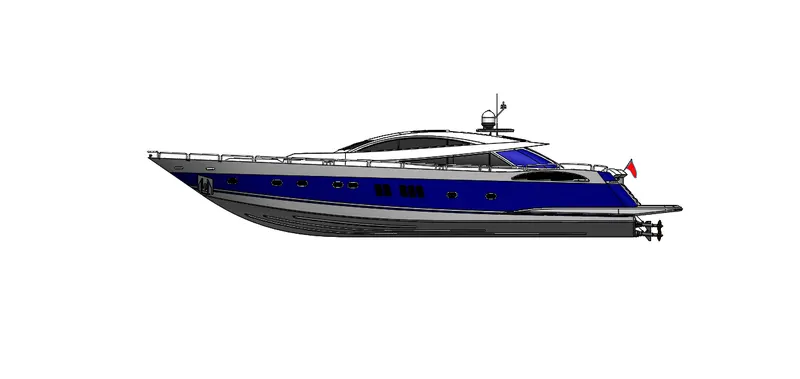
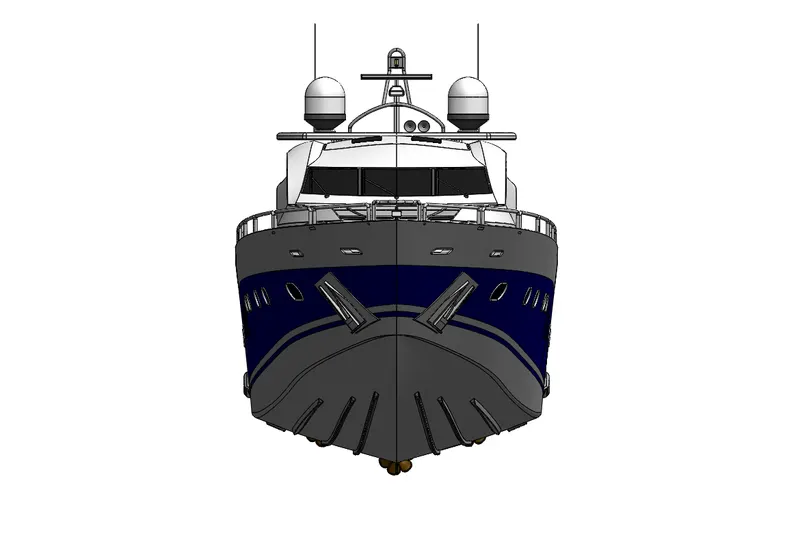
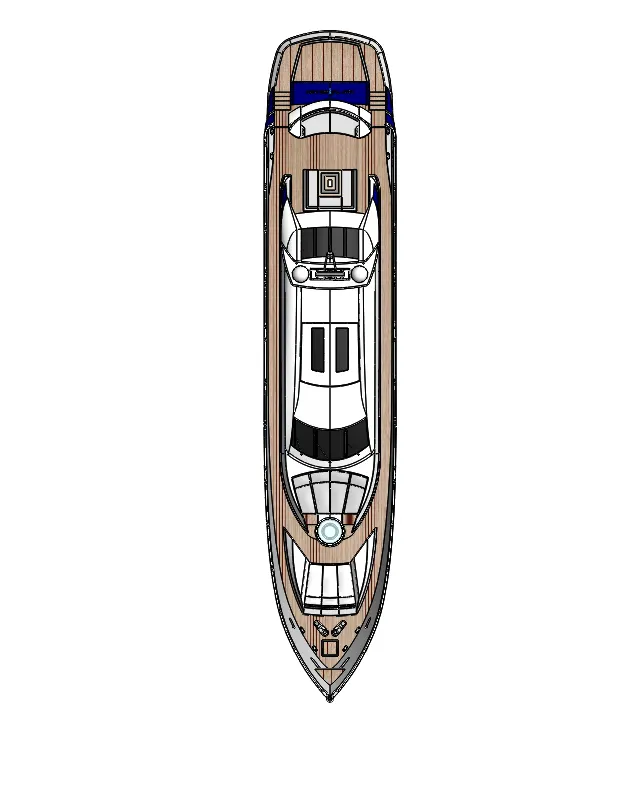
- The Yacht Assmebly is done in the assembly environment all the parts which are modelled before are inserted into the assembly environment by using insert component feature. The components are fixed in the assembly environment based on some references such as planes, mates etc.
Mates :
- Mates are used to create a relationship among the parts being inserted into the assembly based on the one fixed part. With respect to the fixed part all the parts can be mated.
- As you define the mates, you define the allowable direction of linear and rotational motion of the parts in the environment.
Photo Realistic Rendering of Yacht
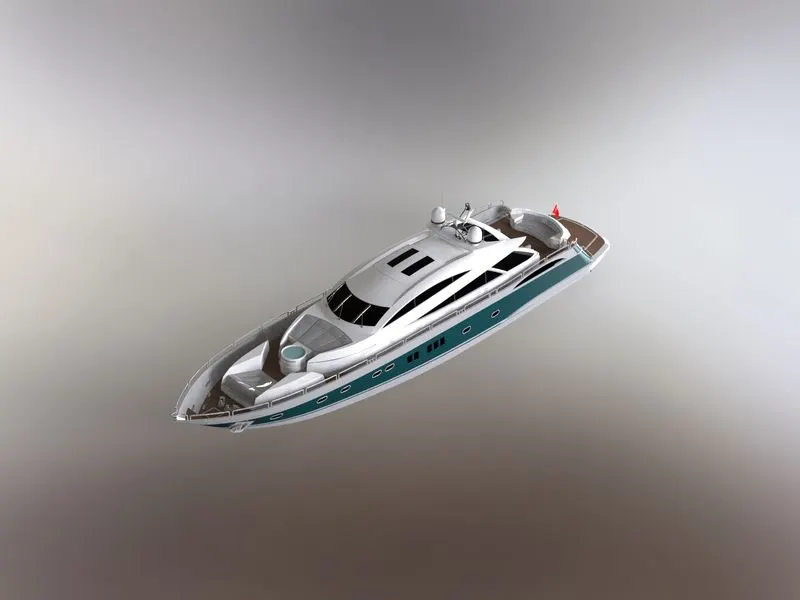
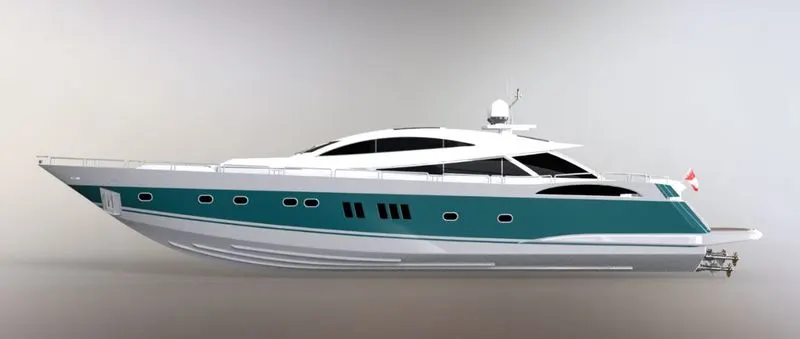
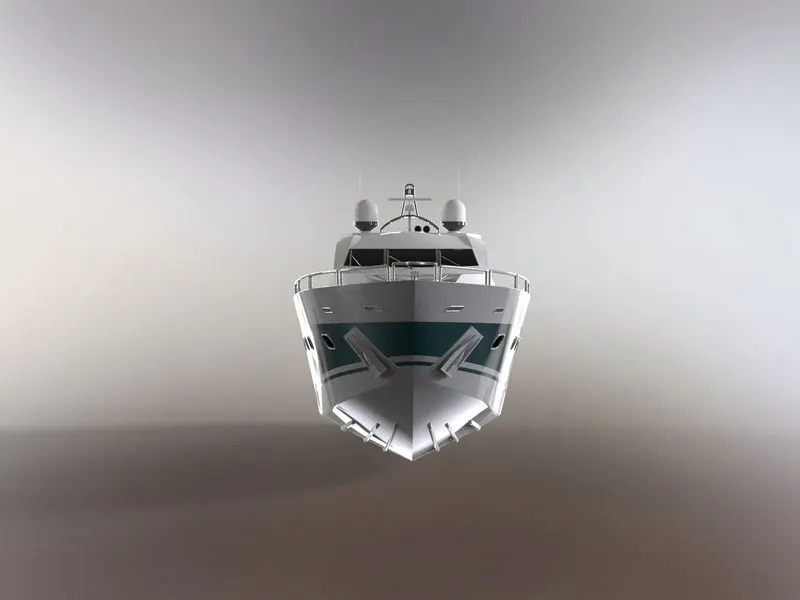
- Rendering is the process of converting a 3d model into realistic image.
- In solidworks the rendering process can be done using solidworks add-ins such as a photoview 360.
- If photoview 360 is enabled it will enable the render tool, inside the render tools can edit the appearance, scene and decals.
- By using the final render option one can predict how to realistic the 3d model may look.
Rendering images of Yacht
Isometric view
Side view
Front view
Top view
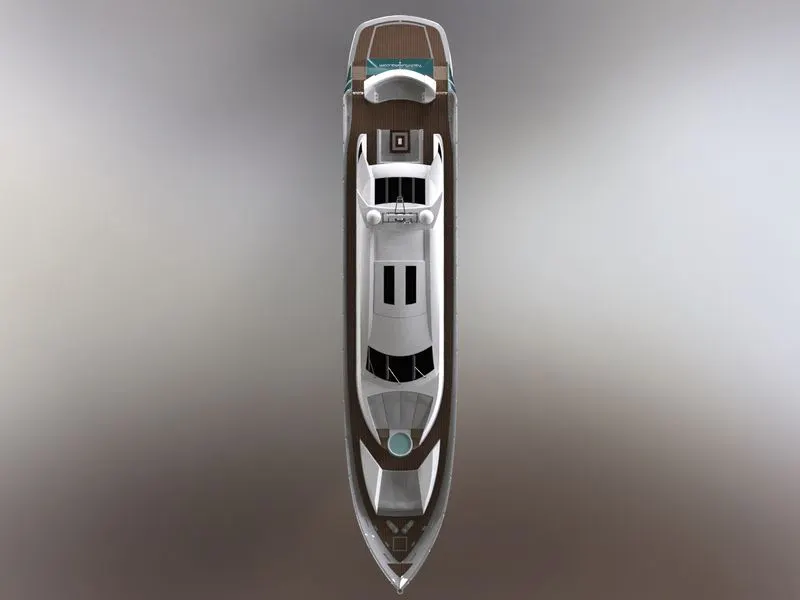
Conclusion :
- All the parts of the Sunseeker Predator Yacht are modelled and assembled together using Solidworks 2020.
- The Assembled Yacht is rendered using the Photoview 360.
Outcome of the course :
- Understanding the basics of solidworks and implementing it in part modelling and surface modelling.