Advanced Sheet Metal Design Using NX Cad Challenge_2_Box Assembly
TITLE OF THE PROJECT - Advanced Sheet Metal Design Using NX CAD Challenge _2_Box Assembly.
OBJECTIVE - To design a Box assembly using Siemens NX sheet metal application.
INTRODUCTION
1. SIEMENS NX : NX formerly known as "unigraphics" is an advanced high-end CAD/CAM/CAE, which has been owned since 2007 by Siemens PLM Software.
2. SHEET METAL DESIGN:NX sheet metal Design provides the design professional with a complete set of tools to efficiently create and manage sheet metal parts based on the knowledge of material properties and manufacturing processes. NX sheet metal design tools incorporate material and bending information enabling the model to represent both the formed component and flattened blank shapes.
DESIGN METHODOLOGY
STEP I : Base was created using Tab command.
STEP 2 : Walls were created using Flange command.
STEP 3 : Corners were closed using Close corner feature.
STEP 4 : Used Flange and Hem flange feature to lock the walls.
STEP 5 : Whole box was created using Mirror feature command.
STEP 6 : Unite the two bodies.
STEP 7 : Create a profile on the side walls.
STEP 8 : Created a Dimple using the previous profile.
STEP 9 : Using the mirror feature copied the dimple on the opposite side.
STEP 10 : Created a emboss on the base using dimple feature.
STEP 11 : Unbend and Rebend the box.
STEP 12 : Four beads were created on the base using Bead and Mirror feature.
STEP 13 : Created hem flange on the top of walls on all four sides.
STEP 14 : Box cover was created using tab command.
STEP 15 : Flange was created on one side of the box cover.
STEP 16 : Tab was used to create base for the hinge.
STEP 17 : Using flange, Hem flange normal cut out hinge was creation the side wall.
STEP 18 : Using mirror feature another hinge was created.
STEP 19 : Similarly another hinge was created on the box cover.
STEP 20 : Changed the colour of the box and cover.
END.
DESCRIPTION
SKETCH - It is a basic of any design.
TAB - It is used to create base feature of a sheet metal.
FLANGE - It is used to create a extended part of a sheet metal.
UNBEND - This feature is used unbend the sheet metal taking any one face as a stationary face.
REBEND - Used to rebend the sheet metal.
DIMPLE - Used to create pitch up or pitch down surface.
BEAD - Used for giving strength to the sheet metal.
HEM - Used to fold the edges of the tabs & flanges.
CLOSE CORNER - It is used to close the corners.
NORMAL CUTOUT - It is used to make a normal cavity in a sheet metal.
IMAGES
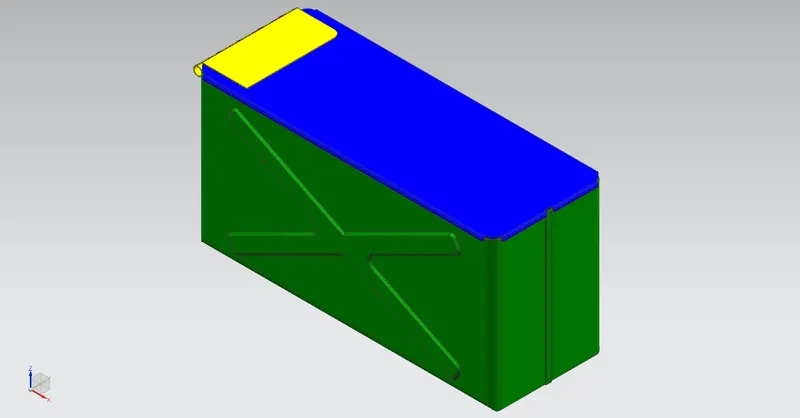
ISOMETRIC VIEW
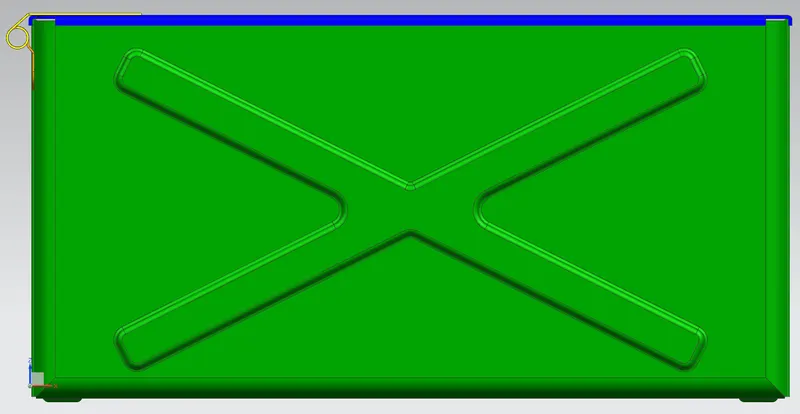
FRONT VIEW
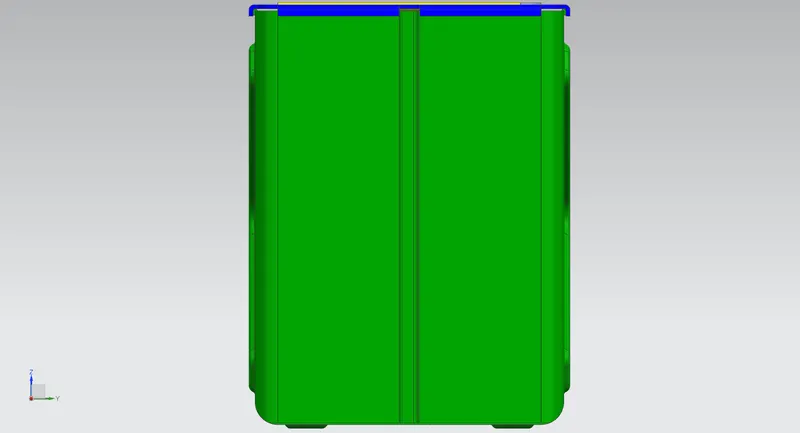
SIDE VIEW
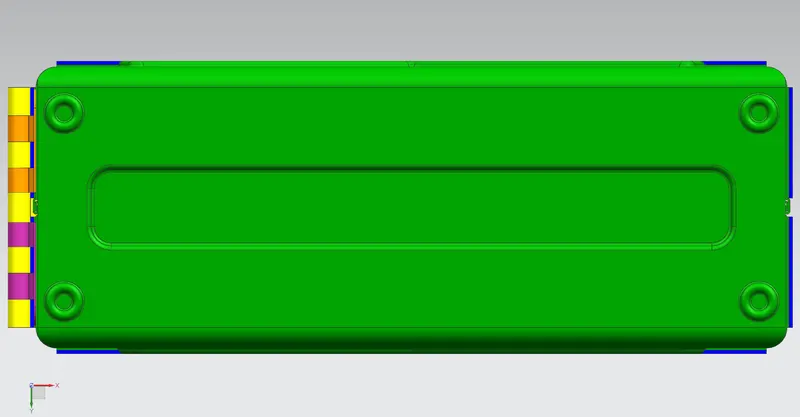
TOP VIEW
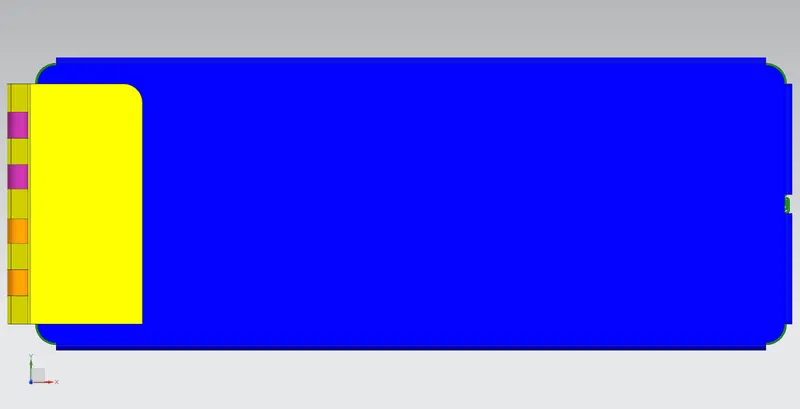
BOTTOM VIEW
CONCLUSION :- By this challenge I get to know about the application of various commands like Hem flange, mirror body, hem, flange, beads, unite body, normal cutout close corner etc.
LINK OF THE MODEL
https://drive.google.com/drive/folders/1kvIwW4odfTgXoOisZId3zjjWxRQKU0kb?usp=sharing