Assembly of Yacht
Yacht
Aim:
- To model each parts of a Yacht and assemble all the parts using solidworks.
Objectives:
- To create the parts of an Yacht and assemble them to get a solid model using solidworks and working on different features in solid works.
Procedure:
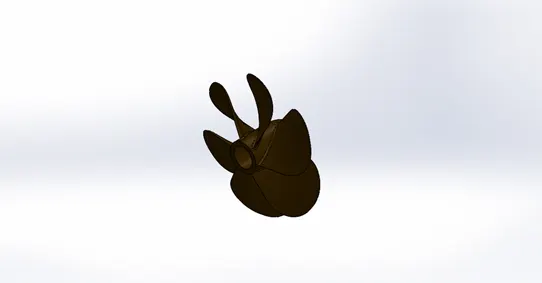
Propeller :
- A propelleris a rotating fan-like structure which is used to propel the shipby using the power generated and transmitted by the main engine of the
Tools used:
- Fillet
- Extrude
- Revolve
- Loft
- Circular pattern
Yacht
Aim:
- To model each parts of a Yacht and assemble all the parts using solidworks.
Objectives:
- To create the parts of an Yacht and assemble them to get a solid model using solidworks and working on different features in solid works.
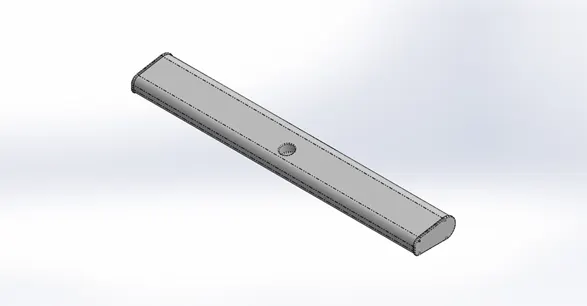
Radar :
- Radaris a vital navigation component for safety at sea and near the shore.
Tools used:
- Sketch pattern
- Split line
- Extrude
- Cut Extrude
- Fillet
Garage Door :
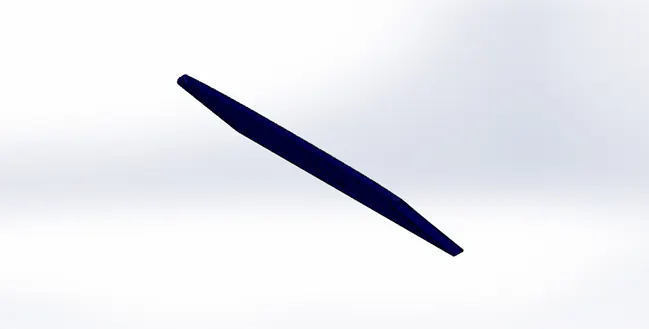
- It is like the same other doors for the garage in the yacht it protects the things or vehicle placed inside the garage.
- In this parts we have used the cut part of the garage to make the garage door.
Tools used
- Fillet
- Extrude
- Mirror
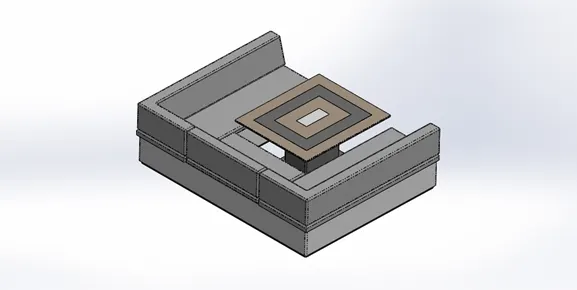
Middle Seat :
- This seat is placed next to the superstructure on the back side above the garage.
Tools used:
- Fillet
- Extrude
- Revolve
- Chamfer
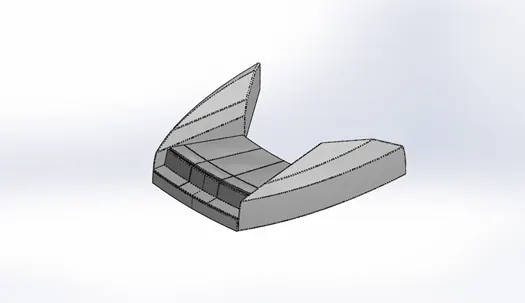
Front Seat :
- This seat is placed in the front end of the yacht infront of the superstructure .
Tools used:
- Fillet
- Extrude
- Surface Knit
- Surface trim
- Surface loft
- Revolve
- Dome
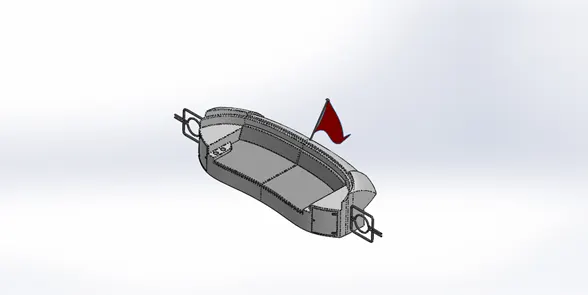
Rear seat :
- This seat is placed at the very last edge of the hull’s main body surface that is behind the superstructure.
Tools used:
- Fillet
- Extrude
- Surface Knit
- Surface trim
- Surface loft
- Revolve
- Chamfer
- Ruled surface
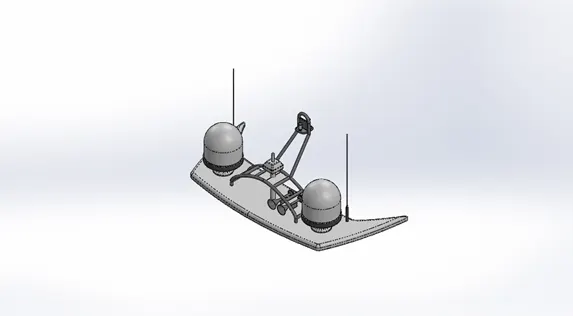
Radarmast:
- It is the mounting place for the radar so that it would rotate to sweep the surface for several signals and also we can mount the horns in them.
Tools used:
- Extrude
- Fillet
- Mirror
- Shell
- Projected curves
- Revolve
- Chamfer
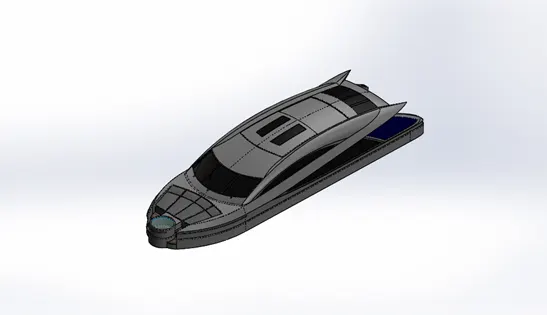
Superstructure :
- The superstructure is actually the place for the bridge and the deck houses normally the surface above the deck is called the superstructure.
Tools used:
- Surface fill
- Surface extend
- Surface trim
- Ruled surface
- Surface offset
- 3D sketch
- Fillet ...
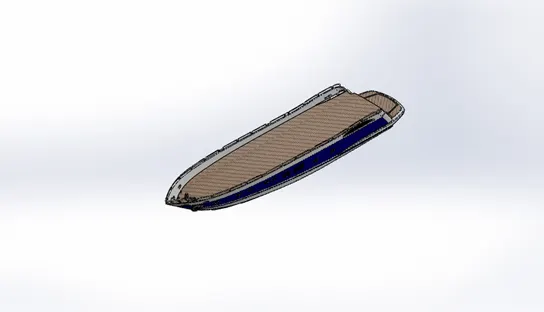
Hull :
- It the main body of the yacht which carries all the other parts in this model.
- The other models like seats and radarmast have been drawn by using the surface bodies of the hull as reference.
Tools used:
- Shell
- Extrude
- Cut Extrude
- Helix and spiral
- Chamfer
- Fillet
- Split
- Sweep
- Surface fill
- Projected curves
Yacht Assembly:
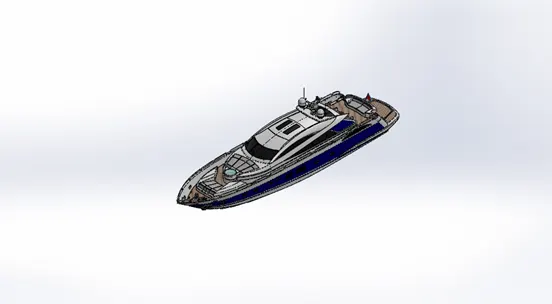
- In this assembly it is quite simple because we selected the hull surface bodies to draw the superstructure , seats , radar mast .
- These parts can be placed just by leaving it freely to float and the it fixes with the hull part automatically.
Tools used:
- Coincident
- Concentric
- Mating of planes
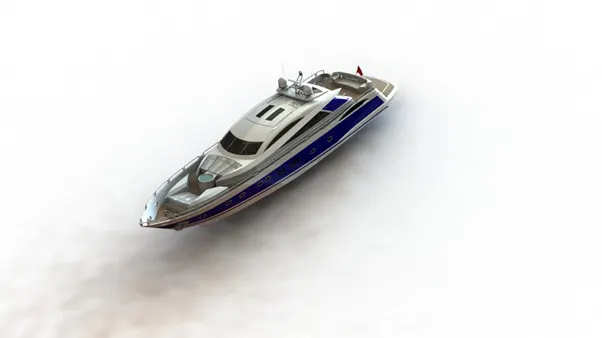
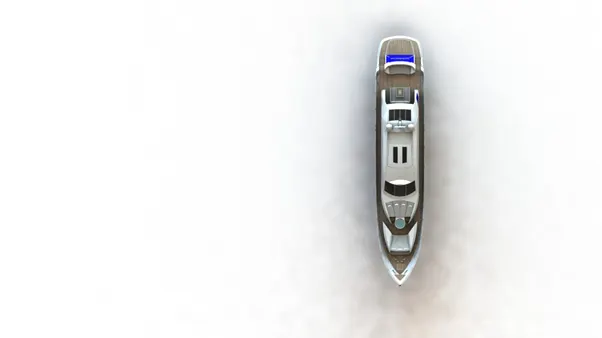
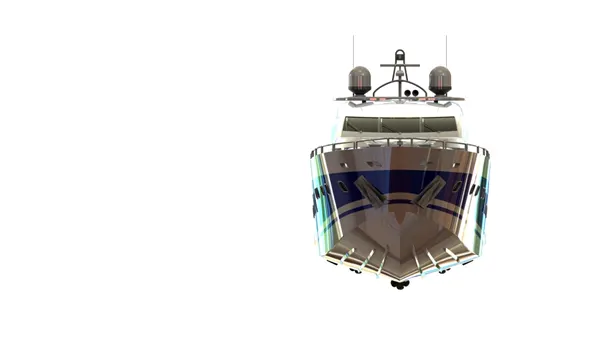
Rendering:
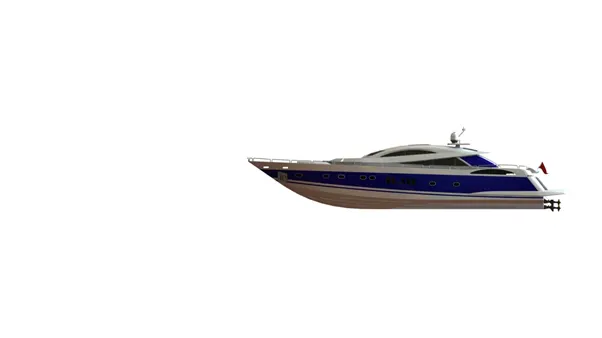
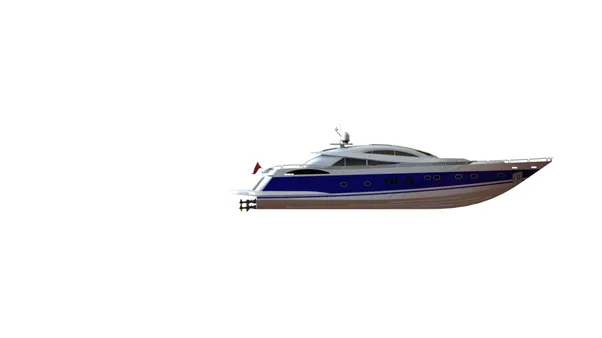
- Rendering is the process involved in the generation of a two-dimensional or three-dimensional image from a model by means of application programs.
- Rendering is done for the yacht using the photoview 360.
Tools used:
- Edit scene
- Edit decal
- Preview window
- Final render
- Option
- Schedule render
- Camera
Conclusion:
- While modelling yacht, I have gained more knowledge about the features and where to use them in solid works which helped me to complete this model easily. Some new commands that I have learned were;
- Ruled surfaces
- Surface knit
- Surface extend
- Various surface trim options
- Split line
- Mostly all the surfaces features
- Overall I have improved my skill in solid works using these 5 challenges.