Advanced Sheet Metal Design Using NX Cad Challenge_7_ Metal bracket-II
Metal Bracket
Objective:
Creating the "Metal bracket" from the given 2D drawing to 3D realistic model.
Introduction:
Creating the Metal bracket in Sheet metal using given 2d drawing to 3d sheet metal body by using Seimens NX CAD Application.
Design methodology:
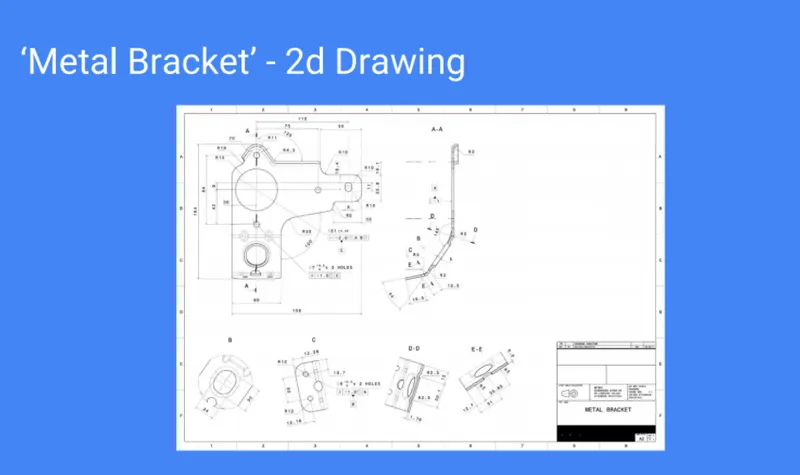
2 Dimensional Drawing:
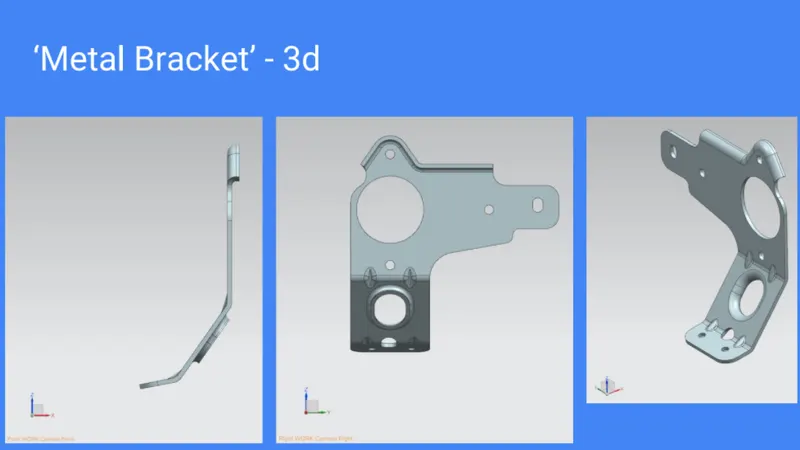
3 Dimensional:
Description:
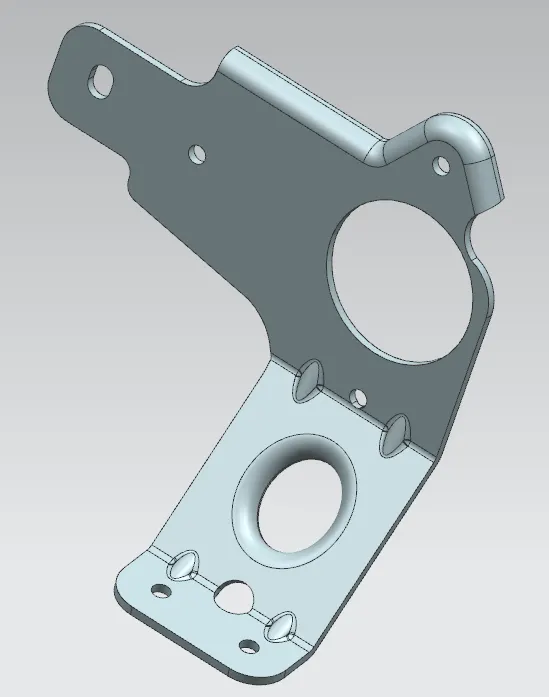
Part Name : Metal bracket.
Tool Used : Direct Sketch.
Features : SB Coutour Flange, Normal Cutout, SB Break Cornor, SB Unbend, SB Rebend, Advanced Flange, Simple Hole, SB Gusset.
Applications: Sheet metal, Drafting.
Model:
(i) Front view of the Metal bracket.
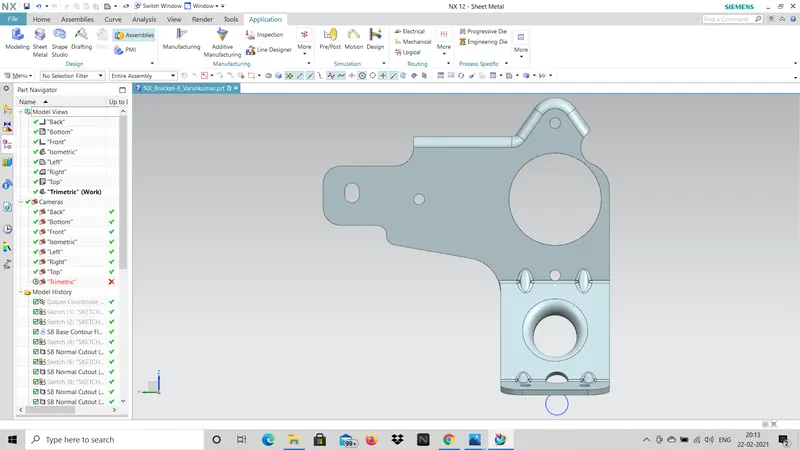
(ii) Rear view of the Metal bracket.
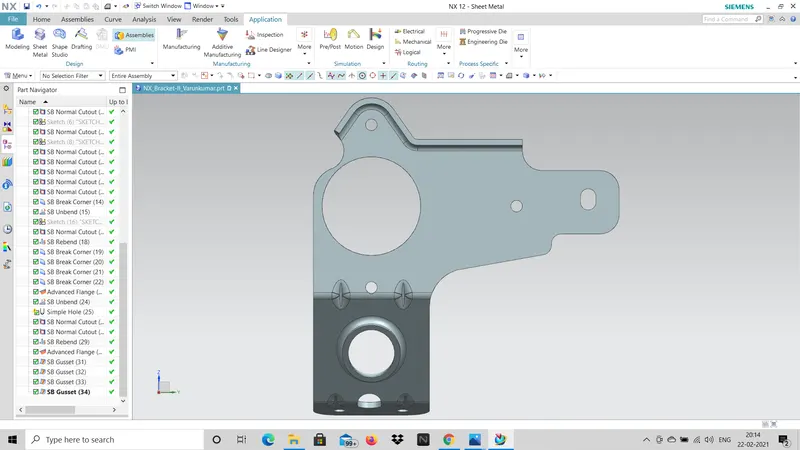
(iii) Side view of the Metal bracket.
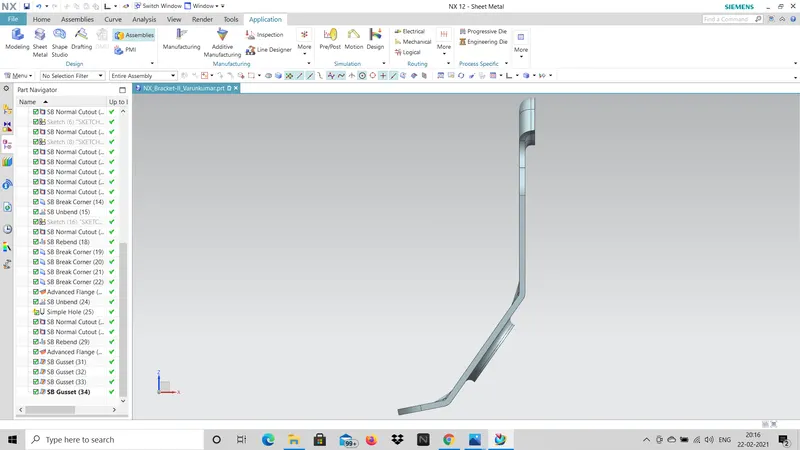
(v) Top view of the Metal bracket.
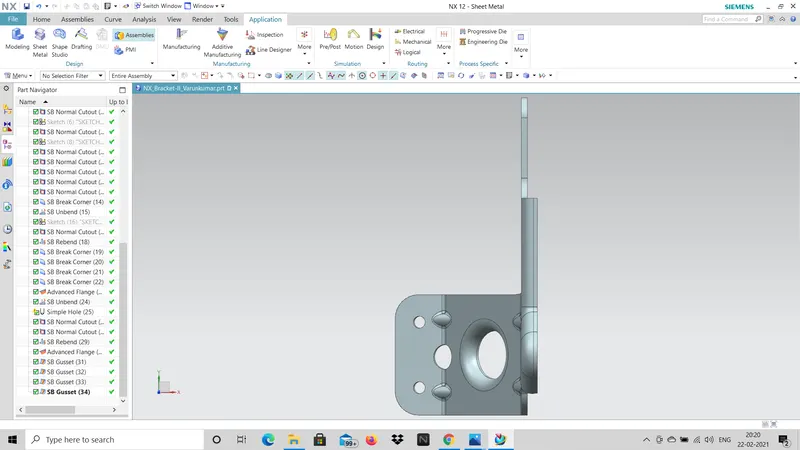
(iv) Side view of the Metal bracket.
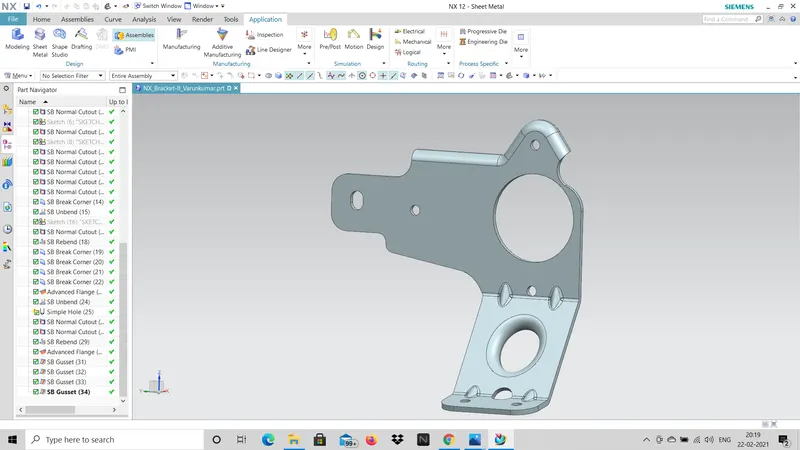
Drafting:
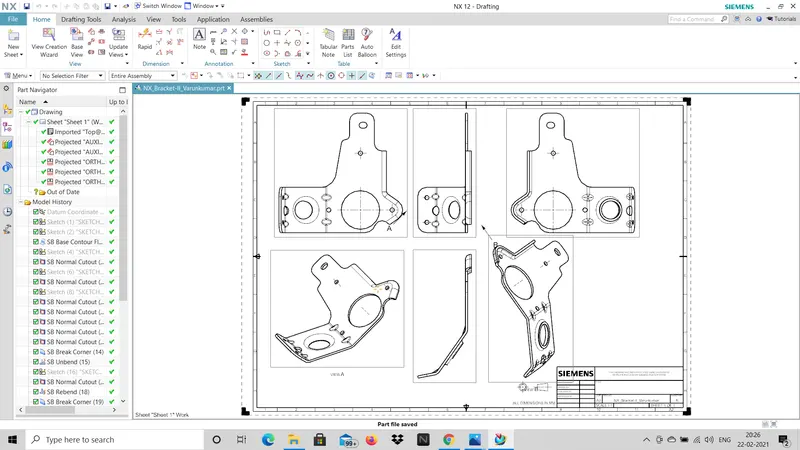
Conclusion:
Converting the given 2d drawing to 3d sheet metal metal bracket Successfully completed using Seimens NX CAD Tool.