Advanced Sheet Metal Design Using NX Cad Challenge_7_ Metal bracket-II
NX_Bracket-II_stp_KULDIP_KORKE.stp
Creating Metal Bracket From the 2D drawing
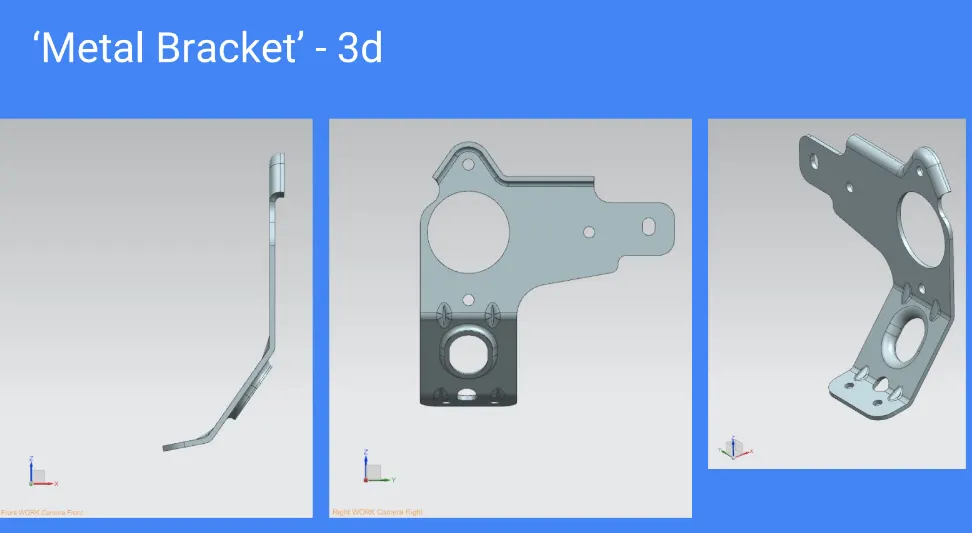
Aim
The Aim of this project to create the Metal Bracket from the 2D- Drawing. To use the commands
- Advanced Flange – used to create the flanges according to the geometry.
- Gusset -used to create the supports at the bends they will be of square or round.
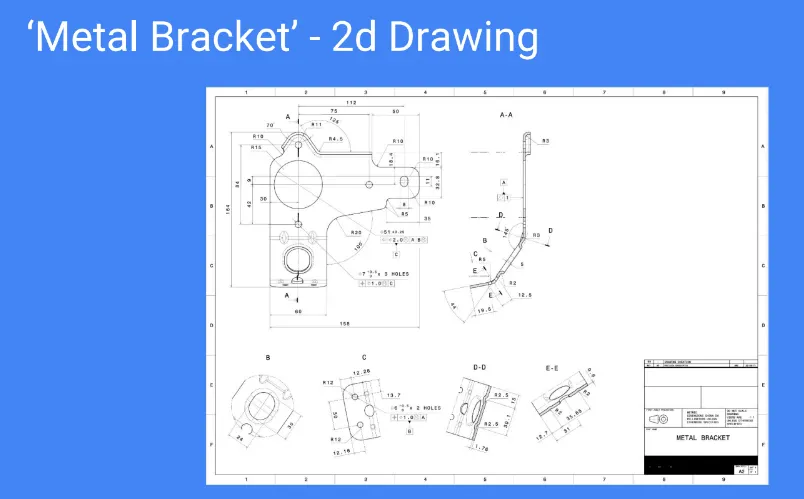
2d drawing
Process
To create the 3D model from the 2D-geometry
- Plan an approach to create the 3D geometry
- Identify the commands to be used in modeling
- Calculate the dimensions of the body and
- Model the body according to the dimensions
Approach
In this project I have used the direct approach to model the geometry.
Commands
- Flange
- Normal cut out
- Advanced Flange
- Hole
- Gusset
Calculation
Based on the 2D drawing, the dimensions are calculated
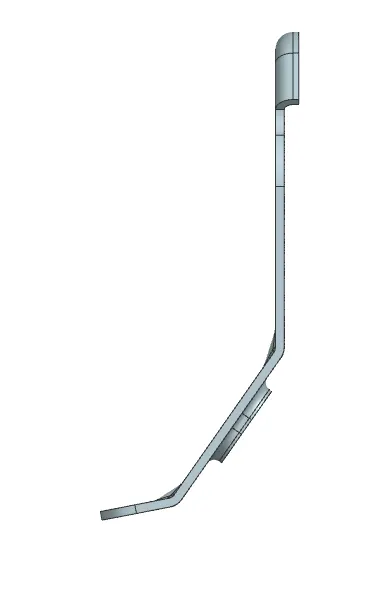
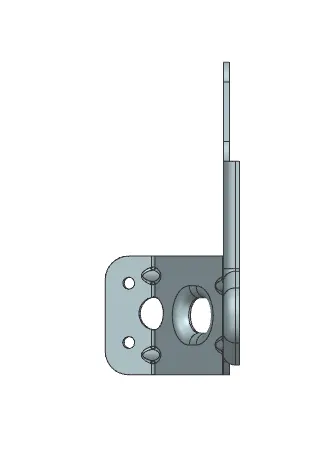
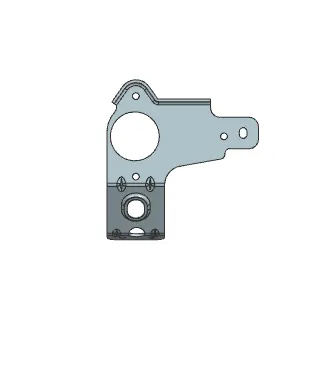
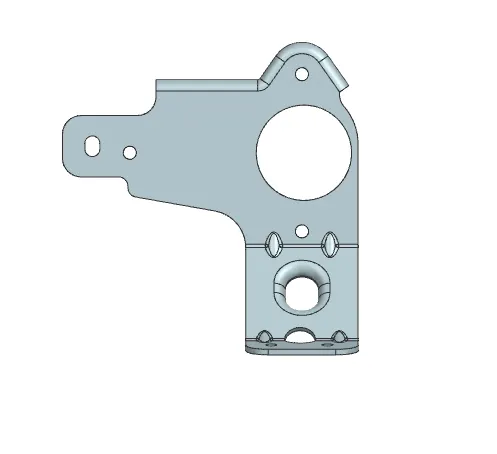
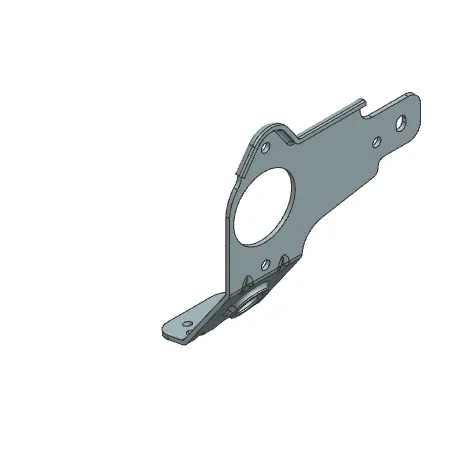
Modeled part