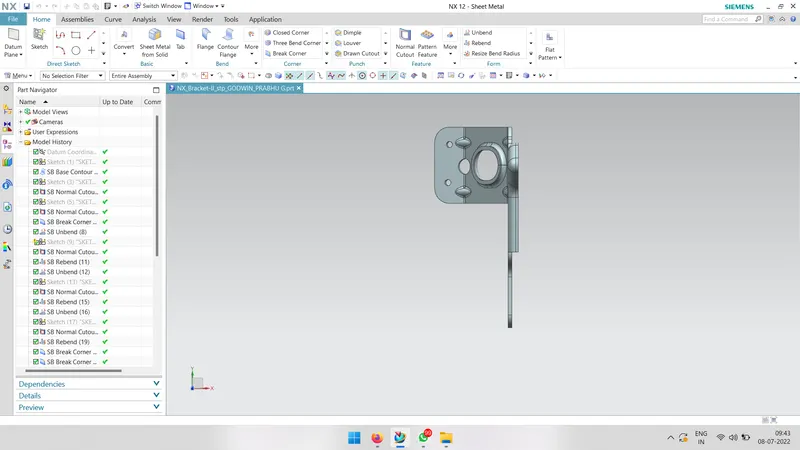
Advanced Sheet Metal Design Using NX Cad Challenge_7_ Metal bracket-II
BJECTIVIES
to design an shett metal using the NX cad software
introduction
NX CAD (formerly Unigraphics) is a robust 3D solution that provides fast and realistic concept design and modeling. Superior in power and flexibility, NX CAD design tools are a breakthrough in the industry, setting new standards for speed performance and ease of use. Product design is about innovation.
Sheet metal is metal formed by an industrial process into thin, flat pieces. Sheet metal is one of the fundamental forms used in metalworking, and it can be cut and bent into a variety of shapes. Countless everyday objects are fabricated from sheet metal.
DESIGN METHODOLOGY
create the sketch
↓
use contour flange
↓
use noramal cutout
↓
use unbend and add some holes
↓
apply advanced flange
↓
use breake corners
↓
use noraml cutout
↓
rebend the surface
↓
adding guest to the flange
↓
use flat patern
↓
save the file
DESCRIPTION
SKETCH
draw the 2D sketch with given diameters
contour flange
use contour flange to extrude the sketch
NORMAL CUT OUT
use noraml cut out to remove the un necessary areas
unbend
use unbend option to make a flat patern and add some holes in the sketch
BREAK CORNERS
use break corners to break the edges to create a blend
advance flanges
use advance flange method to create a flanges at the specific edges
rebend
use rebend commant to turn the material in orginal position
guest
use guest command to creat guest in the bend of flanges to provide strength
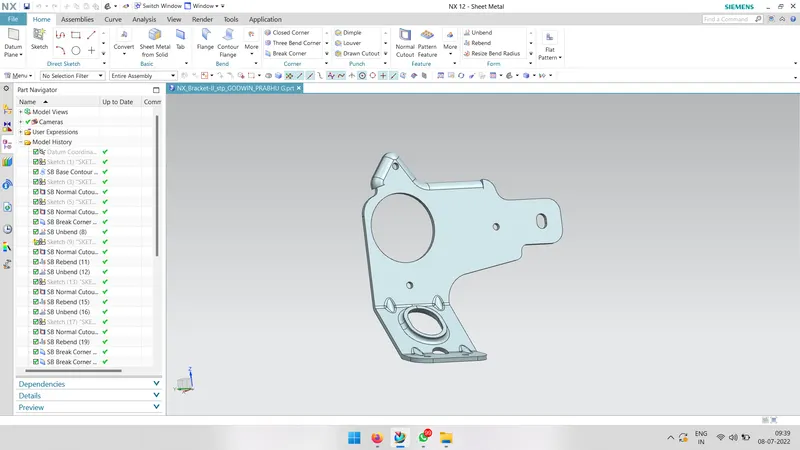
isometric view
front view
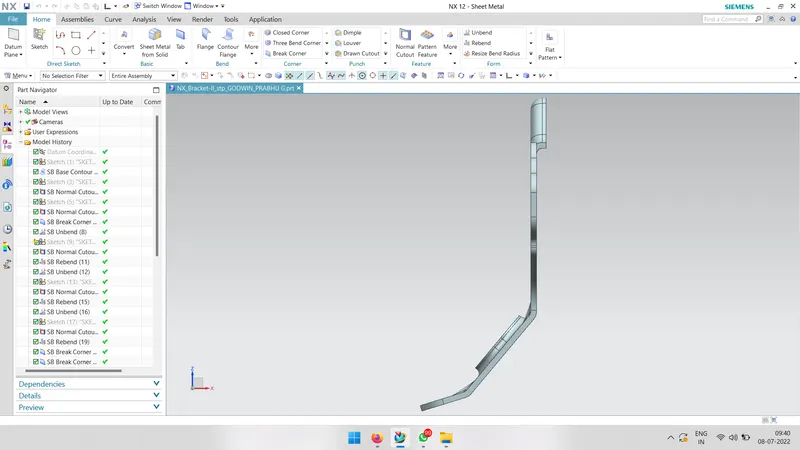
side view
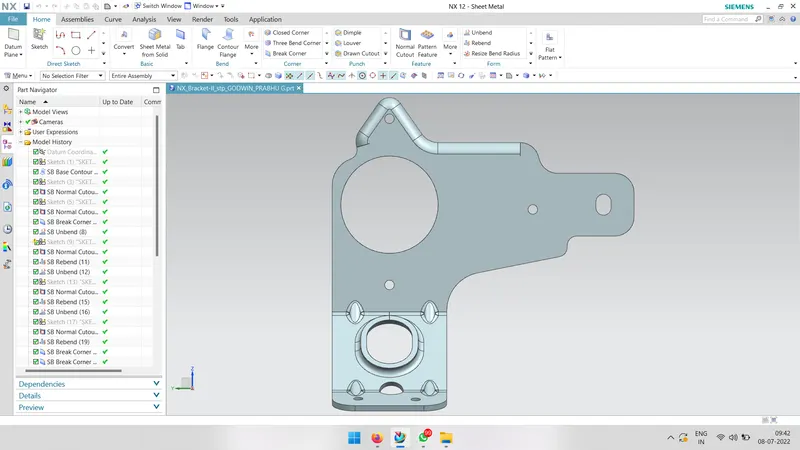
top view