Advanced Sheet Metal Design Using NX Cad Challenge_5_Odd Shaped Enclosure
OBJECTIVES
to design an odd shaped enclouser using nx cad
INTRODUCTION
NX, formerly known as "unigraphics", is an advanced high-end CAD / CAM / CAE, which has been owned since 2007 by Siemens PLM Software. In 2000, Unigraphics purchased SDRC I-DEAS and began an effort to integrate aspects of both software packages into a single product which became Unigraphics NX or NX .
These die-cast aluminum explosion-proof boxes are designed for intermittent Explosive atmospheres such as Gas Grain Dust and conductive dust . The enclosures provide Equipment protection with increased safety and dust protection
design methodology
create the sketch
↓
create the extrude
↓
create sheat metal from solid
↓
create flange on edge of the one end
↓
use jog commaand on another edge
↓
use unbend command
↓
create the bead and holes
↓
use rebend command
↓
save the file
DESCRIPTION
*sketch
create a 2D sketh with the given diamensions
* EXTRUDE
after drawing the 2D sketch use extrude command to create extrude
*sheat metal from solid body
by using sm from sb it converts sheat metal from sheat body by selecting the required edges
*Flanges
This command is used to create the flange on the base of one side and the length of the flange is 20
*jog
this method is used to create the jog on one side of the sheet metal. jog is used to create an lift or step shaped in tab
*Unbend
unbend command is used to create a flate surface by unbending the bended surface
*Hole
this command is used to create the holes in desire locations using points and there are 6 holes created by tghis method
*Bead
A stright line is drawn and using bead commandd bead is created
*Rebend
using rebend command again creat the file to its orginal form
FRONT VIEW
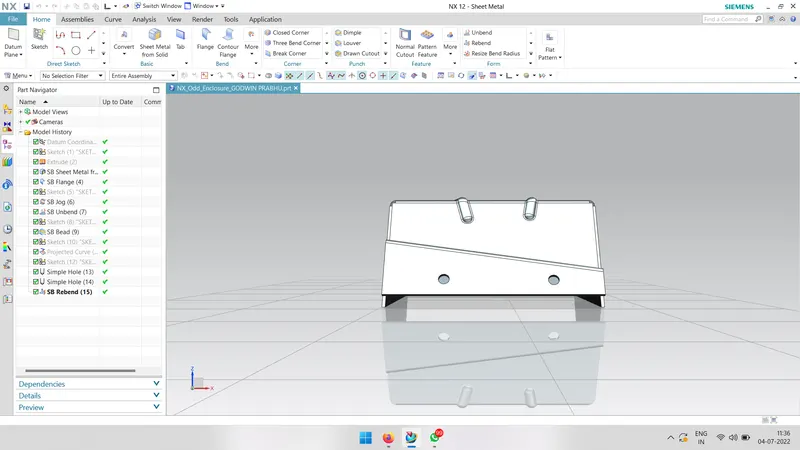
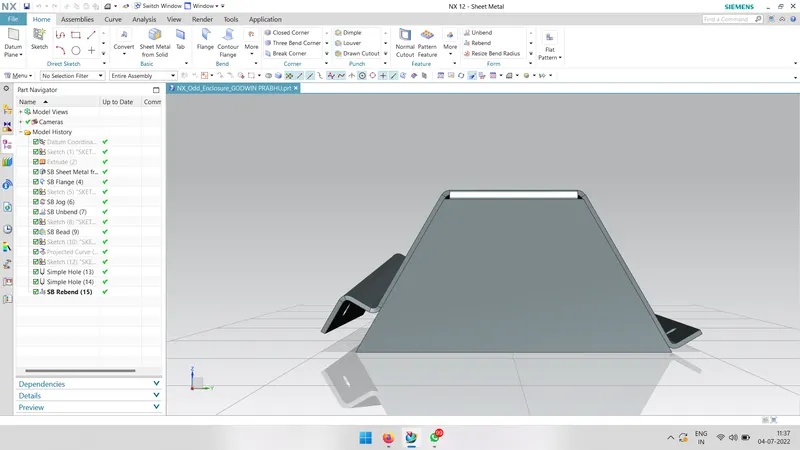
side views
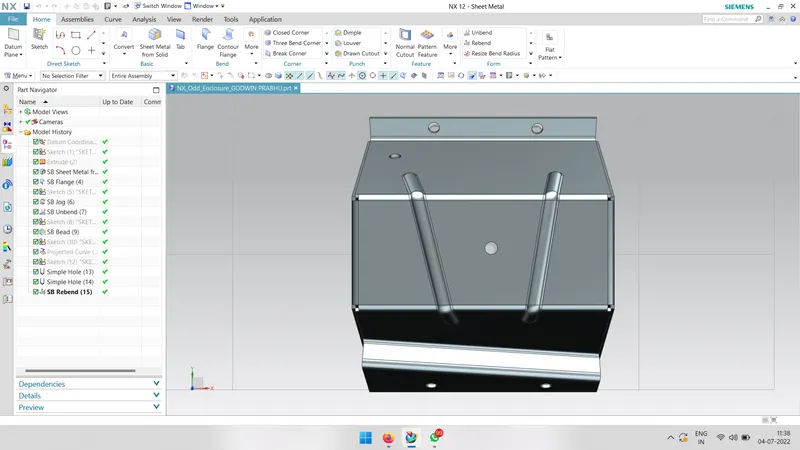
top view
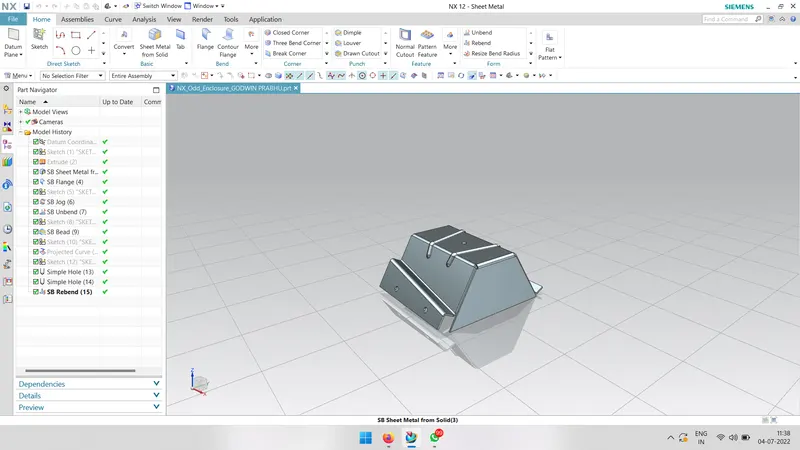
isometric view
CONCLUSION
Thus the objectives of creating the odd shaped enclouser is thus designed based on the correct diamensions by using NX cad