Advanced Sheet Metal Design Using NX Cad Challenge_7_ Metal bracket-II
Metal Bracket-II
OBJECTIVE :
- With the help of 2D sketches create metal Bracket-II.
INTRODUCTION :
- In the designing of Bracket-Il by using NX CAD, the main purpose is to create Bracket with the help of 2D sketch.
DESING METHODOLOGY :
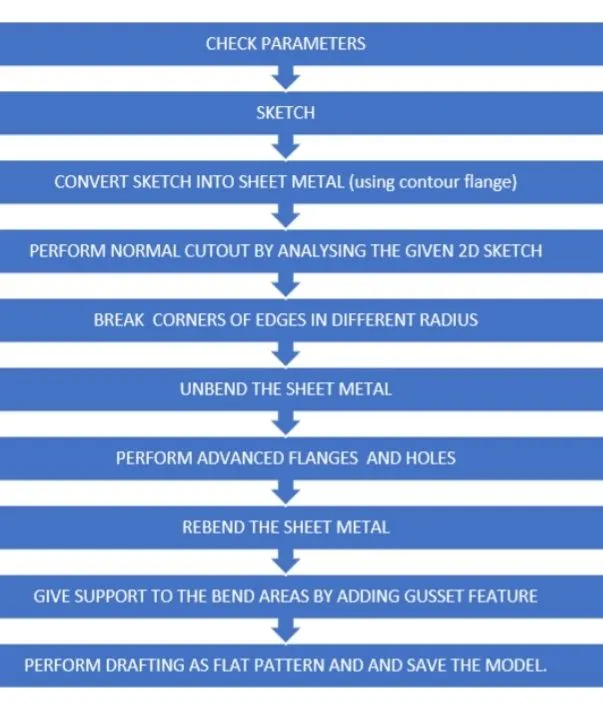
DESCRIPTION OF TOOLS USED IN SHEET METAL CASING :
- Open NX12, Go to NEW Then Go SHEET METAL DESIGN, Go to File, Then Save then save as, Given File name and click ok.
DATUM PLANE
- It provides an axis on the work base.
SKETCH
- By the help of this tool 2D sketch to be drawn to get the desired shape.
NORMAL CUTOUT
- It allows making holes as per the sketch and removing materials.
BENDING
- It allows you to bend materials from edges.
CONTOUR FLANGE
- By these tools Created a base feature by extruding along the vector sketch.
UNBEND
- It's do flaten bend.
HOLES
- It allows you to make symmetric standard holes.
DIMPLE
- It is used to lift an area in the Closed sketch of the model.
BEAD
- It is provided to apply stiffness to the surface (Formed), get oval shape (Lanced), get oval shape with relife angel (Punched).
NORMAL CUT
- It is used to remove materials from parts to get the desired shape.
BREAK CORNER
- With the help of these tools used to apply round shape at corners.
UNBEND
- Used to flatten/straighten the sheet part which is in irregular shape.
REBEND
- It is used to get the original shape of the part after the unbend.
ADVANCE FLANGE
- It is used applying the bends on edge with the reference of face. Here bend can be applied for the closed loop also.
GUSSET
- It is used for applying stiffness to part models.
DRAFTING
- It is used to get detail sketched.
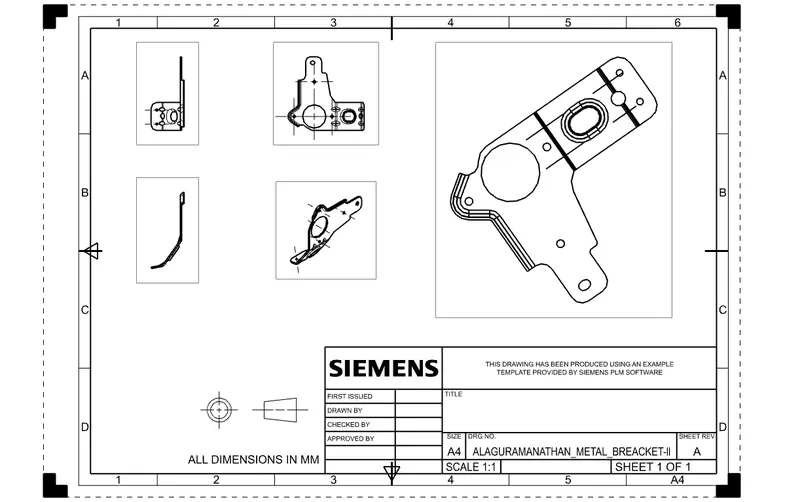
FLAT PATTERN :
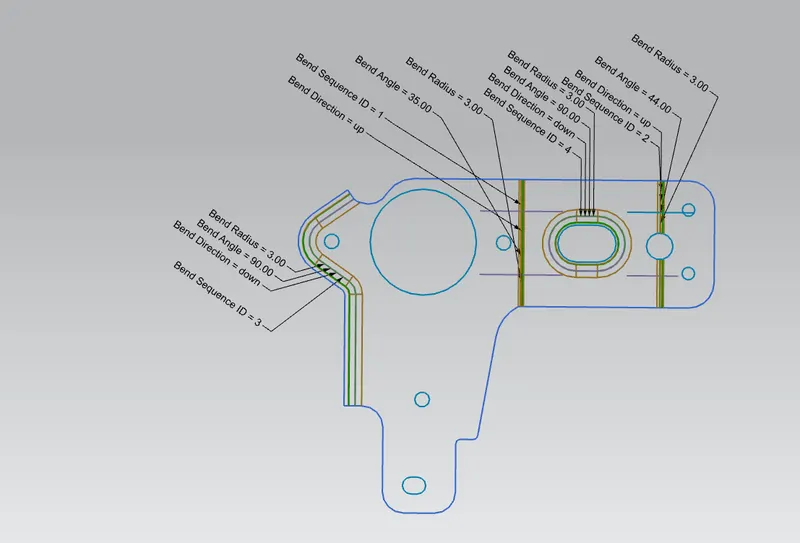
FUTURE TREE :
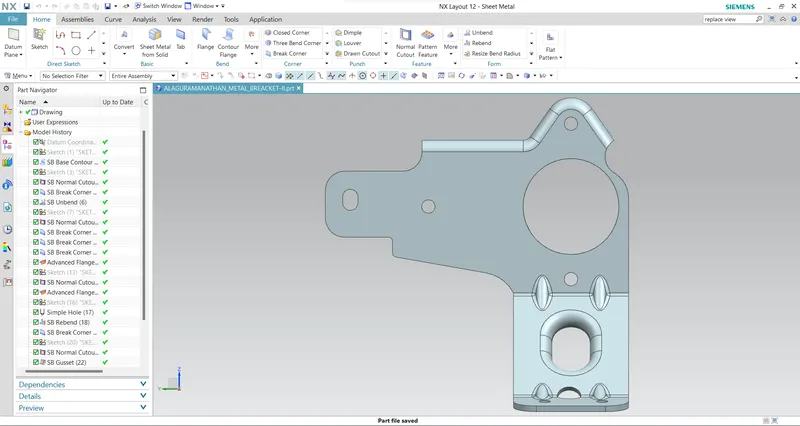
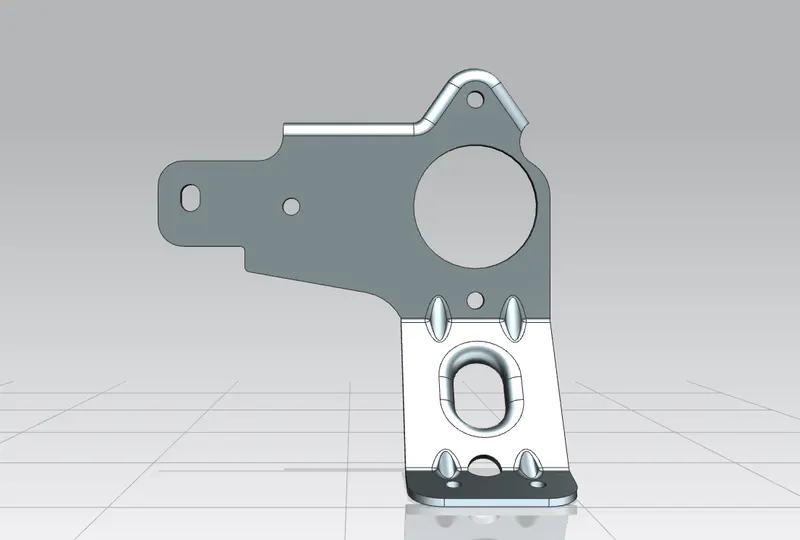
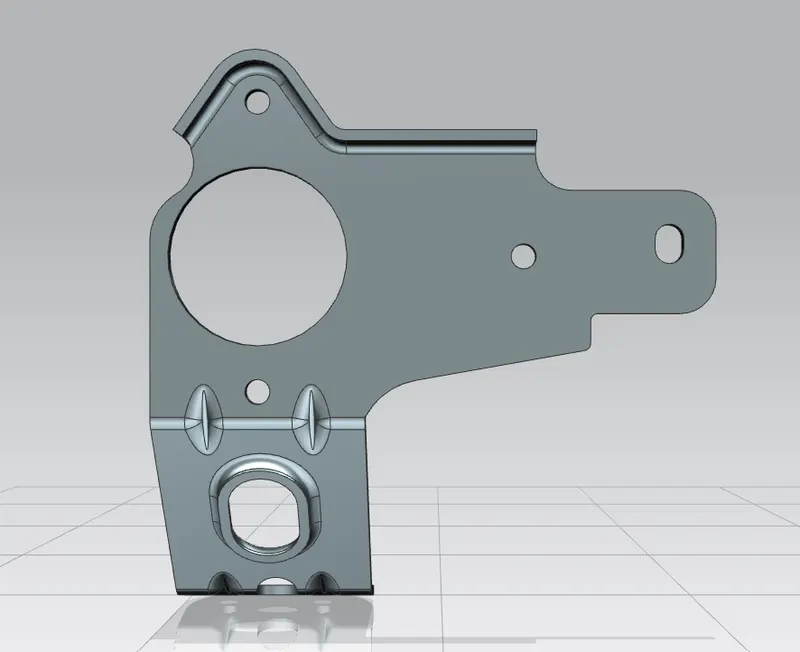
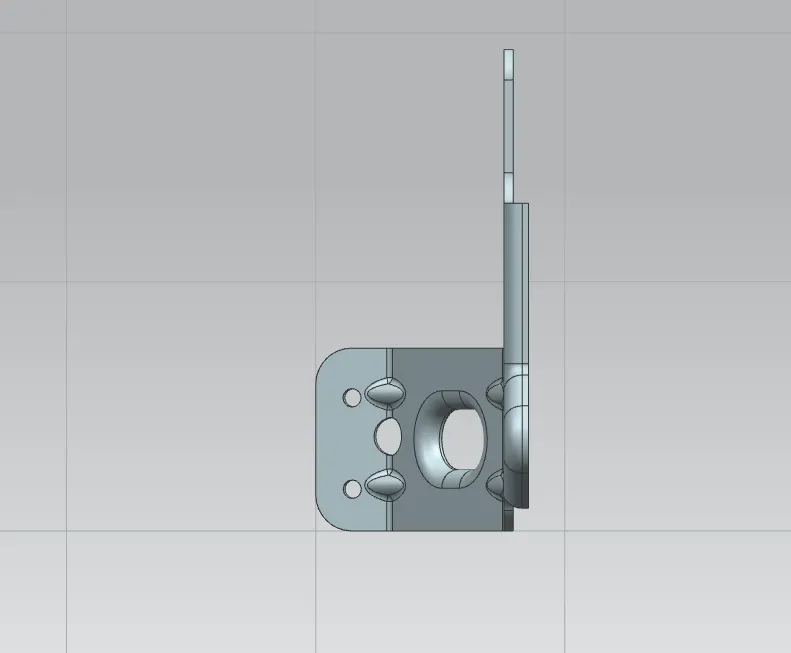
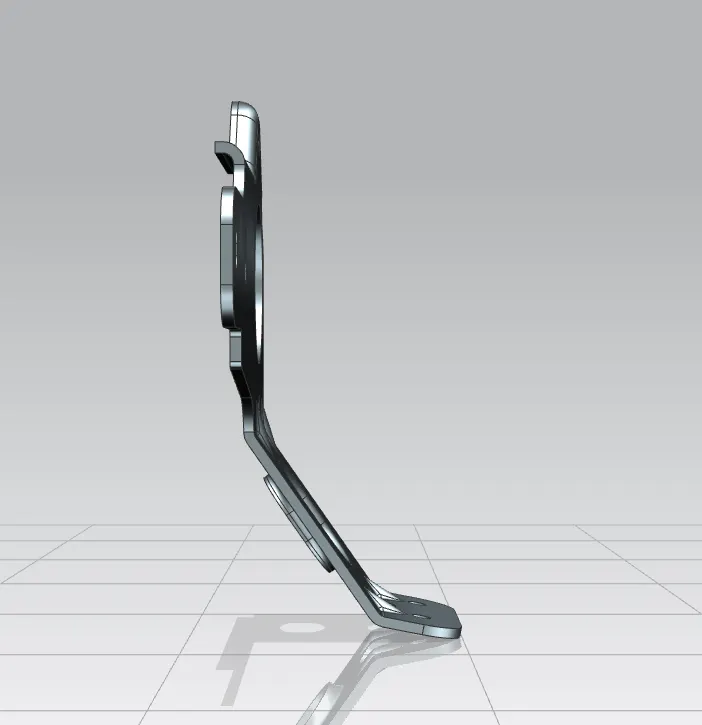
DIFFERENT VIEW OF SHEET METAL BRACKET-II
LEFT VIEW:
RIGHT VIEW:
TOP VIEW :
BACK VIEW :
FRONT VIEW:
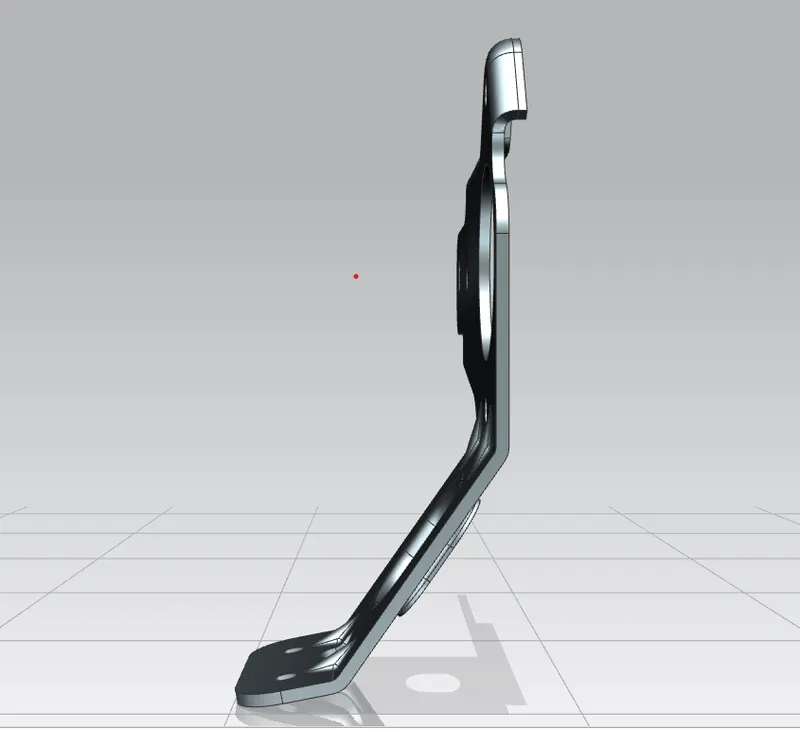
ISOMETRIC VIEW :
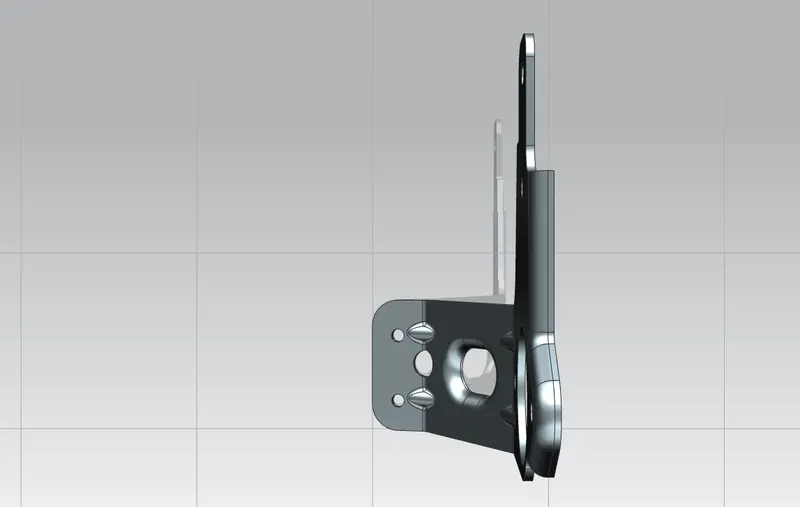
BOTTOM VIEW:
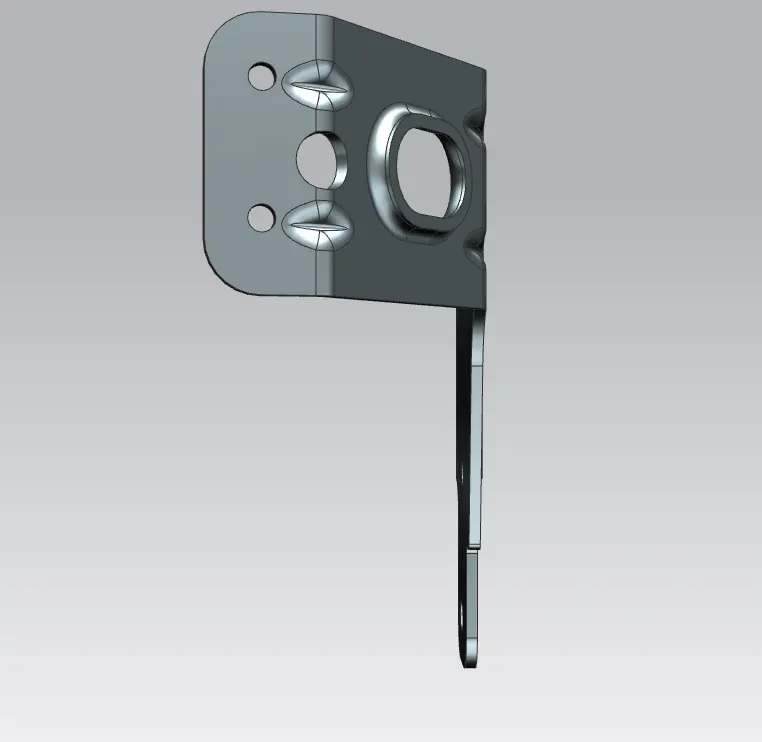
MODEL FILE LINK :
https://drive.google.com/drive/folders/10WpEkO5Bkt13mZy35W-ZWLeIiniovMki?usp=sharing
Conclusion:
- I understand the basic method to create 2D sketches and make that into the desired structure.
- In this part modeling I used the Gusset feature which provides stiffness to the part.