Advanced Sheet Metal Design Using NX Cad Challenge_6_Bracket
BRACKET
Objective:
Creating the 'Bracket' from the 2D Drawing by using siemens NX CAD Application.
Introduction:
Creating the Bracket in Sheet metal from the 2D drawing using siemens NX CAD Tool.
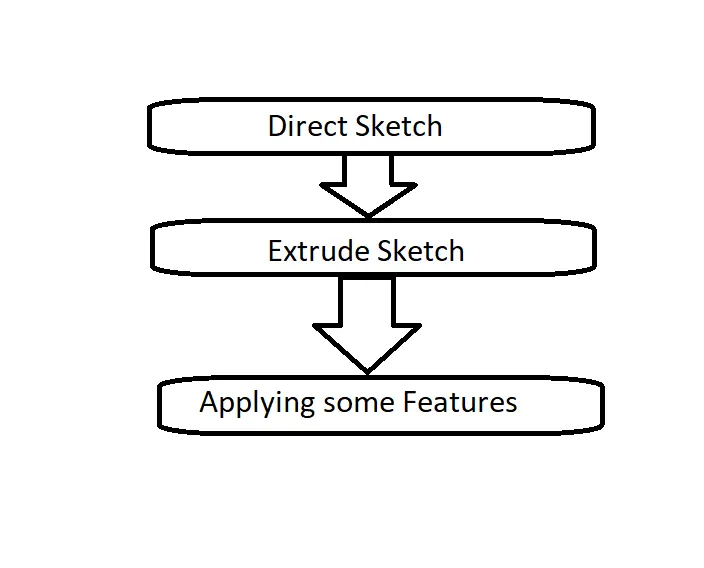
Design methodology:
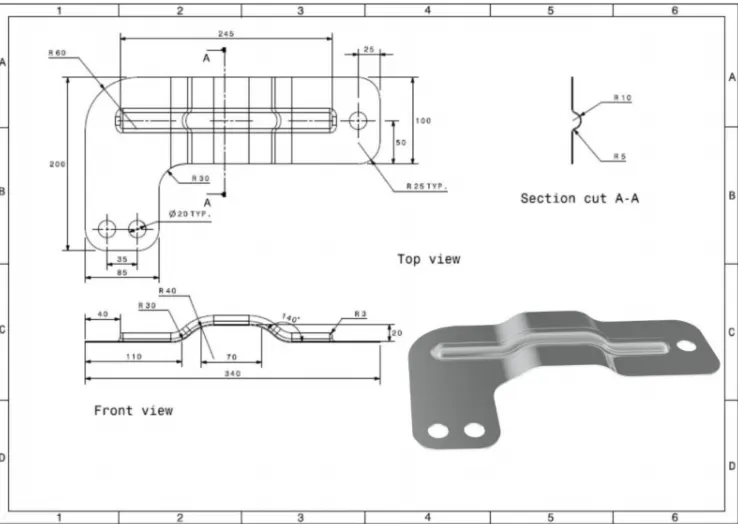
2D drawing
Description:
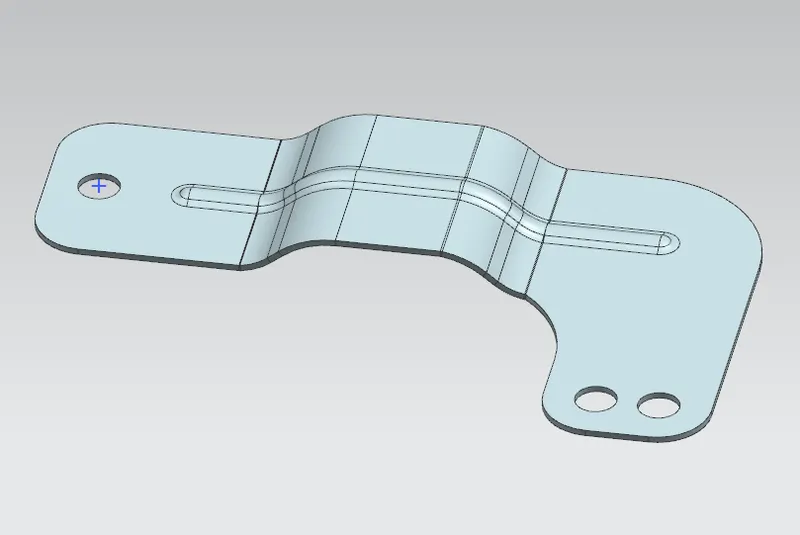
Part Name: Bracket.
Tool used : Direct Sketch.
Features : Contour Flange, Normal Cutout, Break Corner, Unbend, Rebend, SB Bead, Simple Hole.
Applications : Sheet metal,Drafting.
Model:
(i) Front view of the model:
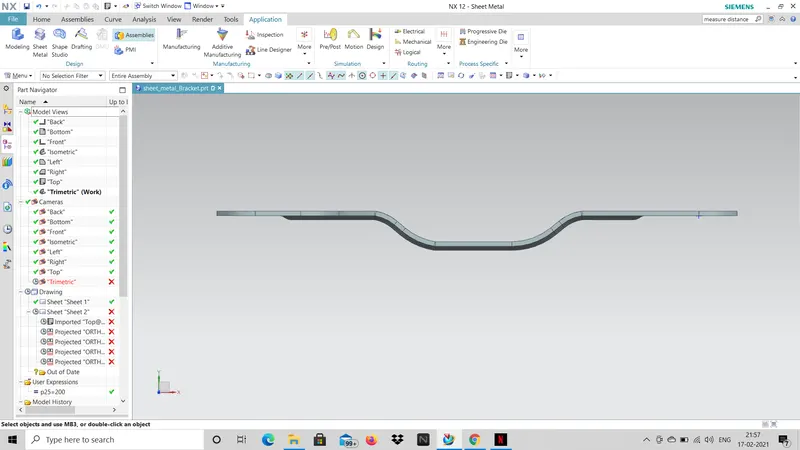
(ii) Side view of the model:
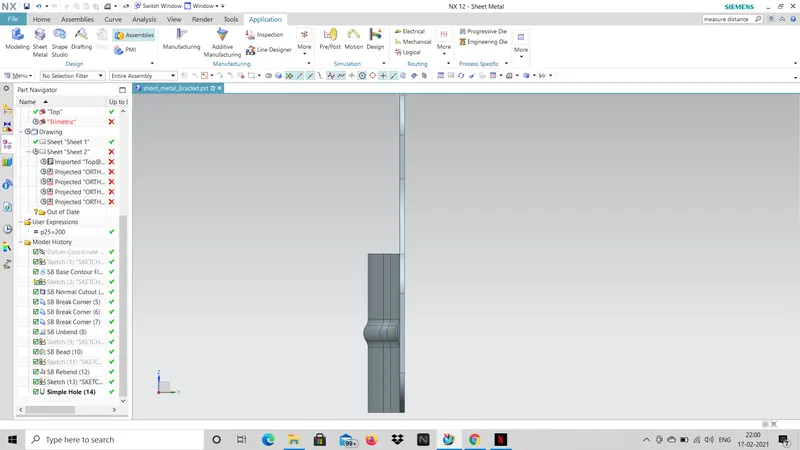
(iii) Bottom view of the model:
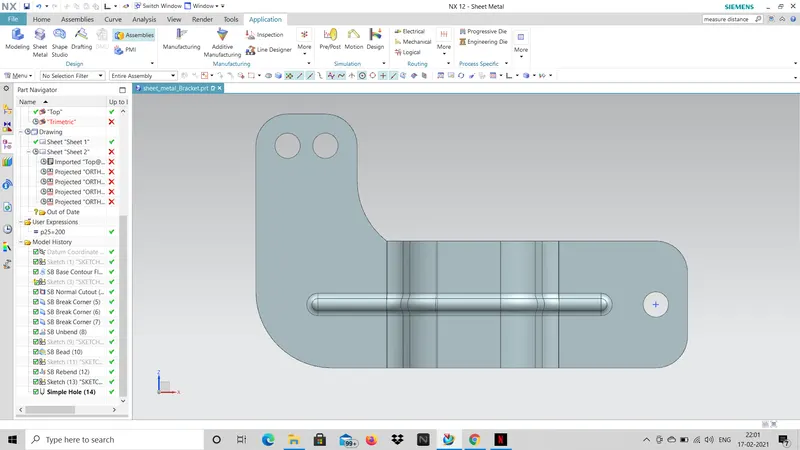
(iv) Top view of the model:
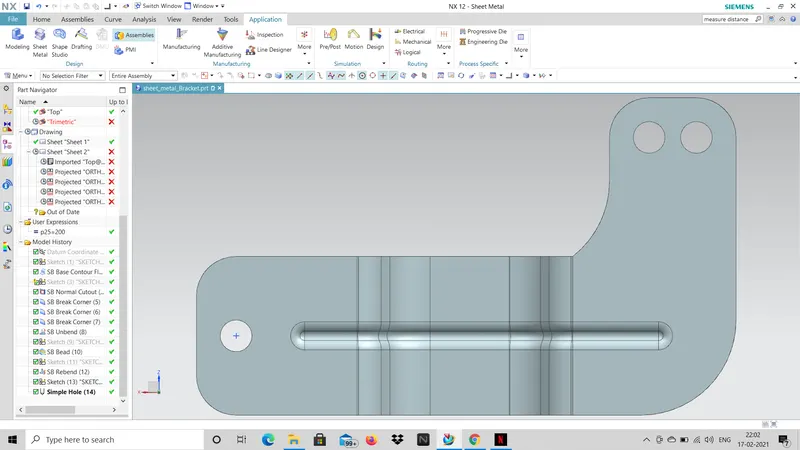
(v) Isometric view of the model:
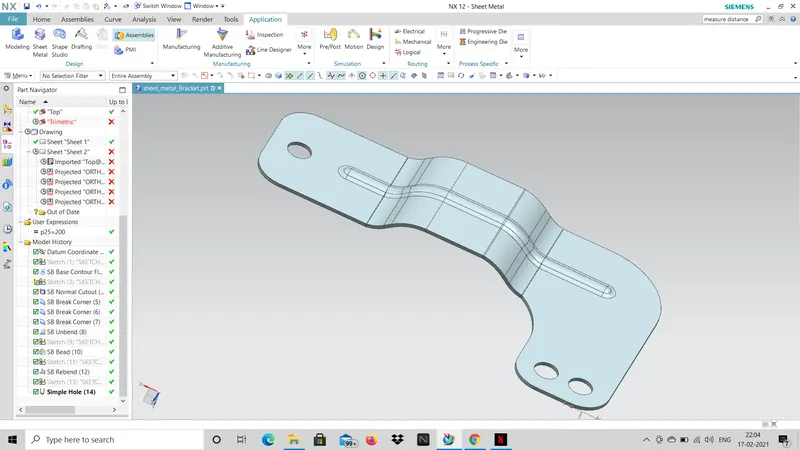
Conclusion:
I here by end up my report nice and complete Bracket sheet metal done by NX CAD Application.