Advanced Sheet Metal Design Using NX Cad Challenge_6_Bracket
Bracket
Objective: To create a sheet metal bracket using NX CAD.
Design methodology
| 1 | Creating a tab |
| 2 | Creating a contour flange |
| 3 | Break edges |
| 4 | Unbend |
| 5 | Creating beads |
| 6 | Creating holes |
Description of features used
- Tab - It is used to create a sheet metal by providing thickness.
- Cut - out - It is used to remove material from sheet- metal.
- Bending - It is used to bend the sheet metal as per requirement.
- Flanges - It is used to create flanges on the edges of the sheet-metal.
- Bend - It is used to provide round edges or corners.
- Unbend - It is used to unbend the sheet metal.
- Hole - It is used to create a hole on the sheet - metal.
- Dimple- It isused to create a projection on the sheet -metal.
- Bead - It is used to create a projection on the sheet-metal.
- Break - It is used to create round edges.
Images
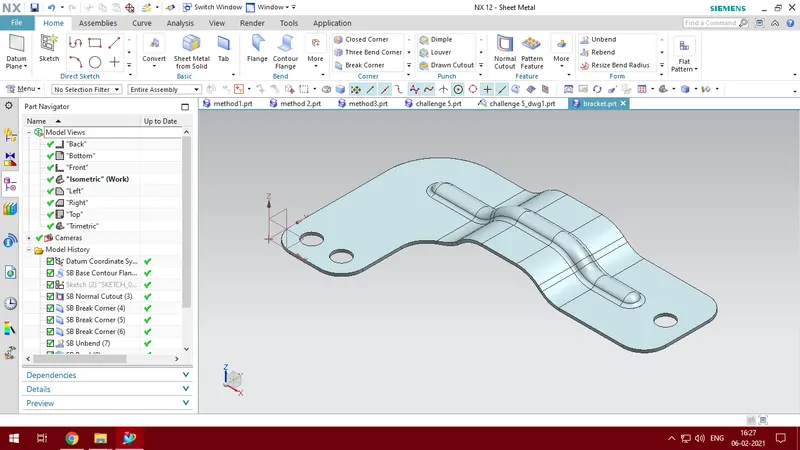
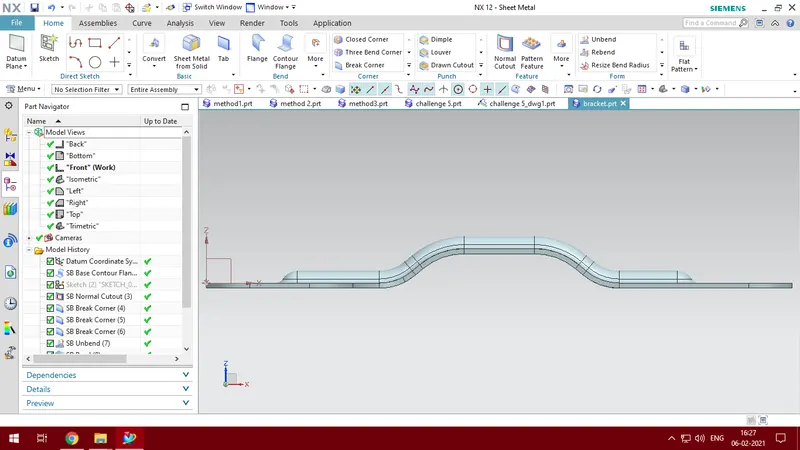
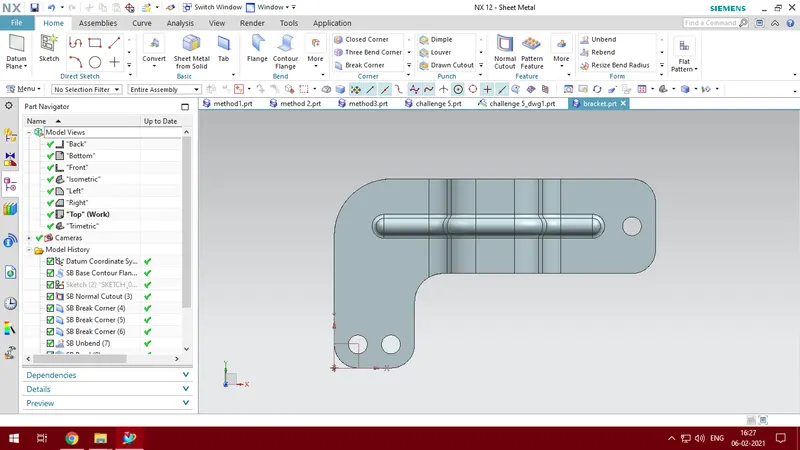
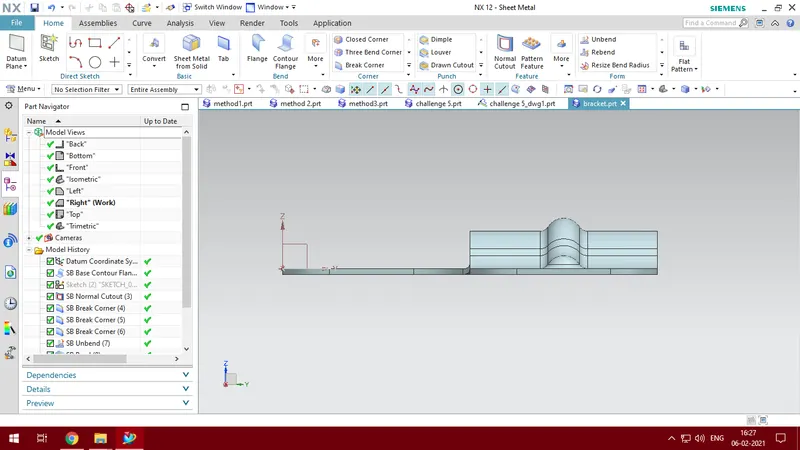
Conclusion
A sheet metal bracket is created using the necessary features using NX CAD