Advanced Sheet Metal Design Using NX Cad Challenge_6_Bracket
Bracket design from 2D drawing sheet
Objective
To design a casing part in NX12 using sheet metal application and its features.
Introduction
The bracket is usually provided to fix any parts of any fixing structure.
It also provides mechanical stability to any part and prevents movement.
Design Methodology
Commands/feature used
- Tab/Sketch - Rectangle.
- Normal cutout/Sketch - Closed shape.
- Break corner.
- Unbend.
- Bead/Sketch-line.
- Hole- Pick points.
- Rebend.
- Flatout feature.
- Drafting in an A2 sheet.
Model pictures
| ISO VIEW | TOP VIEW | FRONT VIEW | SIDE VIEW | |
| BRACKET IMAGES | 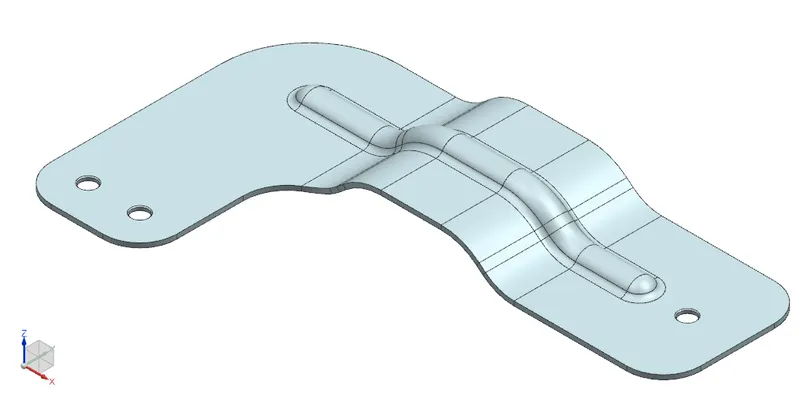 |
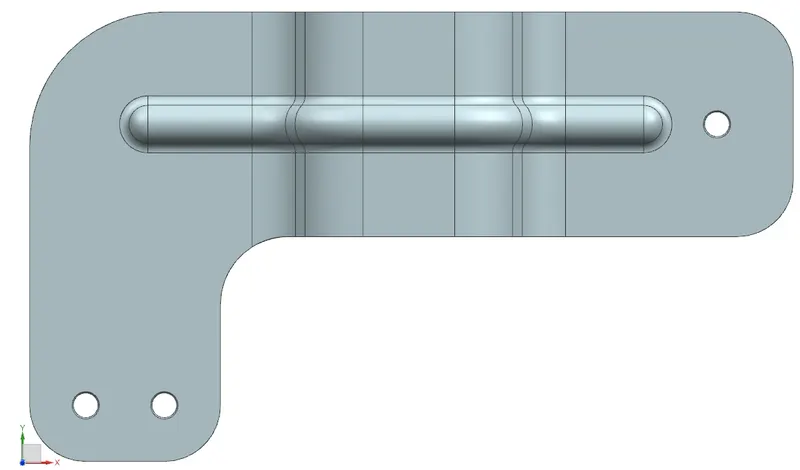 |
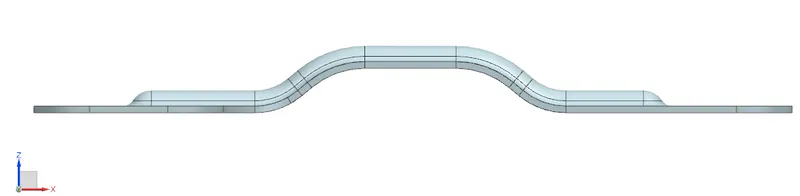 |
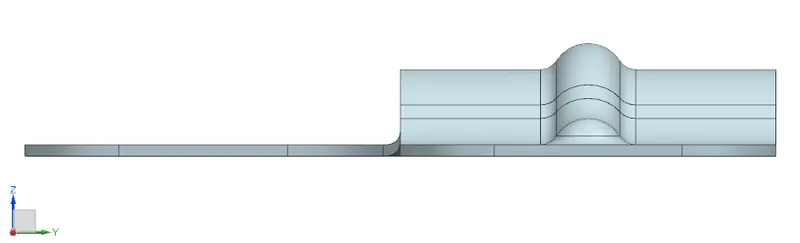 |
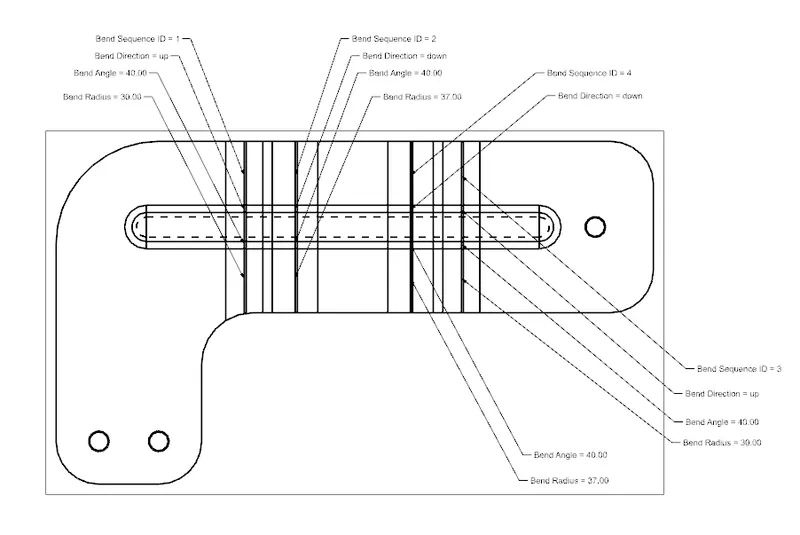
Drawing Sheet Images
Conclusion:
Finally, the bracket shape is designed with values taken from the 2D drawing sheet provided in the NX12 sheet metal application.