Advanced Sheet Metal Design Using NX Cad Challenge_1_Casing Design
Casing design in NX Sheet metal
Objective
To design a casing part in NX12 using sheet metal application and its features.
Introduction
The casing is usually located inside or outside to protect a device.
The casing can be designed in normal modeling and sheet metal application of NX12.
sheet Metal application provides many features like flange or bead or dimple with single operation instead of many steps like normal modeling operation in NX12.
Design Methodology
Commands/feature used
- Tab/Sketch - Rectangle
- Cutout/Sketch - Rectangle
- Bend/Sketch - Two mirror lines from center
- Flange
- Break corner
- Unbend
- Hole/Sketch - Circle and mirror
- Dimple/Sketch-line, mirror, Studio spline, and move curve
- Bead/Sketch - Circle
- Rebend
- Flatout feature
- Finally Drafting in A4 sheet
Model pictures
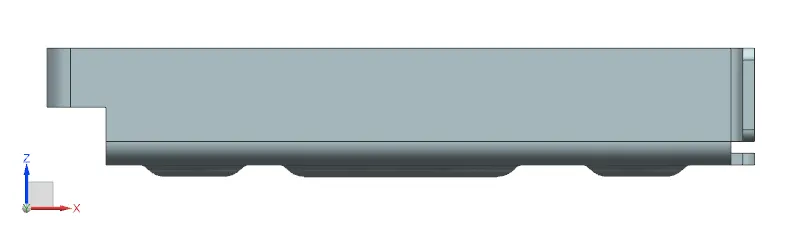
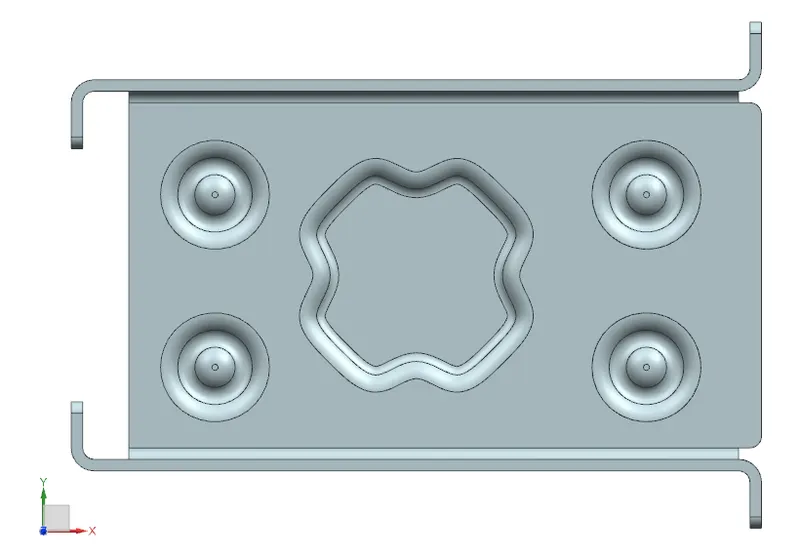
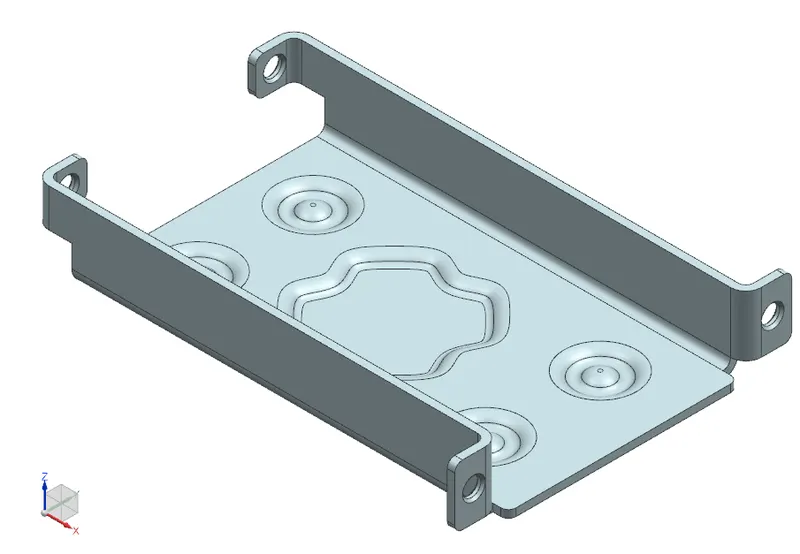
| Different view | Front View | Side View | Top View | Isometric View |
| Images | 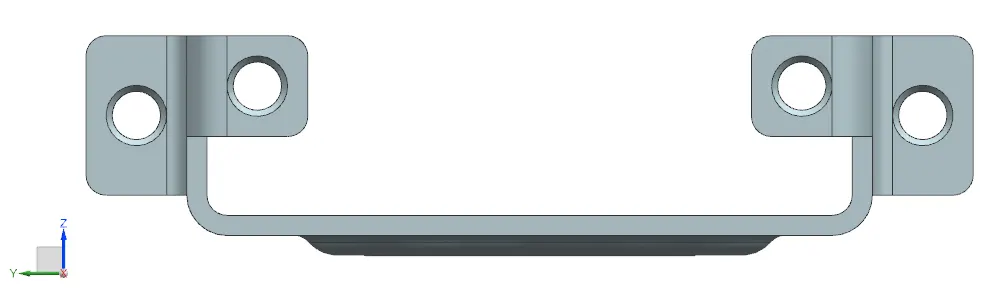 |
 |
 |
 |
Drawing Sheet Images
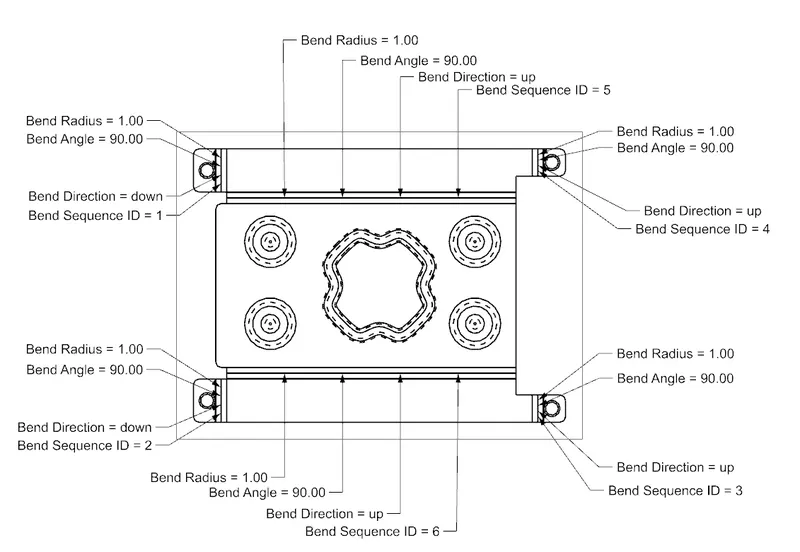
Conclusion:
Finally, the casing is designed in NX with many features in less timing than the conventional modeling method.