Advanced Sheet Metal Design Using NX Cad Challenge_6_Bracket
Bracket
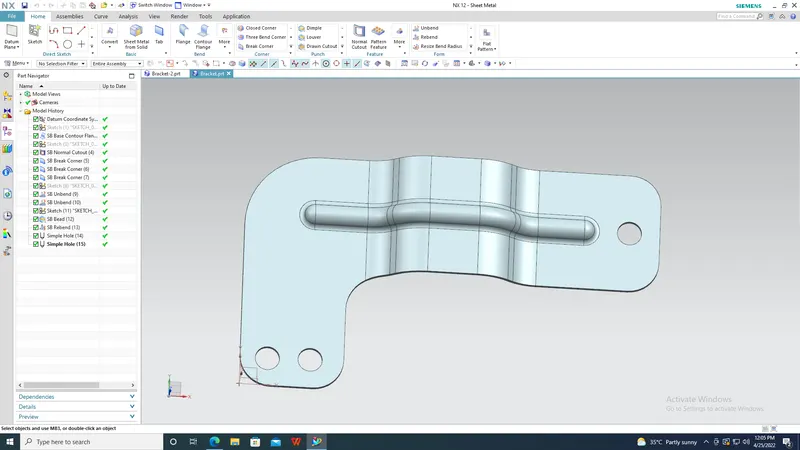
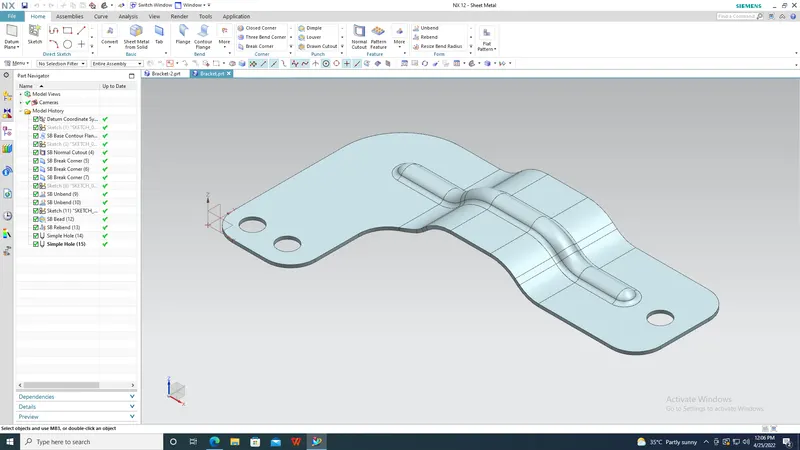
Objective: To create a bracket of required shaped.
Introduction: Brackets are sheet metal items which are used to mounts weights on wall. For example, TV brackets.
Design methodology:
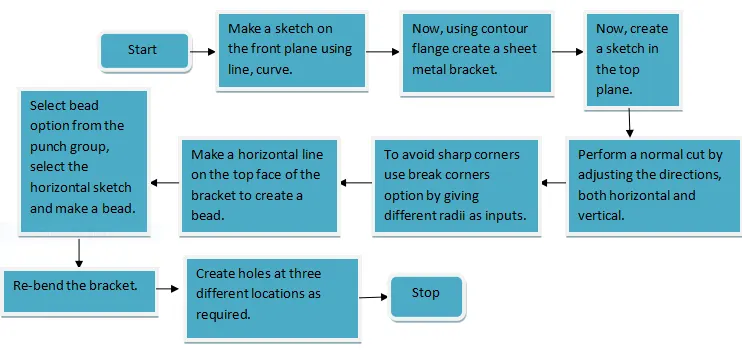
Description: In this section we will see about the different features used in making this bracket.
- Contour Flange: By giving the input as a contour this type of flange is created. It also takes width and thickness as input.
- Normal –Cutout: Use the Normal Cutout command to cut material by projecting a sketch onto the model and then cutting perpendicular to the faces intersected by the projection.
- Break Corners: This option is used to make the corners blunt by giving input as radius
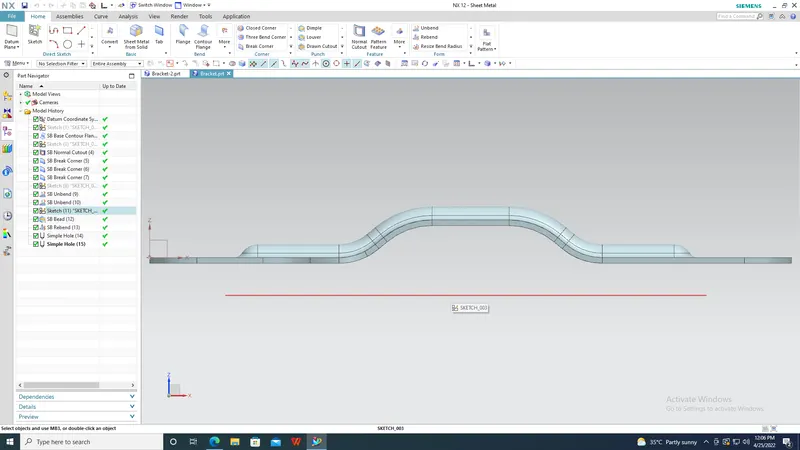
- Bead:This feature is also available in the punch group. To make a bead one has to select the sketch as the bead shape and also give depth as input.
- Unbend:Click on unbend button from the form group.
- Re-bend: The edges which are unbent are again bent using this option
- Hole: This feature is available under more button of the feature group. It is used to make holes in the sheet metal.
-
Conclusion: Hence by using the above options and the above design methodology we can create a bracket as required.