Advanced Sheet Metal Design Using NX Cad Challenge_6_Bracket
Bracket
Aim :To design the Bracket using Nx Cad.
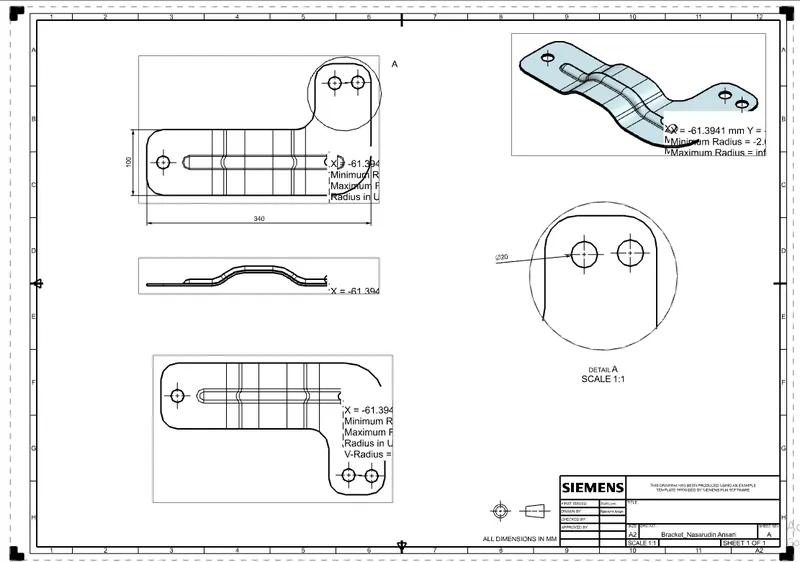
Following are the standard images of the model.
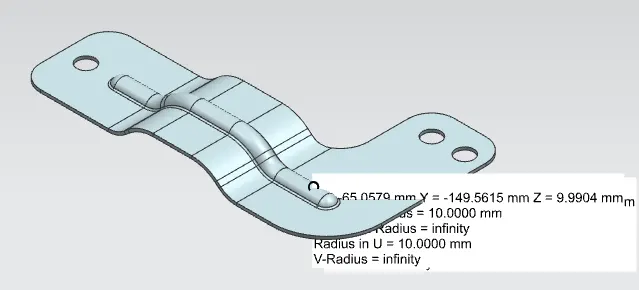
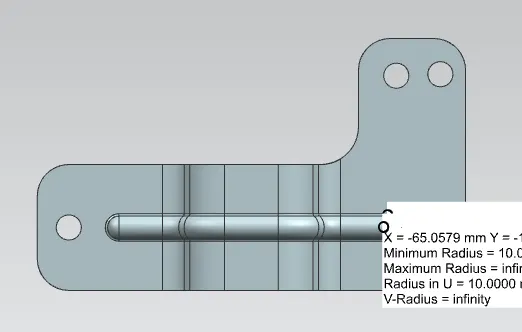
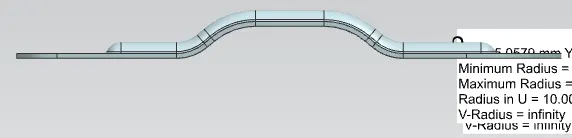
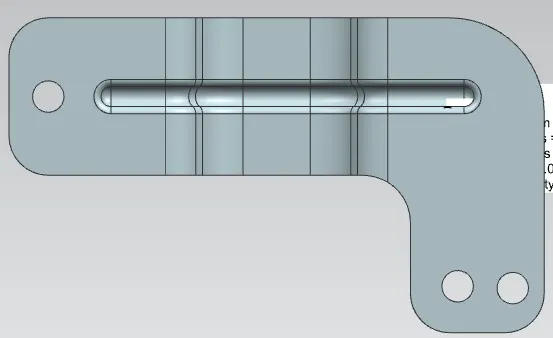
Design Approach.
The design approach is shown in terms of Flow chart.
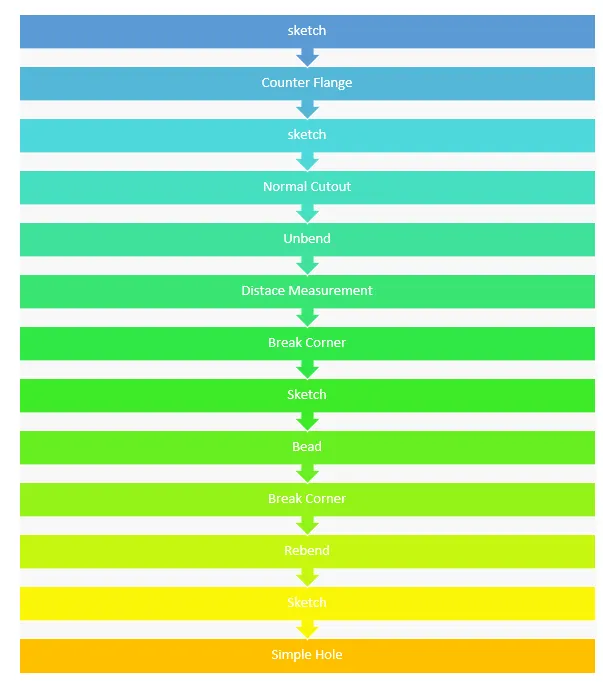
The Following Features are used to design the respective model.
1.Sketch: It is used to create the Profile of requires shape.
2.Extrude: The feature converts to Solid body.
4.Flange: flange in nx cad is like (wall on edge in Catia/flat in Creo).
5.Jog: The Jog tool is used to add an existing sheet metal part using a sketched line segment.
6.Unbend: It normally creates the flat shapes.
7.Bead: Bead tool is used to create an embossed or engraved bead on sheet metal part using single entity or a set tangentially connected entity.
8.Simple Hole: It performs the hole with respect to desired shapes.
9.Rebend: It re-bends the flanges to previous bend forms.
10.Flat Pattern: It converts the any shapes into flat sheets. Normally, it helps to calculate sheet size.