Advanced Sheet Metal Design Using NX Cad Challenge_1_Casing Design
Casing
Aim: To model a Casing using Nx Cad.
Introduction: Casing is an enclosing shell, tube, or surrounding material.
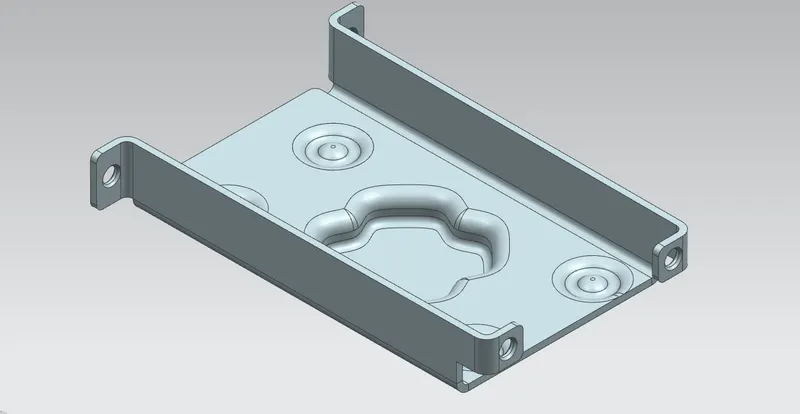
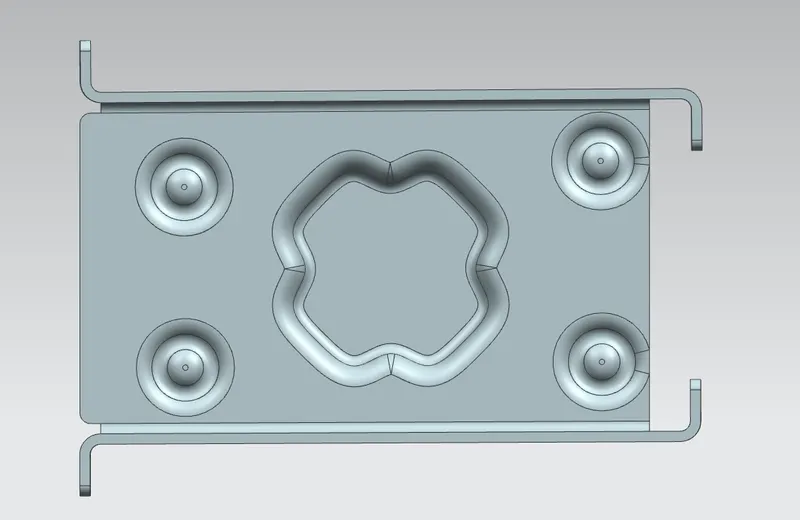
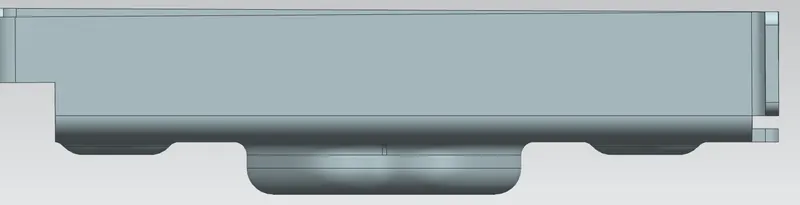
The following features are used to model the Casing.
1.Sketch: It is a 2D command. Line profile is used to create the desired sketch.
2.Tab: This feature is like Extrude base which helps to generate the solid body.
3.Normal Cutout: it removes some material from the model.
4.Bend: To obtain the desired shape, it is used. Basically, we can bend the edges at any specific angle.
5.Flange: this feature helps to create the flange.
6.Break Corner: It provides the round shape to the corner or sharp edges.
7.Screw Hole: it is like extrude cut which makes the hole.
8.Unbend:it creates the flat surface.
9.Dimple:to certain depth the dimple feature is created.
10.Rebend: It is reversible process of bend.
Casing
Aim: To model a Casing using Nx Cad.
Introduction: Casing is an enclosing shell, tube, or surrounding material.
The following features are used to model the Casing.
1.Sketch: It is a 2D command. Line profile is used to create the desired sketch.
2.Tab: This feature is like Extrude base which helps to generate the solid body.
3.Normal Cutout: it removes some material from the model.
4.Bend: To obtain the desired shape, it is used. Basically, we can bend the edges at any specific angle.
5.Flange: this feature helps to create the flange.
6.Break Corner: It provides the round shape to the corner or sharp edges.
7.Screw Hole: it is like extrude cut which makes the hole.
8.Unbend:it creates the flat surface.
9.Dimple:to certain depth the dimple feature is created.
10.Rebend: It is reversible process of bend.