Advanced Sheet Metal Design Using NX Cad Challenge_6_Bracket
BRACKET
OBJECTIVE :
To observe the model and design the sheet metal by using given dimensions and instructions.
INTRODUCTION :
NX is widely used computer aided designing software for multi purposes like designing , engineering and manufacturing . It used in various fields for different works. Using different features and methods we have designed here.
DESIGN METHODOLOGY :
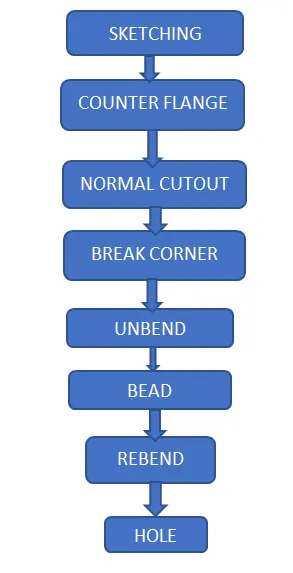
DESCRIPTION :
- SKETCHING – Making a 2d drawing such as curves, arcs, circles, points, rectangles and many options to create features for upcoming designing.
- COUNTER FLANGE – It is created by extending the sketch on its respective axis with thickness as required from the base.
- NORMAL CUTOUTS – It is used to create a cutout on the sketch where there is a requirement.
- BREAK CORNERS – This feature is used to create radius at the corners in order to make the corner smooth.
- UNBEND – It is to flatten the bend sheet metal to form a flat sheet. It helps in making a extra features like bead, normal cutout on the sheet metal after bending.
- BEAD – This is to create a counter shaped accordingly to their sketch in the reruired direction with required punch/die radius.
- REBEND – It is to make flat surface that is bend previously to do some extra features like holes, bead back to its original form.
- HOLE – It is to create a hole on sketch , or to create a counter bored , counter sink and several hole options to do.
ISOMETRIC VIEW
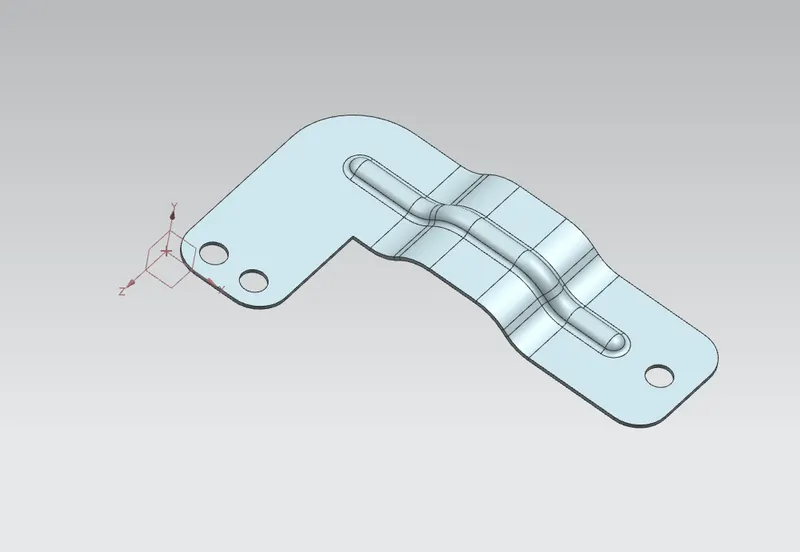
FRONT VIEW
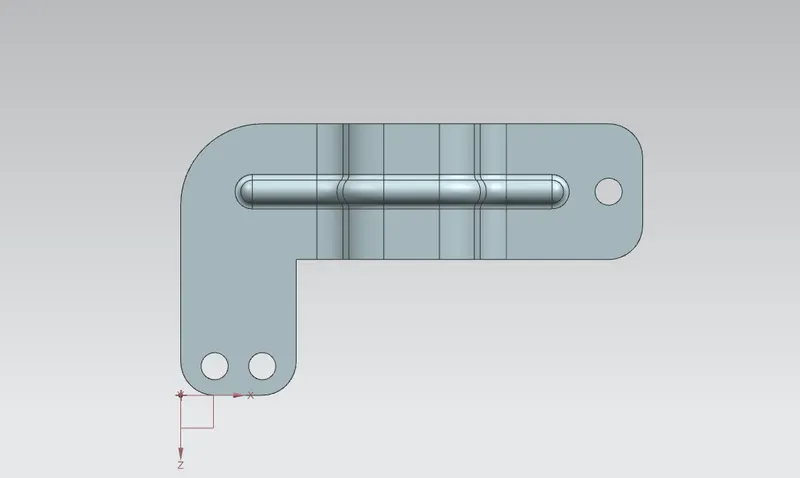
TOP VIEW
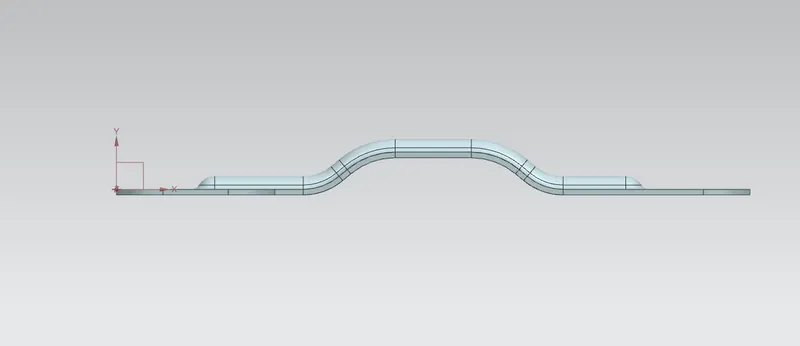
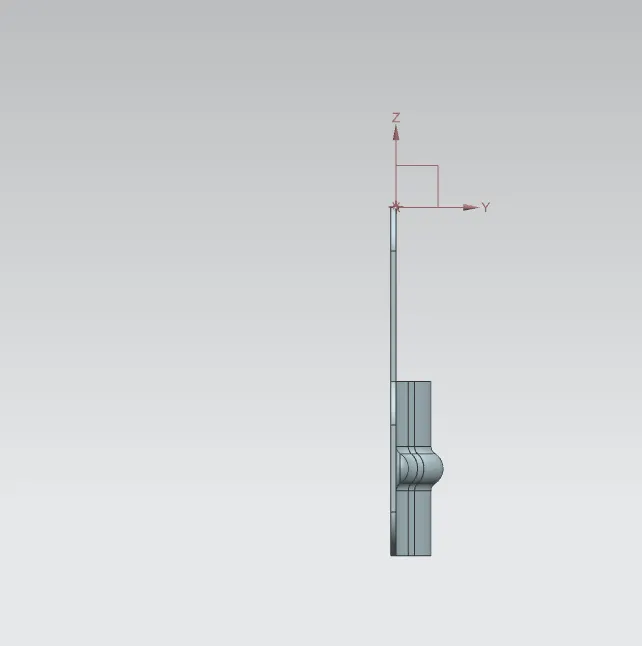
RIGHT SIDE VIEW
CONCLUSION :
The model has been designed and dimensioned as given in the instruction with proper constraints.