Advanced Sheet Metal Design Using NX Cad Challenge_6_Bracket
1. Title : Advance Sheet metal design with NX CAD -6_Bracket
2. Objective:
To design the sheet metal bracket as per dimensions provided in the master sketch with the help of Seimens NX CAD software.
3. Introduction:
Create a Sheet metal - Bracket design in NX cad Sheetmetal. Create a sketch and add featues such as flanges then trim off using normal cut out , blend the edges then unbend the edges to create holes, dimples or beads followed by rebend and final will be flat pattern and drafting.
4.Design methodology / approach:
- Set Preferences of sheet metal
- Sketch in respective plane
- Create contour flange
- Create normal cut outs
- Break corner to fillet the edges
- Unbend
- Add Holes / Dimples/ Beads
- Rebend
- Flat Pattern and drafting
5. Description - Features used :
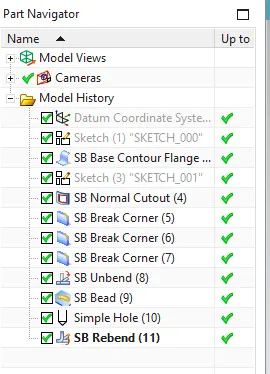
Sketch: Used to create a profile with predefined option or go with customised 2D profiles.
Contour Flange:
Normal Cutout : Trim off the portions which are all not a part of the design
Break corner: To provide fillet at the sharp corners.
Unbend: Flattens the sheet metal with reference to the surface.
Beads: Lifts a material along a counter of sketch by stamping process.
Hole: Create a hole with the position and diameter.
ReBend: Restores the surface bends.
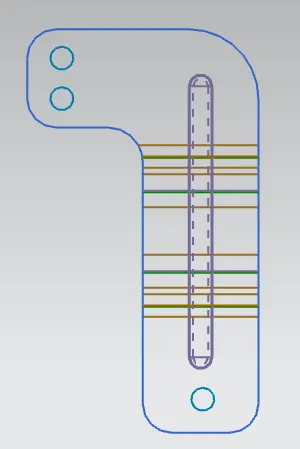
Flat Pattern: To create flat pattern for tooling technician for manufacturing purposes
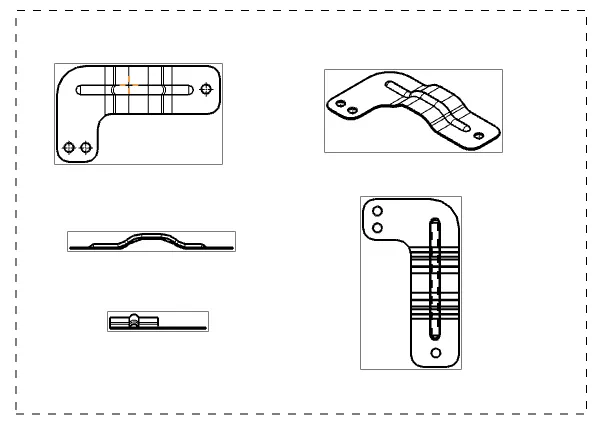
Drafting:Detailed dimensions in 2D view for each manufacturing part.
6. Design Views
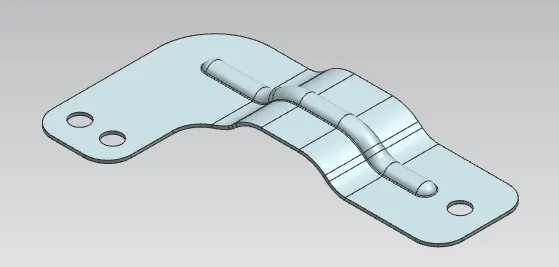
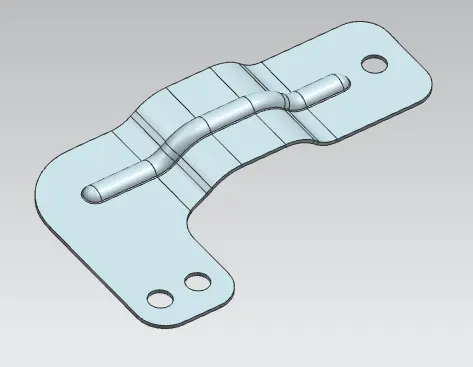
Isometric View

Front view
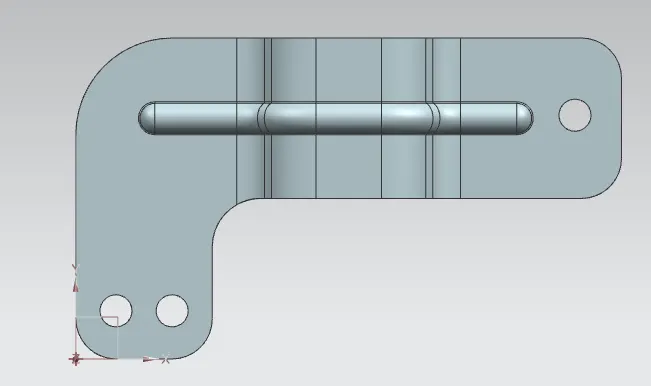
Top View
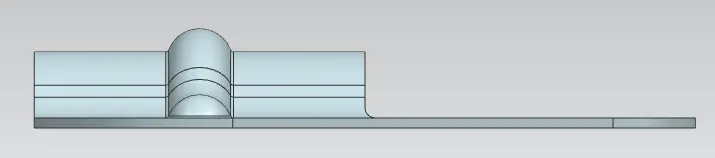
Side View
7. Flat Pattern and drafting
8. Conclusion:
As per standards of sheet metal design is made and detailed drawings are made.