Advanced Sheet Metal Design Using NX Cad Challenge_5_Odd Shaped Enclosure
ENCLOSURE MODEL
Objective
To design an enclosure part in NX12 using sheet metal application from the solid body along with various design features.
Introduction
The enclosure bracket or casing is usually located over a solid part to prevent chipping or give protection and so on.
Enclosure bracket when modeled via normal modeling takes more steps becomes more complicated than the NX12 Sheet application
Sheet Metal application also provides many features like flange and bead with single operation instead of many steps like normal modeling operation in NX12.
Design Methodology
Commands/feature used for this model enclosure are as follows
- Extrude/Sketch - Trapezoid
- Sheet metal from Solid
- Flange
- Jog/Sketch
- Unbend
- Bead
- Hole/Sketch - Points
- Rebend
- Flatout feature
- Finally Drafting in A4 sheet
Model pictures
| ISO VIEW | FRONT VIEW | SIDE VIEW | TOP VIEW | |
| ENCLOSURE bracket | 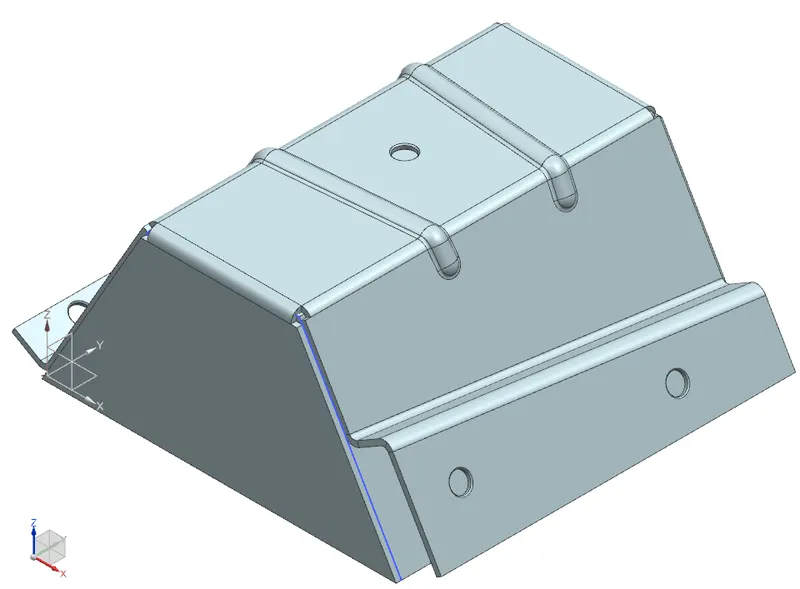 |
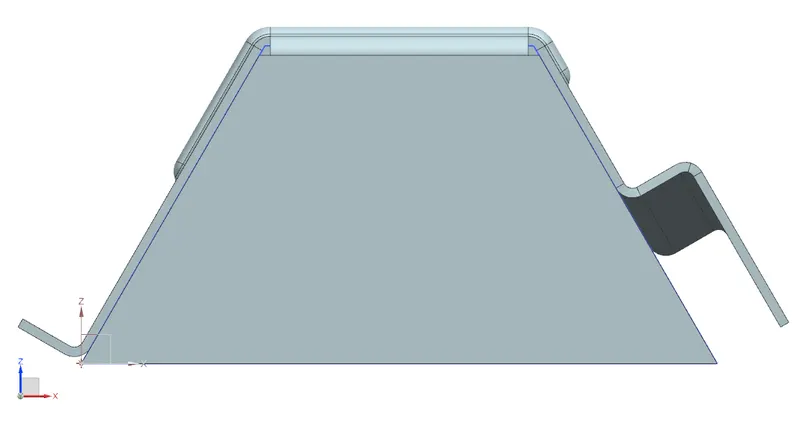 |
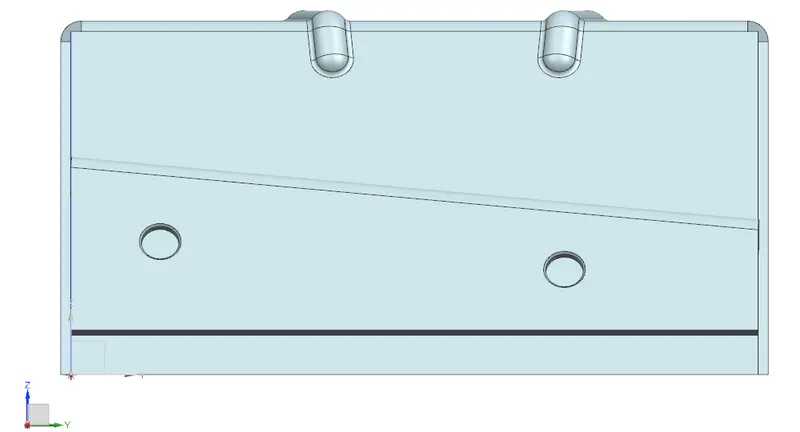 |
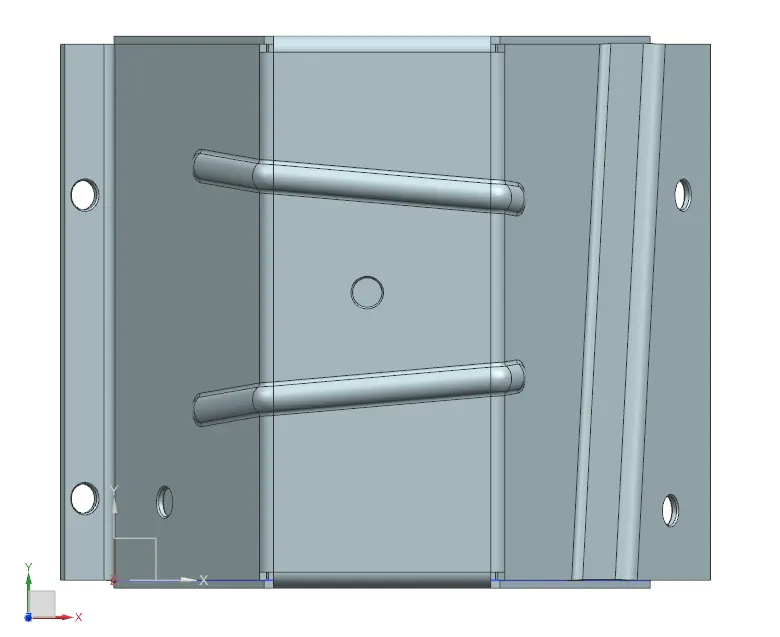 |
Drawing Sheet Images
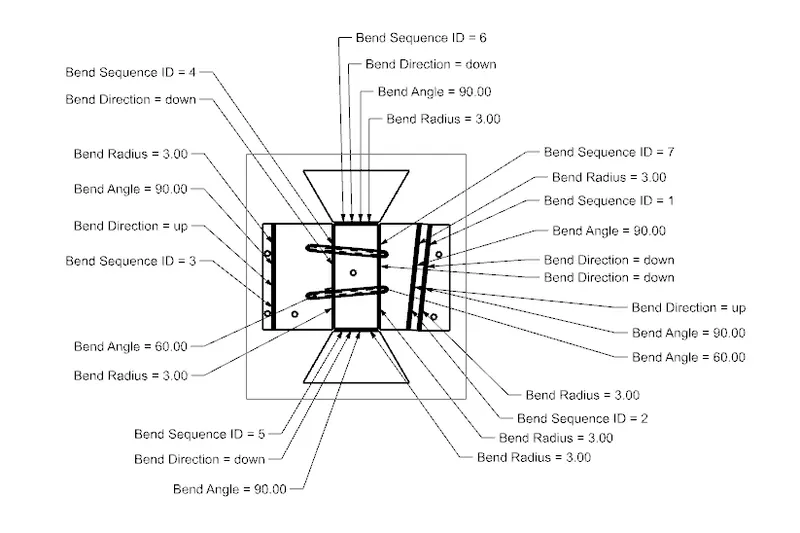
Conclusion:
Finally, the enclosure is designed in NX with many features in less timing than the conventional modeling method.